The landscape of mobile photography has undergone a radical transformation over the last decade, evolving from simple image capture to a sophisticated ecosystem of digital artistry. As smartphone hardware continues to rival professional DSLR cameras, the software accompanying these devices has seen an equally impressive leap in capability. Among the most popular niches in mobile post-processing is the "photo-to-sketch" movement, a genre of application that leverages advanced algorithms to transform standard digital images into hand-drawn works of art. This technological shift has democratized art creation, allowing users without formal training to produce sketches, charcoal drawings, and comic book illustrations in a matter of seconds.
The Technological Foundation: Neural Style Transfer and AI
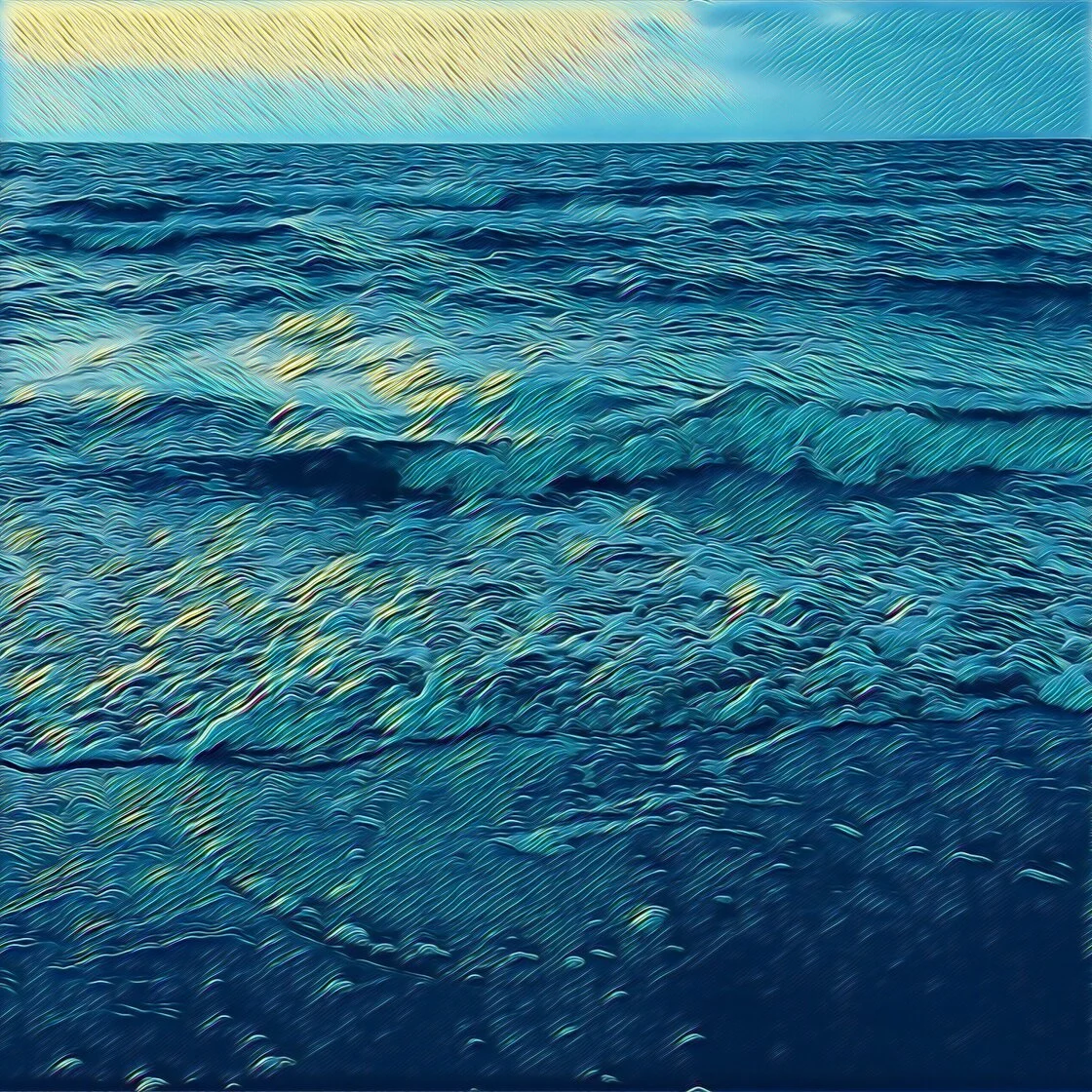
To understand the efficacy of modern photo-to-sketch applications, one must look at the underlying technology: Neural Style Transfer (NST). Unlike the rudimentary filters of the early 2010s, which merely adjusted color curves or overlaid textures, NST utilizes deep learning and artificial intelligence to analyze the semantic content of a photograph. By separating the "style" of a reference image—such as a Van Gogh painting or a charcoal sketch—from the "content" of the user’s photo, the software can reconstruct the image from the ground up. This results in a transformation that respects the edges, lighting, and depth of the original subject while applying the unique stroke patterns and textures of traditional media.
A Chronology of Mobile Art Evolution
The journey of digital filters began in earnest with the launch of Instagram in 2010, which popularized basic vintage aesthetics. However, the true "artistic revolution" occurred around 2016 with the emergence of apps like Prisma, which introduced server-side AI processing to mobile users. By 2018, the increase in on-device processing power, specifically through Apple’s Neural Engine in their A-series chips, allowed these complex transformations to happen locally and instantaneously. Today, the market is saturated with high-performance tools that offer everything from realistic pencil graphite textures to vibrant pop-art animations.
Leading Applications in the Photo-to-Sketch Market
The following five applications represent the pinnacle of current mobile technology in the realm of digital drawing conversion, each catering to different artistic needs and technical proficiencies.
1. Prisma: The Pioneer of AI-Driven Artistry
Prisma remains the gold standard for users seeking to replicate the styles of history’s greatest masters. Since its viral debut, the app has expanded its library to include over 300 artistic styles. Its strength lies in its ability to mimic the specific brushstrokes and pencil weights of artists like Picasso, Munch, and Salvador Dalí.
- Best For: High-concept art and painting effects.
- Operational Mechanics: Prisma uses a cloud-based processing model for its most complex filters, though many are now available for on-device use. Users can adjust the "strength" of a filter by swiping across the screen, allowing for a blend between the original photo and the stylized output.
- Market Data: At its peak, Prisma reached the top of the App Store charts in over 100 countries, signaling a global appetite for AI-integrated creative tools.
2. Clip2Comic: Precision for Illustrators and Caricaturists
While Prisma focuses on fine art, Clip2Comic is engineered for the world of graphic novels and caricatures. This app is particularly favored by storyboard artists and social media influencers who require a clean, vector-like aesthetic.
- Best For: Cartoon-style drawings and caricatures.
- Key Features: One of the standout features of Clip2Comic is its "live preview" camera. This allows users to see the world through a comic-book lens in real-time before even pressing the shutter. The app also includes a "deform" tool, essential for creating exaggerated caricatures.
- Industry Utility: Professionals in the marketing sector often use Clip2Comic to create unique brand avatars that maintain a human likeness while appearing distinctly illustrated.
3. Photoleap by Lightricks: The Professional’s Suite
Developed by Lightricks, the "unicorn" startup behind Facetune, Photoleap (formerly Enlight Photofox) is a comprehensive creative suite. It is designed for users who want more than just a one-tap filter; it is a tool for digital compositing.
- Best For: Layer-based editing and selective artistic effects.
- Technical Sophistication: Photoleap allows for the use of layers, much like Adobe Photoshop. A user can turn the background of a portrait into a charcoal sketch while keeping the subject in hyper-realistic color.
- User Reactions: Professional digital artists have praised Photoleap for its "desktop-class" features, noting that its masking and blending tools provide a level of control rarely seen on mobile platforms.
4. Painnt: The Comprehensive Filter Library
Painnt targets the power user who demands variety. With a library exceeding 2,000 filters, it offers the most extensive collection of artistic styles on the App Store.
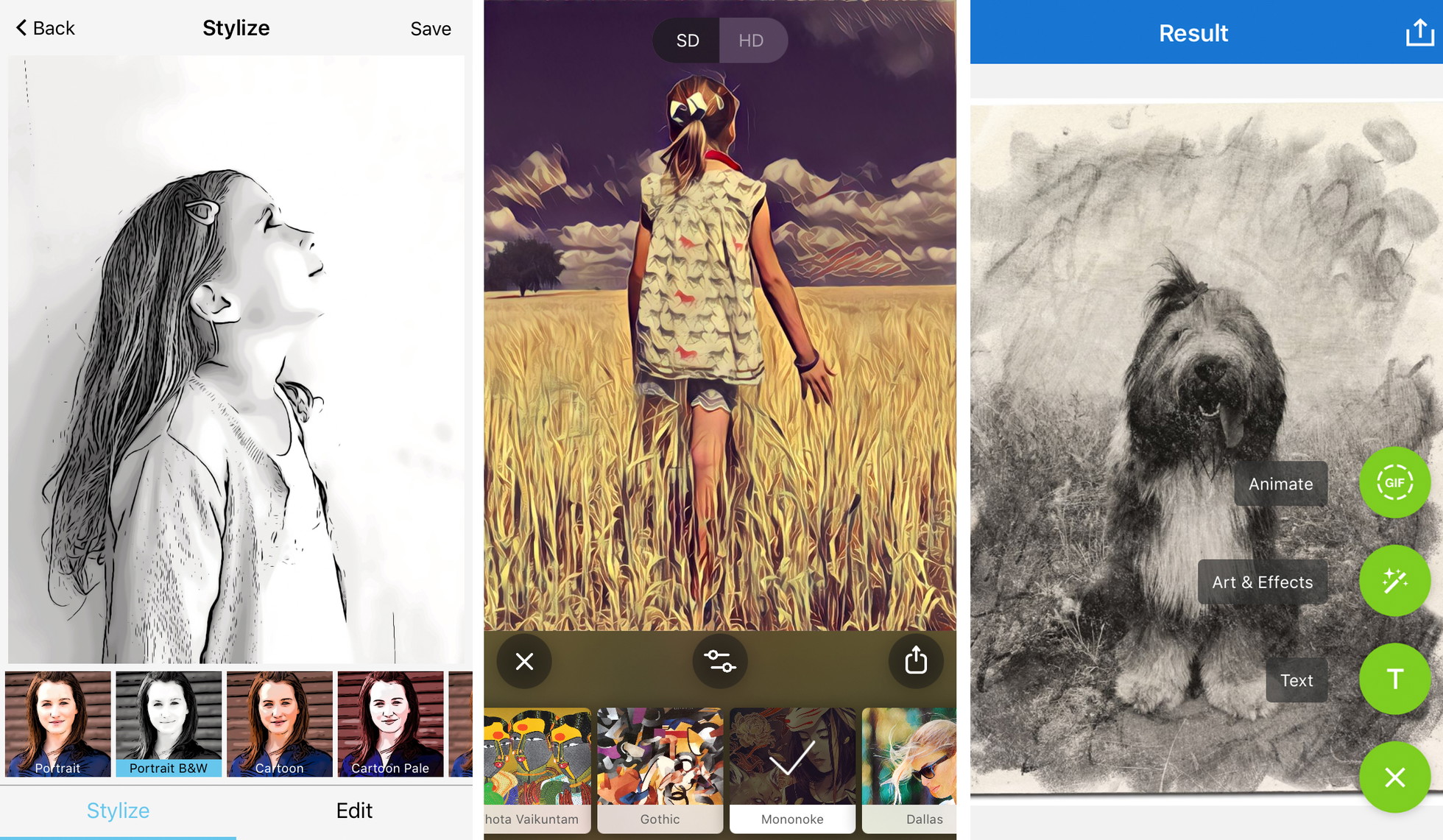
- Best For: Accessing a vast range of niche artistic textures.
- Customization: Beyond the presets, Painnt provides sliders for transparency, brightness, contrast, and saturation. Most importantly, it allows users to modify the "grain" and "softness" of the brushstrokes, catering to those who want to fine-tune the "hand-drawn" feel.
- Business Model: Like many competitors, Painnt utilizes a freemium model. While basic filters are free, high-resolution exports and the removal of watermarks require a subscription, a trend that has become standard in the app economy.
5. Photo Lab: Realism and Social Integration
Photo Lab distinguishes itself through its focus on realistic textures—specifically charcoal, pen and ink, and crayon. It also serves as a social platform where users can share "combos" or recipes for specific looks.
- Best For: Realistic pencil and charcoal textures.
- Functionality: The app’s algorithms are particularly adept at detecting facial features, ensuring that when a "sketch" filter is applied to a portrait, the eyes and mouth maintain their structural integrity and expression.
- Growth Statistics: Photo Lab has maintained a consistent presence in the top 50 of the "Photo and Video" category, largely due to its frequent content updates and seasonal filter releases.
Professional Best Practices for Digital Sketch Conversion
Creating a high-quality digital sketch requires more than simply selecting a filter. To achieve professional results, users should adhere to several technical principles:
Composition and Contrast
Sketch filters rely on edge detection. Photos with high contrast and simple backgrounds yield the most convincing results. A busy background can confuse the algorithm, leading to a "muddy" sketch where the subject is indistinguishable from the surroundings.
Resolution Integrity
A significant pitfall of free applications is resolution downscaling. Many free versions save images at 72 DPI (dots per inch), which is suitable for screen viewing but results in pixelation when printed. For physical art prints, a resolution of at least 300 DPI is required. Users intended for print media should prioritize apps that offer "Full HD" or "Ultra HD" export options.
The Human Touch: Customization
The most successful digital artworks are those that do not look "procedural." By reducing the filter opacity to 70-80%, users can allow some of the original photographic detail to bleed through, which often adds a sense of depth that a 100% filter application lacks.
Broader Impact and Ethical Considerations
The rise of these applications has sparked a debate within the artistic community. Some traditional illustrators argue that one-tap sketch apps devalue the years of training required to master pencil and paper. Conversely, many see these tools as a "gateway" to the arts, allowing individuals with physical disabilities or limited resources to express themselves creatively.
From a commercial perspective, these apps have revolutionized small business marketing. Small brands can now produce high-quality, "illustrated" assets for their social media campaigns without the budget for a freelance illustrator. This has led to a shift in the aesthetic of digital advertising, moving away from glossy stock photography toward more "authentic," hand-crafted visuals.
Future Outlook: The Generative AI Frontier
As we look toward the future, the integration of Generative AI (such as Stable Diffusion and DALL-E) into mobile apps is the next logical step. We are moving from "filtering" existing photos to "reimagining" them. Future iterations of these apps will likely allow users to give verbal commands, such as "convert this photo into a 19th-century lithograph with heavy cross-hatching," and the AI will generate the result from scratch.
In conclusion, the current suite of iPhone apps for turning photos into drawings represents a sophisticated intersection of art and science. Whether for personal expression, professional marketing, or social media engagement, these tools offer a powerful means of re-envisioning the world through an artistic lens. As processing power increases and algorithms become more nuanced, the line between the digital "filter" and the human "hand" will continue to blur, ushering in a new era of mobile-first creativity.