The evolution of mobile photography has shifted from a casual hobby to a sophisticated digital discipline, driven by the rapid advancement of iPhone camera hardware and the robust software ecosystems that support it. As Apple continues to iterate on its ProRAW capabilities and computational photography engines, the demand for high-performance post-processing tools has reached an all-time high. In 2024, the selection of a photo editing application is no longer merely about applying filters; it is about managing dynamic range, correcting lens distortions, and executing complex retouching tasks that once required a desktop workstation. The following analysis explores the top ten iPhone photo editing applications that currently define the market, categorized by their technical utility, user demographic, and creative impact.
The Evolution of the Mobile Editing Ecosystem
To understand the current landscape, one must look at the chronology of the App Store’s photo and video category. Since the launch of the iPhone in 2007, the category has transitioned through three distinct eras: the "Filter Era" (2010–2014), dominated by vintage aesthetics; the "Utility Era" (2015–2019), which saw the rise of precision tools like Snapseed; and the current "AI and Pro Era" (2020–Present), where machine learning and RAW data management are the primary focuses. Recent market data suggests that mobile photography apps now account for a significant portion of the $12 billion global photo editing software market, with over 90% of all digital photos now taken via smartphone.
1. Snapseed: The Standard for Precision and Accessibility
Snapseed remains a cornerstone of the mobile photography world. Developed by Nik Software and subsequently acquired by Google, the app provides a professional-grade toolset without a subscription fee. Its primary appeal lies in its "Control Point" technology, which allows users to perform selective adjustments on specific areas of an image without affecting the entire composition.
Technically, Snapseed supports both JPEG and RAW files, offering 29 tools and filters including Healing, Brush, Structure, and HDR. The "Stacks" feature allows for non-destructive editing, enabling users to re-edit or remove specific adjustments at any point in the workflow. Industry analysts often cite Snapseed as the "entry point" for serious photographers moving from automated filters to manual control.
2. Adobe Lightroom: Professional Cloud Integration
For photographers integrated into the Adobe Creative Cloud ecosystem, Lightroom for mobile is an essential extension of the desktop experience. It is specifically designed for users who require high-fidelity RAW editing. Adobe’s proprietary "Sensei" AI technology powers many of its automated features, such as "Auto" settings that analyze thousands of professional photos to suggest optimal exposure and color balance.
Lightroom’s mobile iteration excels in organizational capabilities, allowing for seamless syncing across devices. Its advanced "Geometry" tools for perspective correction and "Profiles" for sophisticated color grading make it the preferred choice for architectural and landscape photographers who utilize the iPhone’s ProRAW format.
3. VSCO: The Aesthetic Movement and Community
VSCO (Visual Supply Company) has maintained its relevance by focusing on the "film-look" aesthetic. Unlike many competitors that offer aggressive, digital-looking filters, VSCO utilizes film emulation presets that mimic the chemical properties of classic stocks from Kodak, Agfa, and Ilford.
In a statement regarding their design philosophy, VSCO representatives have emphasized the importance of "understated elegance." This approach has garnered a dedicated following among social media influencers and street photographers. While the base app is free, the "VSCO Membership" provides access to over 200 presets and advanced video editing tools, reflecting the industry’s shift toward the Software-as-a-Service (SaaS) model.
4. TouchRetouch: Specialized Object Removal
While general-purpose editors often include a healing brush, TouchRetouch is a specialized utility designed for the singular task of removing unwanted elements. Whether it is power lines dissecting a landscape or skin blemishes in a portrait, the app’s algorithms analyze surrounding pixels to fill gaps seamlessly.
The "Line Removal" tool is a standout feature, allowing users to tap a segment of a wire or pole; the app then intelligently traces and removes the entire structure. This level of specialization demonstrates a growing trend in the app market where "micro-utilities" provide higher quality results than the generic tools found in all-in-one suites.
5. Carbon: The Renaissance of Monochrome
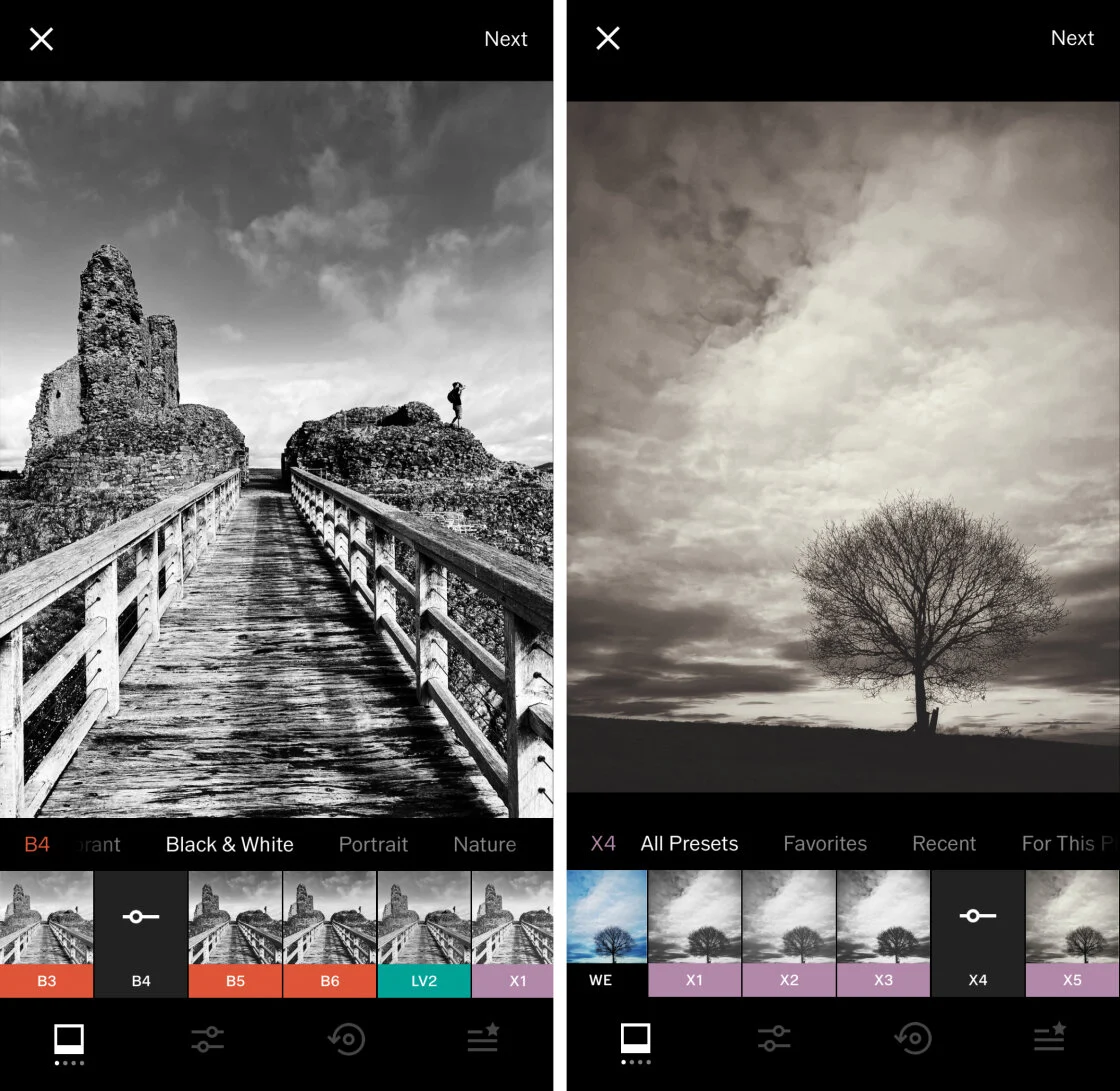
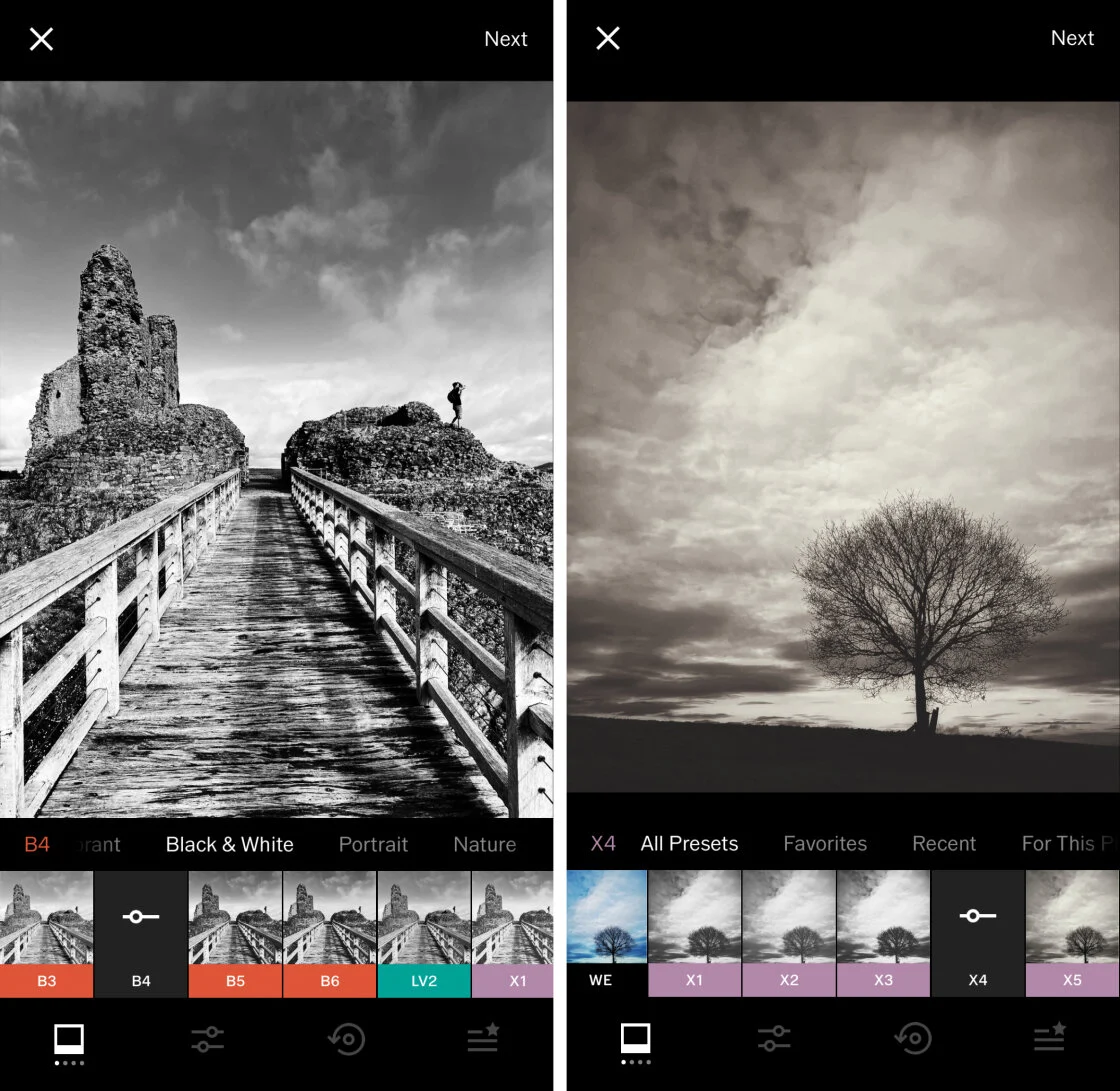
Carbon addresses a specific niche: high-contrast black-and-white photography. Developed in collaboration with professional photographers, the app focuses on the tonal range and grain structures unique to monochrome imagery. It offers 58 presets that range from "Silver" tones to "Noir" aesthetics.
The technical complexity of Carbon lies in its ability to manage "luminance" without the distraction of color data. By isolating these channels, users can achieve a level of depth in their shadows and highlights that is often lost in general-purpose editors. This app has become a favorite among street photographers who seek to emulate the gritty, high-contrast look of 20th-century photojournalism.
6. Afterlight: Versatility and Creative Overlays
Afterlight bridges the gap between technical editing and creative design. It offers a comprehensive suite of 130+ filters, but its true strength lies in its "Fusion" filters, which allow users to save their editing sequences as reusable presets.
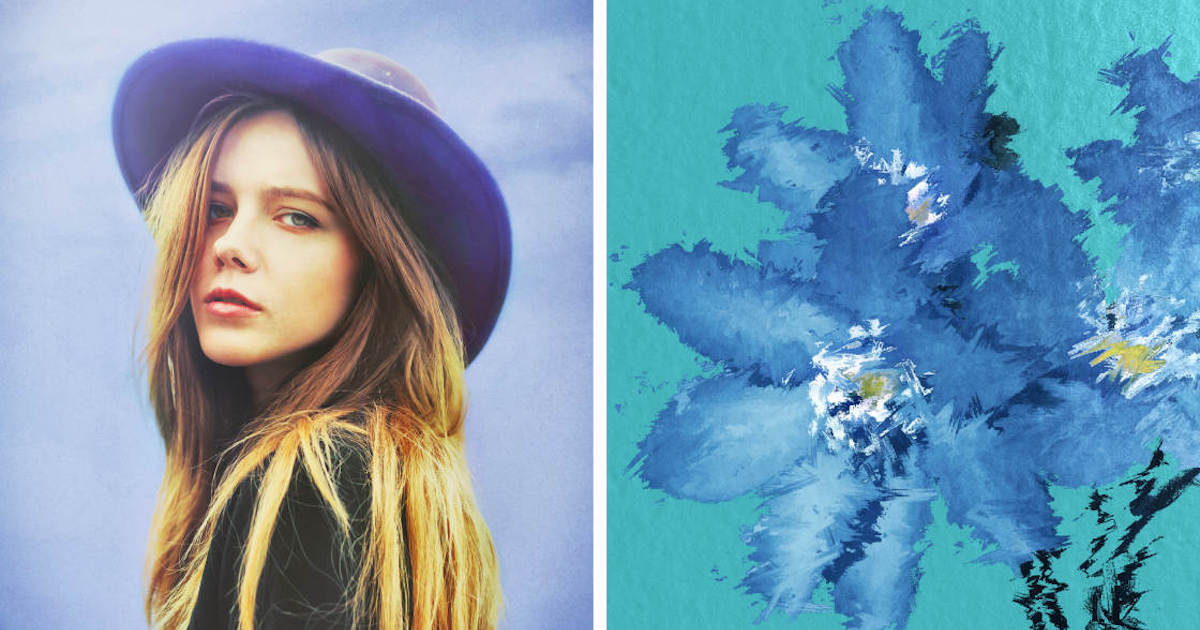
The app also integrates advanced tools like "Curves" and "Selective Color," which are typically reserved for desktop applications. Furthermore, its library of real film textures and light leaks provides a "lo-fi" aesthetic that remains popular in contemporary digital art.
7. Mextures: Layered Texturing and Non-Destructive Workflow
Mextures is built on the concept of "Formulas." It allows users to stack an unlimited number of layers, including light leaks, grit, grain, and atmospheric gradients. Because the workflow is entirely non-destructive, photographers can adjust the opacity and blend mode of any layer at any time.
This layering system mimics the workflow of Adobe Photoshop, making it a powerful tool for creating "fine art" photography. The app’s community feature allows users to share their "Formulas," creating a collaborative environment for aesthetic experimentation.
8. Lens Distortions: Atmospheric Realism
Lens Distortions distinguishes itself by using actual photographic elements—not digitally generated ones—to create overlays. When a user adds a lens flare, fog effect, or rain shimmer, they are layering a high-resolution photo of that element onto their own image.
This commitment to "optical realism" ensures that the added effects interact with the light in the original photo in a believable way. For landscape photographers, the ability to add a subtle "Sunlight" glow or a "Classic Fog" layer can transform a flat image into a cinematic composition.
9. Superimpose X: The Mobile Digital Art Studio
For those interested in "compositing"—the act of combining multiple images into one—Superimpose X is the most capable tool on the iPhone. It provides advanced masking tools, including AI-driven subject isolation, which can automatically remove backgrounds.
The app supports multiple layers, blending modes, and masking brushes, allowing for the creation of surrealist art and complex double exposures. As mobile processors become more powerful, apps like Superimpose X are pushing the boundaries of what is possible without a mouse and keyboard.
10. Instagram: The Final Polish and Distribution
Despite its pivot toward short-form video (Reels), Instagram remains a significant tool for photo editing due to its sheer ubiquity. Its internal editor has evolved to include sophisticated "Lux" processing, which adjusts contrast and saturation to make images "pop" on mobile screens.
While it lacks the depth of Snapseed or Lightroom, Instagram’s tools are optimized for the specific constraints of social media viewing. Many professional photographers utilize a dual-app workflow: performing heavy lifting in a Pro app before using Instagram’s native tools for a final "sharpen" and "vignette" before publication.
Market Analysis and Future Implications
The proliferation of these applications has democratized high-end photography. Data from industry reports indicates that the "mobile-first" photographer now represents the largest segment of the creative market. This shift has forced traditional camera manufacturers like Canon and Nikon to develop better wireless connectivity and mobile apps of their own to remain relevant.
The integration of Artificial Intelligence (AI) is the next frontier. We are seeing a move toward "semantic editing," where the software understands the difference between a "sky," a "person," and a "mountain," allowing for automatic, localized adjustments. As Apple’s Neural Engine continues to improve, the gap between the "best photo editing apps" and desktop software will continue to shrink, eventually reaching a point of parity for all but the most demanding commercial print work.
In conclusion, the "best" app is contingent upon the user’s specific needs. For pure utility, Snapseed and Lightroom are unparalleled. For aesthetic branding, VSCO and Carbon lead the field. For creative manipulation, Superimpose X and Lens Distortions offer tools that were unimaginable on a handheld device a decade ago. The modern iPhone photographer is no longer limited by their hardware, but only by their choice of software and their mastery of these digital tools.