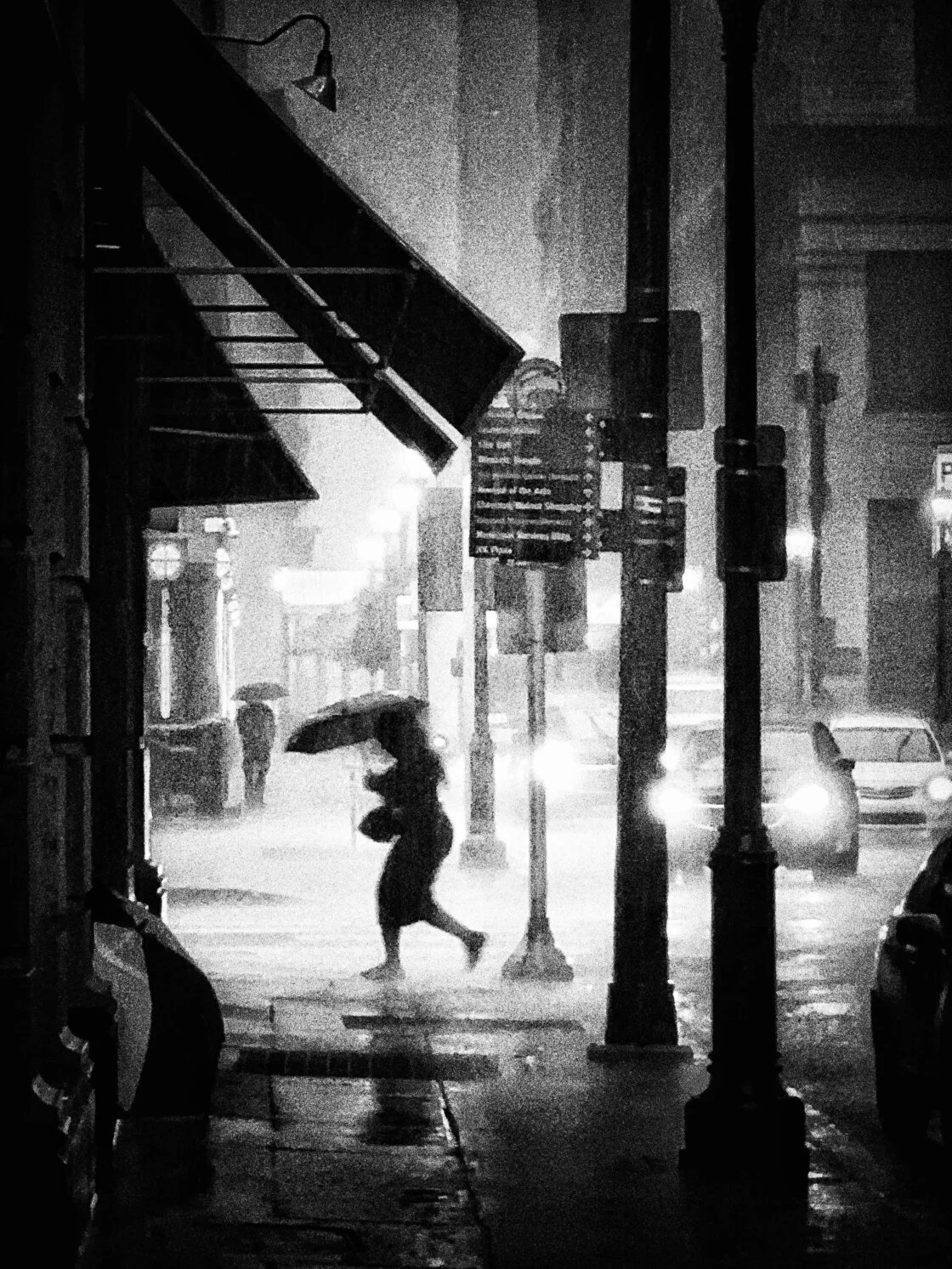
The evolution of mobile technology has fundamentally altered the landscape of street photography, transforming the iPhone from a communication device into a sophisticated tool for fine art. While amateur photographers often retreat during inclement weather, professional practitioners, such as Philadelphia-based fine art photographer Andrew Gimblet, argue that rain, snow, and fog provide the most fertile ground for visual storytelling. By leveraging the specific technical capabilities of the iPhone—such as burst mode, exposure compensation, and advanced post-processing apps—photographers can capture cinematic moments that are often obscured by the flat lighting of a clear day. This shift toward "bad weather" photography represents a broader trend in the digital arts, where environmental unpredictability is embraced as a catalyst for creative innovation.
The Strategic Advantage of Precipitation
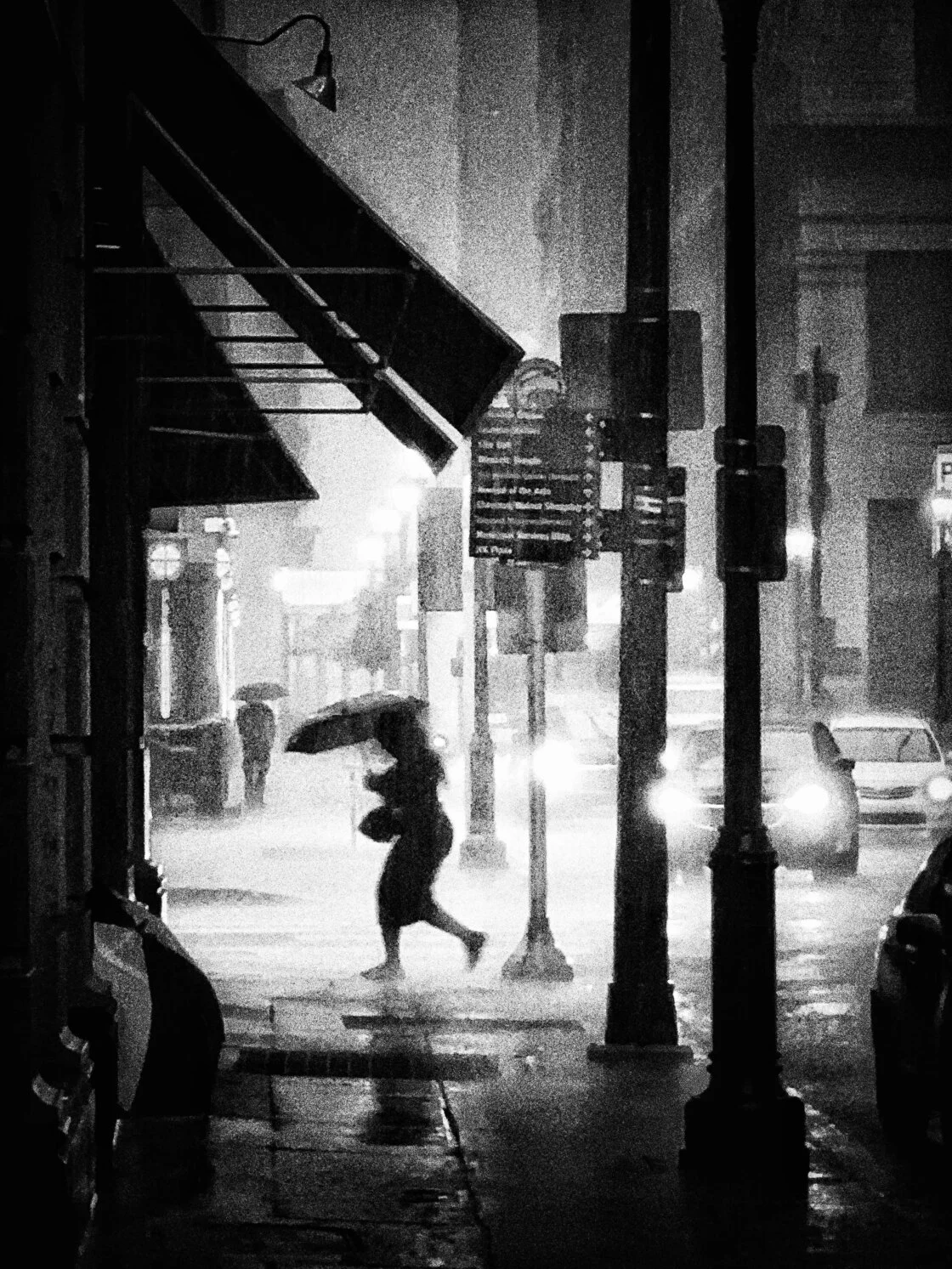
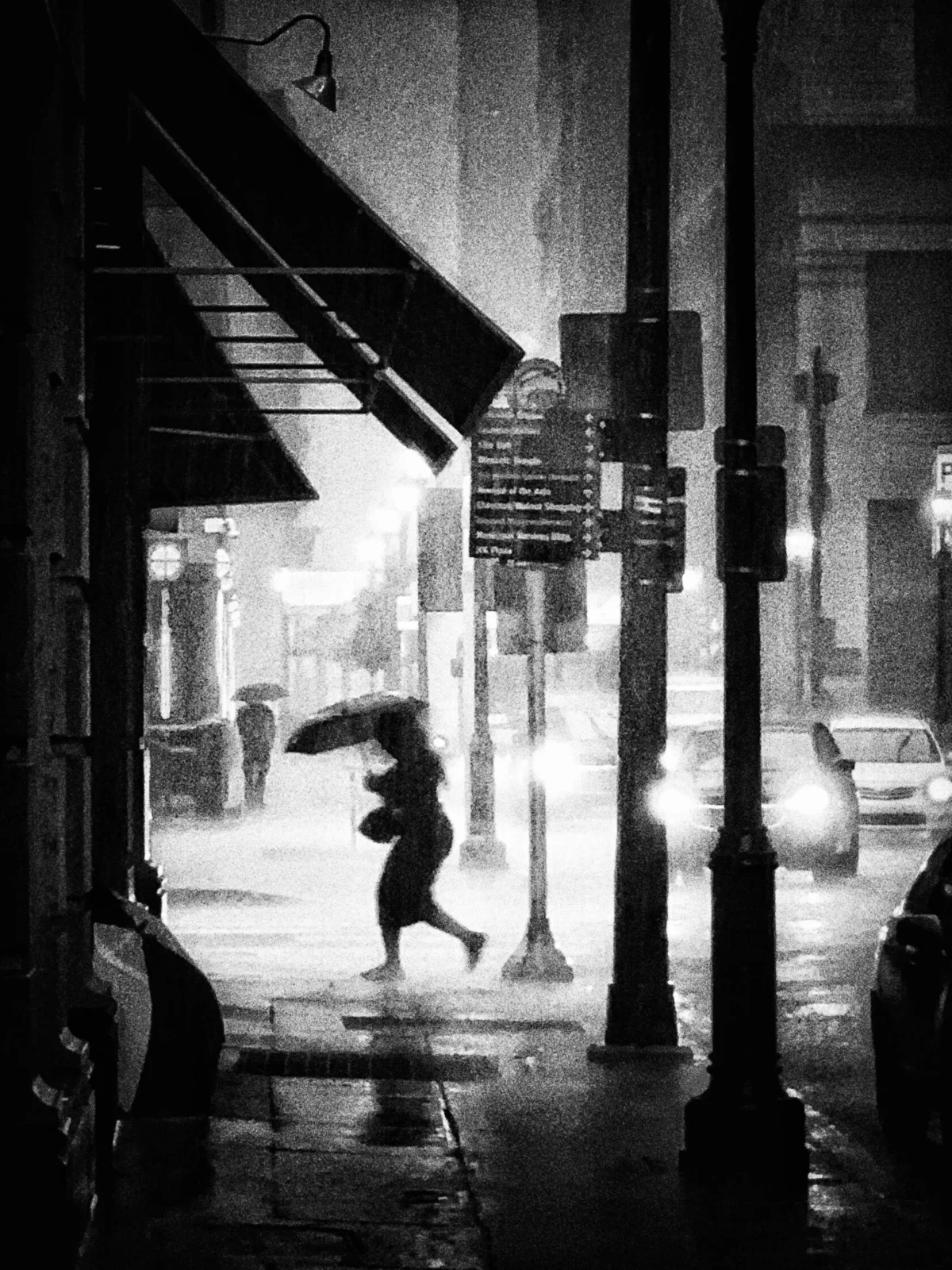
Rainfall in an urban environment serves as a natural filter, altering the texture of the streets and the behavior of the populace. For street photographers, the primary advantage of rain is the introduction of umbrellas into the frame. From a compositional standpoint, umbrellas provide bold geometric shapes and vibrant color pops that can serve as a primary focal point. Furthermore, they offer a narrative element, signifying a shared human experience of navigating the elements.
To capture these moments without compromising the hardware, photographers are encouraged to seek out "urban shelters" such as awnings, bus stops, and archways. These locations provide a dry vantage point while allowing the lens to focus on the movement in the streets. Since the release of the iPhone 7, Apple has implemented IP67 and later IP68 water resistance ratings, allowing the devices to withstand splashes and brief immersion. However, seasoned photographers suggest that shooting from covered areas remains the best practice for maintaining lens clarity and ensuring the safety of the device’s internal components.
Technical Execution: Reflections and Refractions
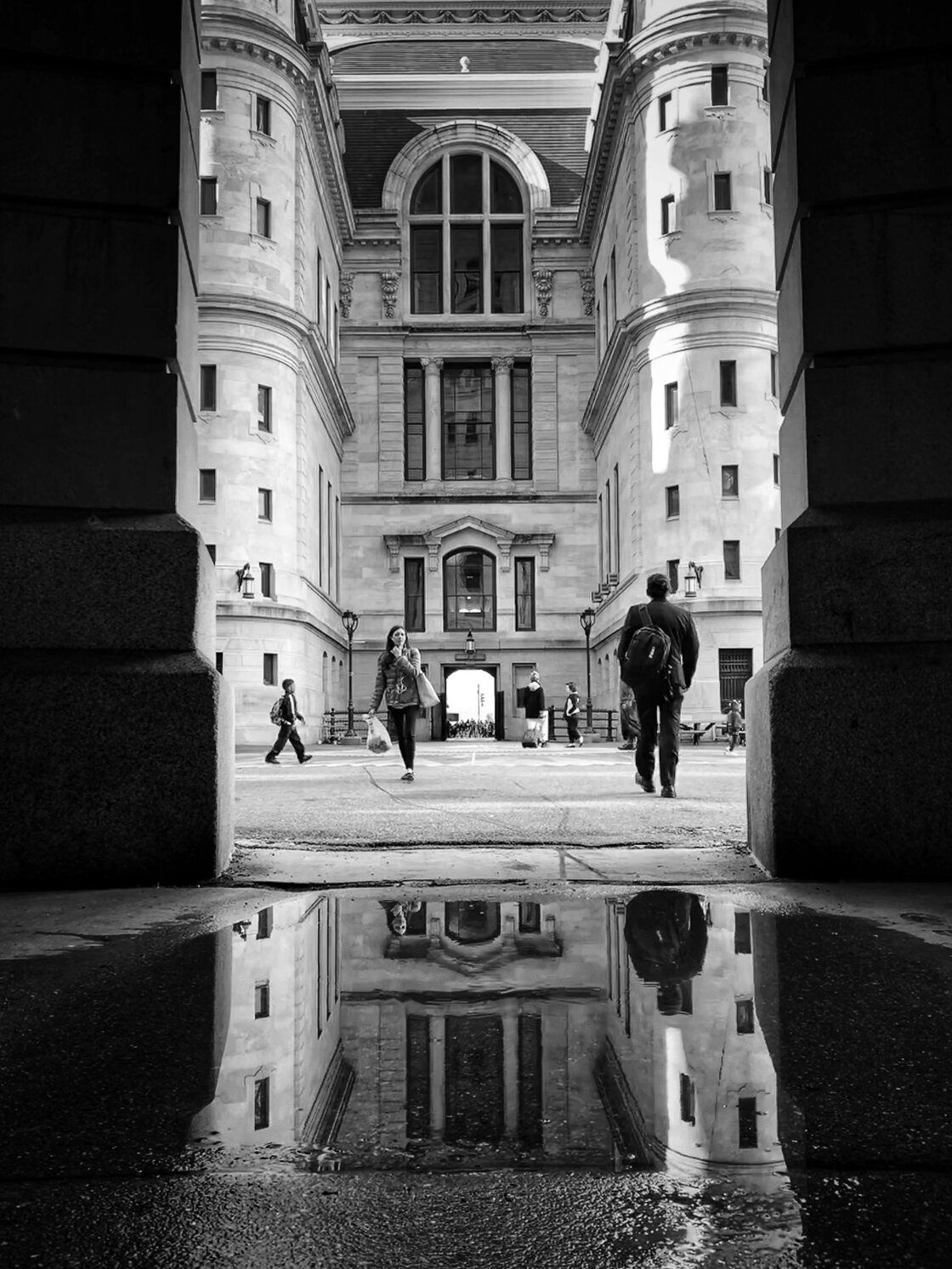
When rain accumulates on surfaces, it creates opportunities for reflection-based photography, a sub-genre that emphasizes symmetry and abstraction. Puddles act as natural mirrors, reflecting the surrounding architecture and sky. To maximize the impact of these shots, the photographer must lower the physical perspective of the camera.
Flipping the iPhone upside down is a standard professional technique; it brings the lens closer to the water’s surface, expanding the reflected area within the frame. This low-angle approach, combined with the iPhone’s Burst Mode, allows the photographer to capture the exact moment a pedestrian enters the frame, ensuring the "decisive moment" is recorded. In modern iOS versions, Burst Mode is activated by dragging the shutter button to the left (in portrait orientation) or holding it down on older models.
Beyond puddles, glass surfaces—such as cafe windows or bus stop partitions—offer a layer of visual complexity. Shooting through raindrops on glass creates a dual-plane image where the foreground texture is sharp and the background is blurred. By manually setting the focus on the droplets (tapping the screen), the iPhone’s software creates a shallow depth-of-field effect, imbuing the city scene with an abstract, dream-like quality.
Winter Narratives: The Logistics of Snow Photography
Snowfall transforms familiar cityscapes into high-contrast environments, providing a clean, minimalist backdrop that isolates subjects. For photographers like Gimblet, snow is the premier medium for street photography because it dictates a specific pace of movement and body language among pedestrians. People wrapped in heavy coats or struggling against the wind provide a sense of struggle and "man versus nature" that is absent in fairer weather.
However, snow presents significant technical challenges for the iPhone’s light meter. Because snow is highly reflective, the camera’s internal software often interprets the scene as being too bright, leading it to underexpose the image. This results in snow appearing gray or "muddy" rather than a crisp white. To counteract this, photographers must utilize exposure compensation. By tapping the subject on the screen and swiping up on the sun icon, the user can manually increase the brightness, ensuring the whites remain luminous while preserving detail in the darker subjects.
Atmospheric Obscurity and the Mystery of Fog
Fog is perhaps the most sought-after condition for moody, cinematic street photography. It functions by reducing the "visual noise" of a city, hiding distracting background elements and focusing the viewer’s attention on the immediate foreground. This creates a natural sense of depth, as buildings and streetlights gradually fade into the mist.
The key to successful fog photography is the inclusion of a strong silhouette or a leading line. A bridge or a long road provides a structural path for the eye to follow as it disappears into the obscurity. To create a compelling silhouette in the fog, the photographer should position a subject against the brightest part of the mist and reduce the exposure. This technique emphasizes the outline of the human form, adding an element of anonymity and mystery to the composition.
The Monochrome Shift: Addressing Color Degradation
A common side effect of shooting in overcast or stormy conditions is the loss of color saturation. When the sky is gray, the light becomes diffused, which can make colors appear flat. The professional solution to this "muddy" palette is a conversion to black and white.
Black and white photography strips away the distraction of color, forcing the viewer to focus on light, shadow, texture, and form. In bad weather, this edit accentuates the glisten of wet pavement, the grain of falling snow, and the soft gradients of fog. To achieve a successful monochrome edit, there must be a high level of contrast within the scene. Photographers are advised to look for "high-key" highlights—such as streetlamps, car headlights, or bright patches of sky—and "low-key" shadows found in doorways or under bridges. This dynamic range ensures that the final black and white image has "pop" and does not appear as a uniform shade of gray.
Post-Processing and the Mobile Workflow
The final stage of iPhone street photography occurs within the digital darkroom. While the native iOS Photos app offers robust filters, professional results often require third-party applications. Apps such as Adobe Lightroom Mobile, Snapseed, and Blackie provide granular control over contrast, grain, and tonal curves.
In the context of bad weather, post-processing is used to:
- Enhance Texture: Increasing the "clarity" or "structure" settings can make raindrops and snowflakes more pronounced.
- Correct Tones: Adjusting the "whites" and "blacks" ensures the image utilizes the full histogram, preventing a flat appearance.
- Add Film Grain: Many street photographers add digital grain to evoke the aesthetic of classic 35mm film, which complements the gritty nature of stormy urban scenes.
Broader Implications for the Photography Industry
The rise of high-quality mobile photography in challenging conditions has democratized the field of fine art. Previously, the technical requirements for shooting in low light or rain necessitated expensive DSLR bodies and weather-sealed lenses. The iPhone’s computational photography—specifically its ability to stack multiple exposures in milliseconds to reduce noise—has closed the gap between professional equipment and consumer electronics.
This shift has also impacted social media and digital journalism. Real-time reporting and "street-level" storytelling are now dominated by mobile images that capture the raw, unpolished atmosphere of the city. As Andrew Gimblet’s work demonstrates, the "best" camera is not necessarily the one with the largest sensor, but the one that is accessible when the weather turns, allowing the photographer to capture the ephemeral beauty of a storm.
Conclusion
Mastering iPhone street photography in bad weather requires a combination of technical adaptation and a shift in creative perspective. By understanding how rain, snow, and fog interact with the iPhone’s sensor, and by embracing the moody aesthetic of monochrome editing, photographers can produce work that stands out in a saturated digital landscape. The city does not stop when the sun goes down or the clouds move in; rather, it reveals a different, more intimate version of itself—one that is best viewed through the lens of an iPhone, held by a photographer willing to brave the elements.