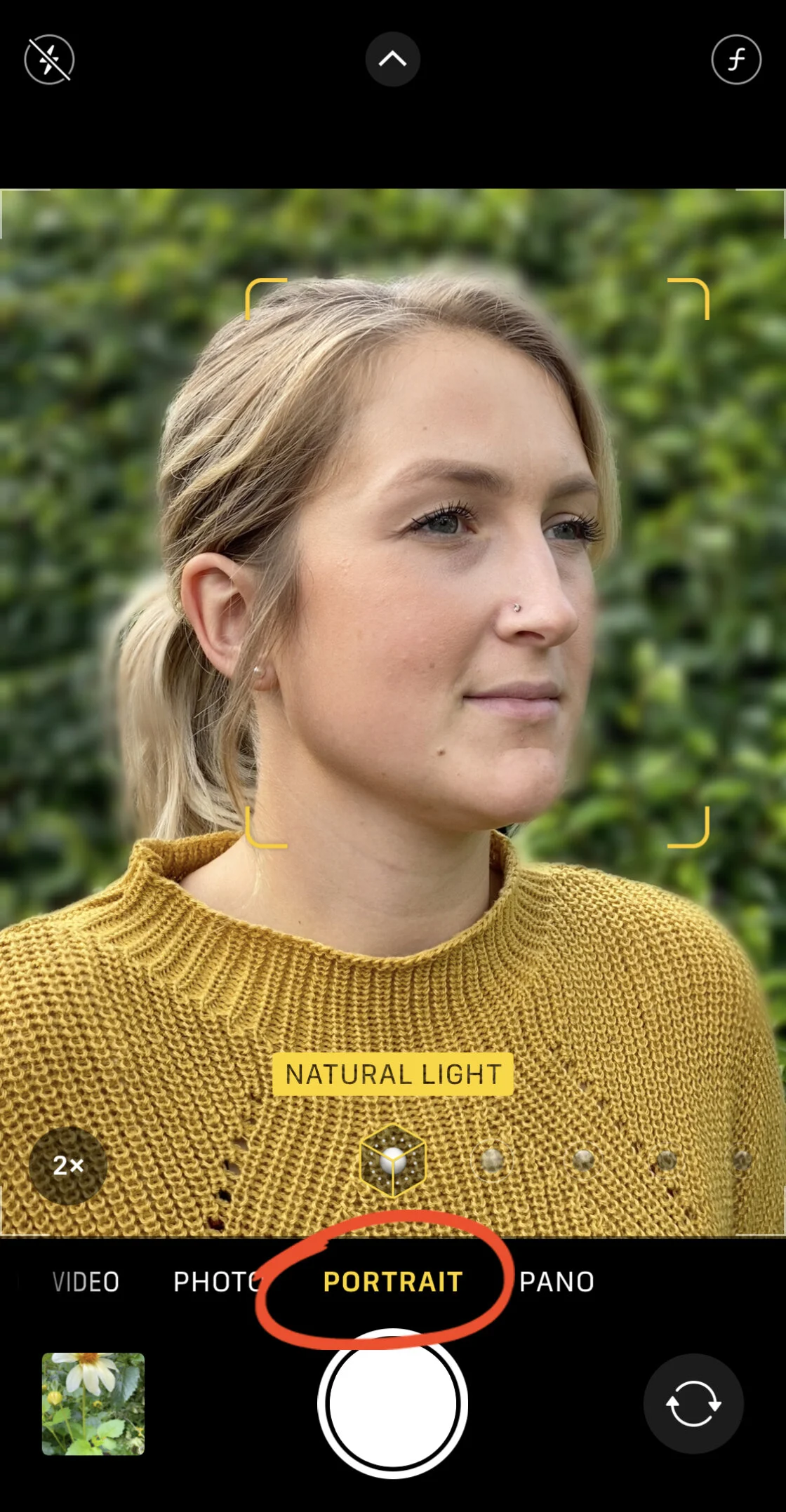
The landscape of digital photography has undergone a seismic shift over the last decade, transitioning from the exclusive domain of high-end Digital Single-Lens Reflex (DSLR) cameras to the pockets of billions of smartphone users. As Apple continues to advance its camera hardware—most notably with the introduction of the 48-megapixel Main camera and Apple ProRAW capabilities—the demand for sophisticated post-processing software has reached an all-time high. Industry data suggests that over 1.8 trillion photos are taken globally each year, with approximately 92% captured via mobile devices. To bridge the gap between a raw mobile snapshot and a professional-grade masterpiece, a robust ecosystem of third-party applications has emerged. This report analyzes the top 10 photo editing applications currently available for the iPhone, evaluating their technical capabilities, user accessibility, and market impact.
The Evolution of Mobile Image Processing
The history of mobile photo editing began in earnest with the 2010 launch of Instagram, which popularized the concept of "one-tap filters." However, as mobile processors grew more powerful, developers shifted from simple overlays to complex algorithms capable of non-destructive editing, AI-driven object removal, and advanced color grading. The current market for mobile photo editing apps is projected to grow at a compound annual growth rate (CAGR) of over 10% through 2030, driven by the creator economy and the increasing sophistication of social media aesthetics.
1. Snapseed: The Gold Standard for Comprehensive Editing
Originally developed by Nik Software and later acquired by Google, Snapseed remains a cornerstone of the iPhone photography community. Its enduring popularity is largely attributed to its "completely free" model, which lacks the subscription fatigue common in contemporary software.
Snapseed offers 29 tools and filters, including the "Tune Image" feature, which allows for precise control over brightness, contrast, saturation, and ambiance. Its "Selective" tool uses proprietary Control Point technology, enabling users to touch up specific areas of a photo without affecting the entire frame. This level of granularity was previously reserved for desktop suites like Adobe Photoshop. For professional workflows, Snapseed supports the editing of RAW DNG files, allowing photographers to extract maximum detail from the iPhone’s sensor.
2. VSCO: Aesthetic Consistency and the Creator Community
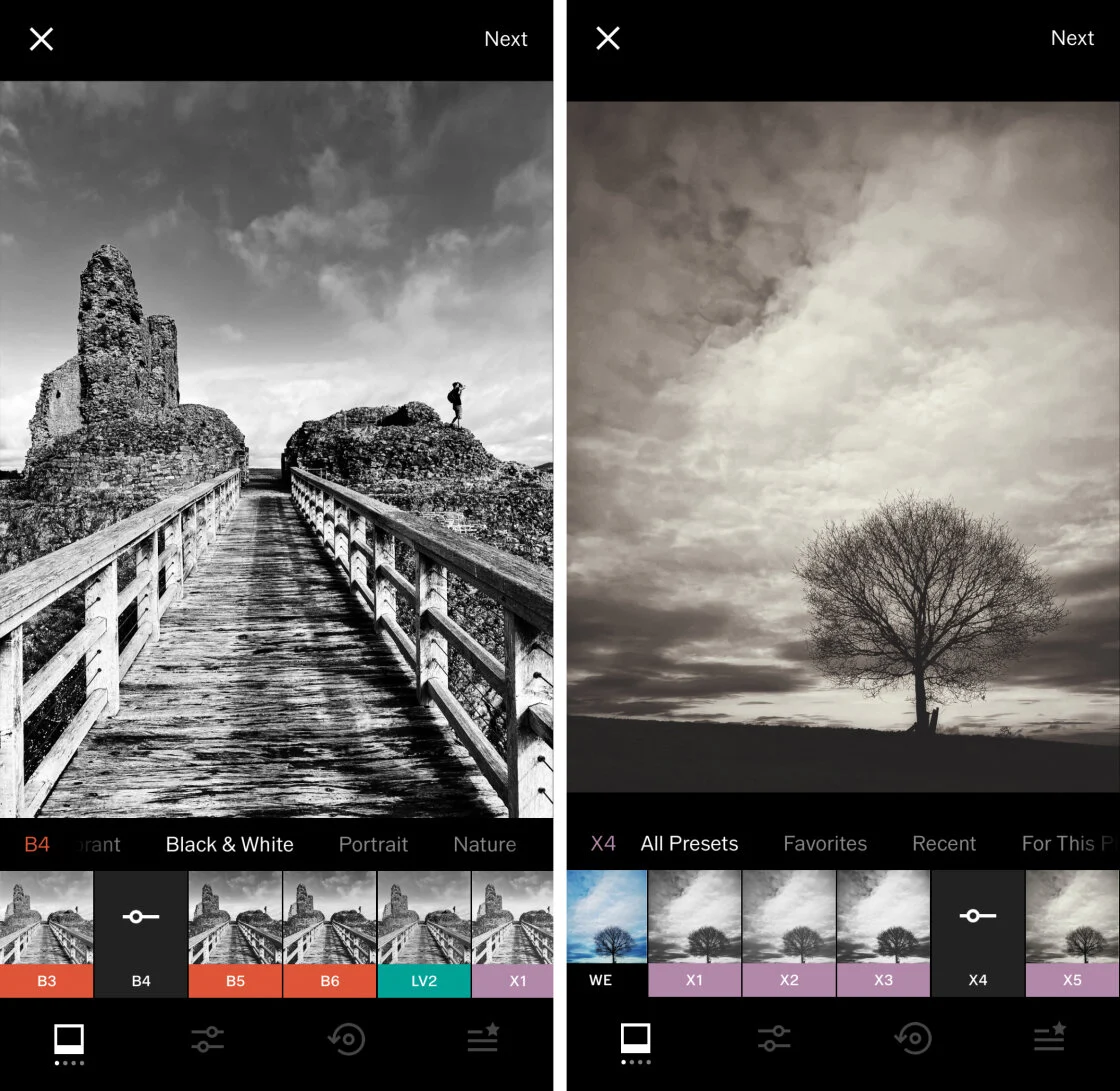
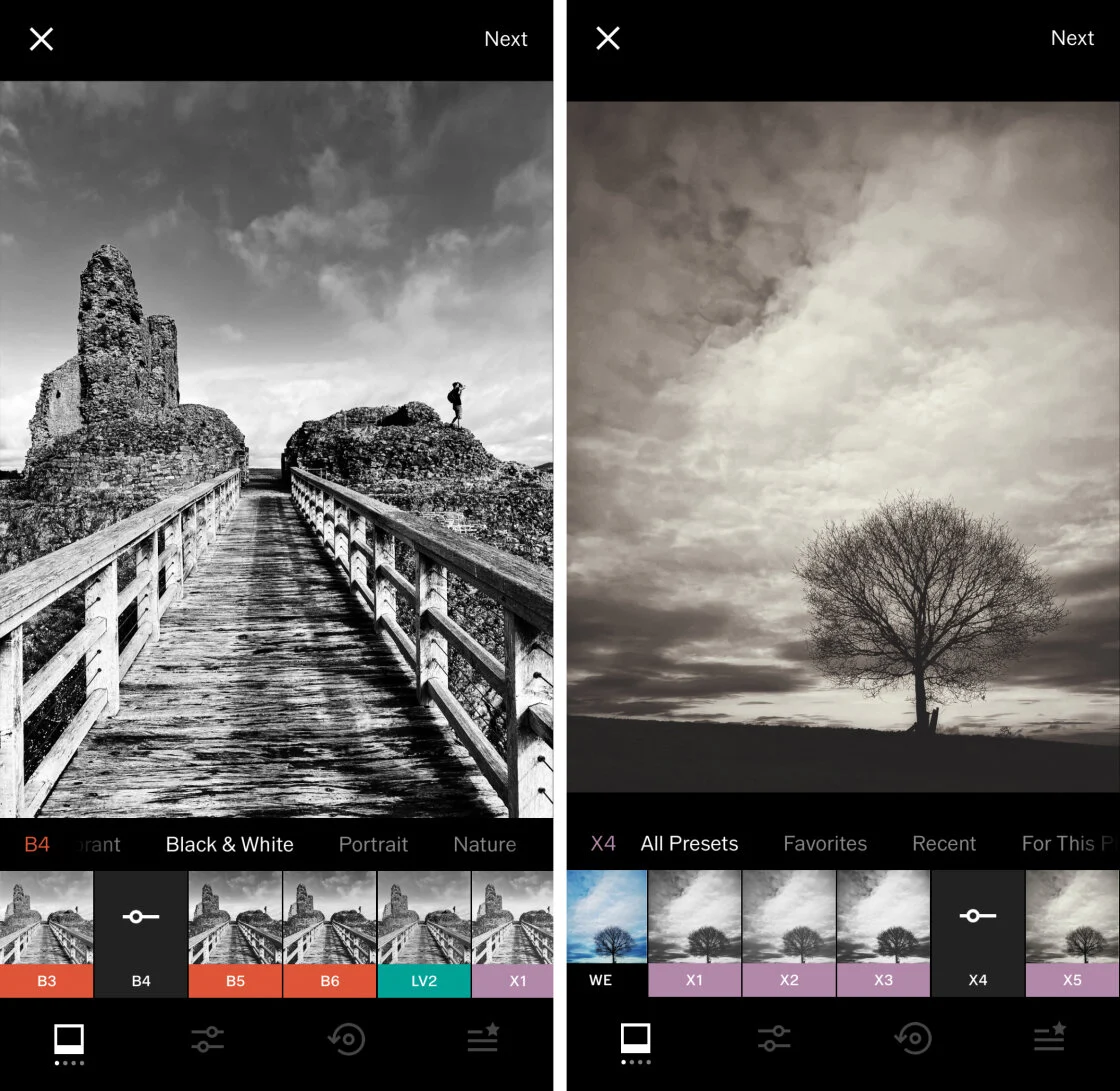
VSCO (Visual Supply Company) has carved out a significant niche by focusing on film-inspired presets. Unlike many competitors that offer aggressive, high-contrast filters, VSCO’s library is rooted in the chemistry of traditional film stocks, such as Kodak and Fujifilm.
The application operates on a "freemium" model. While basic tools are free, the VSCO Membership provides access to over 200 presets and advanced tools like "HSL" (Hue, Saturation, Lightness) and "Borders." Market analysts note that VSCO’s success is tied to its social platform, which intentionally lacks "likes" and "comments," fostering a more professional, gallery-like environment for creators.
3. TouchRetouch: Specialized Precision in Object Removal
While many general-purpose editors include "healing" brushes, TouchRetouch by ADVA Soft is a specialized utility designed for the singular task of removing unwanted elements from an image. Whether it is a stray power line, a blemish on a portrait, or an unwanted photobomber, the app uses advanced content-aware filling algorithms to replace pixels seamlessly.
The "Line Removal" tool is particularly noteworthy; a single swipe over a wire or pole allows the AI to calculate the surrounding texture and erase the object instantly. At a one-time purchase price of $3.99, it represents a cost-effective alternative to expensive desktop retouching software.
4. Carbon: Mastering the Monochrome Aesthetic
Black and white photography requires a different approach to contrast and tonal range than color photography. Carbon addresses this by offering 58 specialized monochrome filters developed in collaboration with professional photographers.
The app provides more than just a desaturation tool; it allows users to adjust "Grain," "Kuwahara" (a painterly effect), and "Borders." It also supports "Light Leaks" and "Dust" textures, which help simulate the look of vintage analog prints. For those pursuing a minimalist or dramatic aesthetic, Carbon is widely considered the premier choice on the iOS platform.
5. Adobe Lightroom: The Professional Ecosystem Integration
Adobe Lightroom for mobile is perhaps the most powerful tool in this list for users already embedded in the Adobe Creative Cloud ecosystem. It brings the power of the desktop version to the iPhone, including sophisticated "Masking" tools that utilize AI to automatically detect and select subjects or skies.
The app’s "Geometry" tool allows for the correction of perspective distortion—a common issue in architectural photography captured with wide-angle mobile lenses. While the basic version is free, the premium subscription enables cloud syncing across devices, allowing a photographer to start an edit on their iPhone and finish it on a MacBook or iPad.
6. Afterlight: Versatility and Creative Overlays
Afterlight is positioned as an all-in-one editor that balances professional tools with creative flair. It features over 130 unique filters and a "Double Exposure" tool that allows users to blend two images into a single surrealist composition.
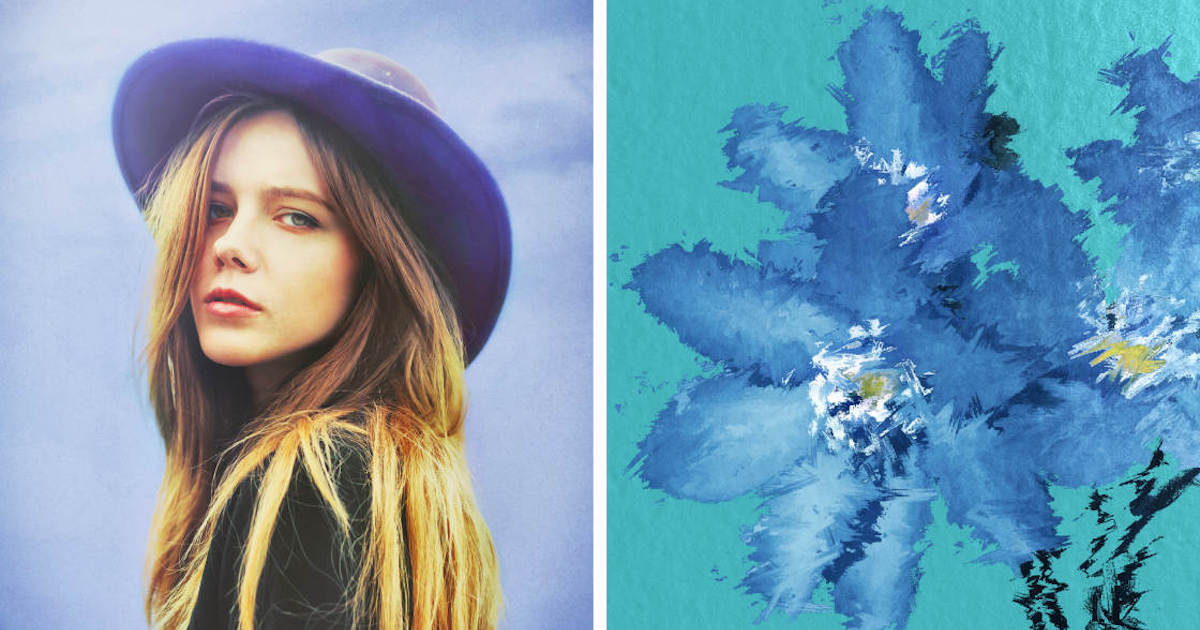
Technical users appreciate Afterlight’s "Curves" and "Selective Color" tools, which provide a high degree of control over the color balance of highlights, midtones, and shadows. Its interface is designed for speed, making it a favorite for "on-the-go" editing before social media publication.
7. Mextures: Non-Destructive Layering and Formulas
Mextures introduced a unique workflow to mobile editing based on "Formulas." Users can stack an infinite number of layers, including light leaks, textures, and gradients. Because the app is non-destructive, users can go back and adjust or remove any layer at any point in the editing process.
The "Mextures Collective" allows users to share their specific layering sequences (Formulas) with others, creating a collaborative environment. This app is highly recommended for landscape photographers looking to add atmospheric depth or "mood" to their shots.
8. Lens Distortions: Optical Realism via High-Quality Overlays
Unlike apps that use procedurally generated effects, Lens Distortions utilizes actual photographic assets to create overlays. When a user adds a "Sun Flare" or "Fog" effect, they are layering a real photo taken in a studio over their own image.
This commitment to optical realism prevents the "digital" look that often plagues mobile edits. The app offers various "Shimmer" and "Glass" effects that can frame a subject or add a sense of movement. For commercial and landscape photographers, Lens Distortions provides a level of cinematic quality that is difficult to replicate elsewhere.
9. Superimpose X: The Mobile Digital Art Studio
Superimpose X is the successor to the original Superimpose app, designed specifically for heavy-duty compositing. It supports multiple layers, masking, and blending modes, effectively serving as a mobile alternative to Adobe Photoshop’s layer management system.
The app includes an "AI Cutout" feature that automatically removes backgrounds from subjects, significantly reducing the time required to create complex digital art. It is a niche tool, but for users interested in surrealism or graphic design, it is indispensable.
10. Instagram: The Final Polish and Social Integration
While often dismissed as a mere social network, Instagram’s internal editing suite has seen significant upgrades. Its "Lux" feature is an effective tool for quickly balancing exposure and contrast in underexposed images.
For many users, Instagram serves as the "final stop." Even after processing an image in Snapseed or Lightroom, the ability to apply a subtle Instagram filter at 10-20% opacity can provide a cohesive look to a user’s social grid.
Industry Implications and Analysis
The proliferation of these applications has effectively democratized high-quality photography. Professional photographers have noted that the "barrier to entry" for creating compelling visual content has never been lower. However, this has also led to a saturated market where "aesthetic trends" can quickly become clichéd.
Technological analysts suggest that the next frontier for these apps is the deeper integration of Generative AI. We are already seeing the beginning of this with "Generative Erase" and "AI Sky Replacement" in apps like Lightroom and Adobe Express. As the iPhone’s Neural Engine becomes more capable, these apps will likely transition from "editing" (adjusting what is there) to "generative creation" (adding elements that were never there).
Chronology of Mobile Editing Milestones
- 2010: Instagram launches, bringing filters to the mainstream.
- 2011: Snapseed is named iPad App of the Year, proving mobile editing can be professional.
- 2012: Google acquires Nik Software (Snapseed); VSCO launches.
- 2015: Adobe releases Lightroom mobile, syncing the desktop and mobile experience.
- 2019-2022: Introduction of AI-driven masking and object removal across major apps.
- 2024: High-bitrate RAW editing becomes standard for flagship iPhone users.
Conclusion: Selecting the Optimal Toolset
Choosing the right application depends entirely on the user’s objectives. For general, high-quality adjustments, Snapseed remains the superior free option. For those seeking a specific "vibe" or filmic quality, VSCO and Carbon are the industry leaders. Professionals requiring cross-platform synchronization will find the most value in Adobe Lightroom.
As mobile sensors continue to rival the specifications of dedicated cameras, the software used to process these images will remain the defining factor in a photographer’s unique style. The ten applications listed above represent the current pinnacle of mobile software engineering, offering a suite of tools that, a decade ago, would have required a high-powered workstation and years of technical training.