The evolution of mobile imaging has reached a pivotal juncture where the distinction between consumer smartphones and professional digital single-lens reflex (DSLR) cameras continues to blur. As Apple’s hardware iterations have moved from simple point-and-shoot functionality toward sophisticated optical systems, the demand for advanced manual control has grown among enthusiasts and professional photographers alike. While the iPhone’s internal software is designed to automate the photographic process through "computational photography," achieving specific artistic results—such as intentional motion blur, shallow depth of field, or grain-free low-light imagery—requires a technical understanding of manual overrides and third-party integrations.
The Technological Shift in Mobile Imaging
For over a decade, the iPhone has served as the world’s most popular camera, but the transition to a "Pro" tool began in earnest with the introduction of multi-lens systems and the Apple ProRAW format. Modern iPhone sensors, particularly the 48-megapixel main sensors found in the latest Pro models, offer a level of dynamic range and detail that was previously impossible in a mobile form factor. However, the hardware is only as effective as the user’s ability to manipulate its settings.
The primary challenge for mobile photographers is that the iPhone’s native Camera app often prioritizes a balanced, "safe" exposure. To break away from this standardized look, users must master the fundamental pillars of photography: depth of field, focus, exposure, shutter speed, ISO, and white balance.
Mastering Depth of Field and Portrait Mode Sophistication
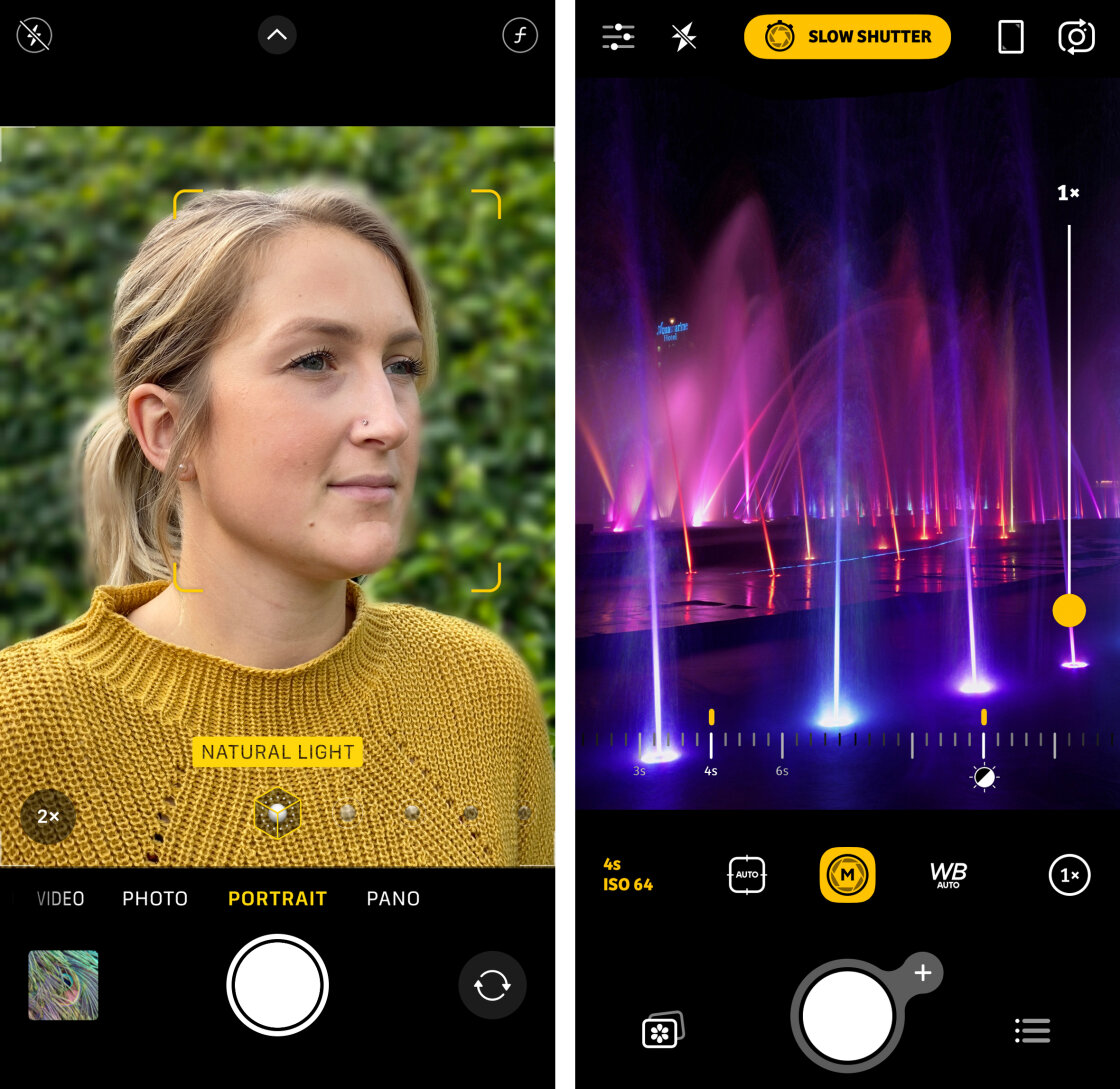
Depth of field refers to the distance between the nearest and farthest objects in a scene that appear acceptably sharp. In traditional photography, this is controlled by the lens aperture (the f-stop). Because the iPhone uses fixed-aperture lenses—typically ranging from f/1.5 to f/2.8 depending on the model—it cannot physically change the size of the lens opening to adjust blur.
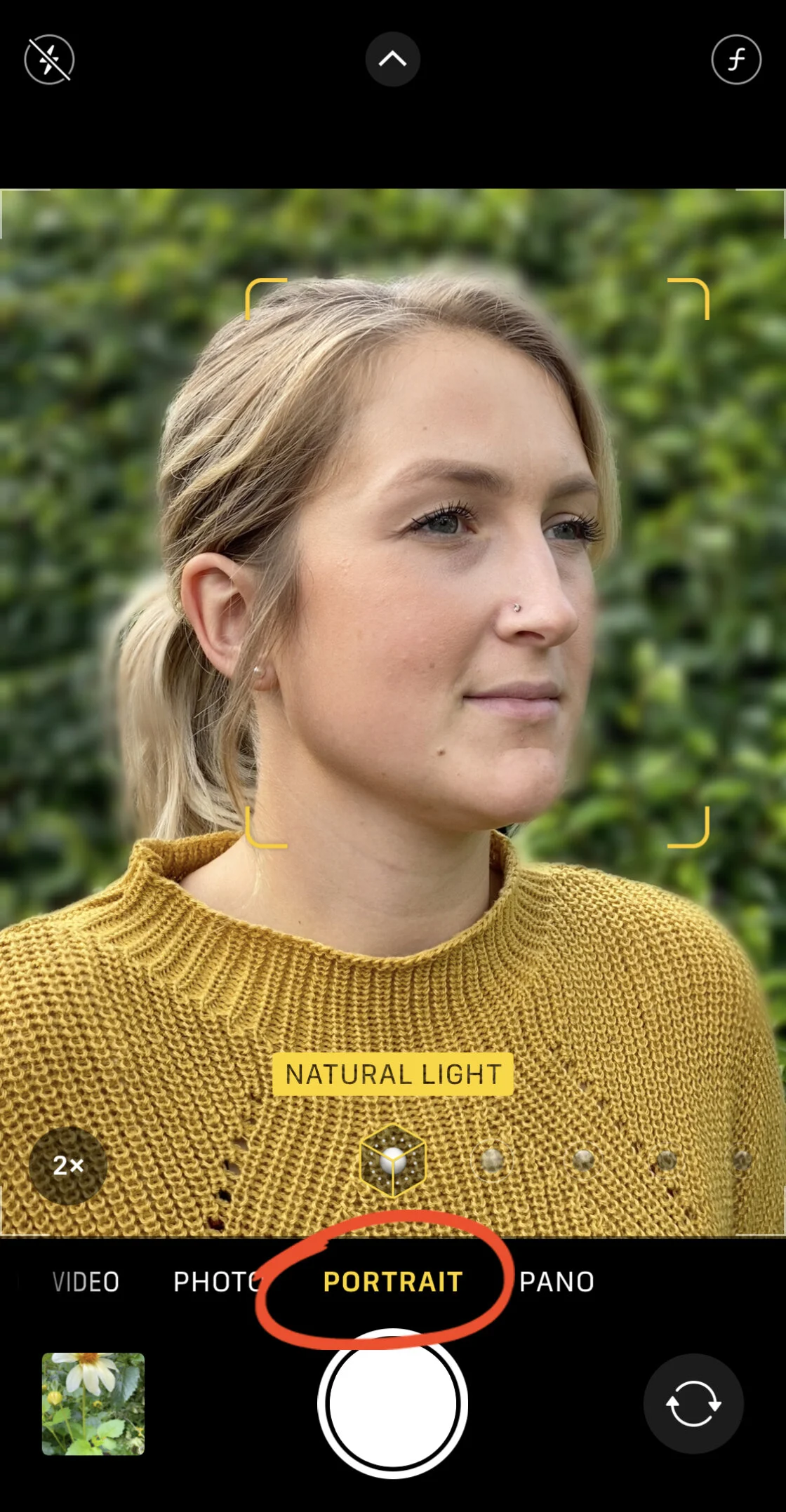
To circumvent this physical limitation, Apple introduced Portrait Mode. This feature utilizes a combination of hardware (the LiDAR scanner and multiple lenses) and software (machine learning) to create a "depth map" of the scene. By isolating the subject from the background, the software applies a Gaussian blur to the distant elements, mimicking the "bokeh" effect of a high-end prime lens.
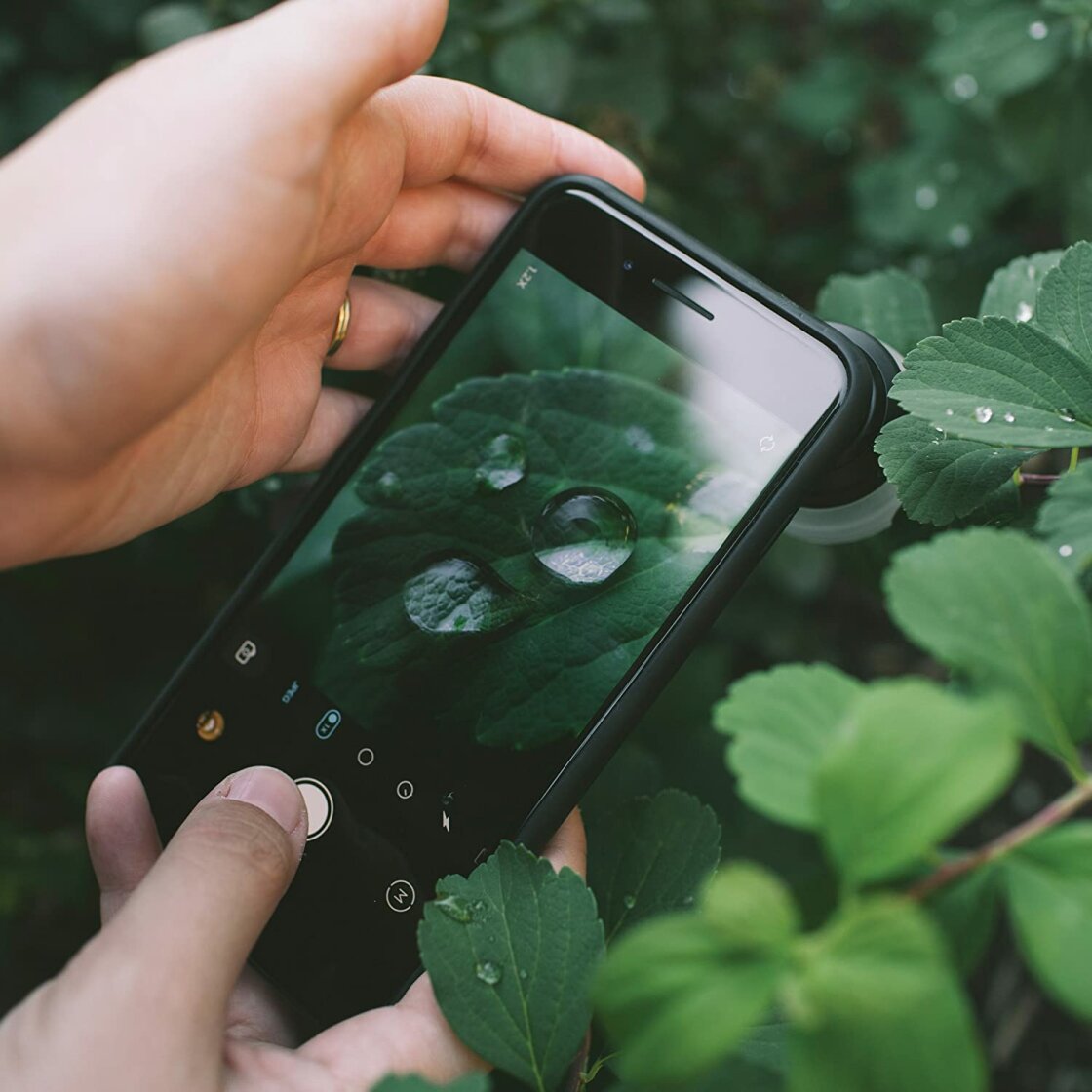
Data from photographic studies suggest that a shallow depth of field is the most sought-after feature for portraiture, as it eliminates distracting backgrounds. For users without the latest hardware, the "macro" approach remains the only physical way to achieve blur. By placing the lens extremely close to a subject, the physics of light naturally create a shallower plane of focus. This technique is especially prevalent in nature photography, where macro lenses, such as those produced by Moment or Sandmarc, are used to capture intricate details of insects and flora.
Precision Focus and the AE/AF Lock Mechanism
While the iPhone’s autofocus is generally reliable, it often struggles in scenes with multiple layers or low contrast. The "tap-to-focus" feature is the first level of manual intervention, allowing the user to dictate the specific focal point. However, the camera’s software is programmed to continually scan the environment; if a subject moves or the lighting shifts, the focus may reset.
To prevent this, professional mobile photographers utilize the AE/AF Lock (Auto Exposure/Auto Focus Lock). By pressing and holding the viewfinder, the focus and exposure settings are "pinned." This is critical in street photography, where a photographer might want to focus on a specific architectural element and wait for a person to walk into the frame without the camera refocusing on the moving subject.
For more granular control, third-party applications like Camera+ 2 or Halide provide a manual focus slider. This allows for "focus peaking," a visual aid that highlights the sharpest areas of an image in a bright color, ensuring that minute details—such as the highlights on a water droplet—are perfectly captured.
Exposure Control and the Role of High Dynamic Range (HDR)
Exposure is the total amount of light reaching the sensor. An over-exposed image loses detail in the highlights (the "blown-out" sky), while an under-exposed image loses detail in the shadows. The iPhone’s native exposure compensation slider—accessed by swiping the viewfinder or using the hidden menu in iOS 14 and later—allows for adjustments in a range of ±8 stops.
The introduction of Smart HDR (High Dynamic Range) has been a game-changer for high-contrast scenes. When the shutter is pressed, the camera actually takes a rapid burst of photos at different exposure levels and merges them. This process uses the A-series Bionic chip’s Neural Engine to identify faces, skies, and textures, applying different processing to each.
Despite the power of Smart HDR, there are times when it is creatively advantageous to turn it off. For example, in silhouette photography, the goal is to have the subject completely underexposed against a bright background. In these instances, manual exposure overrides are necessary to prevent the software from trying to "fix" the artistic shadows.
Shutter Speed Dynamics and Long Exposure Techniques
Shutter speed determines how long the sensor is exposed to light. A fast shutter speed (e.g., 1/2000 of a second) freezes action, which is essential for sports or wildlife. A slow shutter speed (e.g., 2 seconds) allows moving elements to blur, creating a sense of motion.
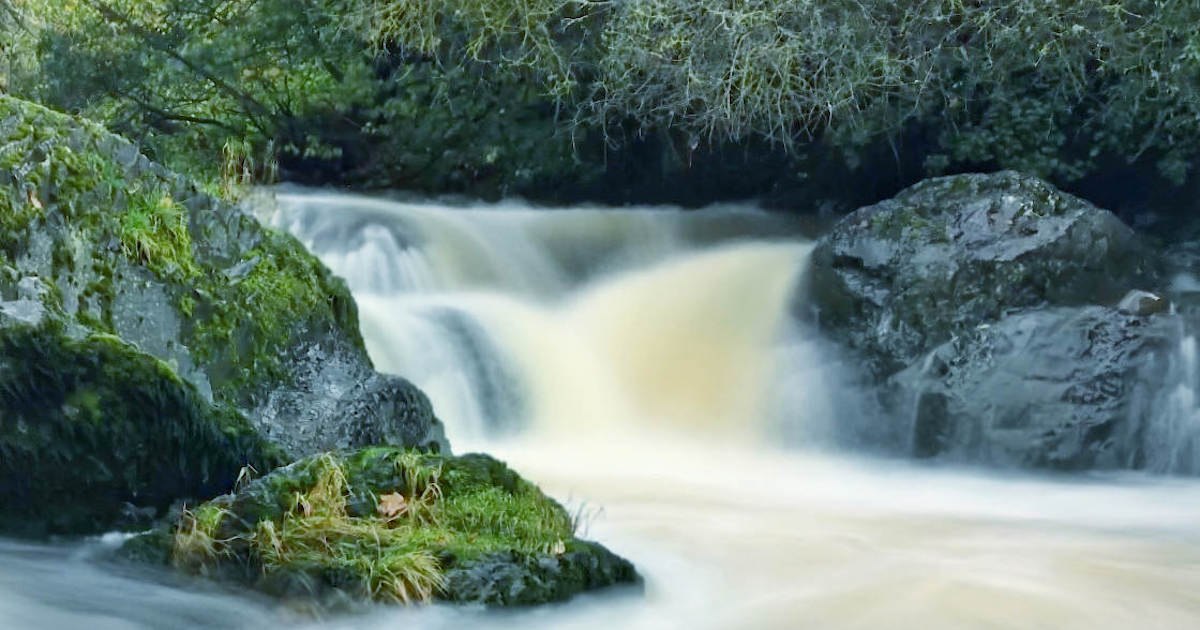
Because the native iPhone Camera app does not offer a direct shutter speed dial, users often turn to specialized apps like Slow Shutter Cam. These tools are indispensable for capturing "light trails" from moving cars or the "silky" effect of waterfalls.
Technical data indicates that for any exposure longer than 1/30 of a second, the risk of "camera shake" increases significantly. Therefore, the use of a tripod is a non-negotiable requirement for long-exposure photography. The industry has seen a surge in mobile-specific stabilizers, such as the DJI Osmo Mobile and various MagSafe-compatible tripods, reflecting the growing trend of long-exposure mobile artistry.
ISO Management and Digital Noise Reduction
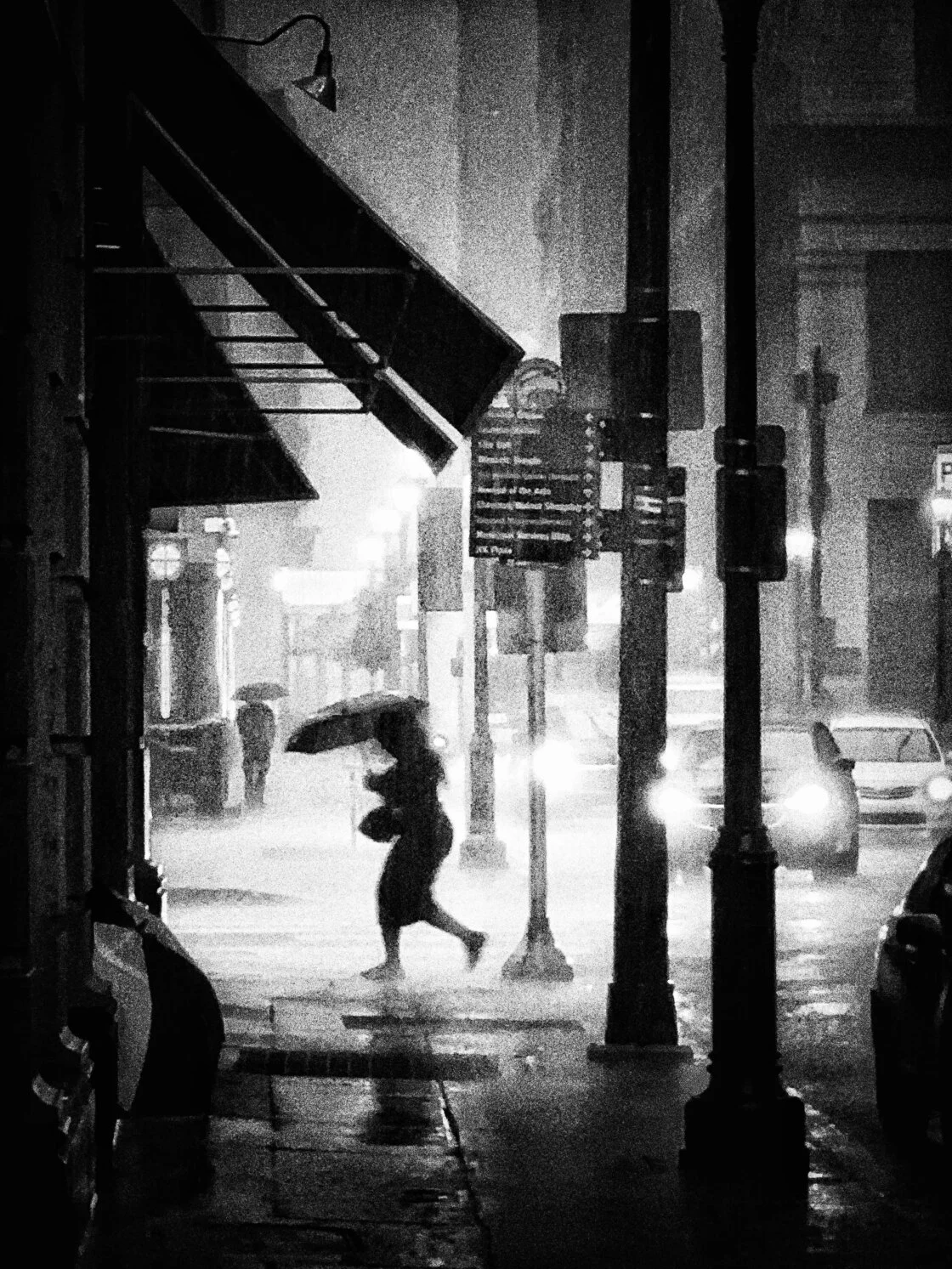
ISO measures the sensor’s sensitivity to light. In bright daylight, a low ISO (such as 25 or 32) is ideal for maximum clarity. In dark environments, the camera must increase the ISO to "see" in the dark. The trade-off is the introduction of digital noise, which appears as grainy, multicolored speckles.
The iPhone 11 introduced "Night Mode," which uses a long-exposure, multi-frame approach to keep ISO as low as possible while still capturing a bright image. However, for those seeking a specific aesthetic, manual ISO control via third-party apps allows the user to find the "sweet spot" between brightness and grain. By mounting the phone on a tripod and lowering the ISO while simultaneously lengthening the shutter speed, a photographer can capture a night scene that is as clean and detailed as one taken in broad daylight.
White Balance and Color Temperature Fidelity
White balance is the process of removing unrealistic color casts so that objects which appear white in person are rendered white in the photo. Light sources have different "color temperatures," measured in Kelvin (K). Incandescent bulbs produce a warm, orange glow (approx. 2700K), while an overcast sky produces a cool, blue light (approx. 6500K).
The iPhone’s Auto White Balance (AWB) is generally accurate, but it can be tricked by dominant colors in a frame—such as a large green wall or a deep blue ocean. Manual white balance presets (Cloudy, Sun, Flash, etc.) or a custom Kelvin slider allow photographers to maintain color consistency across a series of shots. This is particularly important in commercial and fashion photography, where the accurate representation of fabric colors is paramount.
Broader Market Impact and the Future of Mobile Photography
The democratization of advanced camera controls has had a profound impact on the imaging industry. Professional photojournalists now frequently use iPhones for field reporting, citing the device’s portability and immediate connectivity as superior to traditional gear for certain assignments. Market analysts note that the global DSLR market has seen a steady decline as smartphone manufacturers prioritize "Pro" features that appeal to the high-end enthusiast segment.
The implications of these advanced controls extend into the realm of social media and digital marketing. As the "iPhone look" becomes more sophisticated, the barrier to entry for high-quality content creation has dropped, allowing small businesses and independent creators to produce professional-grade visuals without a five-figure investment in camera equipment.
Looking forward, the integration of Artificial Intelligence (AI) and manual control is expected to deepen. Future iterations of iOS will likely offer even more granular control over the "computational" aspects of the image, such as adjusting the strength of noise reduction or the specific tone mapping of HDR in real-time. For the modern photographer, the iPhone is no longer just a phone with a camera; it is a powerful, pocket-sized darkroom that rewards those who take the time to look beyond the "Auto" button.