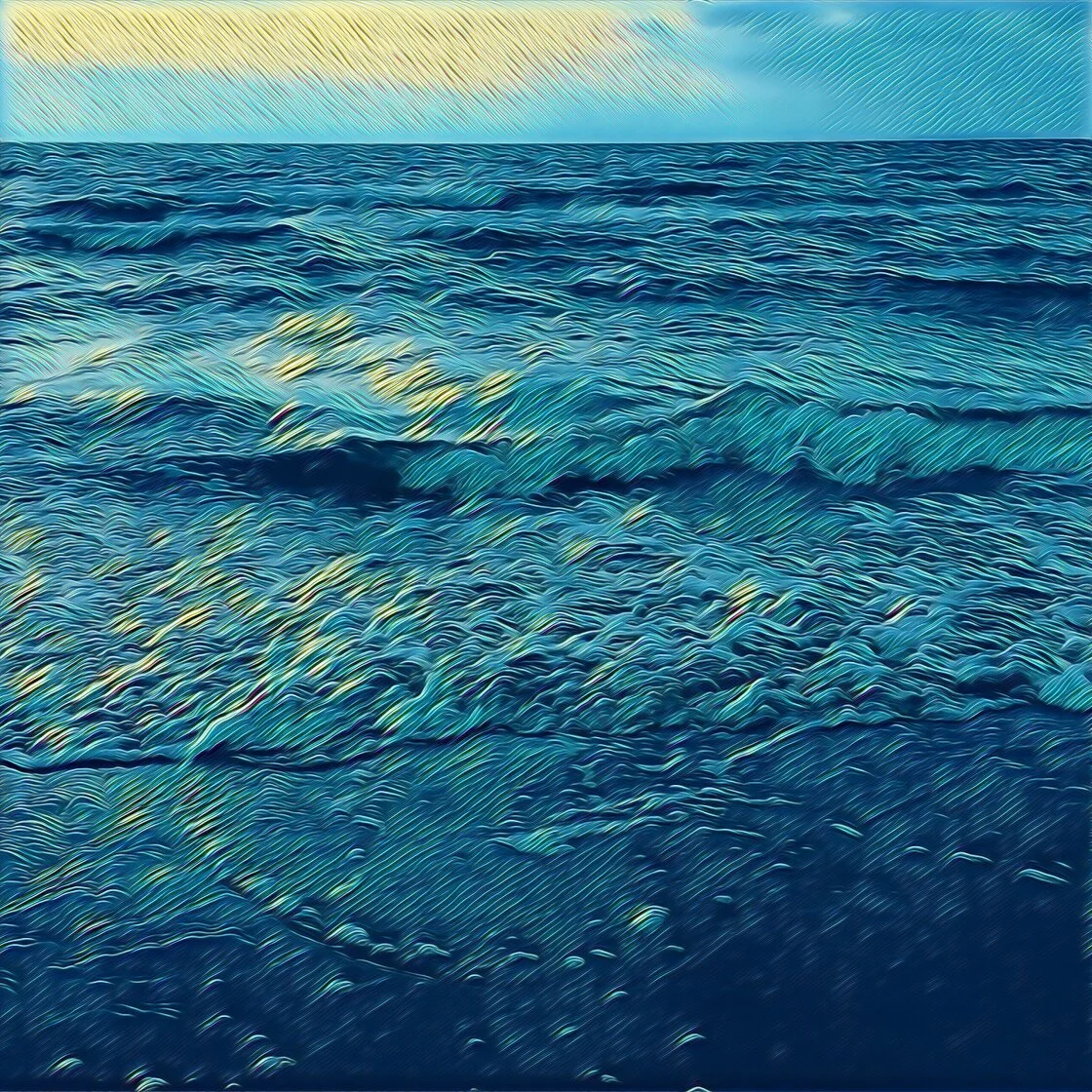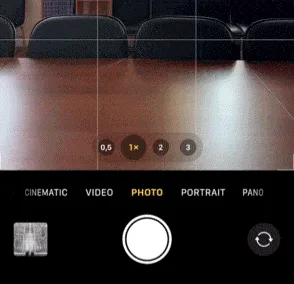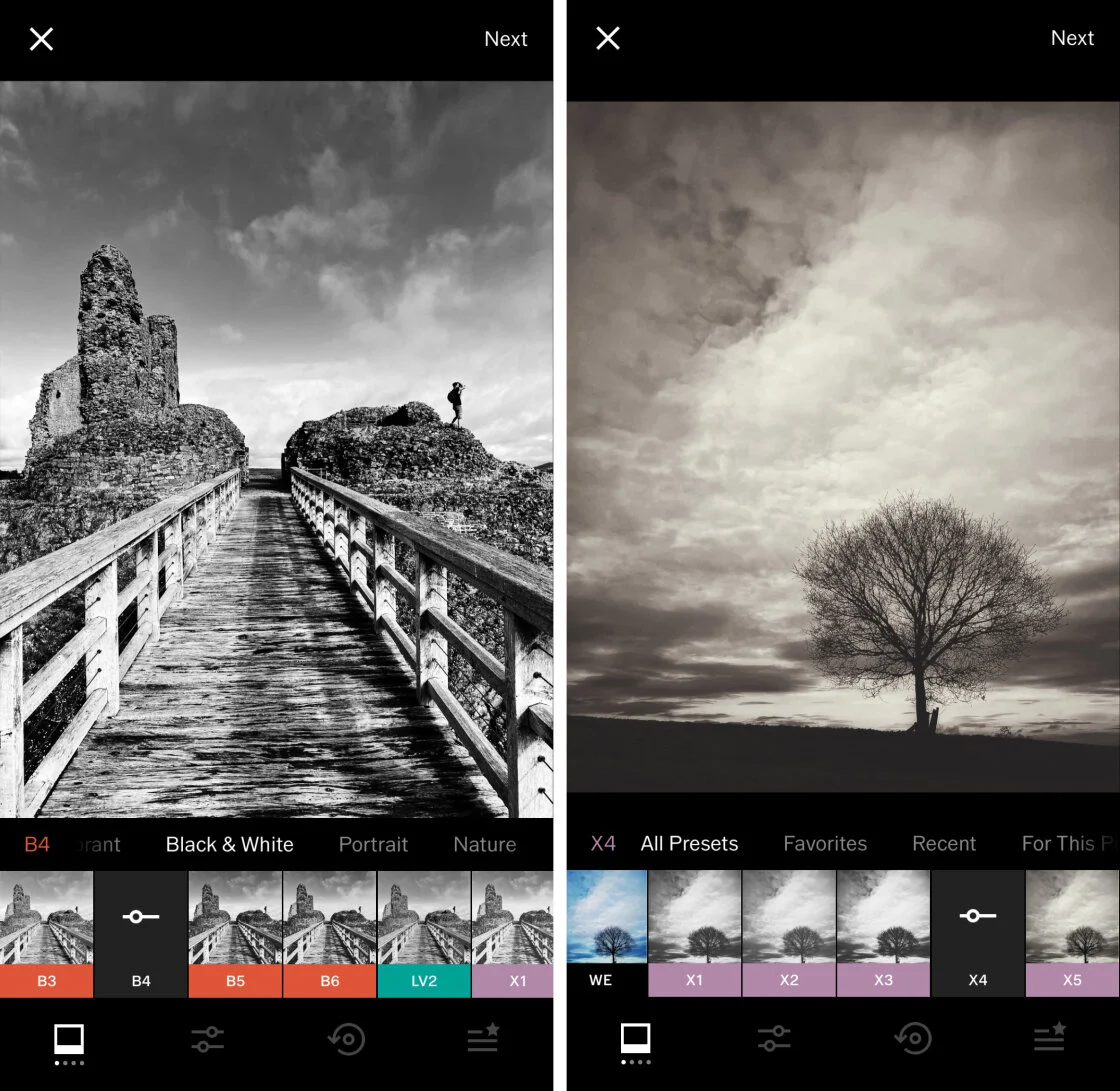
The evolution of mobile hardware has transformed the iPhone from a simple communication device into a sophisticated tool for professional-grade photography. As Apple continues to iterate on its camera systems—introducing features such as ProRAW, Deep Fusion, and Photonic Engine—the demand for high-performance post-processing software has surged. In the current digital landscape, the quality of a photograph is often determined as much by the software used in the editing suite as by the optics of the lens itself. The App Store now hosts a multi-billion dollar ecosystem of photo and video editing applications, ranging from simple filter-based utilities to advanced, AI-driven platforms that rival desktop software.
To navigate this crowded marketplace, photographers must distinguish between general-purpose editors and specialized tools designed for specific artistic outcomes. The following analysis identifies the ten premier applications currently available for the iOS platform, categorized by their technical strengths, user interface design, and functional utility.
1. Snapseed: The Benchmark for Mobile Post-Processing
Originally developed by Nik Software and subsequently acquired by Google in 2012, Snapseed remains the gold standard for free, comprehensive mobile photo editing. Unlike many of its competitors, Snapseed offers a professional-grade toolkit without the requirement of a subscription or in-app purchases.
The application is characterized by its "Stacks" feature, which allows for non-destructive editing, enabling users to re-adjust or remove specific edits at any point in the workflow. Its "Selective" tool, powered by U Point technology, allows for precise adjustments to brightness, contrast, and saturation in localized areas of an image. For enthusiasts, Snapseed’s support for RAW files ensures that the maximum amount of data from the iPhone’s sensor is preserved during the editing process.
2. VSCO: Aesthetic Consistency and Community Integration
VSCO (Visual Supply Company) has carved a significant niche in the market by focusing on the "film-look" aesthetic. The app’s strength lies in its library of presets that emulate classic film stocks from Kodak, Fujifilm, and Agfa. Since its launch, VSCO has transitioned from a simple filter app into a creative platform and social network, emphasizing artistic expression over traditional social media metrics like "likes" or "comments."
While the base application is free, the VSCO Membership (formerly VSCO X) provides access to over 200 presets and advanced tools such as HSL (Hue, Saturation, Lightness) sliders and video editing capabilities. Data from market research indicates that VSCO remains particularly popular among Gen Z and millennial users, influencing global visual trends through its minimalist editing style.
3. TouchRetouch: Specialized Object Removal
In the realm of specialized utility, TouchRetouch is a leading application focused exclusively on the removal of unwanted elements from photographs. While general editors like Snapseed and Photoshop Express include healing tools, TouchRetouch utilizes a dedicated algorithm designed to handle complex removals, such as power lines, blemishes, and photobombers, with minimal user input.
The application’s "Line Removal" tool is particularly noteworthy; by tracing a small segment of a wire or cable, the AI can identify and erase the entire structure across the frame. This level of specialization has made it a staple in the folders of landscape and architectural photographers who require clean, distraction-free compositions.
4. Carbon: The Professional Monochrome Suite
Black and white photography requires a different technical approach to tonal balance and contrast than color photography. Carbon addresses this by providing a dedicated environment for monochrome editing. Developed in collaboration with professional photographers, Carbon offers 58 presets designed to highlight textures and silhouettes.
The app goes beyond simple desaturation, offering tools for grain, light leaks, and sepia toning that mimic traditional darkroom techniques. By focusing on the interplay of light and shadow, Carbon allows users to create high-contrast, "fine art" images that are difficult to achieve with standard color-to-grayscale converters.
5. Adobe Lightroom: Desktop-Class Power on Mobile
Adobe Lightroom for iPhone is part of the Adobe Creative Cloud ecosystem, representing the most powerful end of the mobile editing spectrum. It is designed for photographers who require a seamless transition between mobile and desktop workflows. Lightroom’s mobile version includes advanced geometry tools, selective masking (including AI-powered sky and subject detection), and a robust organization system based on Adobe’s cloud storage.
The integration of Adobe Sensei, an AI and machine learning framework, allows Lightroom to suggest "Recommended Presets" based on the specific content of a photo. Industry analysts note that Adobe’s shift to a subscription-based model has unified its user base, ensuring that mobile edits are synced across all devices in real-time.
6. Afterlight: Versatility and Creative Overlays
Afterlight positions itself as an all-in-one editor that bridges the gap between technical adjustments and creative flourishes. It features a comprehensive set of "Adjustment Tools" including curves and selective color, alongside a vast library of "Dust and Light Leak" overlays.
The application’s "Double Exposure" tool is a standout feature, allowing users to blend two images with various blending modes to create surrealist digital art. Afterlight’s frequent updates often include content from guest photographers, keeping its filter library aligned with current industry standards.
7. Mextures: Non-Destructive Layering and Formulas
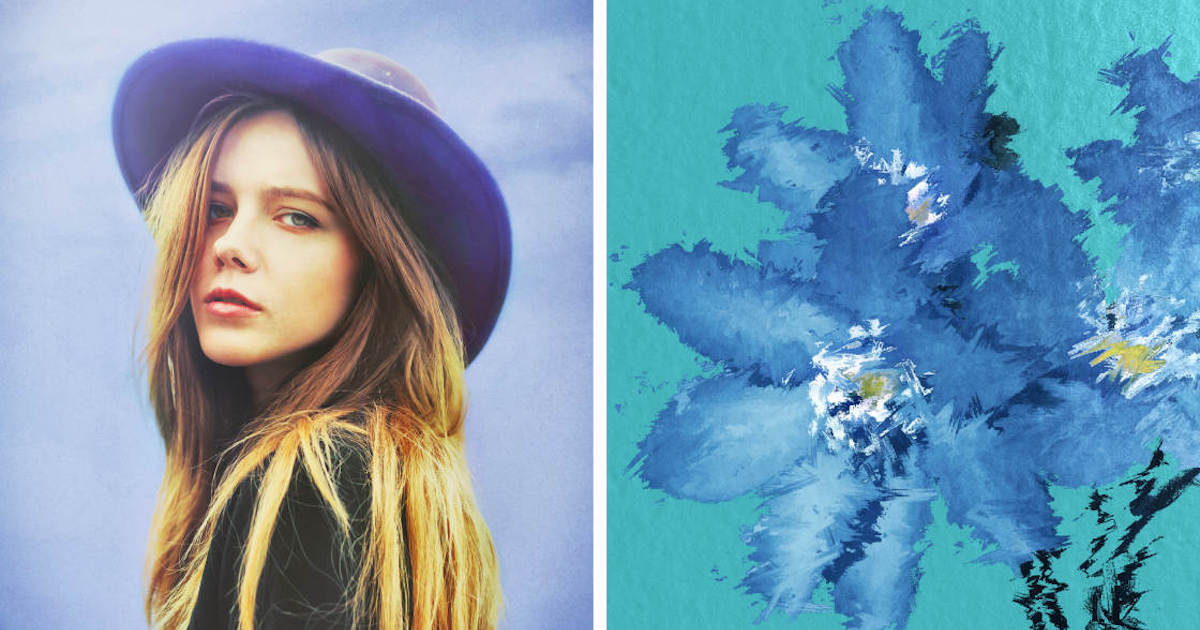
Mextures is unique for its use of "Formulas," which are essentially custom stacks of textures, grains, and light leaks that can be shared among the community. The app utilizes a layer-based system similar to Adobe Photoshop, allowing users to adjust the opacity and blend mode of every individual effect.
This granular control makes Mextures a favorite for "iPhoneography" artists who want to add grit and atmospheric depth to their images. The ability to save a complex editing sequence as a formula allows for a consistent "signature look" across a photographer’s entire portfolio.
8. Lens Distortions: Optical Realism via High-Quality Assets
While many apps offer light effects, Lens Distortions distinguishes itself by using actual photographic assets—not digitally generated filters—to create its overlays. The app provides high-resolution captures of real sunlight, fog, rain, and snow.
By using real-world optical data, the app ensures that its effects interact with the image in a way that appears physically accurate. This is particularly effective for landscape photographers looking to enhance atmospheric conditions or add a subtle lens flare that looks as though it were captured in-camera.
9. Superimpose X: The Mobile Digital Art Studio
Superimpose X is the successor to the original Superimpose app, redesigned to handle the processing power of modern iPhones. It is a heavy-duty compositing tool that allows for masking, layering, and blending multiple images. It includes features like "Automatic Cutout" for subjects and a wide array of masking brushes.
For users interested in creating "conceptual" photography or complex digital collages, Superimpose X provides a mobile alternative to desktop compositing software. Its ability to handle multiple layers with distinct blending modes makes it a powerful tool for visual storytellers.
10. Instagram: The Integrated Social Editor
While primarily a social media platform, Instagram’s built-in editing suite remains one of the most frequently used tools in the world. Since its inception in 2010, Instagram has significantly expanded its editing capabilities beyond its initial square-crop filters.
The current interface offers precise sliders for brightness, warmth, and sharpness, along with the "Lux" tool, which acts as an adaptive HDR effect. For many users, the convenience of editing within the sharing app outweighs the need for third-party software, making it a critical component of the mobile photography lifecycle.
The Evolution of the Mobile Editing Market: A Chronology
The trajectory of iPhone photo editing has moved through several distinct eras:
- 2008–2011 (The Filter Era): Early apps like Instagram and Hipstamatic focused on "one-tap" filters to mask the lower resolution of early mobile sensors.
- 2012–2016 (The Professionalization Era): The acquisition of Snapseed by Google and the launch of Lightroom Mobile signaled a shift toward high-fidelity editing.
- 2017–2021 (The Subscription Era): Most major developers transitioned to "Freemium" models, offering basic tools for free while gating advanced features behind monthly fees.
- 2022–Present (The AI Era): Current trends focus on generative AI, automated subject masking, and "Neural" filters that can alter facial expressions or weather conditions with a single tap.
Market Data and Supporting Analysis
According to data from Sensor Tower, the "Photo & Video" category is consistently among the top-grossing segments of the App Store. In 2023, consumer spending on photo and video apps reached an estimated $12 billion globally. This growth is driven by the "Creator Economy," where high-quality visual content is a prerequisite for professional success on platforms like TikTok and Instagram.
Furthermore, the hardware-software synergy is becoming more pronounced. Apple’s introduction of the A17 Pro chip allows for more complex AI computations to happen locally on the device (on-device processing), reducing the need for cloud-based rendering. This has paved the way for apps like Adobe Lightroom to perform complex masking tasks in milliseconds.
Impact on Professional Photography
The democratization of these tools has significantly lowered the barrier to entry for professional-quality photography. Professional photographers are increasingly utilizing the iPhone for "behind-the-scenes" content and, in some cases, commercial assignments. The ability to shoot in ProRAW and edit in a mobile version of Lightroom allows for a level of flexibility that was previously reserved for DSLR and mirrorless systems.
However, industry experts suggest that while software can enhance a photo, it cannot replace the fundamental principles of composition and lighting. As AI tools become more prevalent, the "human element"—the intentionality behind a shot—is expected to become the primary differentiator in professional markets.
Conclusion and Future Outlook
Choosing the right photo editing app depends on the user’s specific objectives. For general use, Snapseed remains the most versatile free option. For those seeking a specific "film" aesthetic, VSCO is unmatched, while Adobe Lightroom offers the most robust professional ecosystem. Specialized apps like TouchRetouch and Lens Distortions serve as essential supplements for specific technical challenges.
As we look toward the future, the integration of Generative AI is expected to be the next major frontier. We are moving toward a reality where "editing" may shift into "re-imagining," where software can not only fix exposure but also add or remove entire landscapes based on user prompts. For now, the ten apps listed above represent the pinnacle of mobile image processing, providing iPhone users with the tools necessary to transform snapshots into professional-grade art.