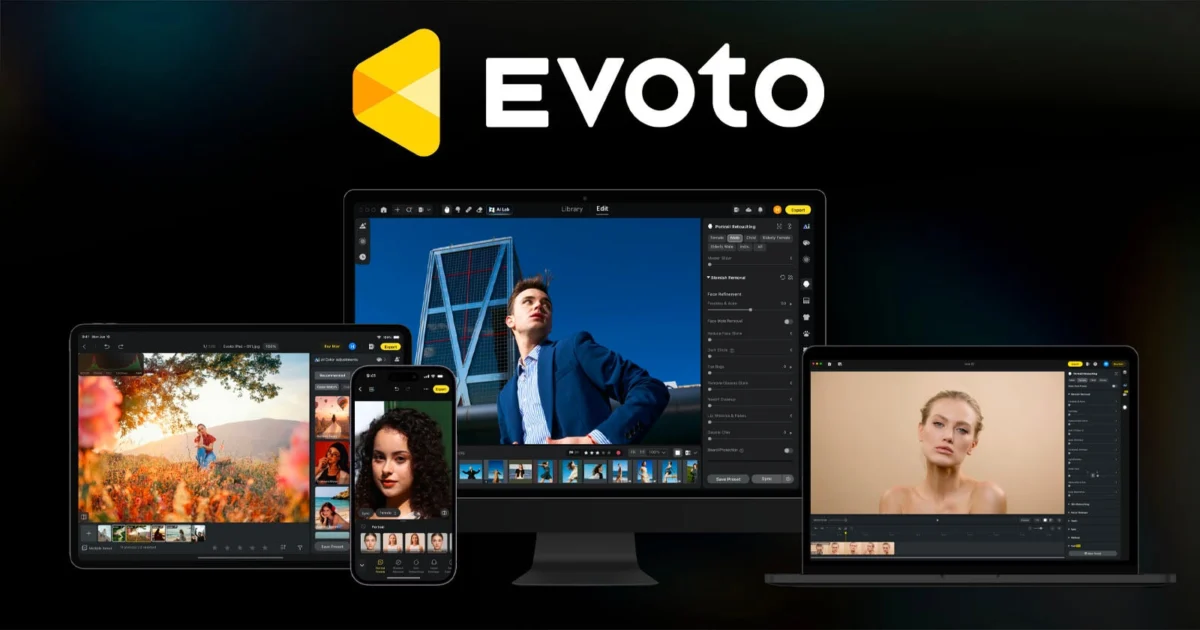
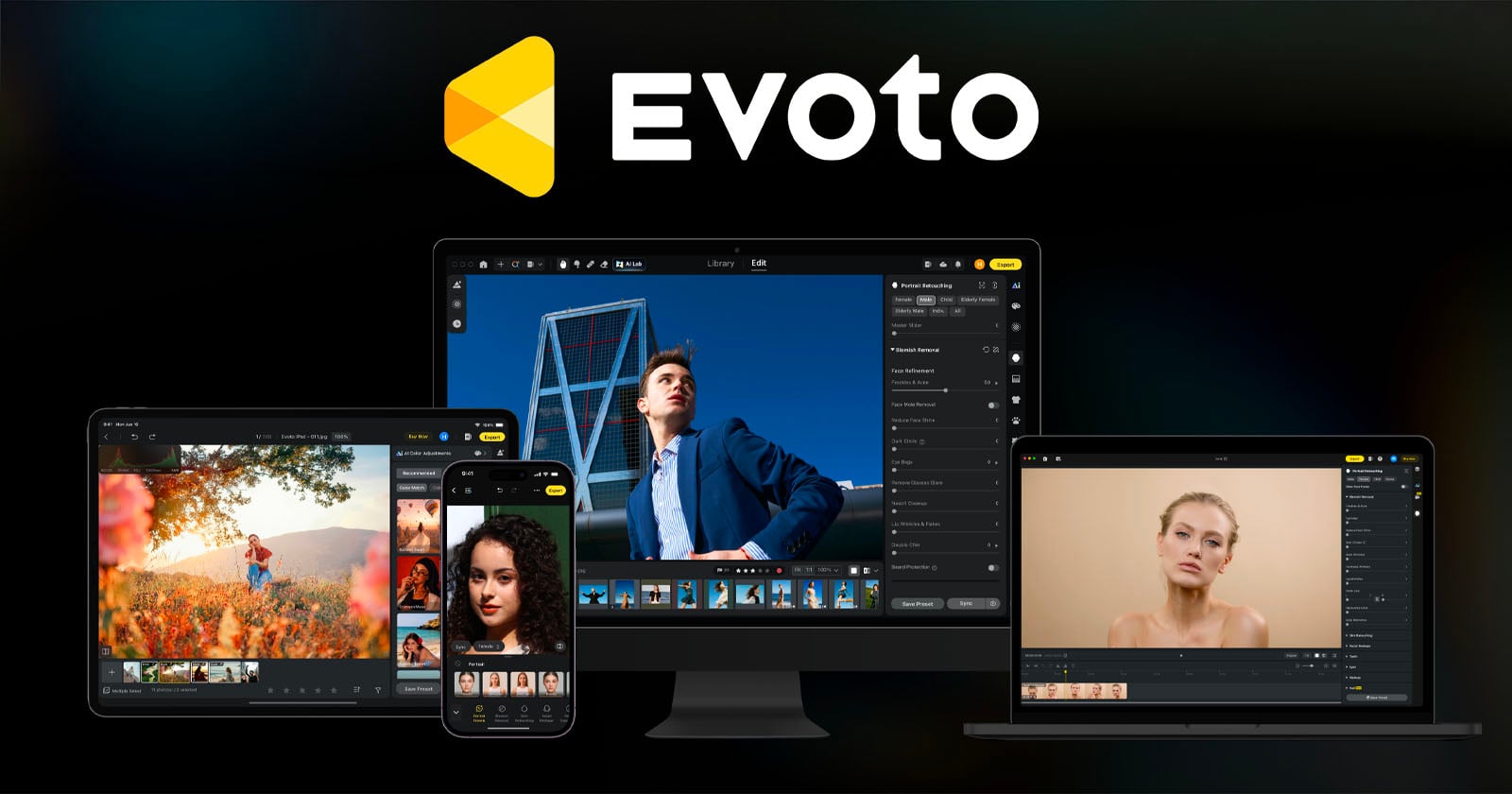
The latest comprehensive update from Evoto, version 8.0, introduces a suite of sophisticated enhancements across its desktop application, mobile platform, and specialized video editing software. This significant release integrates cutting-edge portrait retouching capabilities directly within Blackmagic Design’s DaVinci Resolve, revolutionizes workflow efficiency with story-based intelligent culling, extends functionality with mobile tethering support, and establishes a dynamic new marketplace for presets and creative assets. This pivotal update underscores Evoto’s re-commitment to empowering professional photographers and videographers, following a period of intense scrutiny and strategic recalibration within the burgeoning field of AI-driven creative tools.
A Strategic Reaffirmation of Core Values Amidst Evolving AI Landscape
Evoto’s journey to this 8.0 release has been marked by both ambitious innovation and a crucial course correction. Earlier this year, the company faced considerable backlash from the photography community following the controversial launch of an AI Headshot Generator. This tool, perceived by many as directly competitive with human photographers and a potential threat to their livelihoods, sparked widespread debate and criticism regarding the ethical implications of generative AI in creative industries. The rapid proliferation of generative AI tools across various sectors has consistently raised questions about authorship, intellectual property, and job displacement, and the photography community, highly sensitive to these issues, reacted strongly to Evoto’s initial foray into direct content generation. The perceived attempt to replace human skill with automated processes generated a wave of negative sentiment, threatening to alienate a significant portion of Evoto’s target user base.
In a commendable display of corporate responsiveness, Evoto fully backtracked on its contentious generative AI offering. This significant pivot saw the company redouble its efforts on developing tools specifically designed to support and enhance photographers’ existing workflows, rather than replace them. This strategic realignment was a clear reaffirmation of Evoto’s original mission: to challenge established industry players like Adobe by offering superior, AI-accelerated solutions that streamline the most time-consuming aspects of post-production. The industry’s reaction to this course correction has been largely positive, highlighting a growing consensus that AI’s most valuable role in creative fields lies in augmentation and efficiency, not direct substitution of human artistry. Unlike many companies that often resist acknowledging missteps or shifting away from unpopular moves, Evoto’s willingness to "read the room" and adjust its trajectory has been a key factor in rebuilding trust and demonstrating its dedication to the professional creative community. The Evoto 8.0 release serves as a tangible manifestation of this renewed commitment, focusing on practical, workflow-optimizing features that directly address the pain points of working photographers and videographers, firmly establishing the company as a partner to creatives rather than a competitor.
Revolutionizing Image Selection with Story-Based Culling
One of the most arduous and time-consuming tasks for any professional photographer is culling – the process of reviewing thousands of images from a shoot to select the best ones for editing and delivery. This process, often involving thousands of raw files after a long event like a wedding or large corporate shoot, can consume hours, if not days, of valuable post-production time. Traditional culling methods force photographers to sift through images in the sequential order they were captured, which rarely aligns with the narrative flow or thematic groupings of a multi-faceted event, making logical organization a manual and laborious endeavor.
Evoto 8.0 introduces "Story-Based Culling," an innovative AI-powered system designed to dramatically streamline this often-tedious process. Evoto articulates the challenge: "A wedding photographer finishes a fourteen-hour day with roughly four thousand frames in the order they were captured – the order photographers have always had to start from." Story-Based Culling aims to fundamentally alter this paradigm. The new "Storyline Mode" intelligently organizes a collection of images into user-defined "chapters," allowing photographers to structure their culling around the natural progression of an event. For instance, a wedding shoot can be segmented into chapters like "preparations," "ceremony," "portraits," and "reception," or a corporate event into "keynote speeches," "networking," and "product demonstrations." Crucially, frames that do not clearly fit into a specific chapter are left unassigned rather than forced into an incorrect category, preventing misclassification and maintaining the integrity of the selection process. This ensures that the photographer retains ultimate creative control while benefiting from the AI’s organizational power.
For projects that are less narrative-driven but equally high-volume, such as school photography, product shoots, real estate listings, or corporate headshots, the "General Mode" offers a tailored solution. This mode groups visually similar images by subject, setup, or scene, even if they were captured hours apart. This capability is invaluable for maintaining consistency across a large batch of similar photos, such as individual student portraits, multiple angles of a product for an e-commerce catalog, or consistent headshots for a company directory. The software not only organizes but also highlights the strongest photos from each chapter or group, employing its AI to identify sharpness, expression, and composition, thereby providing a sophisticated starting point for the photographer’s final selections. This approach significantly reduces the initial manual review time, allowing photographers to focus their expertise on the nuanced artistic choices and client-specific preferences rather than repetitive sorting.
)
The benefits extend beyond mere efficiency during the culling phase. By maintaining the narrative structure through the entire workflow, from initial selection to final delivery, Evoto ensures that clients receive a gallery that tells a cohesive story, rather than a disorganized collection of individual images. This enhancement elevates the client experience and reinforces the photographer’s artistic vision. Furthermore, for larger production teams handling high-volume, repetitive tasks, such as regional school portrait companies or large-scale product photography studios, Evoto 8.0 introduces an SDK (Software Development Kit). This SDK connects directly to the Evoto desktop app, enabling teams to script recurring steps such as importing, applying presets, and exporting. This level of automation is transformative for operations where consistency, rapid turnaround, and batch processing are paramount, significantly boosting overall output and reducing manual errors. The Story-Based Culling, combined with the SDK, represents a significant leap forward in workflow optimization, directly addressing the demands of modern professional photography businesses.
Pioneering Portrait Retouching in Video Workflows
Perhaps the most groundbreaking addition in Evoto 8.0 is the introduction of advanced portrait retouching capabilities directly into video footage via Evoto Video. This feature is touted by the company as the "most significant new capability" in the update, addressing a long-standing and complex challenge for videographers and editors. Retouching a single still image is complex enough, requiring meticulous attention to detail and a nuanced understanding of facial anatomy and lighting. However, applying consistent, high-quality portrait enhancements across hundreds or even thousands of individual frames in a video clip has historically been an immensely labor-intensive and technically challenging endeavor, often requiring specialized software, advanced compositing techniques, and a significant investment of time.
Evoto elaborates on this complexity: "Unlike a single image, a video clip consists of hundreds of individual frames. A 30-second clip could contain more than 700 separate frames. Retouching a face consistently as the person moves and the light shifts becomes possible with Evoto Video." The software leverages sophisticated AI algorithms to seamlessly apply retouches across an entire clip, intelligently tracking subjects, adapting to movement, and maintaining consistency in lighting and skin tones. This innovation promises to save countless hours for video editors who previously had to resort to tedious frame-by-frame adjustments, costly rotoscoping, or less precise global effects that often compromised the natural look of the footage.
)
Crucially, Evoto Video’s portrait retouching functionality now works as a native plugin within Blackmagic Design’s DaVinci Resolve (version 19 or later). This direct integration is a game-changer for professional video editors, eliminating the need to export footage to external applications for retouching and then re-importing it. The round-trip process between different software applications can be time-consuming, introduce rendering artifacts, and complicate project management. By keeping the workflow entirely within the primary editing suite, Evoto significantly reduces friction, saves valuable production time, and maintains project integrity, allowing editors to focus on creative storytelling rather than technical workarounds. This strategic integration with a leading professional video editing platform underscores Evoto’s commitment to interoperability and seamless professional workflows, positioning it as a vital tool in modern video production pipelines.
Beyond core retouching, Evoto Video introduces several specialized tools designed to elevate the quality of video portraits with unparalleled precision:
- Hair Shine: This feature dynamically tracks individual strands of hair, enhancing their natural sheen and volume as the subject moves, creating a polished and professional look that reacts realistically to motion and changing light.
- Teeth Whitening: Evoto emphasizes a "conservative" approach with this tool, designed to reduce yellow tones and brighten teeth without stripping away their natural ivory appearance. This careful balance avoids the artificial, overly bleached aesthetic often seen with less sophisticated whitening tools, preserving a natural and healthy look.
- Facial Fullness: Wide-angle lenses or harsh lighting conditions can sometimes flatten facial features in video, making subjects appear less dimensional. This tool intelligently restores natural volume and depth to faces, ensuring they appear natural, well-defined, and true to life even with subject movement or challenging capture environments.
- Color Match: To ensure visual consistency across different cameras, lighting conditions, or locations within a single project, Color Match uses a reference still image to align the color grade across an entire video clip. This is particularly valuable in multi-camera productions, documentary filmmaking, or when integrating stock footage with original content, ensuring a cohesive aesthetic throughout the final product.
This focus on practical, AI-driven solutions for video retouching is a clear manifestation of Evoto’s refined strategy. The company is deliberately moving away from using "AI" as a mere marketing buzzword, instead highlighting the tangible "practical results" that its intelligent algorithms deliver. This shift in emphasis is a direct consequence of the lessons learned from the earlier generative AI controversy, demonstrating a more mature and user-centric approach to technological innovation that prioritizes utility and ethical integration.
Enhanced Mobility with App Tethering and Refined Desktop Tools
)
The Evoto ecosystem is further bolstered by significant updates to its mobile application and core desktop tools, enhancing flexibility and precision across all platforms, thereby catering to the diverse needs of modern photographers who often work both in the studio and on location. The Evoto App now supports tethered capture directly to mobile devices. This functionality allows photographers to connect their cameras to a smartphone or tablet and view images instantly as they are captured, facilitating immediate review, real-time client feedback, and on-the-go adjustments. This is particularly useful for studio shoots where clients can see results instantly, location work where immediate adjustments are needed, or events where real-time monitoring of composition and exposure is crucial.
The mobile app also gains a robust suite of editing capabilities previously confined to the desktop, significantly transforming the mobile device into a powerful extension of a professional’s toolkit. These include:
- Hot Presets: Quick application of favorite editing styles and color grades, enabling rapid consistency.
- Portrait Retouching: The ability to perform sophisticated facial enhancements directly from a mobile device, offering flexibility for immediate delivery or preliminary edits.
- Color Match: Ensuring color consistency across mobile-edited images, especially valuable when working with multiple cameras or varied lighting.
- Full Color Controls: Comprehensive tools for nuanced color grading, allowing for precise adjustments on the go.
- Motion Blur: Artistic effects for dynamic shots, adding creative flair directly from the mobile interface.
- Relight: Adjusting lighting on subjects after capture, a powerful tool for correcting challenging lighting conditions.
These mobile enhancements significantly empower photographers who need to work efficiently while away from their main workstation, ensuring that professional-grade editing is accessible regardless of location.
On the desktop front, Evoto 8.0 introduces numerous refinements to its core AI-powered tools, demonstrating a continuous commitment to algorithmic excellence and subtle, natural-looking enhancements. The algorithms for commonly used retouching tasks have been improved for greater accuracy and subtlety, including:
)
- Freckles and Acne Retouching: More natural and effective blemish removal that preserves skin texture rather than creating an artificial, smoothed appearance.
- Face Shadow Removal: Intelligent brightening and evening of facial lighting, especially useful in challenging backlighting or uneven illumination.
- Clothing Moiré Removal: Eliminating distracting iridescent patterns that can appear in fabrics, a common issue in digital photography.
- Background Liquify: Subtle reshaping of backgrounds for improved composition or to correct minor distortions without affecting the subject.
- Sweat Stain Removal: Discreetly cleaning up imperfections caused by sweat or moisture, particularly relevant for active subjects or warm environments.
- Generative Expand: Expanding image canvases with AI-generated content that seamlessly blends with the original photograph, providing flexibility for cropping or compositional adjustments.
Additionally, desktop users benefit from improved Background Extraction, offering more precise subject isolation, and the introduction of orientation-aware AI Crop. These tools intelligently analyze the image context – including the subject, lighting, color, and environment – to ensure that every correction and adjustment remains true to the original photograph’s integrity and aesthetic. This contextual awareness is a hallmark of Evoto’s AI philosophy, aiming for enhancements that are imperceptible yet impactful, prioritizing realism and artistic intent.
The user experience has also received a significant overhaul. A redesigned Home screen unifies key functionalities like "Create Project," "Tethered Shooting," "Workflow," and "Asset Hub" into a single, intuitive workspace, streamlining navigation and project initiation. Furthermore, "Evobot," Evoto’s in-app assistant, has been upgraded to answer user questions in natural language and directly link to relevant controls, providing immediate and context-sensitive support, further streamlining the learning curve and daily usage.
Launching the Asset Hub: A New Ecosystem for Creative Exchange
A major new initiative accompanying the Evoto 8.0 release is the launch of the Asset Hub, a comprehensive marketplace built directly into the Evoto editor. This hub is designed to be a central repository for creative assets, offering both official Evoto content and a dynamic platform for creators to share and monetize their own work. The Asset Hub provides access to a diverse range of tools, including:
- Presets: Pre-configured editing styles for various looks, from classic film simulations to modern aesthetic trends