The Technological Evolution of Mobile Artistry
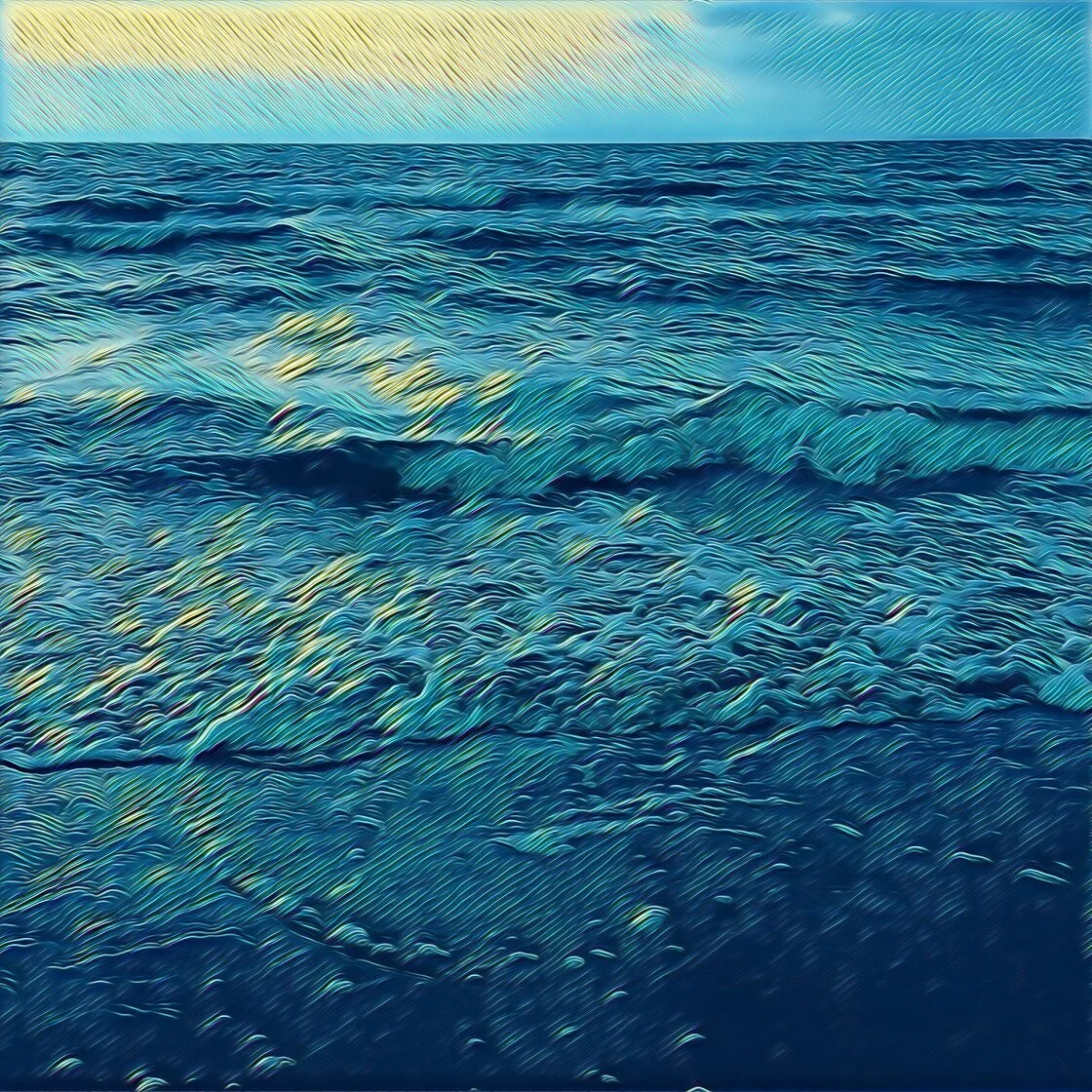
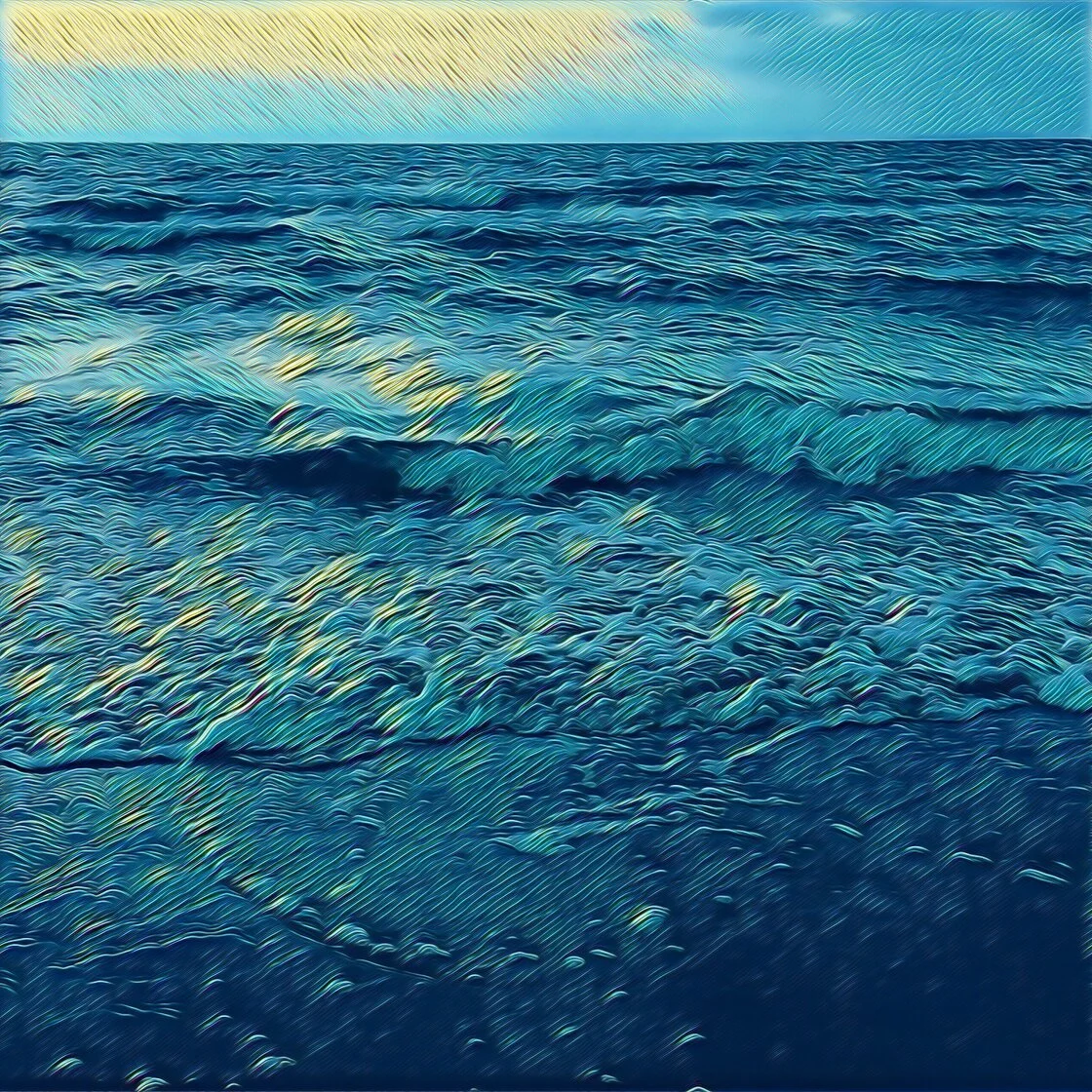
To understand the current state of photo-to-drawing applications, one must examine the chronology of mobile image processing. In the early 2010s, mobile photo editing was largely limited to basic color grading and rudimentary filters popularized by platforms like Instagram. However, the mid-2010s saw a paradigm shift with the introduction of "Style Transfer" technology. This process involves using deep learning to take the visual characteristics of one image—such as a Van Gogh painting—and applying them to the content of another.
The 2016 launch of Prisma served as a watershed moment for the industry. It was among the first consumer-facing applications to move beyond simple pixel manipulation, instead using cloud-based neural networks to "repaint" images from scratch. This sparked a global trend, leading to a surge in development for similar applications that could operate locally on a device’s processor. Today, the integration of Apple’s "Neural Engine" in modern iPhone chips allows these complex calculations to occur in milliseconds, enabling real-time previews of artistic effects that once took minutes to render.
1. Prisma: The Pioneer of AI-Driven Style Transfer
Prisma remains the benchmark for artistic photo transformation. Its primary value proposition lies in its ability to mimic the specific brushstrokes, textures, and color palettes of history’s most renowned artists. Users can select from a library of over 300 styles, including those inspired by the geometric abstractions of Picasso, the expressionist swirls of Edvard Munch, and the surrealist dreamscapes of Salvador Dalí.
Unlike many of its competitors, Prisma does not merely overlay a texture. The application’s engine analyzes the structural components of the photograph—identifying edges, depth, and lighting—and reconstructs the image using the logic of the chosen artistic style. This results in a final product that maintains the integrity of the original subject while adopting an entirely new medium.
While the application is free to download, it operates on a freemium model. The free tier provides access to a rotating selection of filters, but professional-grade features—such as high-definition (HD) saving and the full 300+ style library—require a subscription. For users intending to print their creations on canvas or high-quality photo paper, the HD export feature is a technical necessity to avoid pixelation and artifacts.
2. Clip2Comic: Mastering Line Art and Caricature
While Prisma excels in painterly aesthetics, Clip2Comic has carved a niche as the premier tool for cartoon and comic book transformations. This application focuses on line-heavy styles, utilizing vector-like processing to create clean, high-contrast drawings. It offers 14 distinct sketch styles, ranging from "Realistic Sepia" to classic comic book aesthetics characterized by bold outlines and Ben-Day dots.
Clip2Comic is particularly favored by digital marketers and social media influencers for its "Deform" tool, which allows users to create caricatures by exaggerating facial features or body proportions. Furthermore, the application supports video processing, enabling users to shoot high-frame-rate footage with a cartoon filter applied in real-time. This capability demonstrates the significant processing power of modern iOS devices, as the software must apply complex edge-detection algorithms to 30 or 60 frames per second.
From a business perspective, Clip2Comic offers an integrated ecosystem. Users can order physical prints, posters, or postcards of their digital creations directly through the app’s interface, streamlining the path from digital creation to tangible product.
3. Photoleap: The Prosumer Choice for Creative Layering
Developed by Lightricks—the creators behind the popular Facetune app—Photoleap (formerly Enlight Photoleap) is designed for users who require more granular control over the editing process. It is a sophisticated multi-tool that combines sketch filters with professional-grade features like layers, masking, and blending modes.
The Sketch tool within Photoleap offers a variety of pencil and ink effects, but its true power lies in its localized application. Using the "Eraser" and "Masking" tools, a user can apply a charcoal sketch effect to the background of a portrait while keeping the subject in full, realistic color. This creates a "selective edit" look that is highly effective for artistic storytelling.
Photoleap also integrates advanced AI tools, including text-to-image generation and automated cutout features. This positions the app not just as a filter tool, but as a comprehensive mobile studio for digital artists. The application’s ability to handle multiple layers of high-resolution images makes it a favorite for those creating double-exposure silhouettes and complex digital collages.
4. Painnt: The Comprehensive Library of Effects
For users who prioritize variety above all else, Painnt offers an unparalleled library of over 2,000 filters. This includes a dedicated section of 145 sketch-specific filters, covering everything from technical blueprints to delicate watercolor sketches.
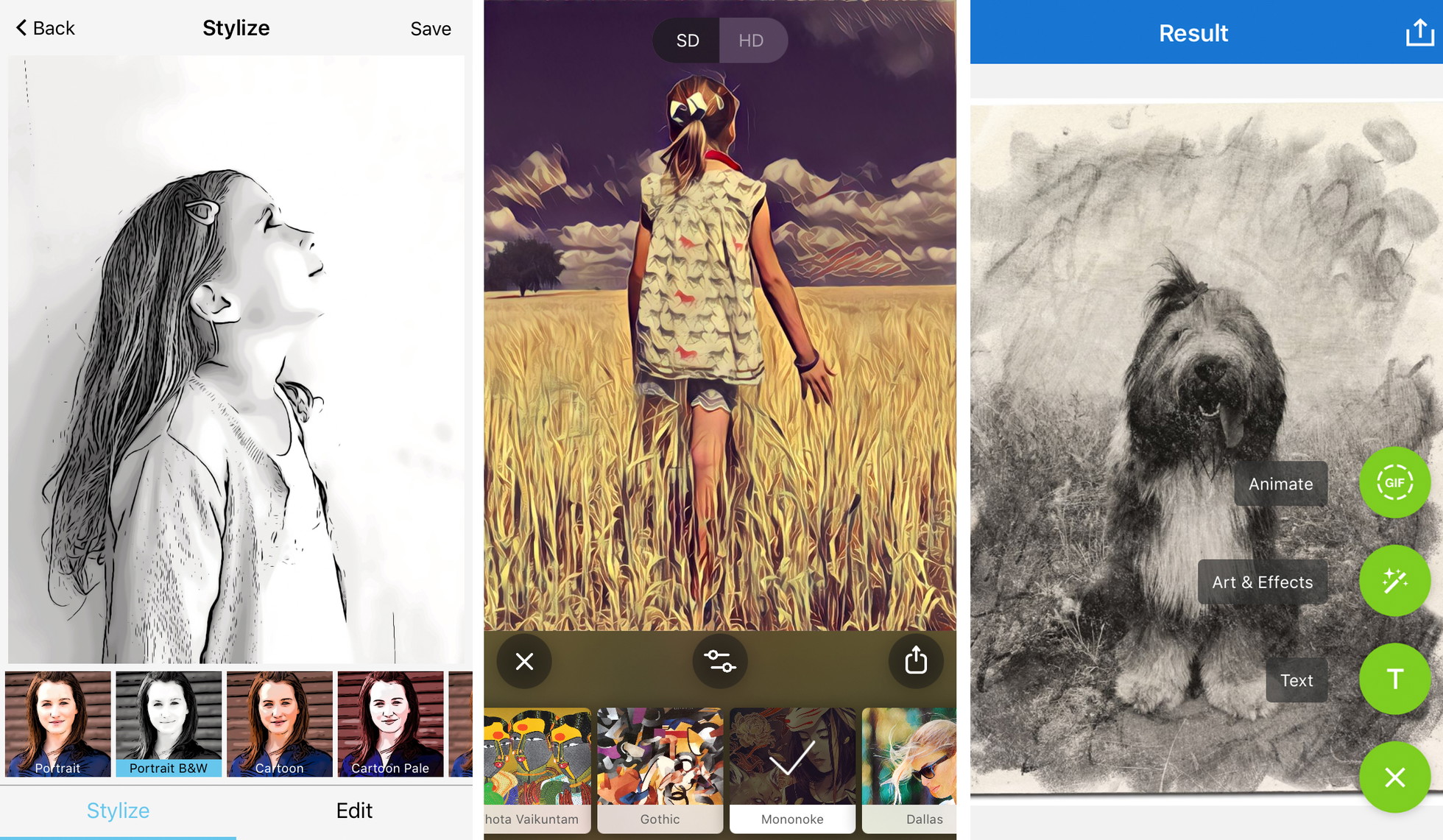
The technical strength of Painnt lies in its customization sliders. Once a filter is selected, the user is presented with a suite of controls to adjust transparency, brightness, contrast, saturation, and "style strength." This prevents the "cookie-cutter" look that often plagues filtered photos, allowing for a unique output every time.
Painnt’s community-driven approach is also a notable feature. The app includes a social feed where users can share their creations, allowing others to see which filters were used and how they were customized. This collaborative element has helped build a robust database of "best practices" for different types of photography, such as landscapes versus portraits.
5. Photo Lab: Realistic Medium Simulation
Photo Lab distinguishes itself through the realism of its medium simulation. While other apps focus on "styles," Photo Lab focuses on "materials." Its filters are designed to replicate the specific look of pen and ink, charcoal, pastel, and crayon. The application’s charcoal filter, for instance, includes the subtle "grain" and "smudge" textures associated with physical charcoal on textured paper.
Beyond individual filters, Photo Lab is a leader in templates and collages. It allows users to place their "sketched" photos into realistic scenes, such as a drawing sitting on a wooden desk or a portrait framed in an art gallery. While it offers fewer manual customization tools than Photoleap, its ease of use makes it highly accessible for casual users who want professional-looking results without a steep learning curve.
Market Trends and Supporting Data
The growth of these applications is supported by significant market data. According to industry reports, the "Photo and Video" category is consistently among the top three most profitable segments in the Apple App Store. The shift toward subscription-based models (SaaS) for these apps reflects a broader trend in the software industry, as developers require recurring revenue to maintain the cloud servers that process AI requests.
A 2023 study on mobile usage patterns indicated that over 60% of social media users engage with some form of augmented reality (AR) or AI-driven image modification before posting. This has created a self-sustaining cycle where the demand for more realistic and unique "artistic" filters drives rapid technological innovation among developers.
Industry Implications and Official Responses
The rise of these tools has prompted a mixed reaction from the traditional art community. Some professional illustrators express concern that AI-driven sketch apps devalue the skill of hand-drawing. However, many digital artists have embraced these tools as a way to "prototype" compositions.
Official statements from companies like Lightricks emphasize the "democratization of creativity." In a recent press release, a spokesperson for the developer noted, "Our goal is not to replace the artist, but to provide every individual with the tools to express their vision, regardless of their technical training in traditional mediums."
From a legal standpoint, the output of these apps has raised questions regarding copyright. Currently, most app terms of service grant the user ownership of the final edited image, though the underlying "style" remains the intellectual property of the software developer. As AI continues to evolve, the legal framework surrounding "AI-assisted art" remains a subject of ongoing debate in international courts.
Best Practices for Professional-Grade Results
To achieve high-quality results that transcend the "filtered" look, industry experts recommend several strategic approaches:
- Compositional Simplicity: Sketch filters rely on edge detection. Photos with cluttered backgrounds often result in messy, indistinguishable lines. A clean subject with high contrast against the background will produce the sharpest "drawing."
- Subject-Style Alignment: The mood of the photo should dictate the filter. Moody, low-key portraits are best served by charcoal or graphite effects, while high-energy action shots are better suited for vibrant, pop-art cartoon styles.
- Intensity Modulation: The most common mistake in mobile editing is applying a filter at 100% strength. Reducing the filter intensity to 70-80% often allows some of the original photographic detail to peek through, creating a more sophisticated, "mixed media" appearance.
- Resolution Management: For users intending to move their work from the screen to a physical medium, saving at the highest possible resolution is non-negotiable. Most free versions of these apps downsample images to 72 or 96 DPI (dots per inch), which is insufficient for printing. A minimum of 300 DPI is required for a professional print.
- Watermark Removal: In a professional or journalistic context, watermarks are seen as a distraction. Investing in the premium version of an app to remove branding is essential for maintaining the aesthetic integrity of the artwork.
The Future of Mobile Artistic Expression
As we look toward the future, the integration of Generative AI is expected to further blur the lines between photography and drawing. Future iterations of these apps will likely allow for "semantic editing," where a user can tell the app to "render the sky in the style of Monet, but keep the house in a sharp architectural sketch style."
The 5 apps highlighted—Prisma, Clip2Comic, Photoleap, Painnt, and Photo Lab—represent the current pinnacle of this technology. They offer a powerful synthesis of art and science, allowing the millions of iPhone users worldwide to transform their daily captures into enduring works of digital art. As mobile processing power continues to increase, the only limit to these tools will be the imagination of the users themselves.