The global mobile photography market has undergone a seismic shift over the last decade, transitioning from a niche hobby to a dominant form of visual communication. As of 2024, it is estimated that over 90% of all digital photos are taken with smartphones, with the iPhone remaining the primary tool for both casual users and professional creators. The hardware advancements in Apple’s "Pro" line, including ProRAW capabilities and high-resolution sensors, have created a demand for sophisticated software that can process these massive data files. While the native iOS Photos app provides basic adjustments, a specialized ecosystem of third-party applications has emerged to offer desktop-class precision. This report identifies and analyzes the ten most effective photo editing applications currently available for the iPhone, evaluating their technical capabilities, market positioning, and utility for various photography styles.
The Evolution of Mobile Post-Processing: A Brief Chronology
To understand the current state of iPhone photo editing, one must look at the trajectory of the App Store. When the App Store launched in 2008, photo apps were limited to basic color filters. The 2010 launch of Instagram introduced the concept of "lo-fi" aesthetics, but it was the 2012 acquisition of Snapseed by Google and the subsequent release of VSCO that signaled the arrival of "serious" mobile editing.
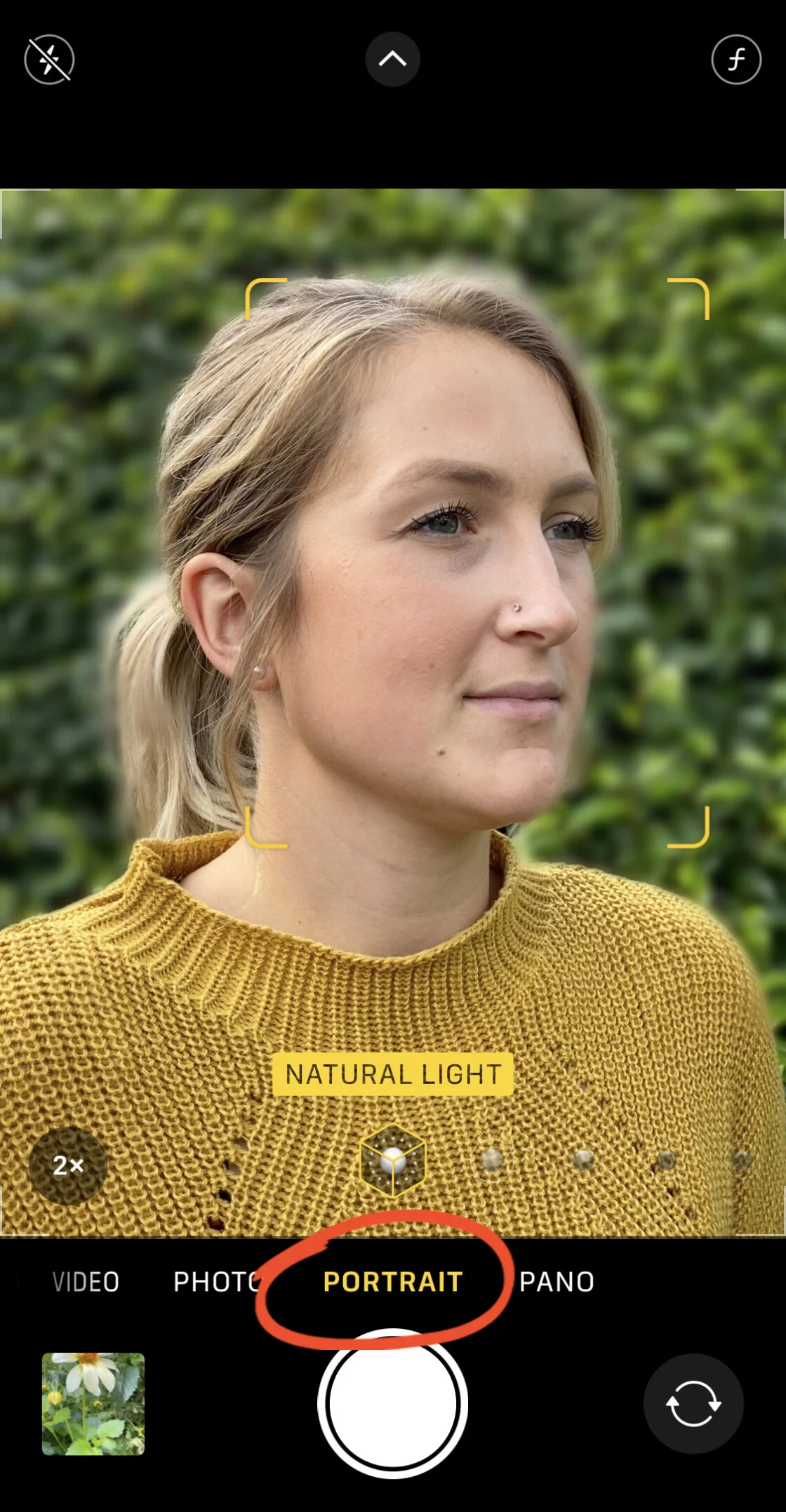
By 2017, Apple’s introduction of the HEIF (High Efficiency Image File) format and the expansion of the "Portrait Mode" API allowed developers to access depth data. This period saw the rise of apps like TouchRetouch and Lens Distortions, which utilized computational photography to emulate expensive optical effects. Today, the integration of Artificial Intelligence (AI) and Machine Learning (ML) has moved the industry toward "generative editing," where software can intelligently remove objects or reconstruct lighting with minimal user input.
1. Snapseed: The Gold Standard for Comprehensive Mobile Editing
Originally developed by Nik Software and later acquired by Google, Snapseed remains the most recommended app for general-purpose editing. Its primary appeal lies in its "U Point" technology, which allows users to place control points on specific areas of an image to adjust brightness, contrast, and saturation selectively.
Unlike many competitors, Snapseed is entirely free and lacks a subscription model, making it a staple for beginners. However, its technical depth—including a full-featured RAW develop module and non-destructive editing layers (Stacks)—ensures it remains in the kits of professional photographers. The app’s ability to "view edits" and modify individual steps in the processing chain mirrors the workflow of high-end desktop software like Adobe Camera Raw.
2. Adobe Lightroom: Desktop-Class Precision for the iOS Ecosystem
Adobe Lightroom for mobile is more than a standalone editor; it is a gateway to the Adobe Creative Cloud ecosystem. For professionals who require a seamless transition between mobile and desktop, Lightroom is the industry standard. The app’s strength lies in its ability to handle large RAW files and its sophisticated color grading tools.
Recent updates have integrated Adobe’s "Firefly" AI technology, allowing for advanced "Generative Remove" features and intelligent masking of subjects, skies, and backgrounds. Market data indicates that Lightroom’s subscription model, while a point of contention for some, has facilitated a 25% year-over-year growth in mobile user retention by providing cloud storage and cross-device synchronization.
3. VSCO: Aesthetic Mastery and the Film Simulation Trend
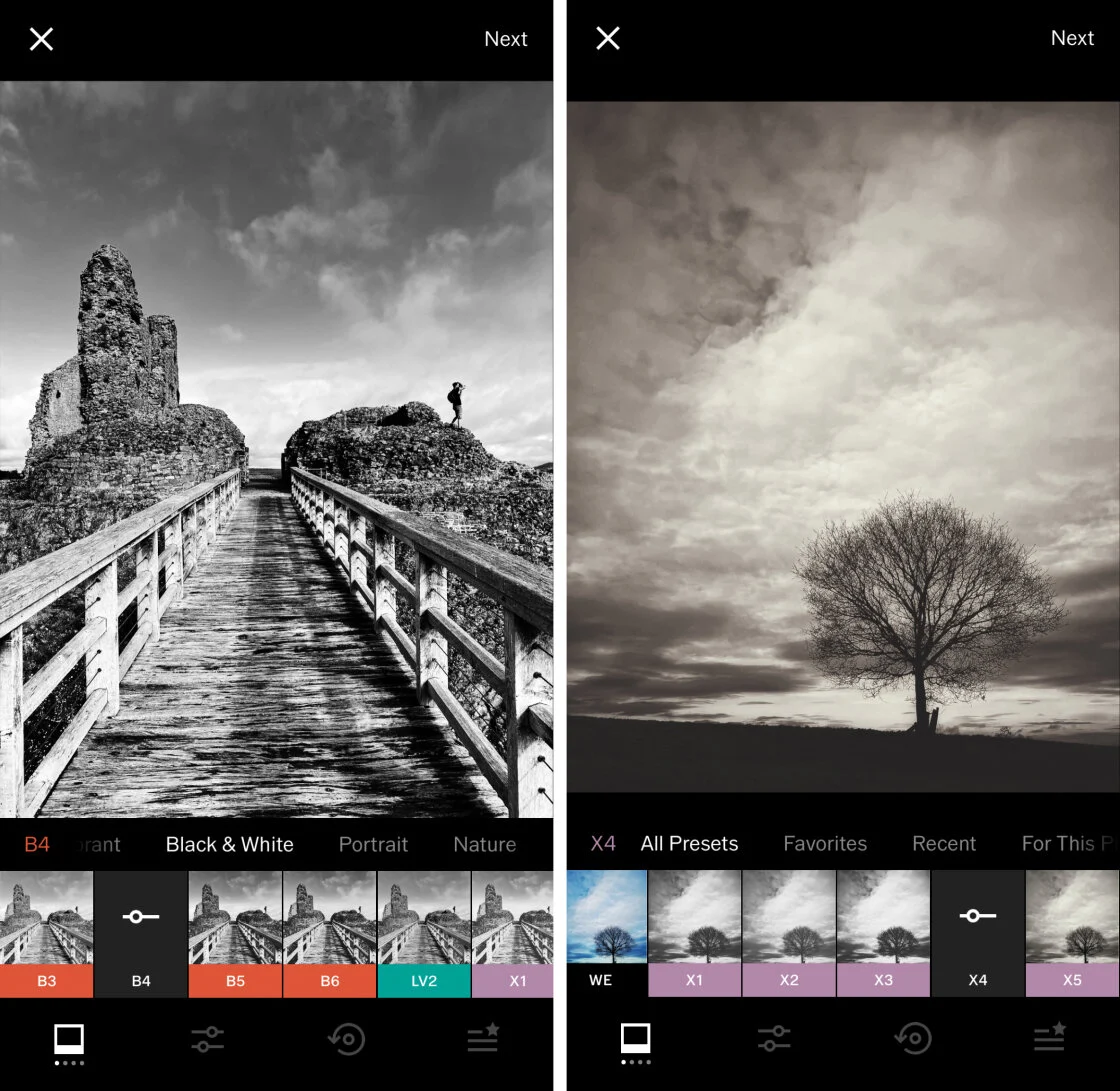
VSCO (Visual Supply Company) carved out its market share by focusing on the "film look." In an era of over-saturated digital images, VSCO offered subtle, high-quality presets that emulated classic film stocks from Kodak, Fuji, and Agfa.
The app operates on a "freemium" model, where the core tools are free, but the full library of over 200 presets is gated behind a VSCO Pro membership. This membership has proven successful; the company reported reaching over 2 million paid subscribers as of 2022. VSCO is particularly favored by the "lifestyle" and "fashion" photography sectors, where a consistent, understated aesthetic is paramount.
4. TouchRetouch: Specialized Object Removal and Content-Aware Fill
While many apps include a "healing" tool, TouchRetouch is a specialized utility dedicated entirely to the removal of unwanted elements. Using sophisticated content-aware fill algorithms, the app allows users to remove power lines, blemishes, or entire background figures with a single stroke.
In a professional context, TouchRetouch serves as a "surgical" tool. Its "Line Removal" feature is particularly noted for its accuracy, as it can detect the edges of a wire and replace it with surrounding textures without creating the "smudging" effect common in lower-quality apps. For a one-time purchase price of approximately $3.99, it represents a high-value investment for photographers who shoot in cluttered urban environments.
5. Carbon: The Specialist for Monochrome Excellence
Black and white photography requires a different approach to tonal range and contrast than color photography. Carbon is designed specifically for this niche. It offers a variety of monochrome presets that focus on grain structure, silver-halide emulation, and high-contrast "noir" aesthetics.
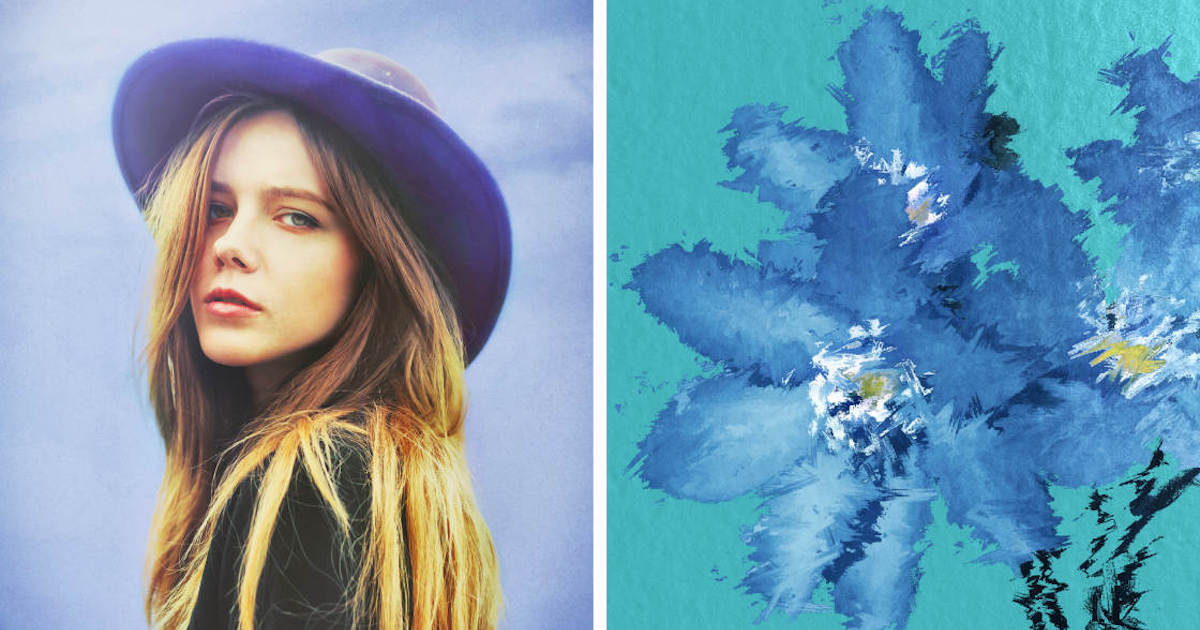
Carbon’s utility is found in its "Kuwahara" tool and artistic textures, which allow digital photos to take on a painterly, tactile quality. In a market saturated with color-heavy social media content, the resurgence of monochrome photography via apps like Carbon reflects a broader trend toward "timeless" and "minimalist" digital art.
6. Afterlight: Versatility for the Creative Hobbyist
Afterlight positions itself as the "all-in-one" solution for users who want both professional tools and creative overlays. It features advanced curves adjustments and selective color tools, alongside a library of light leaks, dust textures, and frames.
The app’s "Double Exposure" tool is one of the most intuitive on the market, allowing users to blend images with various transparency modes. Afterlight’s subscription model provides weekly updates to its filter library, catering to a demographic that values constant variety and social media trends.
7. Mextures: Non-Destructive Layering and Texture Blending
Mextures is unique for its "formula-based" workflow. Every adjustment made—from a grain overlay to a color gradient—is treated as a separate, movable layer. This allows for an infinite number of combinations and the ability to save "formulas" to apply to future photos.
The app is highly regarded for its "grit and grain" aesthetic, often used by landscape and architectural photographers to add mood and atmosphere. The community-driven aspect of Mextures, where users share their formulas, has created a robust ecosystem of "Mextures-certified" creators.
8. Lens Distortions: Harnessing the Power of Optical Overlays
Lens Distortions differs from other "filter" apps by using actual photographic elements to create its overlays. Rather than generating digital fog or flares, the app uses high-resolution captures of real sunlight, rain, and snow.
This commitment to "optical authenticity" makes the app a favorite for landscape photographers looking to enhance atmospheric conditions. The app’s "Glass" and "Shimmer" effects provide a way to add foreground interest to images that might otherwise feel flat. While the basic version is free, the "LD+" subscription offers access to professional-grade assets used in commercial film and photography.
9. Superimpose X: The Mobile Digital Art Studio
For those interested in "compositing"—the act of combining multiple images into a single piece—Superimpose X is the most powerful tool available on iOS. It supports multiple layers, advanced masking (including AI-based subject selection), and blending modes that rival Adobe Photoshop.
The app is frequently used for creating "surrealist" art and complex social media graphics. Its ability to handle high-resolution masks and preserve transparency (PNG support) makes it an essential tool for digital artists who have moved their entire workflow to the iPad and iPhone.
10. Instagram: The Final Polish and Social Integration
While primarily a social network, Instagram’s internal editing suite remains one of the most used globally. For many users, the "Lux" tool—which intelligently balances exposure and contrast—is the only adjustment they need.
Instagram’s filters are designed for maximum impact on mobile screens. While it lacks the technical depth of Lightroom or Snapseed, its role as the "final stop" in the photography workflow cannot be ignored. The integration of "Stories" and "Reels" editing tools further cements its position as a central hub for mobile content creation.
Market Analysis and Economic Impact
The shift toward mobile editing has significant economic implications. The "App Store Economy" has enabled small development teams to compete with giants like Adobe. However, the industry-wide move toward subscription models (SaaS) has changed consumer behavior. According to data from Sensor Tower, photo and video apps consistently rank in the top three categories for consumer spending on the App Store.
Professional reactions to this shift are mixed. While many veteran photographers argue that mobile apps cannot replace the color accuracy of a calibrated monitor, the "good enough" threshold for digital delivery has been surpassed. News organizations and social media agencies now frequently require "mobile-first" workflows to meet the demand for real-time content.
Broader Impact and Future Outlook
The future of iPhone photo editing is inextricably linked to Artificial Intelligence. We are moving away from "global adjustments" (editing the whole photo) toward "semantic editing" (editing specific objects recognized by the software). As Apple continues to enhance its Neural Engine in the A-series chips, we can expect:
- Real-time Generative Lighting: The ability to change the direction of light in a photo after it has been taken.
- Automated Aesthetic Matching: AI that analyzes a user’s previous edits to automatically apply a consistent style to new photos.
- Holographic and Spatial Processing: With the launch of Vision Pro, editing apps will likely evolve to handle 3D and spatial metadata.
In conclusion, the "best" app is defined by the user’s intent. For pure technical correction, Snapseed and Lightroom are unparalleled. For aesthetic storytelling, VSCO and Carbon lead the field. For creative manipulation, Superimpose X and Mextures offer infinite possibilities. As hardware and software continue to merge, the distinction between a "phone photo" and a "professional photo" will continue to dissolve, democratizing the art of high-end photography for millions worldwide.