The intersection of mobile technology and fine art has undergone a profound transformation over the last decade, moving beyond simple color adjustments to sophisticated algorithmic transformations. As the hardware capabilities of the iPhone have expanded, so too has the software ecosystem, enabling users to convert standard digital photographs into complex sketches, charcoal drawings, and oil paintings with a single tap. This evolution represents a significant shift in the "creator economy," democratizing artistic expression for millions of users who may lack formal training in traditional media. The current landscape of mobile applications offers a variety of tools that leverage neural networks and advanced image processing to bridge the gap between photography and illustration.
The Technological Shift in Mobile Photography
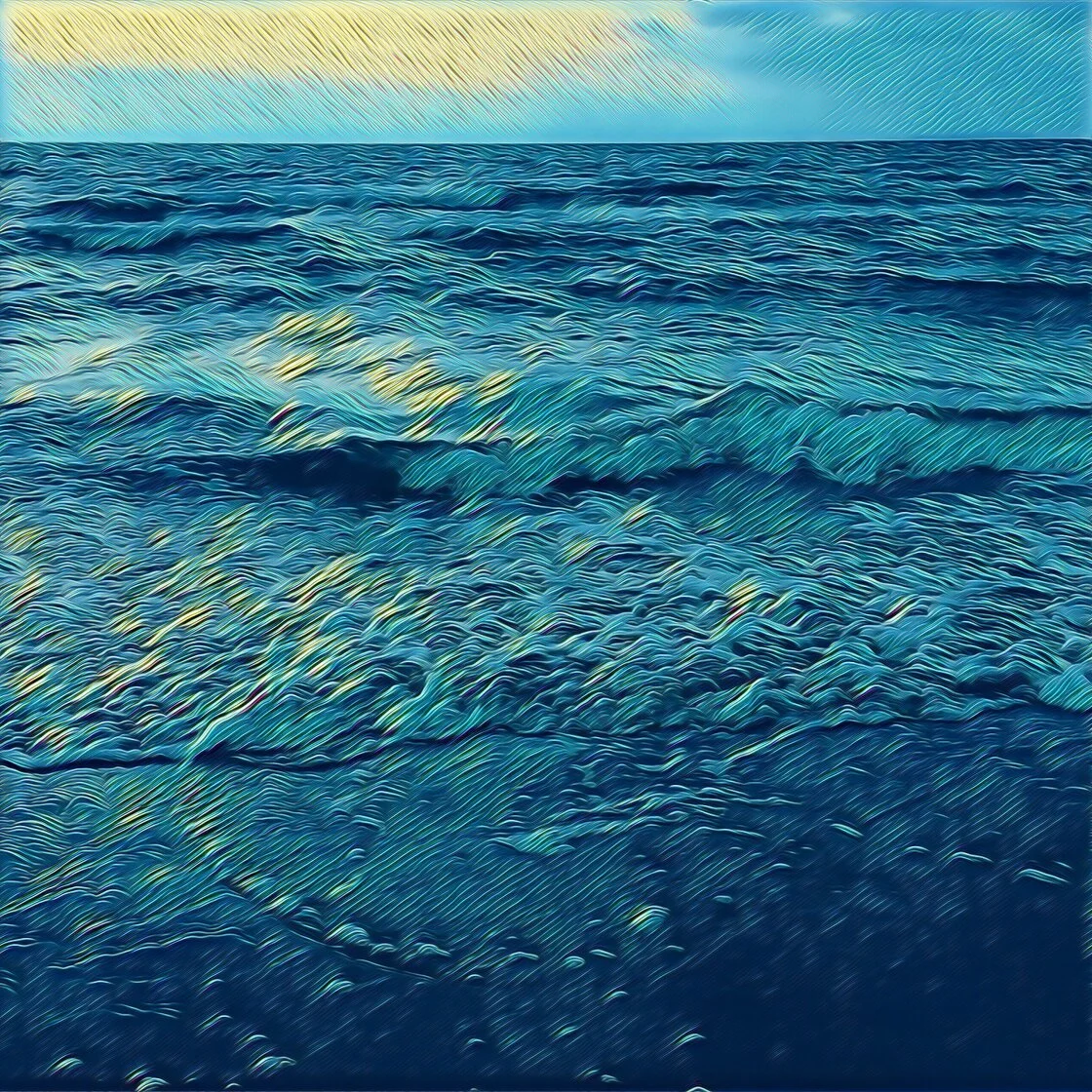
The transition from basic filters to "artistic intelligence" began in earnest around 2016 with the introduction of neural style transfer (NST). Unlike traditional filters that simply overlay a color grade or texture, NST uses deep learning to analyze the "style" of one image—such as a Van Gogh painting—and apply it to the "content" of a photograph. This technological leap allowed developers to create apps that do not merely mimic drawings but actually reconstruct images from the ground up using the brushstrokes, line weights, and shading techniques of master artists.
Market data from the App Store indicates that the "Photo and Video" category consistently remains one of the most profitable and high-volume sectors. As of 2024, creative tools that offer "AI-powered" or "sketch-based" transformations have seen a 25% year-over-year increase in user engagement, reflecting a growing public interest in stylized digital content for social media and personal branding.
Top-Tier Applications for Artistic Transformation
The following analysis details the five leading applications currently available on the iOS platform, evaluated based on their algorithmic sophistication, user interface, and output quality.
1. Prisma: Neural Style Transfer and Fine Art
Prisma remains the gold standard for users seeking to emulate the specific aesthetics of history’s most renowned painters. Developed by Prisma Labs, the app gained global notoriety shortly after its launch for its ability to turn mundane snapshots into works reminiscent of Picasso, Munch, and Salvador Dalí.
The app’s primary strength lies in its library of over 300 artistic styles. While the basic version is free, the premium subscription model provides access to the full repository and allows for high-definition (HD) processing. Critically, Prisma has moved much of its processing to the device itself (on-device AI), which improves privacy and speed compared to its early iterations that required cloud-based rendering. Users can fine-tune the intensity of the effect by swiping across the screen, allowing for a blend between the original photograph and the artistic rendering.
2. Clip2Comic: The Intersection of Pop Art and Caricature
For users focused on the aesthetics of graphic novels and comic books, Clip2Comic offers a specialized toolset. Unlike Prisma’s focus on fine art, Clip2Comic prioritizes clean line work, vibrant cel-shading, and ink-heavy silhouettes. This app is particularly popular among content creators who produce digital avatars or "storyboard" style social media posts.
A standout feature of Clip2Comic is its real-time preview mode. By utilizing the iPhone’s camera API, the app allows users to see the cartoon world through the viewfinder before the photo is even taken. Furthermore, the app includes a "Deform" tool, which enables the creation of caricatures by stretching or compressing specific facial features. Digital art analysts note that Clip2Comic’s high-resolution export options make it a preferred choice for users intending to print their creations on physical media, such as posters or apparel.
3. Photoleap: The Professional Suite for Creative Compositing
Developed by Lightricks—the creators of the popular Facetune app—Photoleap (formerly Enlight Photofox) is a comprehensive editing suite that treats the iPhone as a professional workstation. While it includes robust "Sketch" and "Urban" tools for drawing effects, its true power lies in its layer-based editing system.
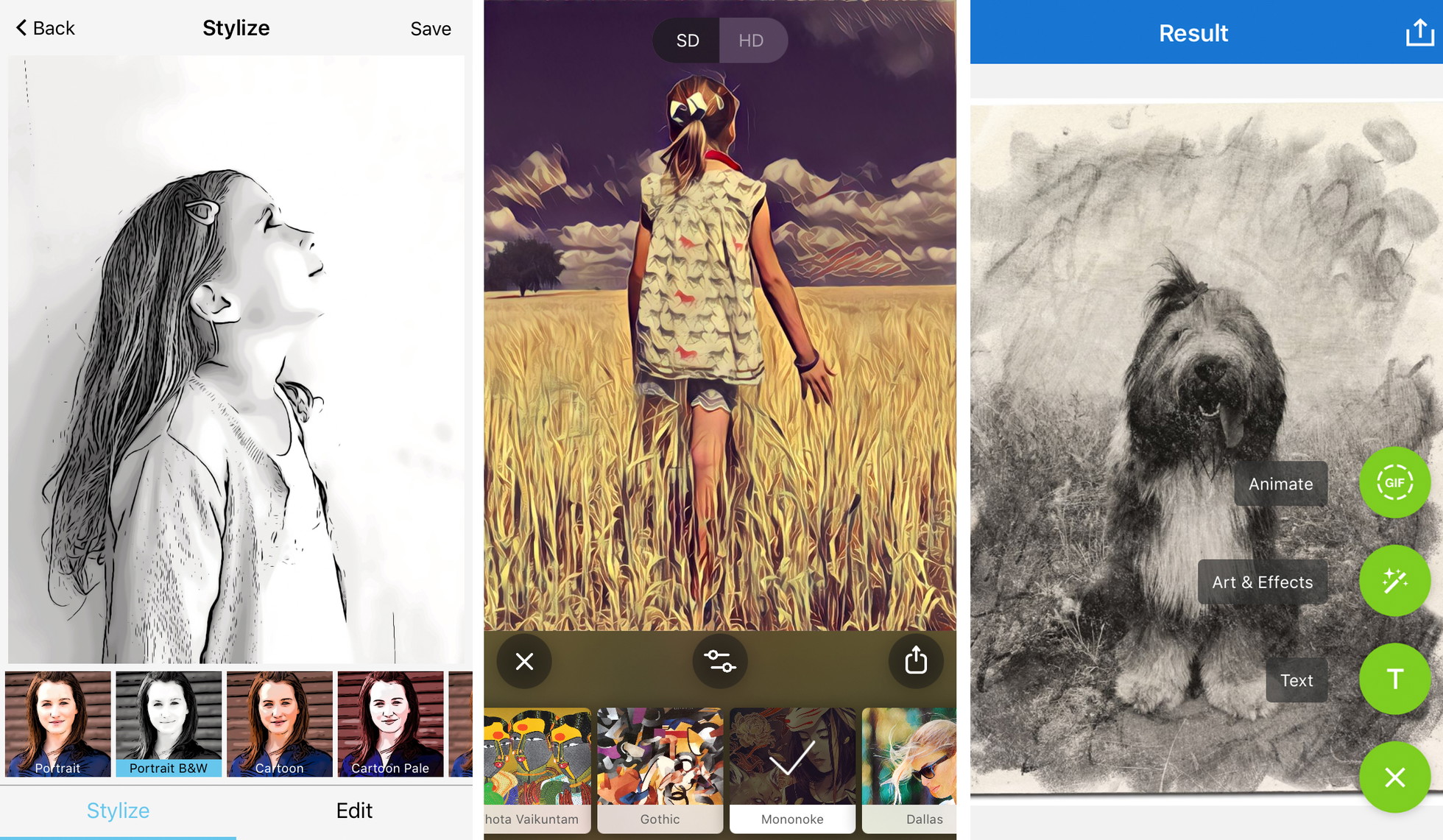
Photoleap allows users to apply a sketch filter to a specific subject while maintaining the original photograph in the background, or vice versa. This "masking" capability is essential for creating double-exposure effects and surrealist compositions. According to developer statements from Lightricks, the goal of Photoleap is to "bridge the gap between amateur editing and professional software like Adobe Photoshop." The app’s integration of AI-generated assets also allows users to add elements to their drawings that were never present in the original photo.
4. Painnt: Quantitative Superiority in Filter Selection
Painnt distinguishes itself through the sheer volume of its library, boasting over 2,000 filters categorized by genre, medium, and era. It offers 145 dedicated sketch filters, ranging from technical architectural drawings to soft graphite portraits.
The app functions as a community-driven platform where users can share their "outputs" and discover new styles. The level of granular control in Painnt is significant; users can adjust the transparency, brightness, contrast, and saturation of the applied style, as well as the "stroke size" and "compositional weight." This level of customization ensures that two users applying the same filter to the same photo can achieve vastly different results.
5. Photo Lab: Realistic Medium Emulation and Layouts
Photo Lab focuses on the traditional mediums of artistry—pencil, pen and ink, charcoal, and crayon. While other apps may lean toward the "digital" look, Photo Lab’s algorithms are designed to mimic the physical imperfections of hand-drawn art, such as the grain of charcoal or the bleed of fountain pen ink.
Beyond individual photo transformations, Photo Lab includes a massive collection of "frames" and "montages," allowing users to place their sketches into realistic contexts, such as a drawing sitting on a wooden easel or a sketch in an open notebook. This contextualization has made the app a favorite for the "scrapbooking" community and those looking to create digital gifts.
Market Analysis and Industry Trends
The proliferation of these apps is part of a broader trend toward "Generative Art." Industry analysts suggest that the market for creative mobile software will continue to grow as Apple integrates more powerful Neural Engines into its A-series and M-series chips. The demand for these tools is driven by three primary factors:
- Social Media Saturation: With billions of photos uploaded daily, users are seeking "visual differentiation" to stand out in crowded feeds.
- The Rise of the "Prosumer": High-quality mobile cameras have turned hobbyists into "prosumers" who demand professional-grade post-processing tools.
- Monetization of Digital Assets: The rise of digital marketplaces has created a secondary economy where users sell stylized prints and digital art generated via mobile apps.
Chronology of Mobile Creative Tools
To understand the current state of photo-to-sketch apps, one must look at the timeline of mobile image processing:
- 2010: Instagram launches, introducing the concept of "one-tap" filters to the mainstream.
- 2012-2014: Early sketch apps appear on the App Store, but they are limited to basic edge-detection algorithms, often resulting in "messy" or unrealistic outlines.
- 2016: Prisma launches and goes viral, proving that neural networks can create high-fidelity artistic transformations on a mobile device.
- 2018-2020: Developers like Lightricks and Digital Masterpieces (Clip2Comic) refine on-device processing, allowing for high-resolution 4K exports and real-time video filters.
- 2021-Present: Integration of "Text-to-Image" AI and advanced masking tools allows for hybrid creations that combine photography, manual drawing, and AI generation.
Expert Methodologies for Optimal Artistic Results
Journalistic inquiry into the community of professional mobile artists reveals that the best results are rarely achieved through a single tap. Experts recommend a five-step methodology for turning a photo into a high-quality drawing:
- Compositional Simplification: Sketch filters perform best on images with clear subjects and high contrast. Busy backgrounds often "clutter" the line work.
- Intentional Mood Selection: Users should match the filter to the emotional tone of the subject. Charcoal and graphite suit somber or dramatic portraits, while vibrant comic styles suit action or high-energy scenes.
- Iterative Customization: The "strength" slider is the most important tool. Reducing the intensity to 70-80% often allows some of the original photo’s detail to shine through, creating a more "realistic" hybrid look.
- Resolution Management: For users intending to print, the "Premium" versions of these apps are often a technical necessity, as free versions frequently downscale images to 72dpi, which is insufficient for physical reproduction.
- Post-Filter Retouching: Many artists use a secondary app (like Snapseed or Lightroom) to adjust the final exposure and sharpness of the "drawing" after the filter has been applied.
Broader Impact and Implications
The rise of apps that turn photos into drawings has sparked a debate within the traditional art community regarding the "value" of digital vs. manual labor. However, proponents argue that these tools serve as a "gateway" to traditional arts, encouraging users to learn about composition, lighting, and style.
From a journalistic perspective, the data suggests that these applications are not replacing artists but are instead creating a new category of "hybrid media." As mobile hardware continues to evolve, the line between a captured photograph and a rendered drawing will likely continue to blur, leading to a future where "photography" is merely the first step in a much longer creative process. The 5 apps discussed here represent the current peak of this technological trajectory, providing users with the power of an art studio in the palm of their hand.