The transition of the iPhone from a simple communication device to a sophisticated imaging tool has fundamentally altered the landscape of digital photography. While the device is celebrated for its "point-and-shoot" simplicity, a growing cohort of professional photographers and enthusiasts are bypassing the automated settings to utilize manual controls that rival the capabilities of traditional Digital Single-Lens Reflex (DSLR) cameras. This evolution is driven by a combination of hardware iterations—such as the introduction of multi-lens systems and larger sensors—and computational photography, which uses software to overcome the physical limitations of mobile optics. To achieve professional-grade results, users must master the intricacies of depth of field, exposure, shutter speed, ISO, and white balance.
The Evolution of Mobile Imaging and Computational Photography
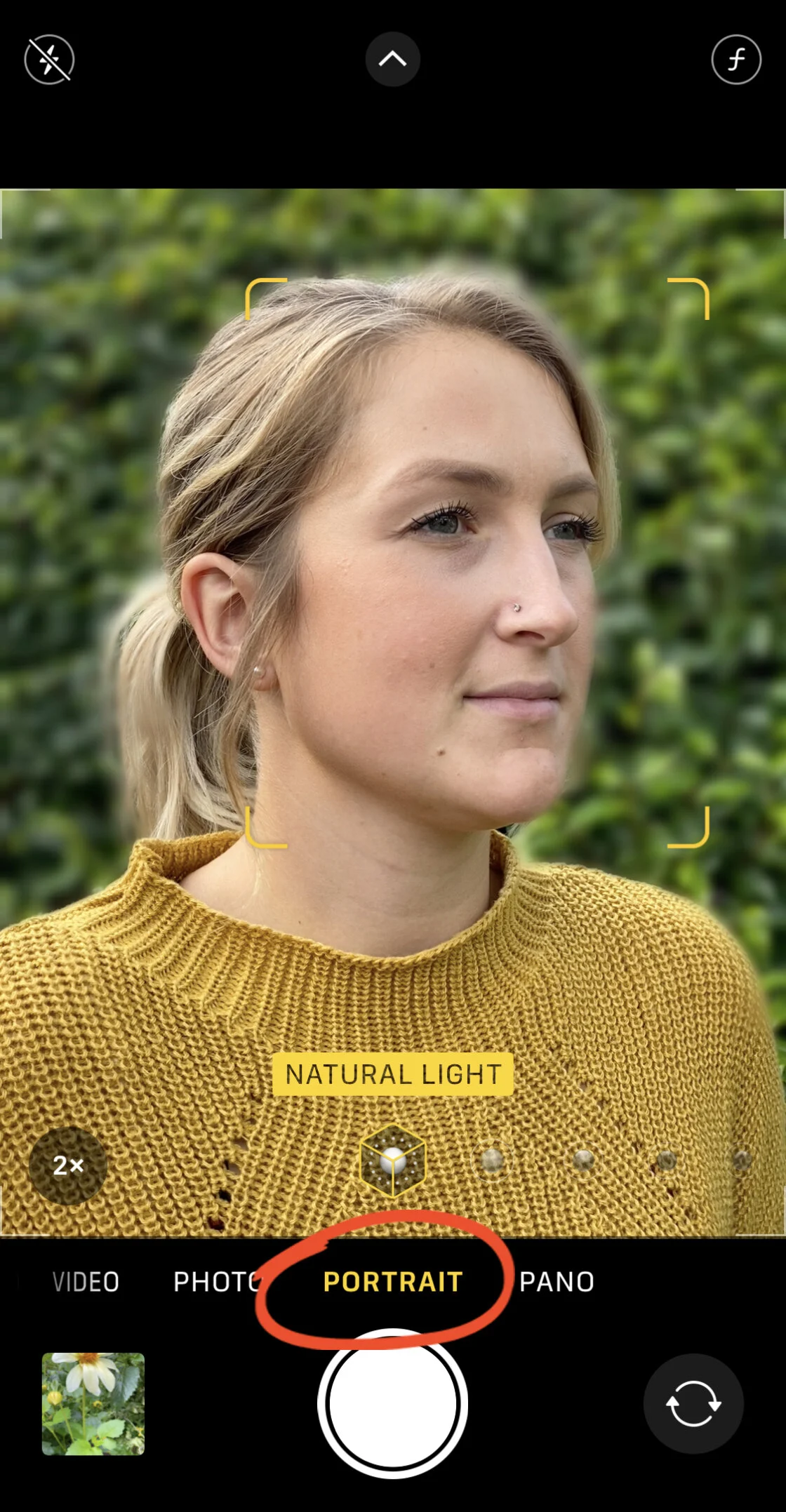
Since the debut of the iPhone in 2007, Apple has progressively integrated features that cater to the "prosumer" market. A pivotal moment occurred in 2016 with the launch of the iPhone 7 Plus, which introduced the dual-lens system and "Portrait Mode." This feature utilized a depth map generated by two different focal lengths to simulate the "bokeh" or background blur typically reserved for wide-aperture lenses on full-frame cameras.
In subsequent years, the introduction of the A-series Bionic chips enabled "Smart HDR" and "Deep Fusion," technologies that analyze millions of pixels per second to optimize detail and dynamic range. According to industry data from CIPA (Camera & Imaging Products Association), the rise of high-capability smartphones has contributed to an 87% decline in the global shipment of digital cameras between 2010 and 2020. This shift underscores the importance of mastering manual controls, as the smartphone has effectively become the primary camera for the majority of the world’s population.
Mastering Depth of Field and the Portrait Paradigm
One of the most sought-after aesthetics in photography is a shallow depth of field, where the subject remains sharp while the background is rendered in a soft blur. On a traditional DSLR, this is achieved physically by opening the lens aperture (low f-number). Because iPhone lenses have a fixed aperture, Apple utilizes computational photography to achieve this effect.
Software-Based Depth Control
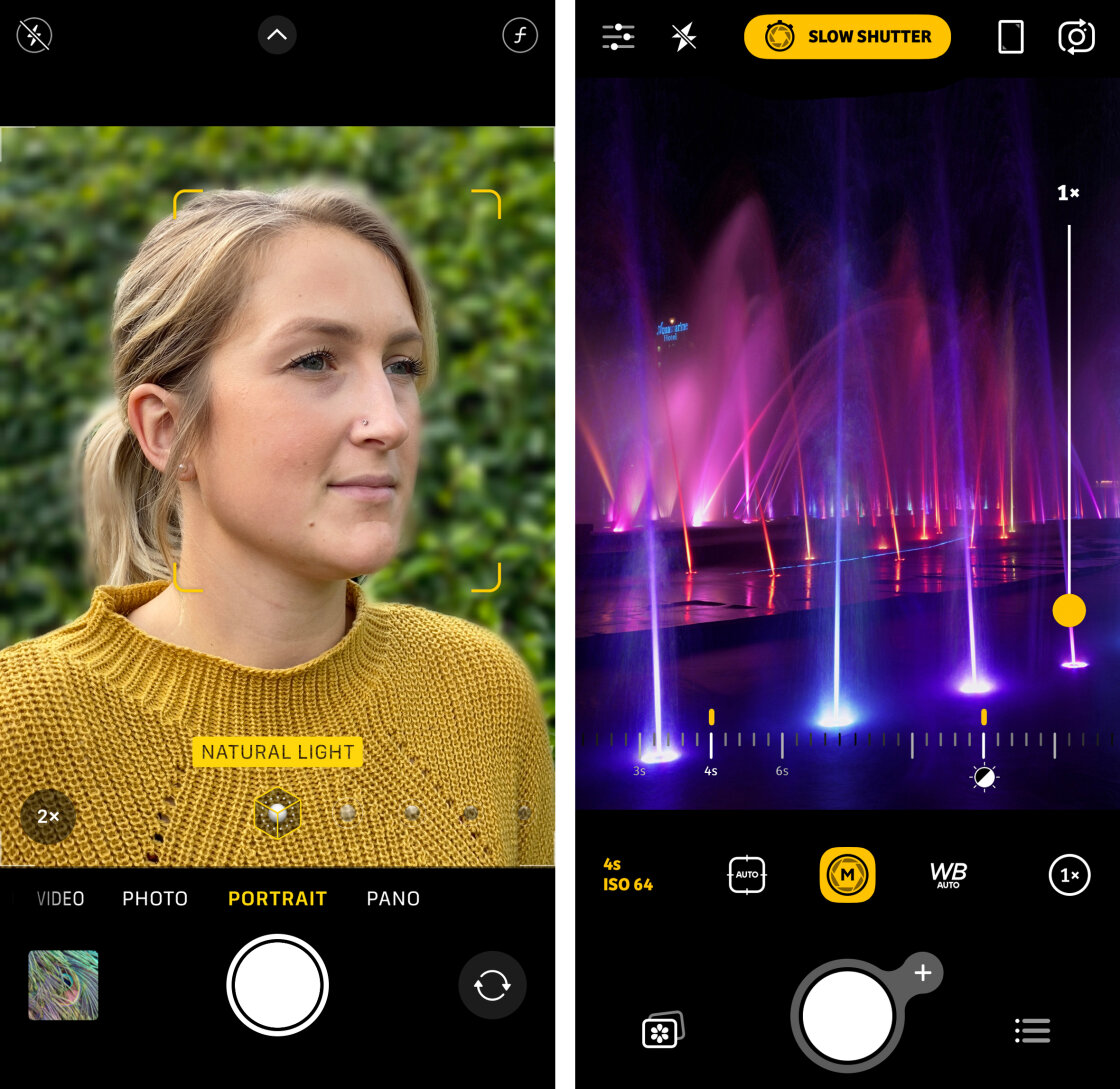
Portrait Mode is available on models ranging from the iPhone 7 Plus to the latest iPhone 15 Pro Max. This mode uses the ISP (Image Signal Processor) and the Neural Engine to identify the subject and apply a progressive blur to the background. On models including the iPhone XS and later, users have the ability to adjust this blur intensity post-capture. By tapping the "f" icon in the Photos app, users can simulate apertures from f/1.4 to f/16, providing granular control over the image’s narrative focus.

Physical Proximity and Macro Photography
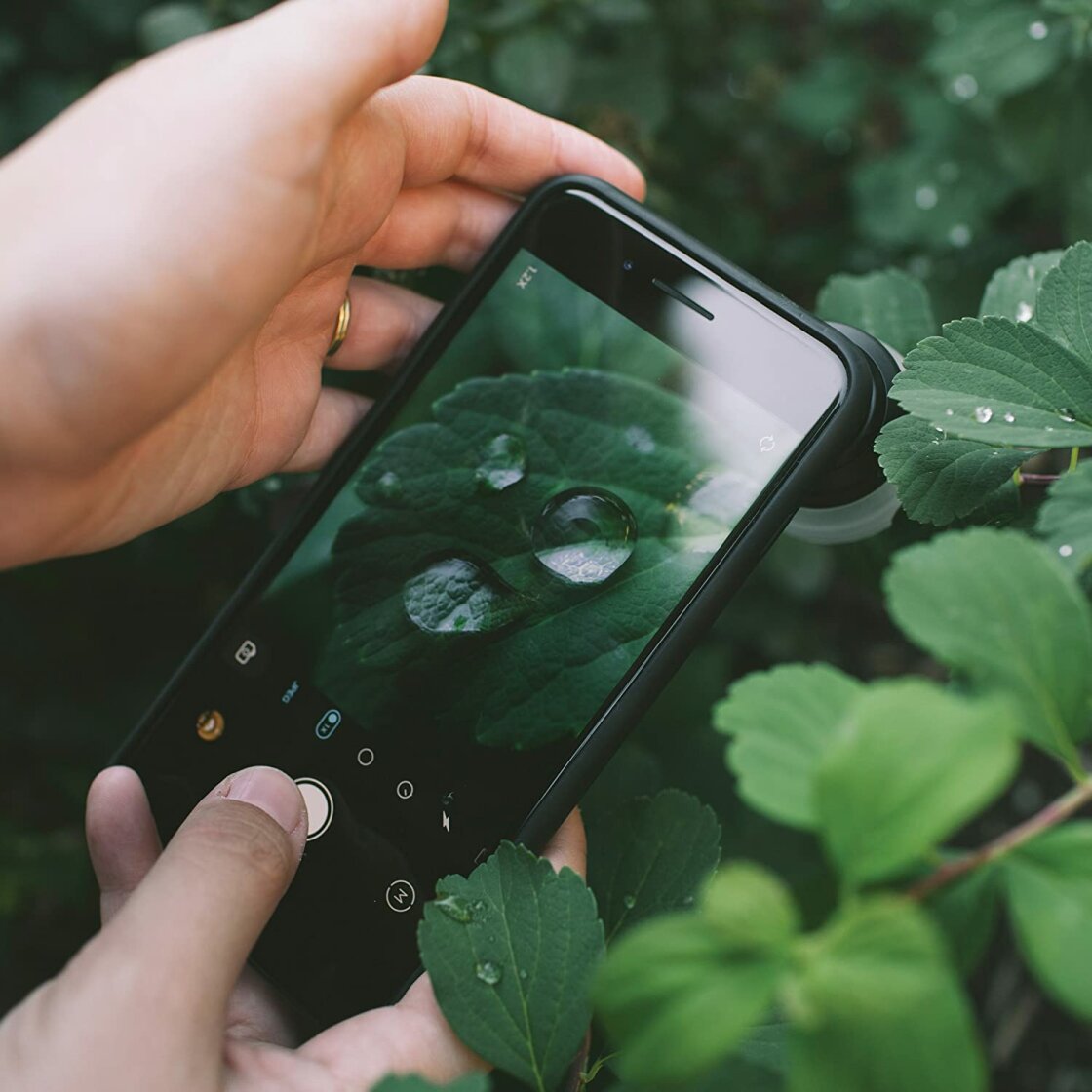
For users of older models or those seeking a more organic look, physical proximity remains the most effective tool. By moving the lens within inches of a subject, the laws of optics naturally create a shallower depth of field. The introduction of dedicated Macro modes on the iPhone 13 Pro and subsequent models, utilizing the Ultra-Wide lens, has further expanded this capability, allowing for sharp focus at distances as close as two centimeters. For extreme detail, the use of third-party hardware, such as Moment’s macro lenses, allows photographers to capture textures and biological details previously invisible to the mobile eye.
Precision Focusing and AE/AF Mechanisms
Achieving "pin-sharp" imagery requires moving beyond the camera’s default multi-point autofocus. The iPhone’s native Camera app allows for "Tap to Focus," but for professional applications, the AE/AF (Auto Exposure/Auto Focus) Lock is essential.
Utilizing AE/AF Lock
By long-pressing on a specific area of the viewfinder, the user locks both the focus and the exposure settings. This is critical in street photography or environments with moving subjects, where the camera might otherwise hunt for a new focus point, resulting in a missed shot.
Manual Focus via Third-Party Ecosystems
In scenarios where the native app struggles—such as shooting through glass or in low-contrast environments—third-party applications like Camera+ 2 or Halide provide a manual focus slider. These apps utilize "Focus Peaking," a professional feature that highlights the sharpest areas of the frame in a bright color, ensuring the photographer has total control over the focal plane.
Exposure Management and HDR Technology
Exposure refers to the total amount of light reaching the sensor. An improperly exposed image can lead to "blown-out" highlights or "crushed" shadows, where detail is irrecoverably lost.
Manual Exposure Adjustments
The iPhone allows for quick exposure compensation by swiping up or down on the viewfinder. However, iOS 14 introduced a more precise Exposure Compensation (EC) slider in the hidden settings menu. This allows for adjustments in 1/3 stop increments, providing the level of precision found on professional mirrorless systems.
The Science of High Dynamic Range (HDR)
Smart HDR technology works by capturing a rapid sequence of frames at different exposure levels and merging them into a single image. This is particularly vital in landscape photography, where the brightness of the sky often exceeds the sensor’s ability to capture the foreground detail simultaneously. While Smart HDR is generally beneficial, professional photographers occasionally disable it to capture high-contrast "low-key" imagery or silhouettes, where deep shadows are a stylistic choice rather than a technical flaw.
Shutter Speed and the Control of Motion
Shutter speed determines the duration the sensor is exposed to light. Mastering this control allows a photographer to either freeze high-speed action or create intentional motion blur.
Freezing Action vs. Motion Blur
A fast shutter speed (e.g., 1/1000s) is necessary for sports or wildlife, ensuring that moving subjects appear crisp. Conversely, a slow shutter speed (e.g., 1 second or longer) is used to create "silky" water effects in waterfalls or light trails from evening traffic.
Long Exposure Workflows
Since the native Camera app does not offer a dedicated manual shutter speed dial, professionals turn to apps like Slow Shutter Cam. These applications simulate long exposures by stacking multiple frames. To achieve success in this medium, the use of a tripod is non-negotiable. Even the slightest hand tremors during a multi-second exposure will result in "camera shake," ruining the image’s structural integrity.
ISO Sensitivity and Signal-to-Noise Ratio
ISO measures the sensor’s sensitivity to light. While increasing ISO allows for shooting in darker environments, it comes at the cost of "digital noise" or grain.
Balancing the Exposure Triangle
In low-light conditions, the iPhone’s software will automatically raise the ISO. To maintain image quality, professional mobile photographers use manual apps to keep the ISO as low as possible (typically ISO 32 or 50) while compensating with a slower shutter speed and a tripod. This ensures a "clean" image with high color fidelity and minimal grain. The introduction of Night Mode on iPhone 11 and later has automated much of this process, but manual ISO control remains the gold standard for controlled studio environments or astrophotography.
Chromatic Accuracy through White Balance
White balance is the process of removing unrealistic color casts so that objects which appear white in person are rendered white in the photo. Light sources have different "color temperatures," measured in Kelvin.
Correcting Color Casts
Indoor tungsten lighting often produces a heavy orange cast, while shade or overcast skies can result in a blue, "cold" appearance. While the iPhone’s Auto White Balance (AWB) is highly accurate, it can be deceived by large areas of a single color. Manual overrides in apps like Camera+ 2 allow photographers to select presets (Daylight, Cloudy, Fluorescent) or manually dial in the Kelvin temperature. This ensures that skin tones remain natural and that the mood of the scene is accurately represented.
Broader Impact and Industry Implications
The democratization of these advanced controls has significant implications for the creative economy. Mobile photography is no longer viewed as a "lesser" medium; it is now utilized in high-fashion editorial work, journalism, and even filmmaking. Apple’s "Shot on iPhone" campaign is a testament to the device’s professional viability when handled with technical expertise.
As mobile sensors continue to grow in size—approaching the 1-inch mark in some competing flagship devices—the gap between mobile and traditional photography continues to shrink. However, the hardware is only as capable as the user. By understanding the physics of light and the logic of manual controls, photographers can transcend the limitations of the "auto" button to produce imagery that is not just a record of a moment, but a deliberate work of art.
The future of this technology likely lies in "ProRAW" and log-encoding, features introduced in recent "Pro" iPhone models. These formats preserve more data, allowing for professional-grade color grading and exposure recovery in post-production. For the modern photographer, the iPhone is no longer just a phone; it is a pocket-sized darkroom and a versatile studio, provided one knows how to unlock its hidden potential.