The evolution of the iPhone has fundamentally transformed the global landscape of digital photography, moving the craft from bulky DSLR cameras to the pockets of billions. As Apple continues to iterate on its hardware, introducing features such as ProRAW, 48-megapixel sensors, and advanced computational photography, the demand for sophisticated software to process these images has surged. While the native iOS Photos app provides a functional baseline for adjustments, a robust ecosystem of third-party applications has emerged to offer professional-grade tools, creative overlays, and advanced AI-driven retouching. The following analysis explores the ten premier photo editing applications currently available on the iOS platform, categorized by their utility, market position, and technical capabilities.
The Professional Standard: Adobe Lightroom and Snapseed
In the realm of precise image manipulation, two applications stand as the primary choices for both enthusiasts and professionals: Adobe Lightroom and Snapseed.
1. Adobe Lightroom: The Desktop Powerhouse on Mobile
Adobe Lightroom remains the gold standard for photographers seeking a seamless transition between mobile and desktop workflows. As part of the Adobe Creative Cloud ecosystem, the mobile app brings the powerful Raw processing engine of its desktop counterpart to the iPhone.
Technical Capabilities:
Lightroom’s primary strength lies in its non-destructive editing and advanced color grading. Users can manipulate individual color channels using the HSL (Hue, Saturation, Luminance) sliders and apply selective adjustments via masking tools that utilize AI to detect subjects, skies, or backgrounds.
Market Context:
According to industry reports, Adobe’s shift to a subscription-based model has consolidated its lead in the professional market. While the app is free to download, the premium features—including cloud storage and the "Healing" brush—require a Creative Cloud subscription, positioning it as a high-end tool for serious creators.
2. Snapseed: Google’s Gift to Mobile Photographers
Acquired by Google in 2012, Snapseed has maintained its reputation as the most powerful free photo editor on the App Store. It is widely regarded for its "U Point" technology, which allows users to place control points on specific areas of an image to adjust brightness, contrast, and saturation selectively.
Key Features:
Snapseed offers 29 tools and filters, including "HDR Scape," "Perspective," and "Expand." The "Expand" tool uses smart algorithms to calculate what the area outside the original frame would look like, effectively "un-cropping" an image. Because it is entirely free with no in-app purchases, it remains the most accessible entry point for high-level mobile editing.
The Aesthetic and Community Leaders: VSCO and Carbon
Beyond technical adjustments, many users seek specific "looks" or film-like qualities that evoke a sense of nostalgia or professional branding.
3. VSCO: The Digital Film Lab
VSCO (Visual Supply Company) has carved out a significant niche by focusing on the "art" of the edit. Unlike other apps that offer heavy-handed filters, VSCO is celebrated for its subtle, film-emulated presets.
Community and Subscription:
VSCO operates not just as an editor but as a social platform for creators. The company reported a significant pivot toward a membership model in recent years, offering over 200 presets and advanced video editing tools to its paying "VSCO X" members. This move reflects a broader trend in the App Store where developers prioritize recurring revenue over one-time purchases.
4. Carbon: Mastering the Monochrome
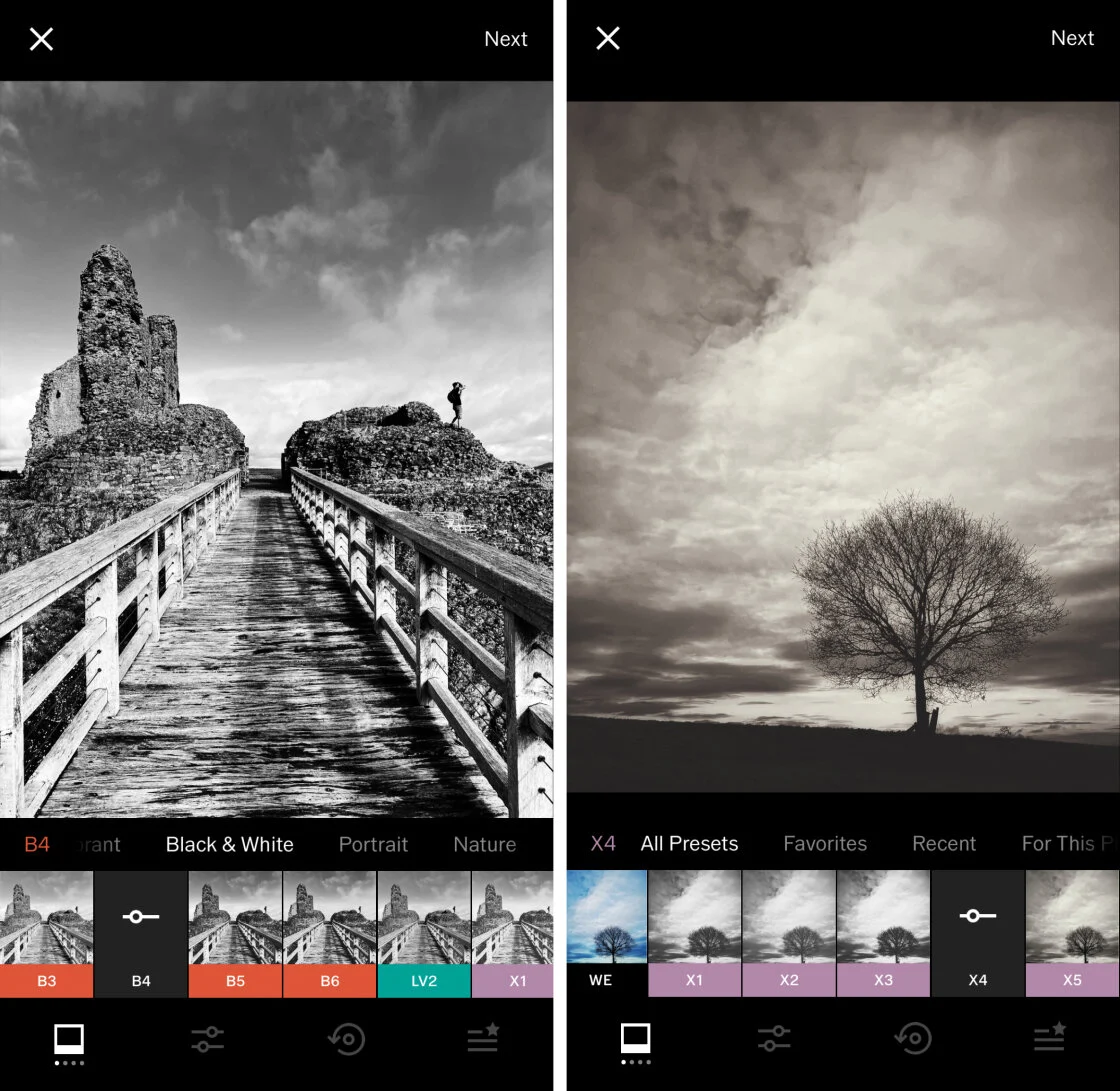
While most editors include black-and-white filters, Carbon is a specialized utility designed exclusively for monochrome photography. Developed in collaboration with professional photographers, it focuses on the silver-halide aesthetics of traditional film.
Implications for Users:
Carbon provides 58 specialized filters that vary in grain, contrast, and tonal range. By stripping away color, Carbon allows photographers to focus on composition, texture, and light, making it a favorite for street and portrait photographers.
Specialized Utilities: TouchRetouch and Lens Distortions
Some of the most successful apps in the iOS ecosystem are those that perform a single task with surgical precision.
5. TouchRetouch: The Eraser for the Real World
Unwanted objects—power lines, photobombers, or skin blemishes—can ruin an otherwise perfect shot. TouchRetouch is designed solely to remove these distractions.
Technical Analysis:
The app utilizes advanced content-aware fill algorithms. When a user highlights an object, the software analyzes the surrounding pixels and replicates them to fill the void seamlessly. In the timeline of mobile editing, TouchRetouch was one of the first to make complex "cloning" and "healing" tasks accessible to non-professionals.
6. Lens Distortions: Cinematic Realism
Lens Distortions takes a unique approach to overlays. Rather than using digitally generated noise, the app uses high-quality optical assets created from real glass and natural elements.
Supporting Data:
The app’s library includes sunlight, lens flares, rain, and fog. By layering these "distortions," users can add a sense of depth and atmosphere that is often missing from flat mobile sensors. It has become an essential tool for landscape photographers looking to enhance the "mood" of their images without appearing artificial.
Creative and Artistic Platforms: Afterlight, Mextures, and Superimpose X
For users who view a photo as a canvas for digital art, these applications offer layering and complex blending options.
7. Afterlight: The All-Purpose Creative Suite
Afterlight strikes a balance between the technical rigor of Snapseed and the aesthetic focus of VSCO. It provides a robust set of "Fusion" filters, which allow users to save their editing steps as a custom preset.
8. Mextures: Non-Destructive Layering
Mextures is a pioneer in the use of "Formulas." It allows for an infinite number of layers, including light leaks, grit, and grain, all of which can be adjusted using various blend modes. The non-destructive nature of the app means users can tweak any layer at any point in the process.
9. Superimpose X: The Mobile Photoshop Alternative
Superimpose X is the premier choice for creating double exposures and composite images. It offers masking tools that rival desktop software, allowing users to cut out subjects and place them in entirely different environments. This app represents the "Pro" tier of creative manipulation on the iPhone.
The Social Integration: Instagram
10. Instagram: The Final Polish
While primarily a social network, Instagram’s built-in editing suite cannot be overlooked. For many users, the convenience of editing within the sharing platform is paramount.
Market Analysis:
Instagram has continually updated its editing tools to include perspective correction and "Lux" (an auto-enhance feature). While it lacks the depth of Lightroom or Snapseed, its role in the "capture-to-share" pipeline ensures it remains one of the most used editors globally.
Chronology of Mobile Photo Editing
The rise of these applications follows a clear timeline of hardware and software synergy:
- 2008-2010: The launch of the App Store and the iPhone 4 (the first "serious" mobile camera) led to the birth of Instagram and early filter apps.
- 2012-2015: Google and Adobe entered the mobile space, bringing professional algorithms to the masses.
- 2016-Present: The introduction of "Pro" iPhone models and computational photography forced app developers to implement AI-driven features, RAW support, and 16-bit processing.
Supporting Data: The Creator Economy
The demand for these apps is fueled by the burgeoning "Creator Economy," currently valued at over $250 billion. High-quality visual content is the primary currency of platforms like TikTok, Instagram, and LinkedIn. Consequently, the "Photo & Video" category remains one of the top-grossing segments of the Apple App Store, with users increasingly willing to pay for subscription-based tools that provide a competitive edge in visual storytelling.
Broader Impact and Implications
The democratization of these tools has significant implications for the photography industry. Professional-grade editing is no longer gated by expensive desktop hardware or steep learning curves. However, this has also led to a saturation of highly polished imagery, pushing creators to seek unique "signatures"—often found in niche apps like Mextures or Carbon—to stand out.
As Apple integrates more AI directly into the iOS camera (such as "Photographic Styles"), third-party apps must continue to innovate by offering more granular control and unique artistic assets. The future of mobile editing likely lies in "Generative AI," where apps will not just enhance what is there but suggest and create elements to fulfill the photographer’s vision. For now, these ten applications represent the pinnacle of mobile image processing, offering a tool for every conceivable photographic need.