The evolution of the iPhone from a simple communication device into a sophisticated photographic tool has fundamentally altered the landscape of digital imaging. As Apple continues to advance its camera hardware, specifically with the introduction of ProRAW and advanced computational photography in recent models, the demand for high-caliber post-processing software has reached an all-time high. In the current digital economy, where visual content dictates the success of social media engagement and professional portfolios, selecting the correct editing suite is no longer a matter of preference but a strategic necessity. This report identifies and analyzes the ten premier photo editing applications available for the iPhone, evaluating their technical capabilities, market positioning, and utility for diverse user demographics.
The Shift Toward Mobile-First Workflows
The global mobile imaging software market has seen exponential growth over the last decade. According to industry data, mobile photo and video applications represent one of the highest-grossing categories on the Apple App Store, driven by a shift in consumer behavior where over 90% of all digital photographs are now captured via smartphone. This transition has forced traditional software giants, such as Adobe, to pivot toward mobile-first strategies, ensuring that professional-grade tools are accessible on handheld devices without compromising the integrity of the image data.
The following applications represent the pinnacle of this technological shift, categorized by their specific strengths and contributions to the field of mobile photography.
1. Snapseed: The Benchmark for Comprehensive Mobile Editing
Acquired by Google in 2012 following the purchase of Nik Software, Snapseed remains the definitive choice for users seeking a powerful, cost-free editing solution. Unlike many of its competitors, Snapseed does not employ a subscription model or offer in-app purchases, making its professional-grade toolset universally accessible.
The application’s architecture is built around "Stacks," which allow for non-destructive editing, enabling users to go back and adjust or remove any specific edit at any point in the process. Key features include the "Selective" tool, which utilizes proprietary Control Point technology to adjust brightness, contrast, and saturation in specific areas of an image. Furthermore, its support for RAW files makes it a staple for photographers who require high dynamic range adjustments.
2. VSCO: Aesthetic Precision and Community-Driven Presets
VSCO (Visual Supply Company) has carved a significant niche by focusing on the "analog" feel of digital photography. The app is widely recognized for its superior film-emulation presets, which replicate the chemical properties of classic film stocks from Kodak, Fuji, and Agfa.
VSCO operates on a "freemium" model, where the base app is free, but the "VSCO Membership" provides access to over 200 presets and advanced video editing tools. Market analysis suggests that VSCO’s success is largely due to its rejection of traditional social media metrics; the app does not display public follower counts or "likes," fostering a community centered purely on artistic expression. For many iPhone users, VSCO is the primary tool for establishing a consistent visual brand or "aesthetic."
3. Adobe Lightroom: Professional Cloud Integration
Adobe Lightroom for mobile is an extension of the industry-standard desktop software, designed for users who require a seamless transition between mobile and desktop environments. Its primary strength lies in its integration with the Adobe Creative Cloud, allowing for the synchronization of edits across all devices.
Lightroom’s mobile interface provides granular control over color grading, including a sophisticated Color Mixer and a comprehensive "Optics" panel for correcting lens distortions. The introduction of "Versions" allows photographers to experiment with different editing styles on the same image without creating multiple files. While the basic tools are free, premium features—such as the AI-powered "Healing Brush" and "Selective Adjustments"—require a Creative Cloud subscription.
4. TouchRetouch: Specialized Object Removal
While most general editors include basic retouching tools, TouchRetouch is a specialized utility designed for the singular purpose of removing unwanted elements from a frame. In the context of travel and street photography, where distracting elements like power lines or unwanted pedestrians are common, TouchRetouch offers a more efficient workflow than general-purpose apps.
The application’s "Line Removal" tool is particularly noteworthy; it allows users to tap a segment of a wire or cable, and the software’s algorithm automatically tracks and removes the entire line. This focus on a specific technical challenge has made it a "must-have" utility for photographers who prioritize clean compositions.
5. Carbon: The Standard for Monochrome Artistry
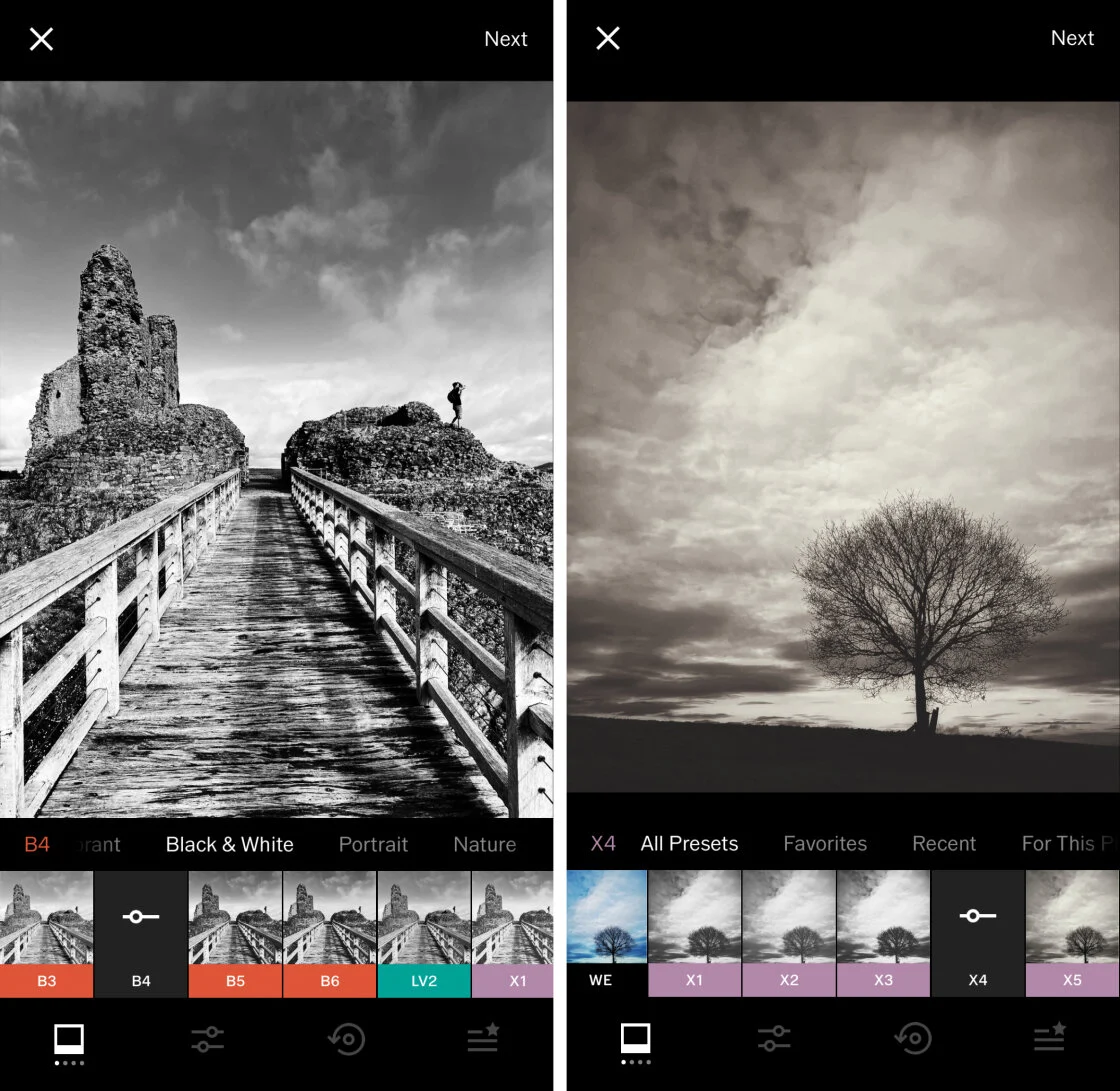
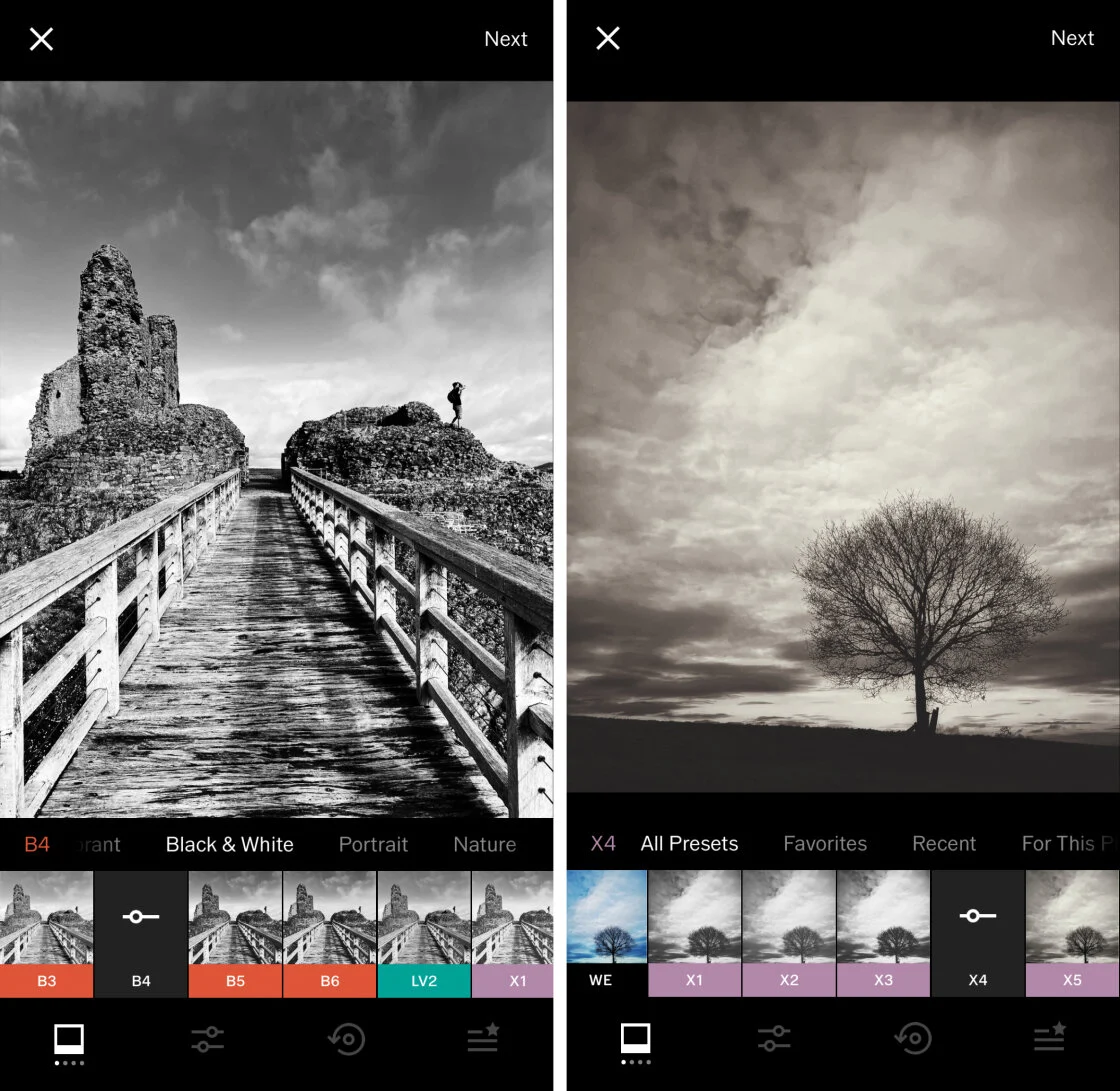
Despite the dominance of color photography, black-and-white imagery remains a vital medium for artistic expression. Carbon is specifically engineered to address the nuances of monochrome editing. It bypasses the limitations of standard grayscale filters by offering 58 presets developed in collaboration with professional photographers.
Carbon allows for the adjustment of "grain" and "texture," which are essential for adding depth to black-and-white photos. Its "Kuwahara" tool provides a painterly effect, further pushing the boundaries of digital photography into the realm of digital art. For the iPhone photographer, Carbon serves as a specialized darkroom.
6. Afterlight: Versatility and Creative Overlays
Afterlight strikes a balance between professional-grade adjustments and creative flair. It is frequently cited for its extensive library of "Dust" and "Light Leak" overlays, which add a nostalgic, lo-fi quality to modern digital captures.
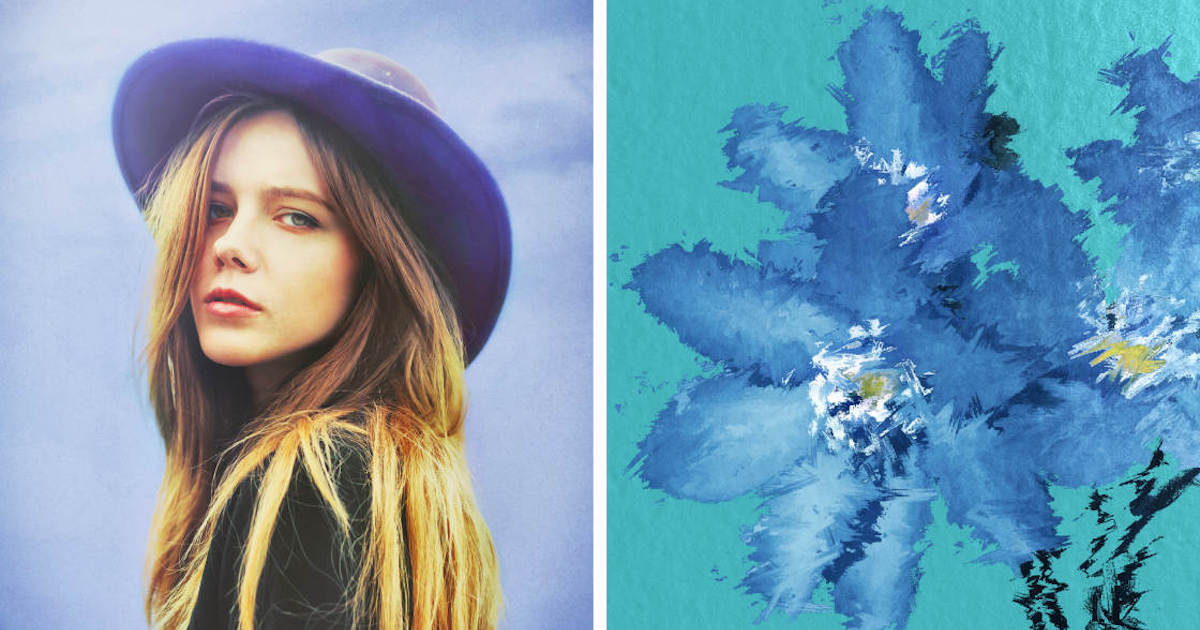
Technically, Afterlight provides advanced tools like "Curves" and "Selective Color," which are typically reserved for desktop suites. Its "Double Exposure" tool is particularly intuitive, allowing users to blend two images with various blend modes, a technique often used in editorial and conceptual photography.
7. Mextures: Non-Destructive Layering and Textures
Mextures is unique for its use of "Formulas"—customizable combinations of textures, grains, and light leaks that can be saved and shared among the community. The app’s workflow is entirely layer-based, similar to Adobe Photoshop, which allows for infinite creative combinations.
Photographers often turn to Mextures when a photo feels "too digital" or sterile. By applying grit, grain, and grunge textures, users can add a tactile quality to their images. The non-destructive nature of the app ensures that the original file integrity is never compromised during the creative process.
8. Lens Distortions: Optical Realism via High-Quality Overlays
Lens Distortions differentiates itself from "filter apps" by using actual photographic elements to create its overlays. Rather than using digitally generated patterns, the app utilizes high-resolution captures of real sunlight, fog, rain, and snow.
This commitment to optical realism ensures that the added effects blend naturally with the existing light and perspective of the original photo. For landscape and architectural photographers, the ability to add a subtle "Lens Flare" or "Atmospheric Fog" can dramatically enhance the mood of a scene without appearing artificial.
9. Superimpose X: The Mobile Compositing Suite
Superimpose X is the mobile equivalent of a professional compositing engine. It is designed for "iPhoneography" artists who create surrealistic digital art through the blending of multiple images. The app features advanced masking tools, including an "AI Mask" that can automatically detect and isolate subjects from their backgrounds.
The application supports multiple layers, each with its own set of adjustment tools and blend modes. This allows for complex workflows that involve replacing skies, creating "levitation" photos, or blending disparate textures into a single, cohesive image.
10. Instagram: The Final Polish and Distribution Layer
While primarily known as a social networking platform, Instagram’s internal editing suite remains a highly efficient tool for final adjustments. Since its launch in 2010, the app has evolved from offering heavy-handed filters to providing a sophisticated set of manual adjustment sliders.
For many users, the convenience of editing within the same interface used for distribution is unparalleled. Instagram’s "Lux" tool, which adjusts contrast and exposure simultaneously to bring out detail, remains one of the most effective "one-tap" enhancements available on the market.
Chronology of Innovation in Mobile Editing
The current state of iPhone photo editing is the result of several key technological milestones:
- 2010: The launch of Instagram introduces the concept of the "mobile filter."
- 2012: Google’s acquisition of Snapseed brings professional Nik Software algorithms to the mobile space.
- 2015: Adobe releases Lightroom Mobile, signaling a shift toward professional cloud-based workflows.
- 2019: The introduction of the iPhone 11 Pro and "Deep Fusion" increases the amount of data available for editors to manipulate.
- 2020: Apple ProRAW is introduced, allowing mobile apps to access uncompressed image data directly from the sensor.
Market Analysis and Future Implications
The proliferation of these applications has democratized high-end photography. Historically, professional-grade photo manipulation required expensive desktop hardware and years of training. Today, an iPhone user can achieve comparable results for a fraction of the cost, often while in the field.
However, the rise of Artificial Intelligence (AI) in apps like Adobe Lightroom and Superimpose X suggests a new frontier. As generative AI becomes more integrated into these tools, the line between "editing" a photo and "generating" an image will continue to blur. This has led to ongoing debates within the photographic community regarding the ethics of manipulation and the definition of a "photograph."
Conclusion: Choosing the Strategic Toolset
For the modern iPhone user, the choice of an editing app depends entirely on the intended output. For everyday enhancements, Snapseed provides the most comprehensive free toolset. For those building a professional brand, VSCO and Lightroom offer the necessary aesthetic consistency and cloud integration. Specialists in retouching or compositing will find TouchRetouch and Superimpose X indispensable.
As the iPhone camera continues to approach the technical capabilities of dedicated DSLR and mirrorless systems, these third-party applications will remain the critical bridge between a raw capture and a finished piece of visual art. The integration of high-resolution sensors with increasingly intelligent software ensures that the iPhone remains the most influential tool in the history of modern photography.