The landscape of digital imaging has undergone a seismic shift over the past decade, as smartphone technology increasingly encroaches upon the territory once reserved exclusively for Digital Single-Lens Reflex (DSLR) and mirrorless cameras. While the average consumer utilizes the iPhone as a "point-and-shoot" device, a sophisticated suite of manual controls and third-party applications now allows users to manipulate the fundamental physics of light and motion. By transitioning from automated software reliance to manual technical mastery, photographers are achieving professional-grade results that challenge the traditional boundaries of mobile hardware.
The Evolution of the iPhone Imaging Ecosystem
The trajectory of iPhone photography—often termed "iPhoneography"—has moved from simple 2-megapixel captures in 2007 to complex multi-lens systems featuring LiDAR scanners and ProRAW capabilities. A significant turning point occurred in 2016 with the introduction of the iPhone 7 Plus and its "Portrait Mode," which utilized dual-lens technology to simulate optical bokeh. Since then, Apple has integrated increasingly sophisticated computational photography, but the core principles of the exposure triangle—aperture, shutter speed, and ISO—remain the foundation of high-quality imagery.
Industry analysts note that the democratization of high-end photography tools has significantly impacted the entry-level DSLR market. According to data from the Camera & Imaging Products Association (CIPA), global shipments of digital cameras have seen a marked decline as smartphone sensors and processing power have improved. The ability to manually override the iPhone’s internal algorithms is now considered a prerequisite for serious mobile artists seeking to maintain creative intent over automated "beautification" or over-processing.
Precision Focus and the AE/AF Lock Mechanism
In standard operation, the iPhone utilizes a combination of contrast detection and phase detection autofocus. However, in complex scenes—such as macro photography or subjects with minimal contrast—the automated system may fail to identify the intended focal plane. The primary manual intervention available in the native Camera app is the "Tap to Focus" feature, which allows the user to designate a specific area for sharpness.

For professional applications, the AE/AF (Auto Exposure/Auto Focus) Lock is a critical tool. By long-pressing the viewfinder, users can fix the focal distance and exposure settings. This is particularly vital in street photography or cinematography, where moving subjects or changing light conditions might otherwise cause the camera to "hunt" for focus, ruining the shot. Furthermore, third-party applications like Camera+ 2 have introduced manual focus sliders, allowing for granular control comparable to the focus ring on a physical lens. This level of precision is essential for macro photography, where the depth of field is measured in millimeters.
Manipulating Depth of Field Through Hardware and Software
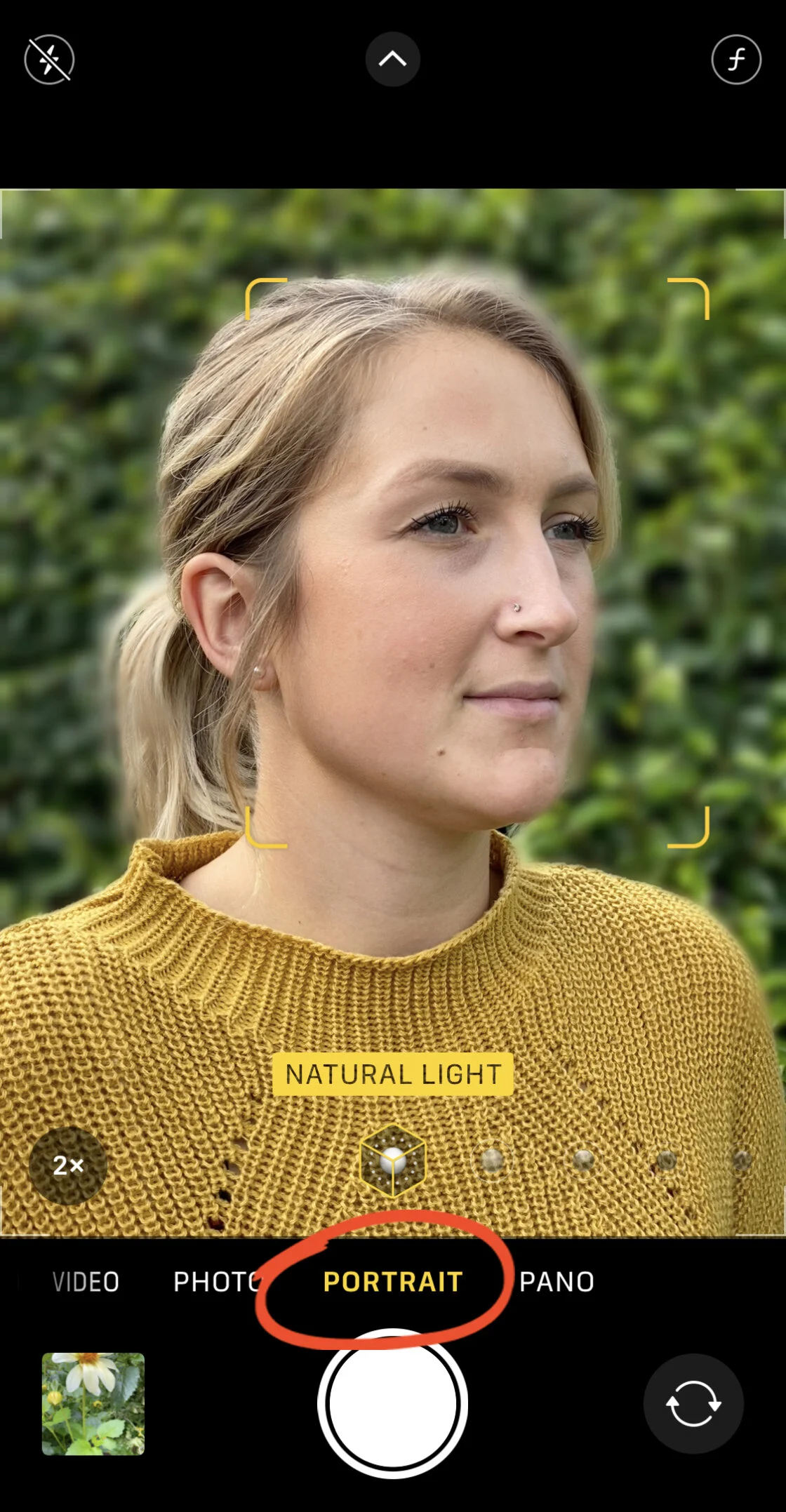
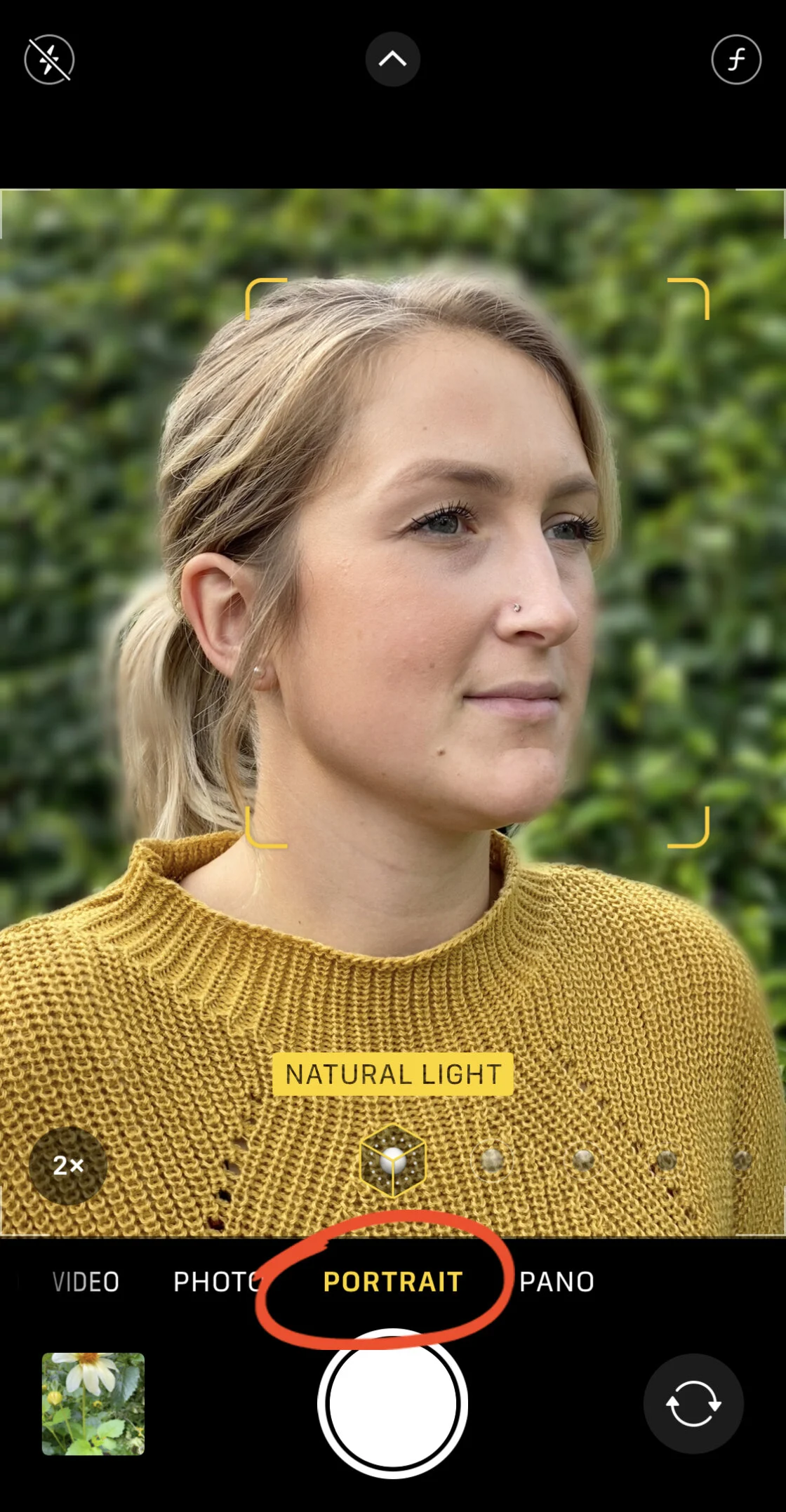
Depth of field refers to the distance between the nearest and farthest objects that give an image judged to be in focus. On a DSLR, this is controlled by the physical aperture (the f-stop). iPhone lenses, however, have fixed apertures (typically ranging from f/1.6 to f/2.4 depending on the model). To compensate for this hardware limitation, Apple utilizes "computational bokeh."
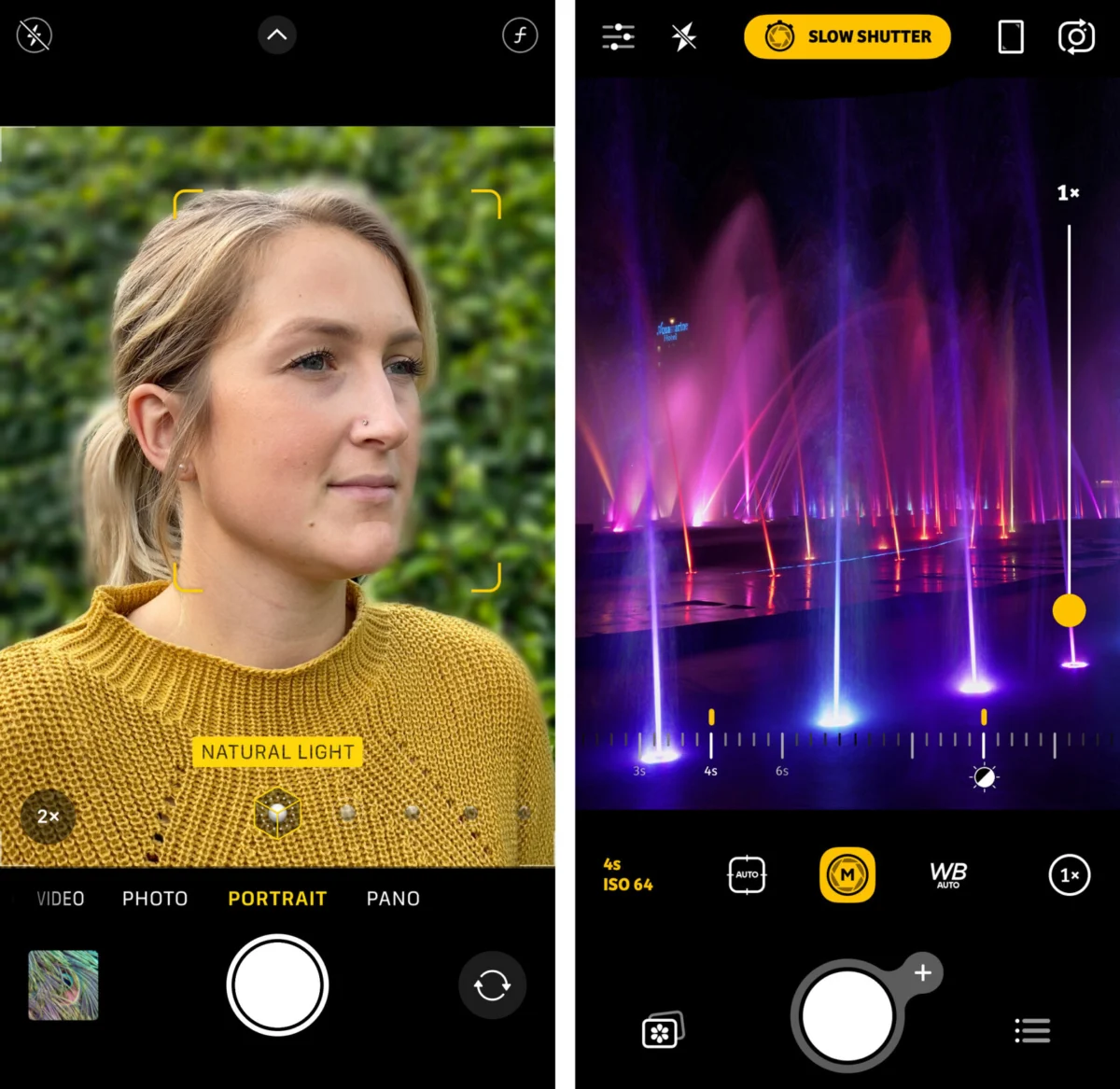
- Portrait Mode: This feature uses depth-mapping technology—and in newer models, LiDAR—to separate the subject from the background, applying a Gaussian blur to the latter.
- Post-Capture Adjustment: On iPhone XS and later models, the "Depth Control" feature allows users to adjust the simulated aperture after the photo has been taken, ranging from f/1.4 to f/16.
- Physical Proximity: Journalists and professional photographers often bypass software blur by utilizing the laws of optics. By moving the lens physically closer to the subject, the depth of field naturally narrows, creating a genuine optical blur that software struggles to replicate perfectly.
Exposure Management and the High Dynamic Range (HDR) Conflict
Exposure represents the total amount of light allowed to fall on the electronic image sensor. The iPhone’s native interface provides an exposure compensation slider—represented by a sun icon—that allows for the brightening or darkening of a scene. In professional workflows, underexposing is often preferred to "save" highlight detail, as digital sensors are notoriously poor at recovering data from "blown-out" white areas.
The introduction of Smart HDR (High Dynamic Range) has revolutionized how iPhones handle high-contrast scenes, such as a backlit landscape. Smart HDR works by capturing a rapid sequence of frames at different exposure levels and stitching them together into a single composite image. While this produces a balanced photo, professional photographers sometimes disable "Smart HDR" in the system settings to capture more dramatic, high-contrast shadows or silhouettes, which the automated system would otherwise try to "correct."
Shutter Speed: Controlling the Temporal Dimension
Shutter speed is the duration for which the camera sensor is exposed to light. Fast shutter speeds (e.g., 1/1000 of a second) freeze motion, while slow shutter speeds (e.g., 1 second or longer) create motion blur. The native iPhone app manages shutter speed automatically to prevent camera shake, but manual control is accessible through specialized software.
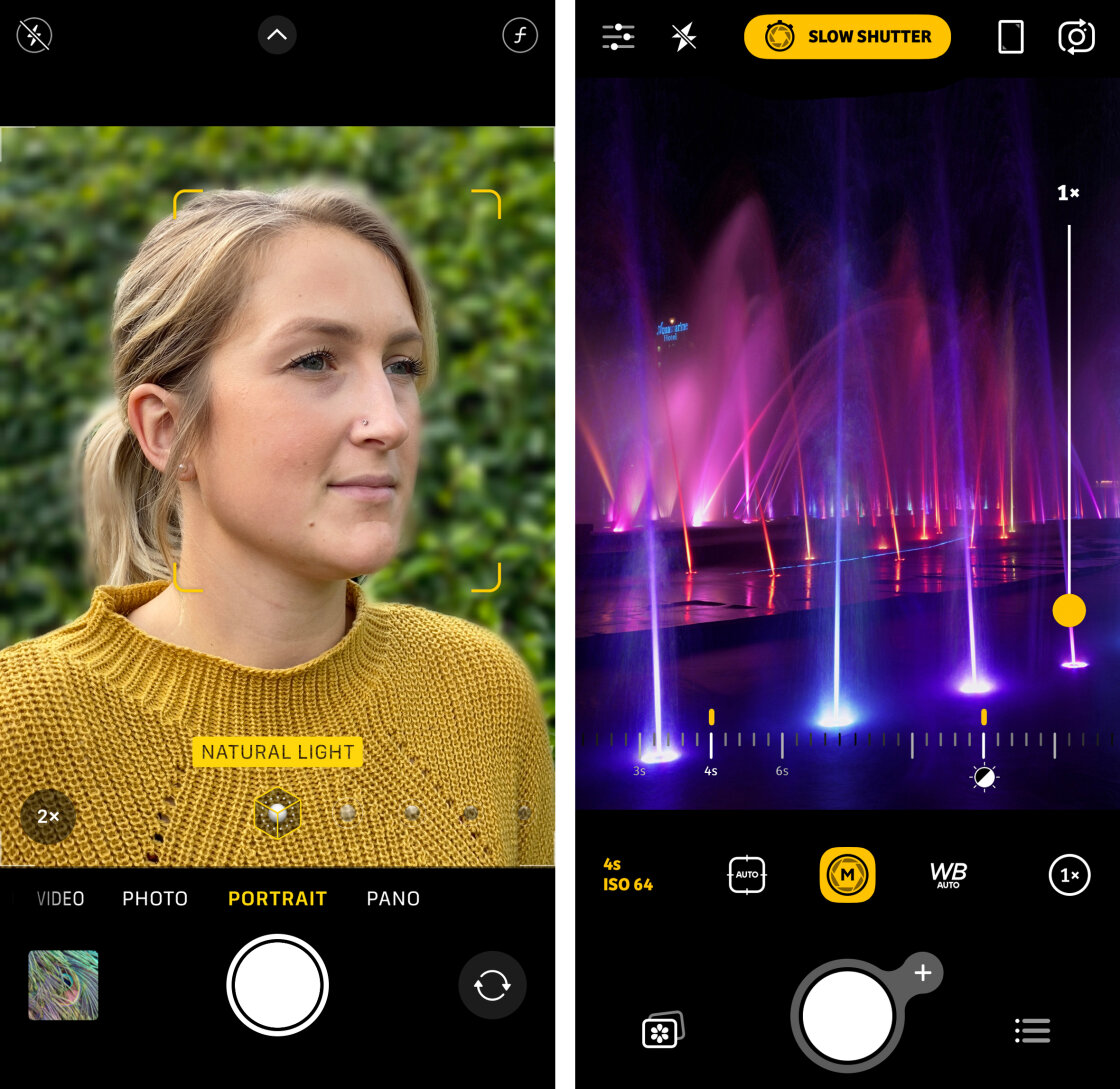
For long-exposure photography, such as capturing the "silky" effect of moving water or the light trails of evening traffic, a tripod is an indispensable accessory. Applications like Slow Shutter Cam allow for "Bulb" mode, where the shutter remains open indefinitely. This capability has expanded the iPhone’s utility into the realm of astrophotography and artistic light painting, areas previously considered impossible for mobile sensors.
ISO and the Challenge of Digital Noise
ISO measures the sensitivity of the image sensor to light. While a high ISO allows for shooting in near-darkness, it introduces "noise"—a grainy texture that degrades image clarity and color accuracy. In low-light environments, the iPhone’s "Night Mode" utilizes long shutter speeds and artificial intelligence to brighten images without excessively raising the ISO.
However, for a clean, professional aesthetic, photographers aim for the lowest possible ISO (typically ISO 25 to 100 on an iPhone). By using a tripod and a slower shutter speed, a photographer can keep the ISO low even in dark conditions, resulting in a grain-free, high-resolution image. This balance is the hallmark of professional technical execution.
White Balance and Color Accuracy
White balance is the process of removing unrealistic color casts so that objects which appear white in person are rendered white in the photo. Light sources have different "color temperatures," measured in Kelvin. Indoor tungsten lighting is warm (orange), while shade under a blue sky is cool (blue).
The iPhone’s Auto White Balance (AWB) is generally reliable, but it can be "fooled" by dominant colors in a frame. Manual white balance presets—such as Daylight, Cloudy, and Incandescent—ensure color consistency across a series of shots. This is particularly important for commercial photography, where product colors must be represented with absolute fidelity. Creative use of white balance can also shift the mood of an image, such as "cooling" a winter scene to emphasize bleakness or "warming" a sunset to enhance the emotional resonance.
Broader Impact and Industry Implications
The ability to manually control smartphone cameras has significant implications for the future of media and journalism. With the rise of "mobile journalism" (MoJo), reporters are increasingly using iPhones to capture high-quality b-roll and still images for major news outlets. The reduced profile of a smartphone allows for more intimate, less intrusive photography in sensitive environments compared to bulky professional rigs.
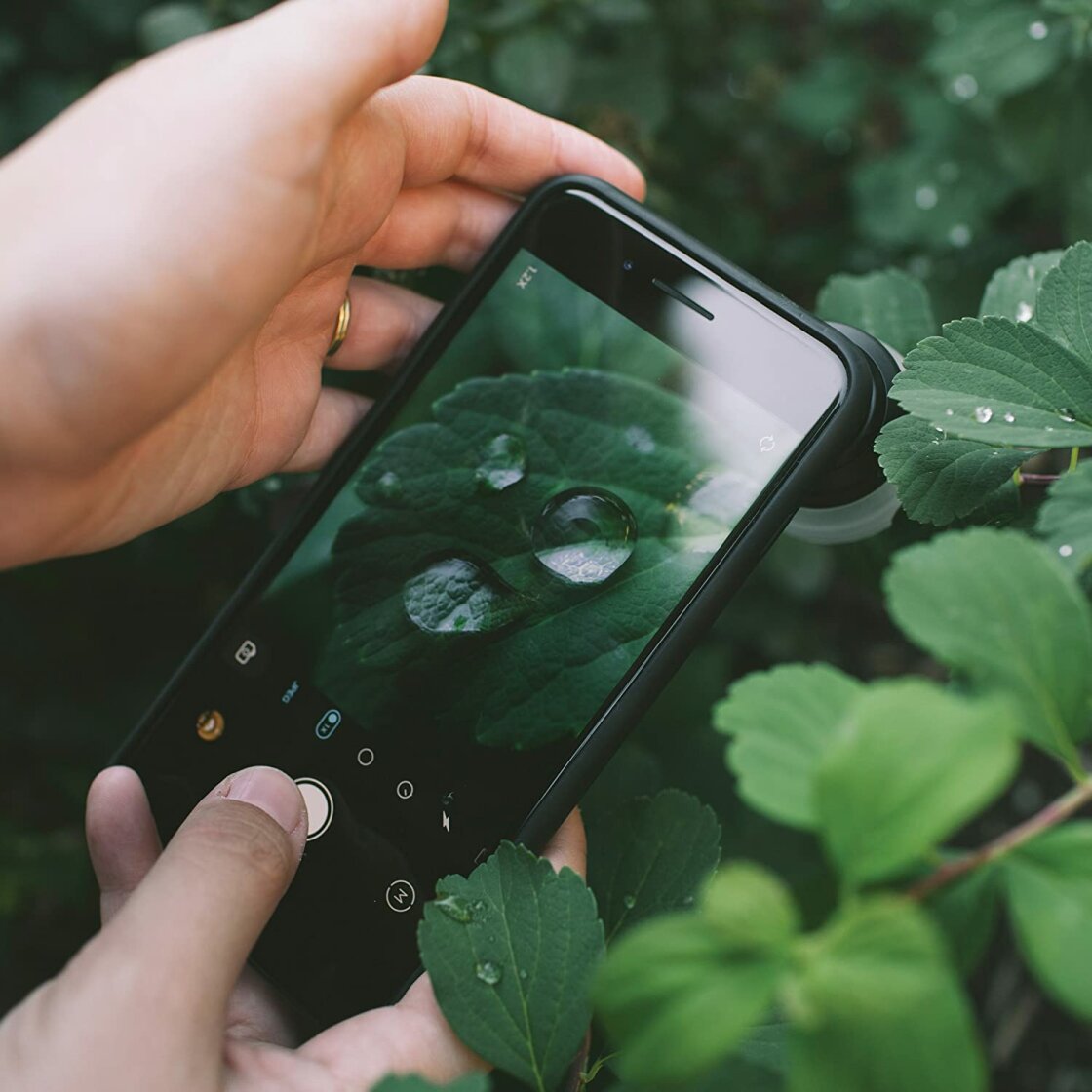
Furthermore, the secondary market for smartphone photography accessories—gimbals, external lenses (like macro and anamorphic), and specialized filters—is projected to grow. Companies like Moment and Sandmarc have built entire business models around enhancing the manual capabilities of the iPhone.
In conclusion, while the iPhone’s automated systems are masterpieces of engineering, they represent a "generalized" approach to photography. True creative mastery lies in the manual override. By understanding and manipulating focus, exposure, shutter speed, ISO, and white balance, the user ceases to be a mere operator of a device and becomes a photographer. As mobile sensors continue to evolve, the gap between the smartphone and the professional camera will continue to shrink, leaving technical knowledge as the primary differentiator in the quality of the final image.