The landscape of digital imaging has undergone a seismic shift over the last decade, transitioning from the dominance of bulky Digital Single-Lens Reflex (DSLR) systems to the streamlined efficiency of high-end smartphones. Central to this transformation is the Apple iPhone, a device that has evolved from a basic point-and-shoot utility into a sophisticated tool capable of producing professional-grade visual content. As mobile hardware continues to rival traditional optics, the mastery of manual camera controls has become the definitive factor in separating casual snapshots from professional photography. By understanding the mechanics of depth of field, exposure, shutter speed, and ISO, users can bypass the limitations of automated software and leverage the full potential of modern sensor technology.
The Technological Trajectory of Mobile Imaging
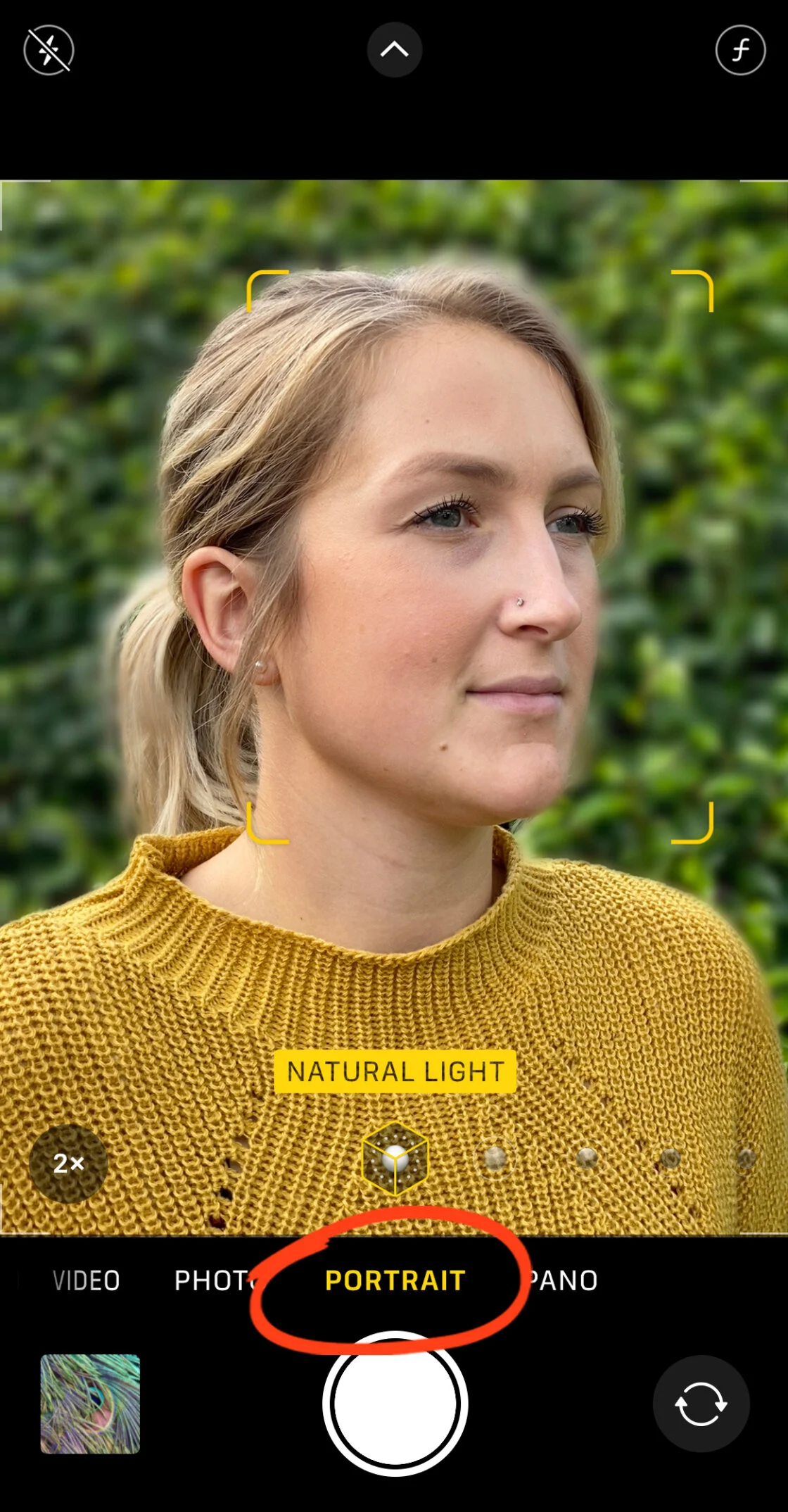
To understand the current state of iPhone photography, one must examine the chronology of Apple’s optical advancements. The release of the iPhone 7 Plus in 2016 marked a pivotal moment with the introduction of Portrait Mode, which utilized a dual-lens system to simulate a shallow depth of field through computational photography. Since then, the integration of the A-series Bionic chips has allowed for real-time processing of complex algorithms, such as Smart HDR and Deep Fusion.
Supporting data from the Camera & Imaging Products Association (CIPA) indicates a sharp decline in the global shipment of dedicated digital cameras, dropping from a peak of 121 million units in 2010 to fewer than 10 million in recent years. This trend is largely attributed to the "democratization of photography," where the gap between consumer-level devices and professional equipment has narrowed. However, industry analysts note that while hardware is ubiquitous, the technical knowledge required to manipulate that hardware remains a specialized skill set.
Computational vs. Optical Depth of Field
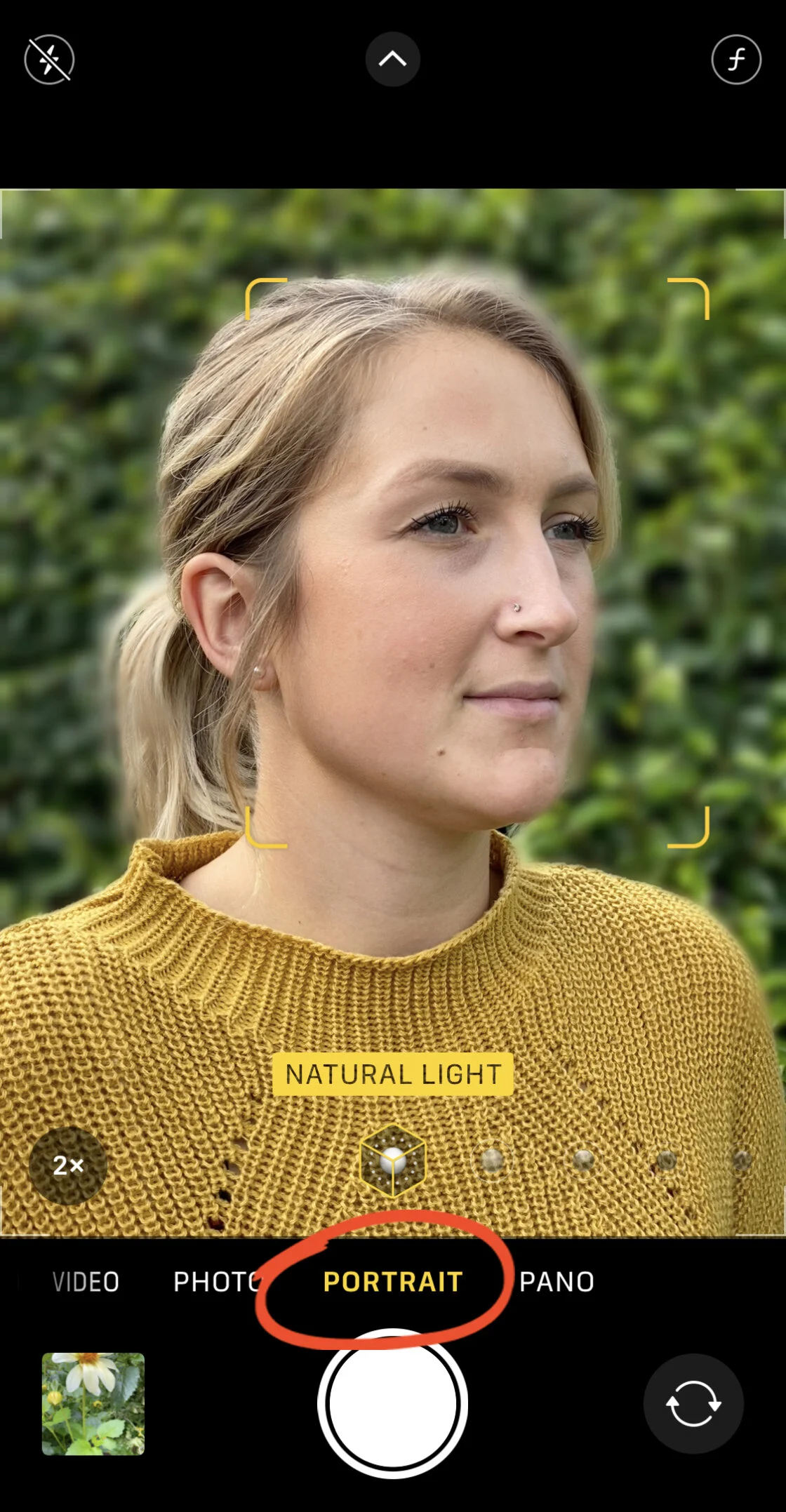
One of the most sought-after aesthetics in photography is the "bokeh" effect, characterized by a sharp subject set against a creamy, out-of-focus background. In traditional photography, this is achieved optically through a wide aperture (a low f-number). Because the physical dimensions of a smartphone prevent the use of large, adjustable apertures, Apple employs computational photography to achieve similar results.
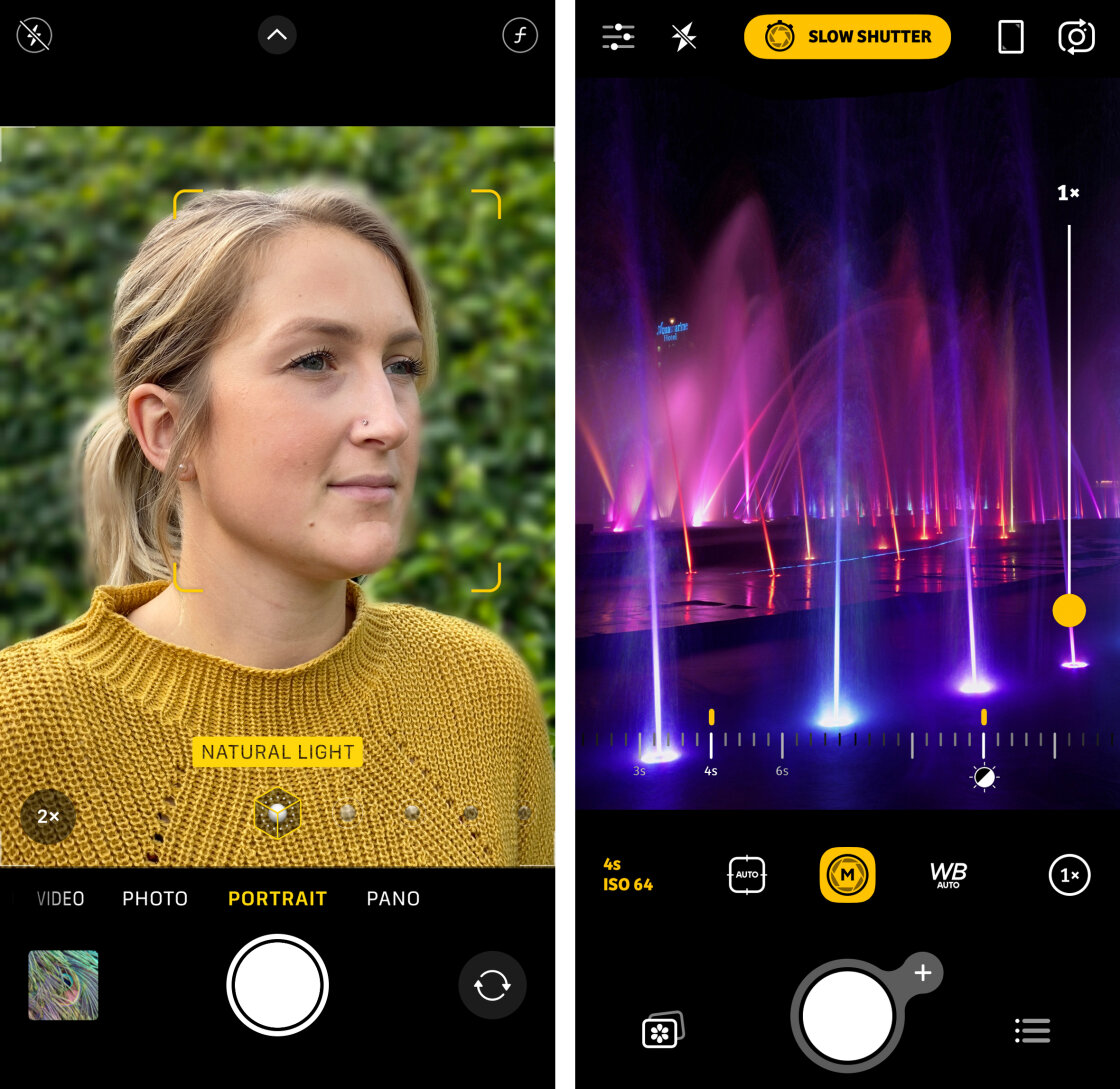
Portrait Mode utilizes a depth map generated by either multiple lenses or, in newer "Pro" models, a LiDAR (Light Detection and Ranging) scanner. This allows the software to distinguish between the foreground subject and the background. Advanced manual controls, introduced in later iOS versions, allow photographers to adjust the simulated aperture after the image has been captured. By dragging the "f" slider in the editing suite, a user can transition from f/1.4 (maximum blur) to f/16 (entirely in focus), providing a level of post-production flexibility that was previously exclusive to high-end digital workstations.

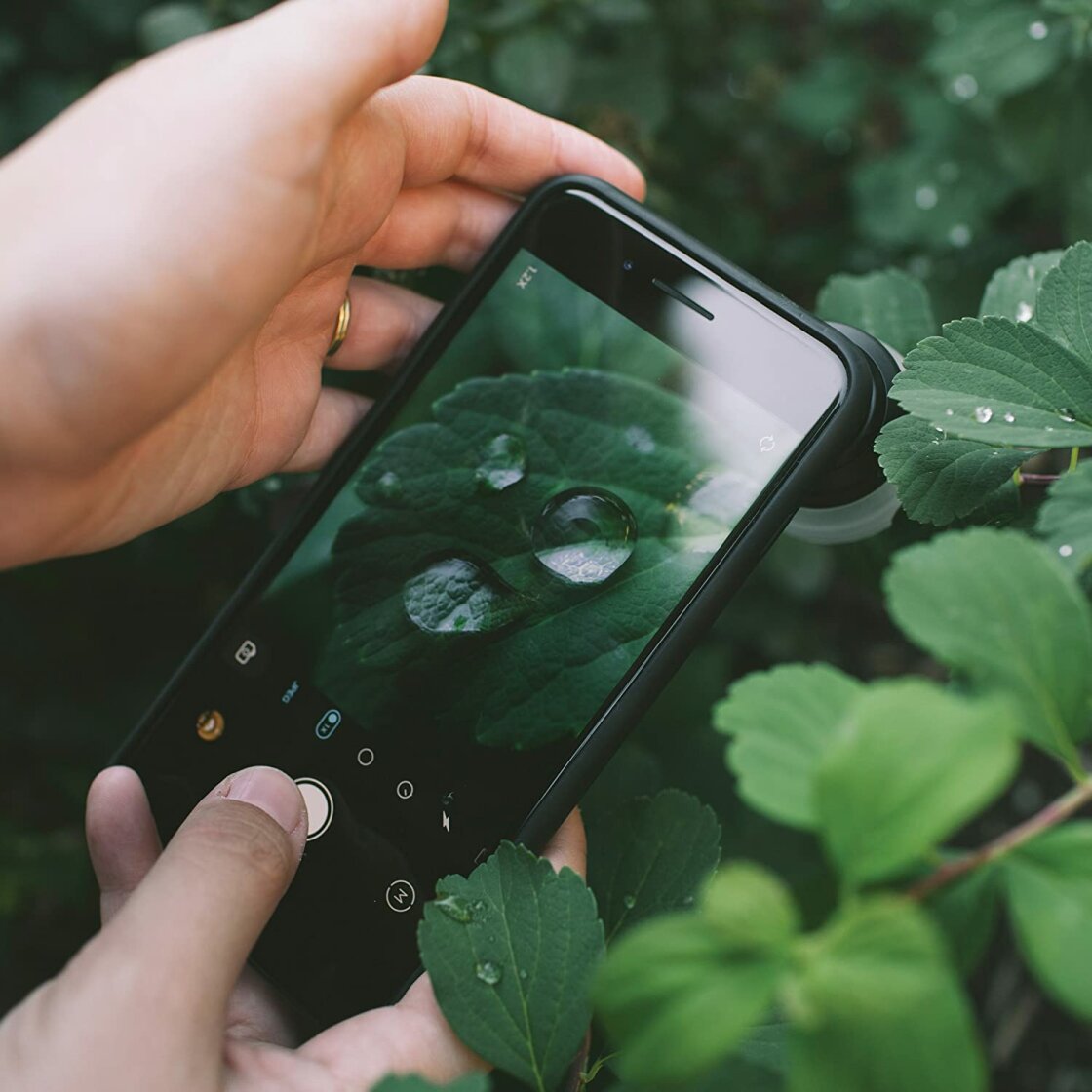
For subjects that do not fall under the "human" or "pet" categories recognized by Portrait Mode’s AI, photographers rely on the physical principle of proximity. By placing the lens significantly closer to the subject, the natural focal plane narrows, creating a genuine optical blur. This technique is particularly effective for macro photography, where fine details of nature and textures are prioritized.
Precision Focus and the AE/AF Lock Mechanism
Achieving pin-sharp focus is the cornerstone of high-quality imaging. The iPhone’s default autofocus system is designed for speed, often prioritizing the largest or closest object in the frame. In complex scenes—such as a subject behind glass or a landscape with foreground foliage—the system may falter.
The manual override for this is the "Tap to Focus" feature, which allows the user to define the focal point. For more demanding environments, the AE/AF (Auto Exposure/Auto Focus) Lock is utilized. By long-pressing the viewfinder, the camera "locks" its focus and exposure settings, preventing the device from readjusting if a person walks through the frame or if the lighting shifts slightly.
In professional circles, this is considered essential for consistency. Statements from mobile photography experts suggest that manual focus is particularly vital in low-light conditions where the sensor’s phase-detection pixels may struggle to find a contrast point. For extreme precision, third-party applications like Camera+ 2 offer a manual focus slider, allowing for "focus pulling"—a technique used in cinematography to smoothly transition focus between two points in a scene.
The Exposure Triangle: Balancing Light and Detail
In the context of a smartphone, the "Exposure Triangle"—traditionally composed of Aperture, Shutter Speed, and ISO—is modified because the aperture is fixed. Therefore, exposure management relies entirely on the relationship between shutter speed and ISO.
Exposure refers to the total amount of light reaching the sensor. An over-exposed image loses detail in the "highlights" (bright areas), while an under-exposed image loses detail in the "shadows" (dark areas). The native iPhone camera app allows for manual exposure compensation via a vertical slider appearing next to the focus box. Swiping up increases brightness, while swiping down decreases it.
In 2020, with the release of iOS 14, Apple introduced a dedicated Exposure Compensation slider in the hidden settings menu. This tool allows photographers to set a baseline exposure that persists across multiple shots, a feature highly valued by street photographers who need to maintain a specific "mood" or "vibe" throughout a series of captures.
Mastering Shutter Speed for Motion Control
Shutter speed dictates the duration the sensor is exposed to light. It is measured in fractions of a second (e.g., 1/1000s) or full seconds. A fast shutter speed "freezes" time, making it indispensable for sports or wildlife photography. Conversely, a slow shutter speed creates "motion blur," which can be used artistically to show the flow of water or the streak of car headlights at night.
While the native iPhone app handles shutter speed automatically, third-party professional apps provide manual shutters ranging from 1/8000s to 30 seconds. To capture long exposures effectively, the use of a tripod is mandatory; even the microscopic tremors of a human hand will result in a discarded, blurry image.
The introduction of "Live Photos" has also provided a clever workaround for long-exposure photography. By capturing a three-second video clip and applying the "Long Exposure" effect in the Photos app, the software stacks the frames to simulate the look of a slow shutter. This allows for the "silky water" effect on waterfalls without the need for a neutral density filter.
ISO and the Mitigation of Digital Noise
ISO measures the sensor’s sensitivity to light. A low ISO (e.g., ISO 32) produces a clean, high-detail image but requires significant light. A high ISO (e.g., ISO 2000) allows for shooting in near-darkness but introduces "digital noise" or grain.
In professional journalism and commercial photography, grain is generally avoided as it degrades the perceived resolution of the image. The general rule for manual control is to keep the ISO as low as possible and compensate by slowing down the shutter speed, provided the camera is stabilized. On newer iPhone models, "Night Mode" manages this balance automatically by taking multiple exposures at different ISO levels and merging them to reduce noise through temporal filtering.
Color Accuracy and White Balance Calibration
White balance ensures that colors appear natural by adjusting for the "temperature" of the light source. Light is measured on the Kelvin scale; incandescent bulbs produce a warm, orange glow, while a cloudy sky produces a cool, blue light.
The iPhone’s Auto White Balance (AWB) is generally reliable, yet it can be deceived by dominant colors in a scene, such as a large green field or a vibrant red wall. Manual white balance control allows a photographer to "tell" the camera what true white looks like in the current environment. This prevents the "color casting" that often ruins indoor shots. For creative purposes, white balance can be manipulated to add a warm, nostalgic feel to a sunset or a cold, clinical atmosphere to a winter landscape.
Broader Impact and Industry Analysis
The shift toward manual control in mobile devices has profound implications for the creative economy. As the iPhone 12 Pro and subsequent models introduced Apple ProRAW, the boundary between mobile and professional workflows has blurred. ProRAW combines the information of a standard RAW format with iPhone image processing, giving photographers massive latitude in post-processing without the artifacts of a compressed JPEG.
Professional photographers have reacted with a mix of caution and enthusiasm. While some argue that a small sensor can never replace the physics of a full-frame sensor, others, like travel photographers, have embraced the iPhone as their primary tool due to its portability and the speed of the "capture-to-publish" pipeline.
In conclusion, the iPhone is no longer just a communication device; it is a high-performance optical instrument. The transition from automatic to manual control represents a shift from taking a picture to "making" a picture. By mastering the nuances of focus, exposure, and color science, the modern user can achieve results that are not only indistinguishable from professional cameras but often superior in their ability to capture the spontaneity of the moment. As hardware continues to evolve with larger sensors and periscope zoom lenses, the value of manual technical proficiency will only continue to rise.