The intersection of mobile photography and digital artistry has undergone a radical transformation over the last decade, evolving from basic color filters to sophisticated AI-driven engines capable of mimicking the brushstrokes of history’s greatest masters. As the hardware capabilities of the iPhone—specifically the integration of Neural Engines within Apple’s A-series Bionic chips—have expanded, so too has the sophistication of applications designed to turn standard images into complex drawings and sketches. This technological leap has democratized artistic expression, allowing users without formal training in illustration to produce high-quality, stylized visual content in a matter of seconds.
The Evolution of Mobile Digital Artistry
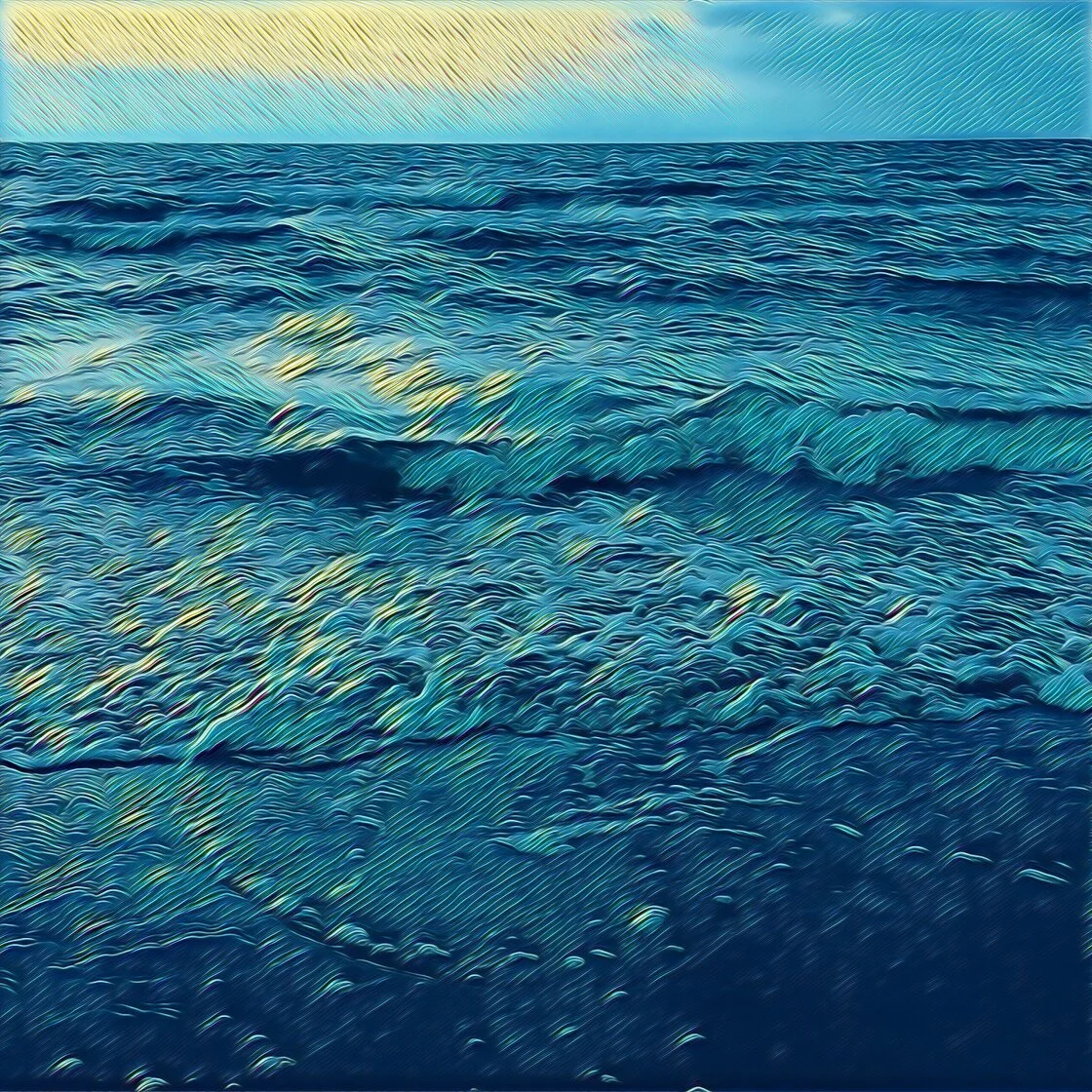
The phenomenon of transforming photos into sketches is not merely a novelty; it represents a significant shift in how visual media is consumed and created. In the early 2010s, "sketch filters" were often rudimentary, relying on simple edge detection and color desaturation. However, the 2016 launch of Prisma introduced the world to Neural Style Transfer (NST), a class of software algorithms that manipulate digital images to adopt the visual style of another image, such as a painting by Van Gogh or Picasso.
Since then, the market has expanded into a multi-million dollar segment of the App Store’s "Photo & Video" category. Developers have shifted from simple one-tap solutions to comprehensive creative suites that offer layer-based editing, vectorization, and high-definition output suitable for physical printing. This evolution is driven by the increasing demand for unique social media content and the growing "creator economy," where original aesthetic branding is paramount.
Analysis of Leading Artistic Conversion Applications
1. Prisma: The Pioneer of Neural Style Transfer
Prisma remains the benchmark for artistic filters on iOS, largely due to its early and effective implementation of deep learning. Unlike traditional filters that overlay a texture, Prisma reinterprets the photo from the ground up using its neural network.
- Key Features: The app provides a library of over 300 styles, many of which are explicitly modeled after the aesthetics of artists like Salvador Dalí and Edvard Munch.
- Operational Mechanism: Users apply a style with a single tap, but the app allows for nuanced control through a "filter strength" slider, accessed by swiping across the screen. This allows for a blend between the original photographic detail and the abstract artistic interpretation.
- Market Position: While the app is free to download, it operates on a subscription model to provide access to high-definition processing and the full library of daily updated styles. High-resolution saving is a critical feature for users intending to use these digital sketches for professional portfolios or large-scale prints.
2. Clip2Comic: Excellence in Vector-Style Cartoons
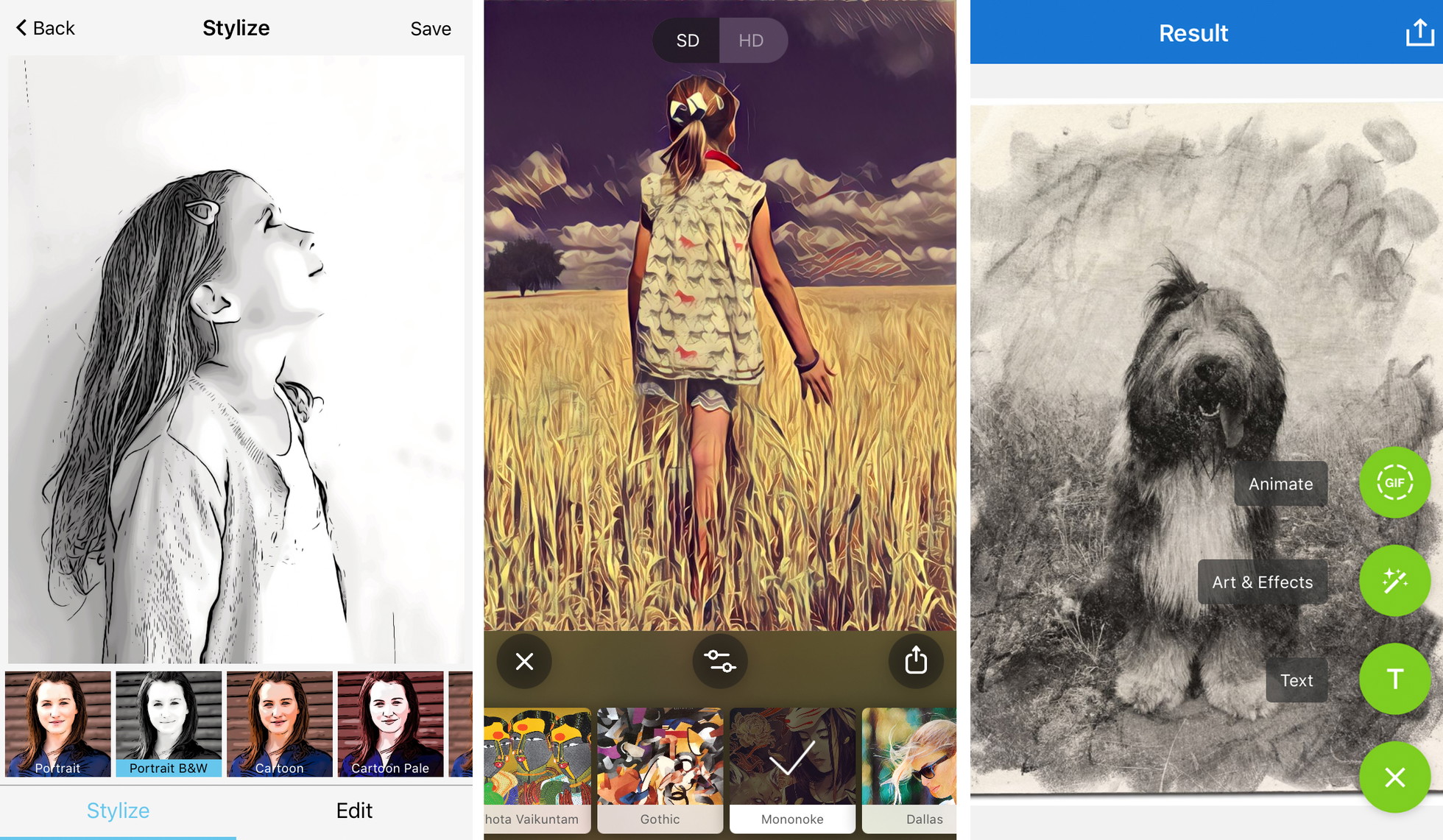
While Prisma focuses on fine art, Clip2Comic specializes in the niche of comic book aesthetics and caricature. It is widely regarded as the premier tool for users looking to create "pop art" or illustrative content that retains sharp, clean lines.
- Technological Advantage: The app’s strength lies in its ability to vectorize photographic elements, turning them into solid blocks of color and bold outlines. This is particularly effective for portraiture and storytelling.
- Live Preview Capabilities: A standout feature of Clip2Comic is its "live camera" mode, which allows users to see the world through a cartoon lens in real-time, facilitating the capture of both photos and videos with the effect pre-applied.
- Expansion into Physical Media: Recognizing the popularity of its output for gifts and home decor, the developers integrated a print-on-demand service directly into the app, allowing users to order physical prints of their digital sketches.
3. Photoleap: The Professional Creative Suite
Developed by Lightricks—a "unicorn" startup in the mobile editing space—Photoleap (formerly Enlight Photofox) is designed for users who require more than a simple filter. It positions itself as a mobile alternative to desktop software like Adobe Photoshop.
- Advanced Toolset: Beyond its "Sketch" and "Urban" tools, Photoleap offers layer-based editing. This allows an artist to apply a charcoal sketch effect to a subject while keeping the background in its original photographic state, or vice versa.
- AI Integration: Recent updates have seen the inclusion of AI-generated art tools, further blurring the line between photo editing and pure digital creation.
- Target Demographic: This app is favored by digital collagists and graphic designers who use the sketch conversion as just one step in a multi-layered creative process.
4. Painnt: Quantitative Variety and Community Curation
Painnt caters to the user who seeks the widest possible variety of aesthetic choices. With a library exceeding 2,000 filters, it offers a breadth of styles that few competitors can match.
- Categorization: Filters are organized into categories such as "Classical," "Modern," "Sketch," and "Mosaic," making the massive library navigable.
- Customization Parameters: Painnt provides deep-level sliders for transparency, brightness, contrast, and "noise" reduction, giving the user significant control over how the algorithm interprets the source image.
- Output Quality: The premium version supports 4K resolution, which is the industry standard for high-quality digital displays and professional-grade printing.
5. Photo Lab: Realism in Traditional Media
Photo Lab distinguishes itself through its focus on traditional media textures. For users who want a digital image to look as though it were physically drawn on textured paper with charcoal or ink, this app provides the most convincing results.
- Artistic Fidelity: The app’s algorithms are tuned to replicate the imperfections of physical drawing tools, such as the grain of a crayon or the bleed of a pen.
- Ease of Use: While it offers fewer manual "pro" tools than Photoleap, its automated "Smart Effects" are highly effective for quick, high-quality conversions.
- Monetization and Access: Like its peers, it utilizes a "freemium" model. The removal of watermarks—essential for professional use—is gated behind a subscription.
Supporting Data: The Growth of Mobile Art Tools
The demand for these applications is supported by broader trends in the mobile app economy. According to market research data, the global photo editing software market was valued at approximately $900 million in 2022 and is projected to grow at a compound annual growth rate (CAGR) of over 6% through 2030.
A significant portion of this growth is attributed to "Mobile-First" users. Apple’s App Store analytics consistently show that "Photo & Video" is one of the top three most profitable categories. The shift from one-time purchases (popular in 2010–2015) to recurring subscriptions (2016–present) has allowed developers to fund the expensive server-side GPU processing required for complex AI style transfers.
Professional Guidelines for Optimizing Sketch Conversions
To transition from casual use to professional-grade output, industry experts suggest a strategic approach to using these applications.
Compositional Simplicity
Algorithms for sketch conversion perform most accurately when the source image has a clear subject and high contrast. Busy backgrounds often lead to "visual noise" in a sketch, where the AI struggles to distinguish between essential edges and incidental textures.
Subject-Filter Alignment
The "mood" of a filter should correspond to the narrative of the photo. For instance, architectural photography often benefits from the clean, geometric lines of a "Pen and Ink" filter, whereas emotive portraiture is better served by the soft gradients of "Charcoal" or "Pastel" styles.
Resolution Management
A common pitfall for novice users is ignoring output resolution. Free versions of many apps default to "web resolution" (approx. 72–96 DPI), which appears sharp on a smartphone screen but pixelated when printed. For physical display, a minimum of 300 DPI is required, necessitating the use of the "HD" or "Ultra HD" export options found in premium tiers.
Ethical and Aesthetic Integrity
The use of watermarks is a contentious issue in the digital art community. From a journalistic and professional standpoint, watermarks are seen as a detraction from the work’s integrity. Analysts suggest that for any use beyond personal social media, the investment in a watermark-free export is mandatory to maintain a professional aesthetic.
Broader Impact and Industry Implications
The rise of photo-to-sketch technology has sparked a debate within the traditional art community. Critics argue that these apps devalue the skill of hand-drawing, while proponents suggest they are merely a new tool in the artist’s kit, much like the camera obscura was for painters of the Renaissance.
From a practical standpoint, these apps have revolutionized several industries:
- Real Estate: Agents use sketch filters to create "lifestyle" renderings of properties.
- Marketing: Small businesses utilize cartoon filters for consistent, cost-effective branding across social media platforms.
- Education: Educators use these tools to turn historical photos into "coloring pages" or stylized illustrations for teaching materials.
As AI continues to evolve, the next frontier for these applications is likely to be "Temporal Consistency" in video—the ability to turn a moving video into a hand-drawn animation without the "flicker" that currently plagues mobile video filters. With the hardware in the latest iPhone models already supporting real-time Ray Tracing and advanced ML (Machine Learning) tasks, the line between a captured photograph and a hand-crafted work of art will continue to thin, providing users with unprecedented creative power in the palm of their hand.