Mobile photography has undergone a seismic shift over the last decade, transitioning from a tool of convenience to a legitimate medium for professional artistic expression. Central to this evolution is the ability to manipulate depth of field, specifically the creation of a "bokeh" effect—a soft, out-of-focus background that isolates the subject and provides a high-end, cinematic aesthetic. While this effect was once the exclusive domain of expensive Digital Single-Lens Reflex (DSLR) cameras equipped with wide-aperture lenses, Apple has democratized the technique through a sophisticated combination of hardware engineering and computational photography. Understanding the mechanics of background blur on an iPhone requires a multi-faceted approach, ranging from utilizing the native Portrait Mode to mastering physical optics and third-party post-processing applications.
The Evolution of Computational Photography in the Apple Ecosystem
The history of depth manipulation on the iPhone began in earnest in 2016 with the release of the iPhone 7 Plus. This device introduced the dual-camera system, which utilized a wide-angle lens and a telephoto lens to triangulate depth data. By comparing the slight differences in perspective between the two lenses, Apple’s Image Signal Processor (ISP) could generate a "depth map," allowing the software to distinguish between the foreground subject and the background environment.
Since that milestone, the technology has advanced significantly. The introduction of the A-series Bionic chips and, more recently, LiDAR (Light Detection and Ranging) scanners on Pro models has refined the accuracy of edge detection. LiDAR works by emitting infrared light pulses and measuring the time it takes for them to bounce off objects, creating a precise 3D map of the scene. This hardware allows for superior background blur even in challenging low-light conditions where traditional contrast-detection autofocus often fails.
Utilizing Portrait Mode for Real-Time Depth Control
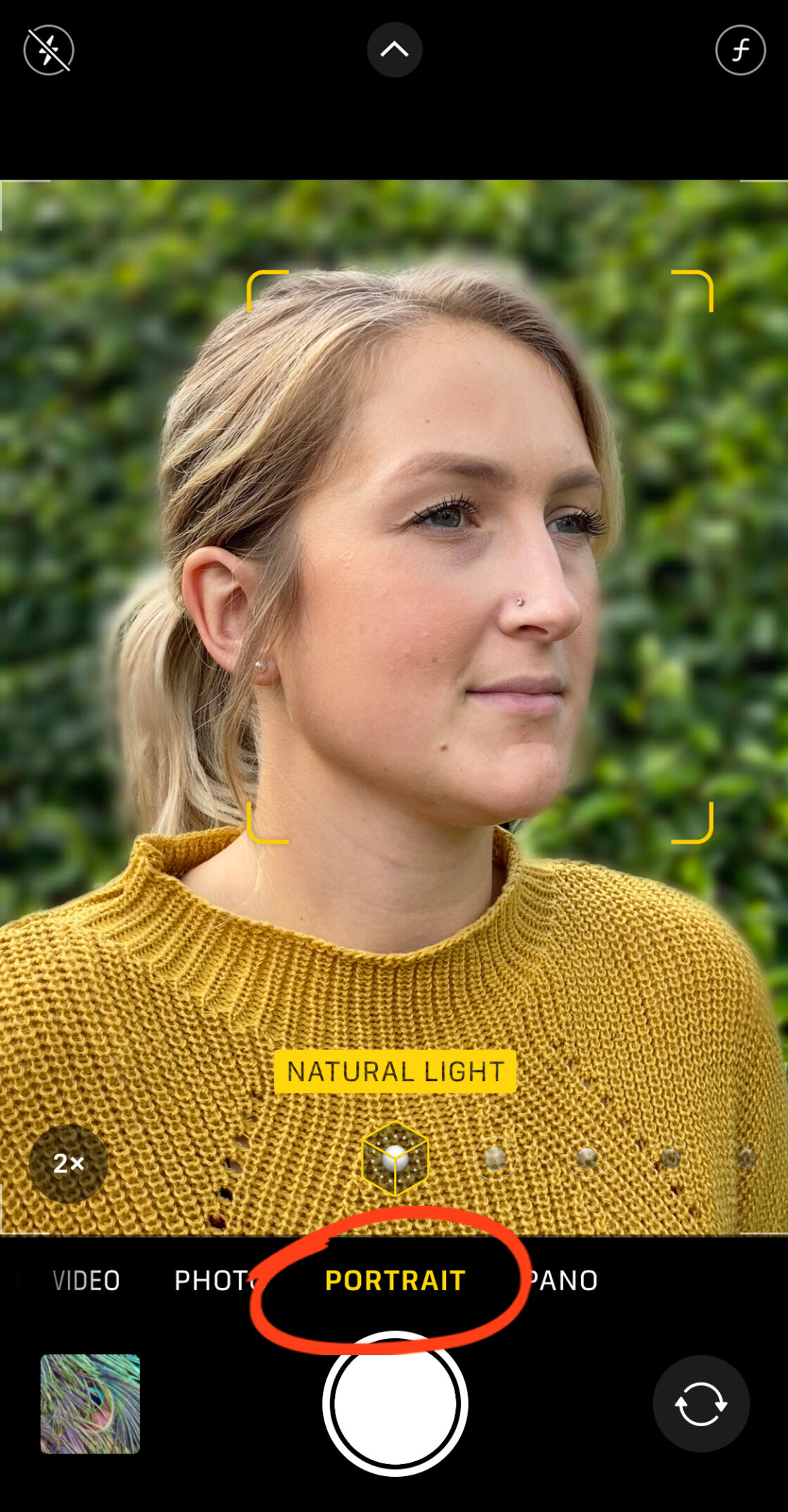
For the majority of users, the built-in Camera app’s Portrait Mode is the primary tool for achieving background blur. This mode leverages the device’s neural engine to apply a digital blur that mimics the optical properties of a professional lens.
Technical Implementation of Portrait Mode
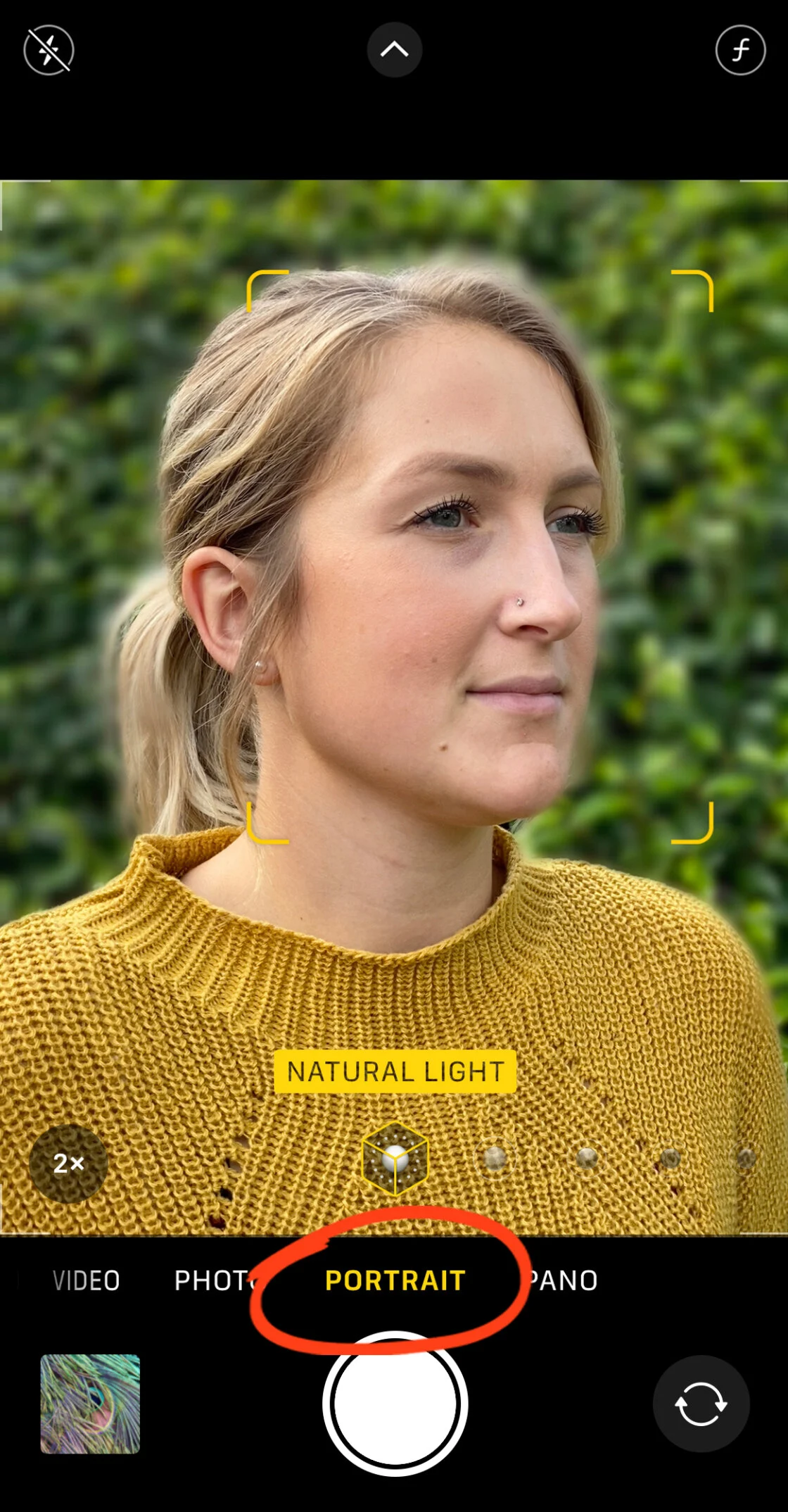
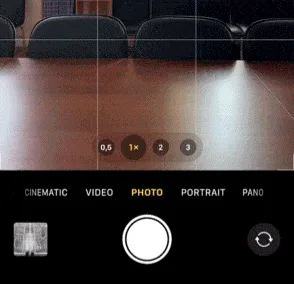
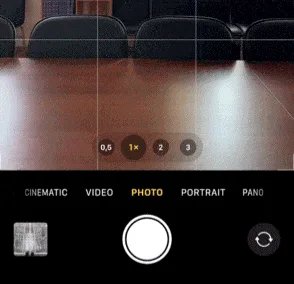
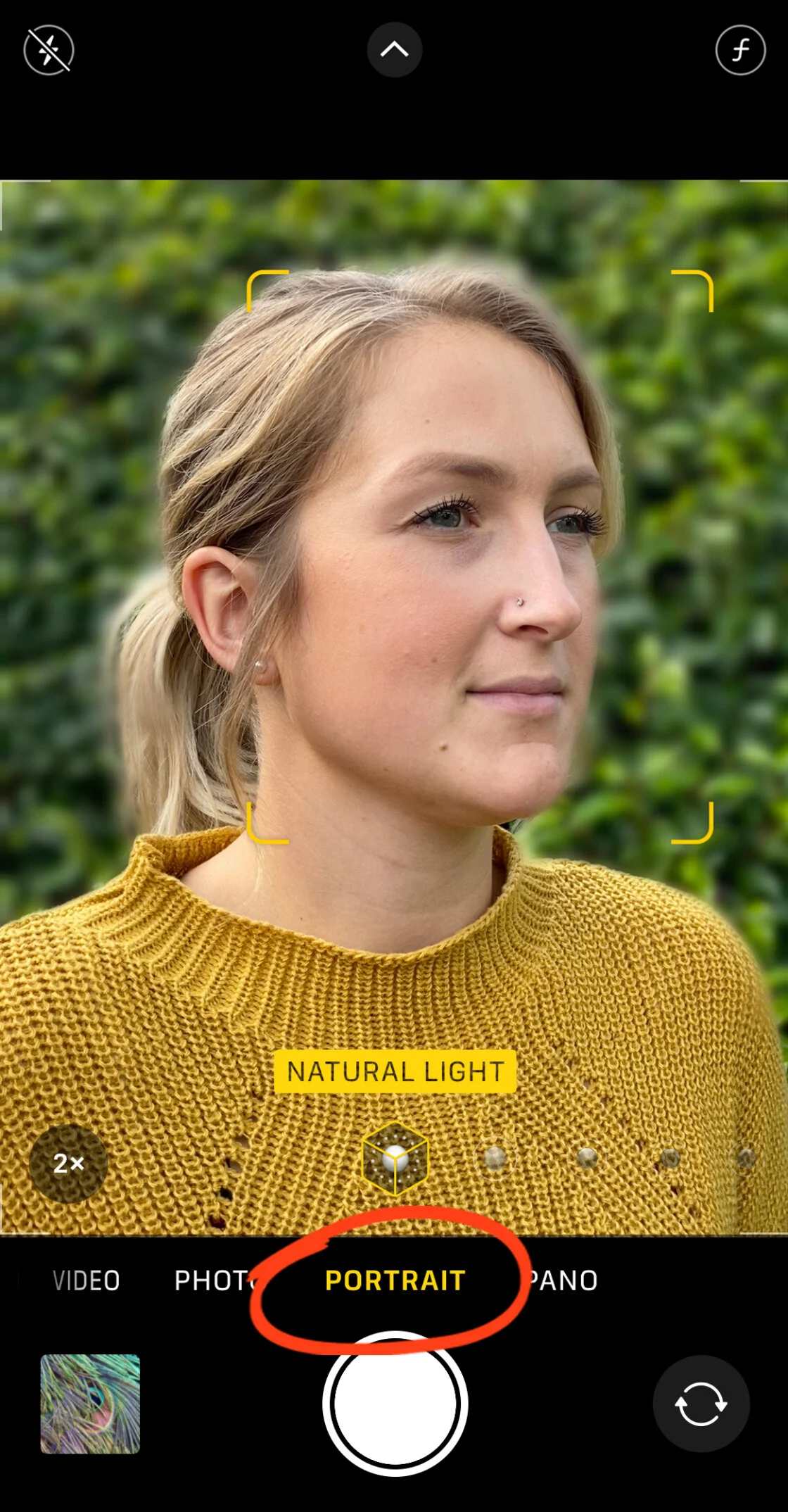
To capture an image with a blurred background, the user must select "Portrait" from the camera’s mode slider. The software requires specific conditions to function optimally: the subject should ideally be located between two and eight feet from the lens. If the subject is too close or too far, the interface will provide haptic and visual feedback, such as "Move farther away" or "Place subject within 8 feet."
Once the depth-effect is engaged, the iPhone identifies the subject’s face or body and applies a gradient blur to the background. This is not a uniform filter; rather, it is a sophisticated algorithm that applies more blur to objects further away from the focal point, simulating the natural fall-off of light.
Advanced Depth Control and Portrait Lighting
On iPhone XS and newer models, Apple introduced "Depth Control," allowing users to adjust the intensity of the blur after the photo has been taken. By tapping "Edit" on a Portrait photo, users can access a slider that mimics the f-stop (aperture) of a traditional camera. A lower f-number, such as f/1.4, results in a creamy, highly blurred background, while a higher f-number, like f/16, brings more of the background into focus.
Furthermore, Portrait Lighting—available on iPhone 8 Plus and subsequent models—allows for the manipulation of light as if in a studio setting. Options such as "Studio Light" brighten facial features, while "Stage Light" completely removes the background, replacing it with a deep black void. These tools represent the pinnacle of mobile image manipulation, providing users with creative control that was previously impossible without desktop software like Adobe Photoshop.
Achieving Optical Blur Through Physical Proximity
While computational blur is highly effective, it is not the only way to achieve a shallow depth of field. Professional photographers often rely on the laws of physics to create natural blur without software intervention. This is known as optical bokeh, and it is achieved by manipulating the distance between the camera, the subject, and the background.
The Science of Subject-to-Background Ratio
The closer an iPhone camera is to its subject, the shallower the depth of field becomes. This occurs because the lens must adjust its focus to a very near point, causing light rays from the distant background to converge far behind the sensor, resulting in a blurred image. To maximize this effect:
- Minimize Subject Distance: Move the iPhone as close to the subject as the lens will allow while maintaining focus.
- Maximize Background Distance: Ensure the background is as far away from the subject as possible. A subject standing directly against a wall will have no background blur, whereas a subject standing twenty feet in front of a forest will be perfectly isolated.
Macro Photography Capabilities
With the release of the iPhone 13 Pro and subsequent Pro models, Apple introduced a dedicated Macro mode. This utilizes the Ultra Wide lens to focus on subjects as close as two centimeters away. In macro photography, the depth of field is naturally razor-thin, creating an intense, organic blur that requires no digital processing. This technique is particularly effective for nature photography, such as capturing the intricate details of flowers or insects.
Post-Processing Solutions: Third-Party Applications
In scenarios where a photo was taken in the standard "Photo" mode without depth data, or if the native Portrait Mode failed to accurately detect edges (a common issue with stray hairs or translucent objects), third-party applications provide a robust solution.
Precision Masking with AfterFocus
AfterFocus is a prominent application in the mobile photography community, offering a "Smart Selection" tool. Users can roughly draw a line over the area they wish to keep in focus and another line over the background. The app’s algorithm then calculates the edges. For professional-grade results, the app offers a manual brush tool, allowing the user to zoom in and meticulously define the boundaries of the subject. This level of granular control often exceeds the capabilities of the native iOS software, especially for complex subjects like bicycles or intricate architecture.

Dreamy Aesthetics with Snapseed’s Lens Blur
Google’s Snapseed app offers a different approach through its "Lens Blur" tool. Rather than relying on edge detection, it uses a radial or linear tilt-shift mask. This is ideal for creating a "dreamy" vignette effect. Users can adjust the "Transition" slider to control how gradually the focus fades into the blur, and the "Vignette Strength" to darken the edges of the frame. This technique is frequently used in travel and lifestyle photography to draw the viewer’s eye toward a central subject while softening distracting peripheral elements.
Market Impact and Industry Analysis
The refinement of background blur technology on the iPhone has had a profound impact on the imaging industry. According to data from the Camera & Imaging Products Association (CIPA), global shipments of digital cameras have declined by over 90% since their peak in 2010. Analysts attribute this largely to the rapid advancement of smartphone optics.
The "Pro" branding of modern iPhones is not merely marketing; it reflects a genuine shift in capability. Professional social media content creators, journalists, and even some indie filmmakers now utilize the iPhone as their primary tool. The ability to shoot, edit, and publish a high-quality portrait with a blurred background in a matter of seconds has rendered the entry-level DSLR nearly obsolete for the general consumer.
However, a technical gap remains. High-end full-frame cameras still produce a more accurate "bokeh" because they rely on large physical sensors and glass optics rather than AI approximations. Critics of computational photography point to "edge artifacts"—instances where the software accidentally blurs the tip of an ear or a strand of hair—as evidence that the technology is not yet perfect. Nevertheless, for the vast majority of digital consumption, the iPhone’s blur is indistinguishable from professional equipment.
Future Outlook: The Role of Artificial Intelligence
Looking forward, the integration of generative AI is expected to further enhance background manipulation. Future iterations of iOS are rumored to include features that can not only blur backgrounds but also intelligently replace them or adjust the "lighting environment" of the blur to match the foreground subject more realistically. As Apple continues to iterate on its Neural Engine, the boundary between the digital and the optical will continue to fade, solidifying the iPhone’s position as a premier tool for visual storytelling.
In conclusion, blurring the background on an iPhone is a sophisticated blend of art and science. Whether through the automated ease of Portrait Mode, the physical principles of macro photography, or the precision of third-party editing suites, users have an unprecedented array of tools at their disposal to create stunning, professional-quality imagery.