The evolution of mobile photography has reached a critical juncture where the line between professional digital single-lens reflex (DSLR) cameras and smartphones has become increasingly blurred. Central to this transformation is the ability to create a "bokeh" effect—the aesthetic quality of the out-of-focus parts of an image. For iPhone users, achieving this professional-grade background blur is no longer a matter of expensive glass lenses and large sensors; rather, it is a sophisticated combination of hardware engineering and computational photography. By mastering native camera modes, physical positioning, and third-party post-processing tools, users can isolate subjects with precision, transforming casual snapshots into compelling visual narratives.
The Technological Foundation of iPhone Depth-of-Field
To understand how to blur a background on an iPhone, one must first understand the shift from optical to computational photography. In traditional photography, background blur is a product of physical optics: a wide aperture (low f-number), a long focal length, and a large sensor. Because smartphones are constrained by their slim form factors, they cannot house the large sensors or deep lenses required for natural optical bokeh in most scenarios.
Apple addressed this limitation in 2016 with the introduction of the iPhone 7 Plus, which featured the first "Portrait Mode." This was made possible by using two different lenses to create a depth map—a mathematical representation of the distances between the camera and various objects in the frame. Since then, the technology has evolved from simple dual-lens parallax to advanced machine learning algorithms and LiDAR (Light Detection and Ranging) scanners found on Pro models, which can "see" in three dimensions even in low-light conditions.
Utilizing Native Portrait Mode for Instant Results
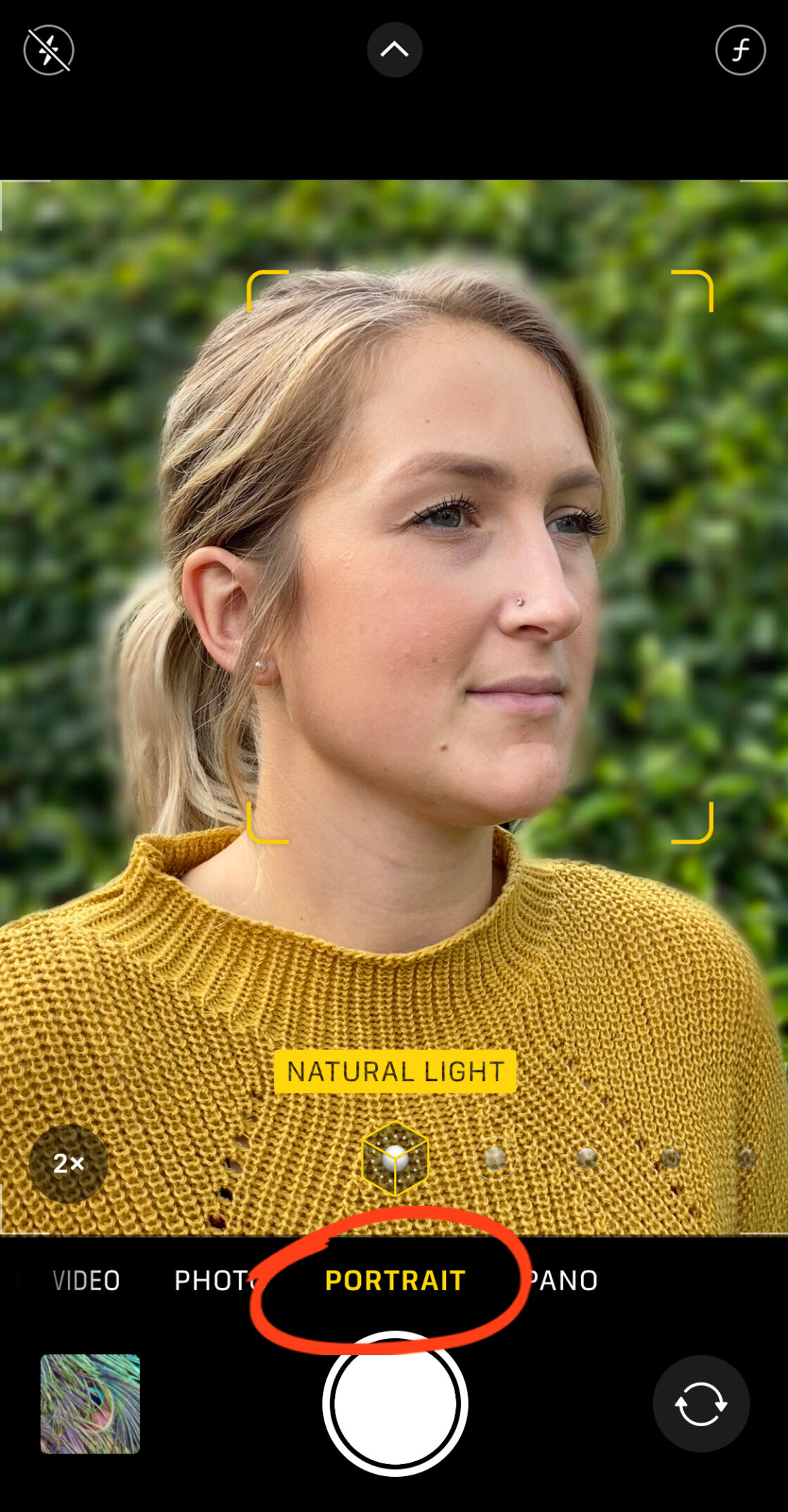
The most direct method for achieving background blur is the integrated Portrait Mode within the iOS Camera app. This mode utilizes the iPhone’s Image Signal Processor (ISP) and Neural Engine to identify the edges of a subject—whether a person, pet, or object—and artificially apply a Gaussian blur to the surrounding environment.
Step-by-Step Execution
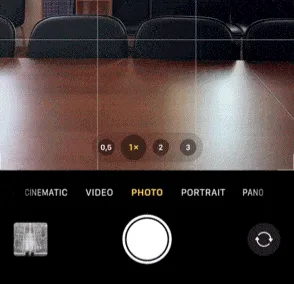
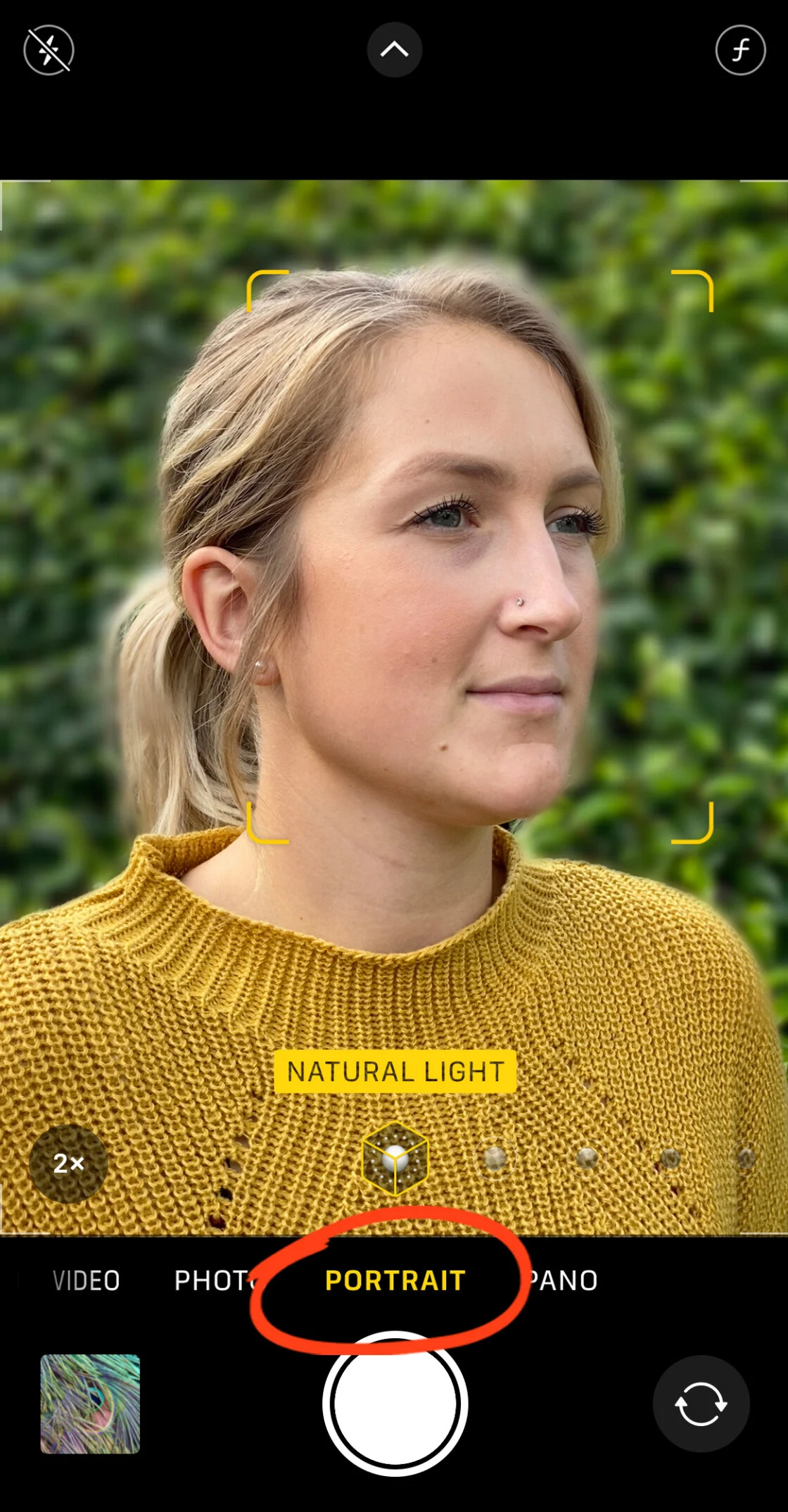
To initiate this effect, the user must open the Camera app and swipe to "Portrait." The software requires specific conditions to function optimally: the subject should be between two and eight feet away. If the subject is too close or too far, the interface will provide haptic and visual feedback, such as "Move farther away" or "Place subject within 8 feet." Once the yellow "Natural Light" or "Depth Effect" box appears, the depth map has been successfully locked, and the shutter can be pressed.
Adjusting Depth Control Post-Capture
A significant breakthrough in mobile editing occurred with the iPhone XS, which introduced "Depth Control." This allows users to adjust the intensity of the blur after the photo has been taken. By selecting a Portrait photo in the Photos app and tapping "Edit," users can manipulate a virtual aperture slider (represented by an f-number). A lower f-stop, such as f/1.4, results in a creamy, highly blurred background, while a higher f-stop, such as f/16, brings more of the background into focus. This flexibility mimics the behavior of high-end prime lenses, allowing for artistic corrections that were previously impossible in mobile environments.
The Physics of Optical Blur: The "Get Closer" Technique
While Portrait Mode relies on software, the iPhone is still capable of producing genuine optical blur through the laws of physics. Every lens has a fixed focal plane; objects outside that plane will naturally lose sharpness. This is particularly effective on newer iPhones with larger sensors and wider apertures (often f/1.5 to f/1.8).
The Macro Effect
By physically moving the iPhone closer to the subject, the depth of field narrows significantly. This technique is most effective for small subjects like flowers, food, or textures. When the lens is focused on an object just inches away, the background—even if it is only a few feet behind the subject—will naturally fall out of focus.
Hardware Limitations and Solutions
There is a limit to how close a standard wide-angle lens can focus, often referred to as the Minimum Focus Distance. If the user exceeds this limit, the subject will become a blur. On iPhone 13 Pro models and later, the system automatically switches to the Ultra Wide lens to enable Macro Mode, using sophisticated cropping to maintain focus at distances as close as two centimeters. For users with older models, third-party macro lenses, such as those produced by Moment or Sandmarc, can be clipped over the existing lens to achieve extreme close-up focus with high-intensity natural blur.
Advanced Post-Processing: Blurring Backgrounds via Software
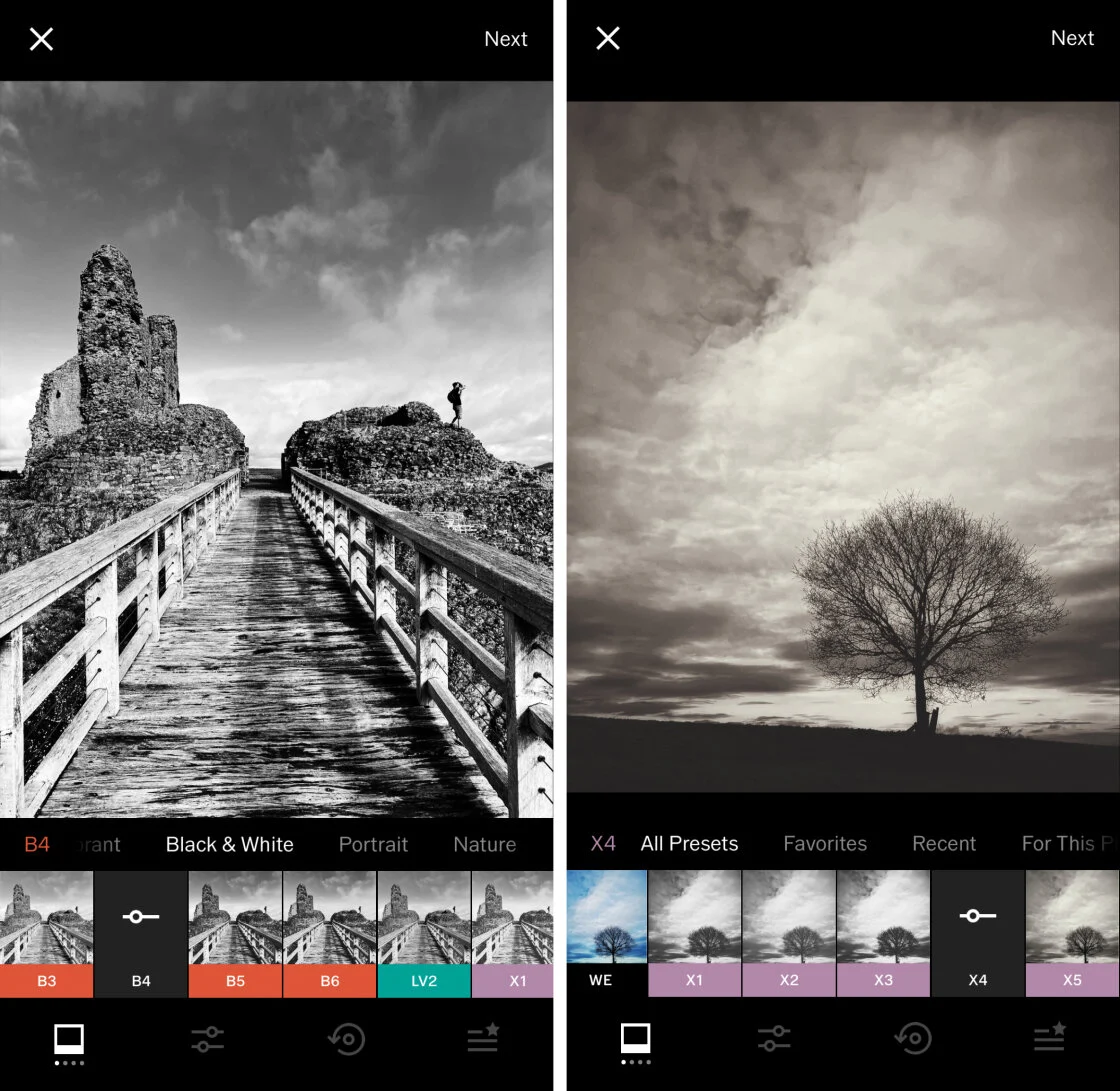
For photographs taken in "Photo" mode rather than "Portrait" mode, or for users with older hardware, third-party applications provide a secondary path to professional aesthetics. These apps use various algorithms to distinguish between foreground and background elements.
Precision Editing with AfterFocus
AfterFocus is a prominent tool in the mobile photography community for its "Smart Selection" feature. Users can roughly trace the subject they wish to keep sharp and the area they wish to blur. The app then refines these edges. For complex subjects, such as hair or foliage, the app offers a "Manual" mode, allowing for pixel-level masking. This granular control is often superior to the native "Portrait Mode" on older devices, which may struggle with edge detection around transparent or thin objects.
Creative Framing with Snapseed’s Lens Blur
Google’s Snapseed app offers a different approach through its "Lens Blur" tool. Instead of edge detection, it uses a radial or linear tilt-shift mask. This is particularly effective for creating a "dreamy" vignette or a miniature effect. By placing the focus circle over the subject and adjusting the "Transition" and "Blur Strength" sliders, users can guide the viewer’s eye toward the center of the frame. This technique is widely used in street photography to de-emphasize distracting background elements like street signs or distant pedestrians.
Chronology of iPhone Camera Innovation
The ability to blur backgrounds has been the primary driver of iPhone hardware sales over the last decade. A brief timeline illustrates this rapid advancement:

- 2016 (iPhone 7 Plus): Introduction of Portrait Mode via dual-camera parallax.
- 2017 (iPhone X): Introduction of Portrait Lighting and front-facing Portrait Mode via the TrueDepth camera system.
- 2018 (iPhone XS): Real-time Depth Control and "bokeh" simulation improvements.
- 2019 (iPhone 11 series): Multi-lens Portrait Mode support for wide and telephoto views.
- 2020 (iPhone 12 Pro): LiDAR integration for faster autofocus and improved depth mapping in low light.
- 2021 (iPhone 13): Cinematic Mode brings background blur to video recording.
- 2023 (iPhone 15): "Next-Generation Portraits" allow users to turn any standard photo into a Portrait photo after the fact, provided the camera detected a person or pet in the frame.
Market Context and Industry Impact
The democratization of the background blur effect has had a profound impact on the camera industry. According to data from the Camera & Imaging Products Association (CIPA), global shipments of digital cameras dropped by approximately 93% between 2010 and 2022. This decline is largely attributed to the fact that smartphones can now replicate the "professional look" that previously required a dedicated camera.
Professional photographers have expressed mixed reactions. While many acknowledge that the "fake" bokeh of a smartphone can sometimes look "plastic" or produce "halos" around hair, others have integrated iPhones into their professional workflows. "The best camera is the one you have with you," a common industry adage, has been bolstered by the fact that the iPhone’s computational power can now compensate for its small physical optics.
Analysis of Broader Implications
The ability to manipulate depth of field on a mobile device is more than a technical gimmick; it is a tool for visual literacy. By blurring the background, a photographer makes a conscious decision about what is important in the frame. This has elevated the quality of social media content, digital journalism, and personal archiving.
However, the reliance on AI-driven blur also raises questions about the "truth" of an image. As software becomes better at hallucinating depth, the photograph moves further away from a literal light capture and closer to a digitally rendered interpretation of a scene. Despite this, the consumer demand for "beautiful blur" remains at an all-time high, ensuring that Apple and its competitors will continue to prioritize depth-sensing technology in future hardware iterations.
In conclusion, blurring the background on an iPhone is a multi-faceted process. Whether through the automated precision of Portrait Mode, the physical intimacy of macro positioning, or the creative control of third-party apps, the modern iPhone user possesses a suite of tools that were once the exclusive domain of professional studios. Understanding these techniques allows users to move beyond the limitations of mobile hardware and capture images that are defined not by the device, but by the artist’s vision.