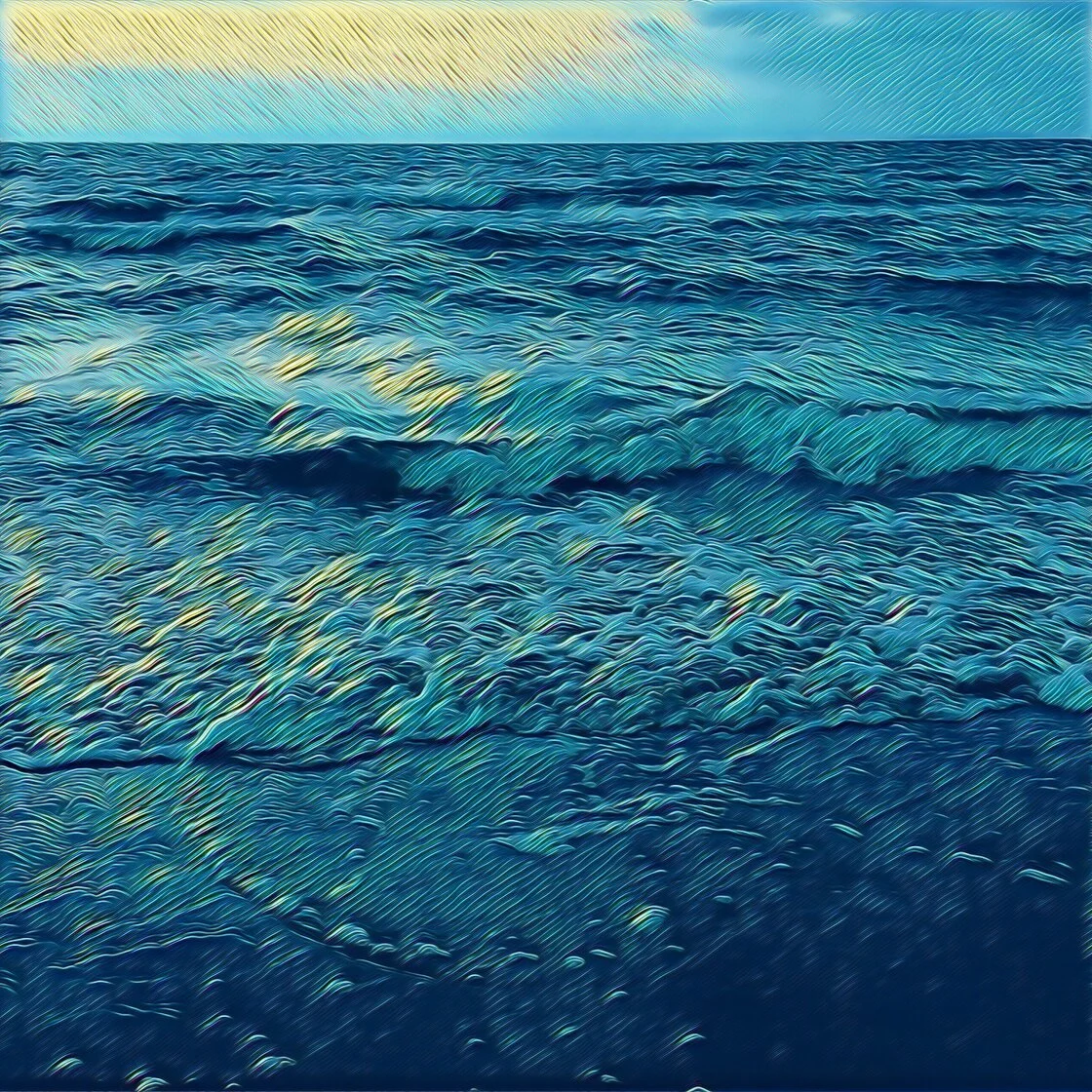
The shift toward artistic stylization in mobile photography reflects a broader trend in the creator economy, where individual users seek to differentiate their visual content in an increasingly saturated social media landscape. Market data from sensor-tracking firms suggests that the "Photo & Video" category remains one of the most lucrative and highly downloaded segments of the App Store, with creative editing tools leading the charge. This journalistic review examines the five premier applications currently dominating the market for photo-to-sketch transformation, analyzing their technical capabilities, business models, and overall impact on digital artistry.
1. Prisma: The Pioneer of Neural Style Transfer
Prisma remains a benchmark in the industry for its use of Convolutional Neural Networks (CNNs) to facilitate style transfer. Launched in 2016, the application revolutionized the market by moving beyond simple color overlays. Instead of applying a static filter, Prisma essentially "re-paints" the user’s photo by analyzing the structural patterns of the original image and merging them with the textures and brushstrokes of iconic artworks.
The application’s library includes over 300 styles, many of which are explicitly modeled after the aesthetics of masters such as Pablo Picasso, Edvard Munch, and Salvador Dalí. From a technical standpoint, Prisma’s strength lies in its ability to maintain the semantic integrity of the original photo—ensuring that faces and objects remain recognizable—while completely overhauling the artistic medium.
Prisma operates on a freemium model. While a substantial selection of filters is available at no cost, the premium subscription provides access to the full repository and enables high-definition (HD) processing. This HD capability is a critical requirement for users intended to transition their digital creations into physical prints, as lower-resolution exports often suffer from pixelation and loss of fine detail. The developer, Prisma Labs, continues to update the platform daily, releasing new "styles of the day" to maintain user engagement and retention.
2. Clip2Comic: Advanced Vectorization and Comic Aesthetics
While Prisma focuses on the fine arts, Clip2Comic targets the niche of illustrative and comic book aesthetics. This application is highly regarded for its robust edge-detection algorithms, which produce clean, sharp lines reminiscent of traditional ink-and-pen illustrations. Unlike many competitors that struggle with "muddy" textures, Clip2Comic maintains a high level of contrast and clarity, making it a preferred tool for creating caricatures and graphic novel-style visuals.
A distinguishing feature of Clip2Comic is its support for video transformation. The app allows users to apply its 14 distinct sketch styles to live video feeds or pre-recorded clips, effectively creating hand-drawn animations without the need for frame-by-frame rotoscoping. This functionality has made it a popular choice among digital storytellers and social media influencers.
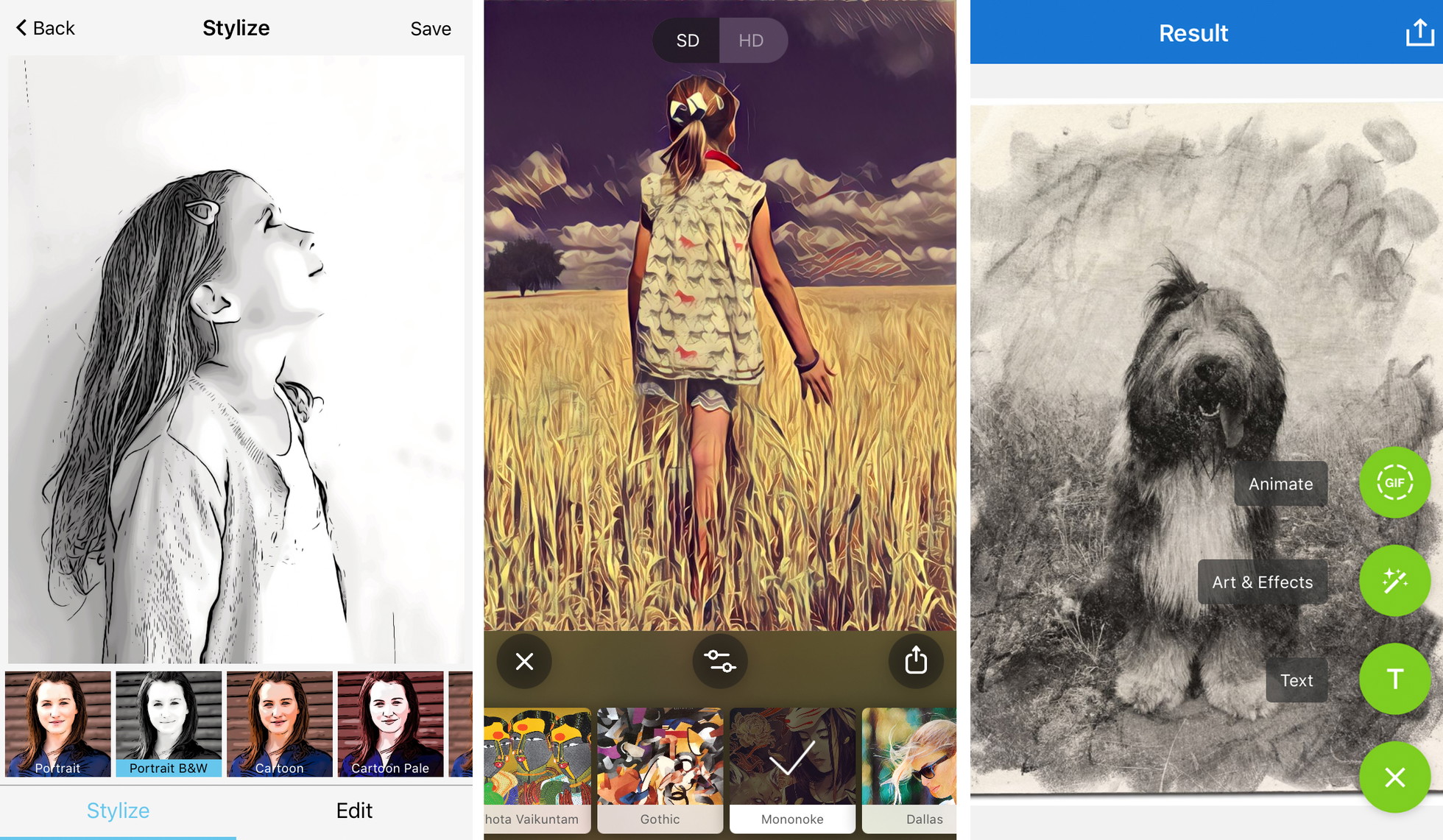
The application’s user interface is designed for efficiency, featuring a "Stylize" tab for quick filter application and an "Edit" tab for manual adjustments. While the basic version is free, the "Pro" upgrade is necessary to remove the "Clip2Comic" watermark and to unlock high-resolution export options. Furthermore, the Pro version includes a "Deform" tool, which allows for the manual warping of features to create professional-grade caricatures—a feature often cited by reviewers as one of the most intuitive in the App Store.
3. Photoleap: Layer-Based Creative Composition
Developed by Lightricks, the creators behind the popular Facetune app, Photoleap (formerly Enlight Photofox) is a sophisticated editing suite that positions itself as a mobile alternative to desktop software like Adobe Photoshop. Its approach to turning photos into drawings is more modular and professional than a simple one-tap filter app.
Photoleap’s "Sketch" and "Urban" tools offer a variety of graphite, ink, and paint effects. However, the app’s true power lies in its layer-based architecture. Users are not restricted to applying an effect to the entire image; instead, they can use masking and eraser tools to apply a drawing effect to the background while keeping the subject in photorealistic detail, or vice versa. This "hybrid" aesthetic has become a hallmark of modern digital collage.
The application also integrates advanced features such as double exposure, blending modes, and a dedicated AI image generator. This multi-functional approach appeals to "prosumers"—users who require more control than a casual filter provides but prefer the mobility of an iPhone over a workstation. Photoleap follows the industry-standard subscription model, offering a limited free version and a comprehensive "Pro" tier that grants access to all assets and tools.
4. Painnt: A Massive Repository for Artistic Diversity
For users who prioritize variety above all else, Painnt offers perhaps the most extensive collection of artistic filters in the mobile market. With over 2,000 filters categorized by style—including a dedicated section of 145 sketch-specific effects—Painnt provides a level of granularity that few other apps can match.
The technical architecture of Painnt allows for significant customization after a filter is applied. Users can manipulate parameters such as transparency, brightness, contrast, and saturation, as well as more specialized settings like stroke thickness and detail levels. This prevents the "cookie-cutter" look that often plagues filtered photography, allowing for a more bespoke artistic output.
Industry analysts note that Painnt’s success is largely driven by its community-centric approach, where users can share their creations and discover new styles within the app’s social feed. Like its competitors, Painnt offers a free version with watermarks and resolution limits, while the premium subscription removes these barriers and unlocks the full 2,000+ filter library. The ability to save at "4K" resolution makes it particularly appealing to digital artists who sell their work on print-on-demand platforms.
5. Photo Lab: Realistic Texture Simulation and Montage
Photo Lab distinguishes itself through its focus on the tactile qualities of traditional media. While other apps may produce "digital-looking" sketches, Photo Lab’s filters for charcoal, pastel, and pen-and-ink are noted for their realistic grain and texture. The application uses complex overlays to simulate the way ink bleeds on paper or how charcoal smudges on a canvas.
Beyond simple sketch conversion, Photo Lab is a leader in photo montages and complex artistic "looks." It allows users to place their "sketched" portraits into various contexts, such as on the pages of an old book or framed in a gallery setting. This focus on the final presentation makes it a favorite for users creating personalized gifts or scrapbook entries.
The application’s interface is built around a "plus" (+) icon system that allows for the stacking of effects. A user might start with a charcoal sketch filter and then add a "sepia" overlay or a text layer to complete the composition. Photo Lab is free to download, but it is heavily ad-supported. A subscription is required to remove advertisements, eliminate watermarks, and access the high-speed processing servers used for its most complex effects.
A Chronology of the Artistic Filter Movement
The ability to turn a photo into a drawing on a mobile device is the culmination of nearly two decades of software development:
- 2010–2012: The early years of the App Store were dominated by basic color-grading apps like Instagram and Hipstamatic. Filters were limited to sepia tones and vignettes.
- 2013–2015: "Pencil Sketch" apps began to appear, but they relied on basic edge-detection (Sobel filters), which often resulted in noisy, low-quality images.
- 2016: The release of Prisma marked a paradigm shift. It was the first time Neural Style Transfer—previously a high-level academic concept—was made available to the general public.
- 2017–2021: Companies like Lightricks and VicMan LLC refined these technologies, introducing local processing (on-device) to reduce reliance on cloud servers and improve privacy.
- 2022–Present: The integration of Generative AI has allowed these apps to not just filter images, but to "hallucinate" missing details, creating sketches that look more human-authored than ever before.
Technical Analysis: Maximizing Artistic Fidelity
For the journalistic observer, it is clear that the quality of a digital sketch is determined by more than just the software. To achieve professional results, users must adhere to certain principles of digital composition.
- Compositional Simplicity: High-detail environments often result in visual clutter when converted to line art. Professional digital artists recommend subjects with clear silhouettes and high contrast.
- Luminance and Contrast: Sketch algorithms rely on detecting changes in light. A flatly lit photo will yield a flat drawing. Photos with strong directional lighting (chiaroscuro) produce the most dramatic and realistic pencil effects.
- Resolution and PPI: A common pitfall in the mobile art market is the "resolution trap." Free versions of these apps often save at 72 PPI (Pixels Per Inch), which is suitable for web display but inadequate for printing. For a high-quality 8×10 print, an image requires at least 300 PPI, necessitating the premium tiers of the aforementioned apps.
Industry Impact and the Democratization of Art
The rise of these applications has sparked a debate within the professional art community. Critics argue that "one-tap" art devalues the skill required for traditional drawing. However, many industry experts view these tools as a democratization of creativity.
"These apps don’t replace the artist; they provide a new set of brushes," says one digital media analyst. "They allow someone who may not have the manual dexterity for charcoal drawing to express a visual vision." Furthermore, these apps have found utility in professional workflows, where architects and interior designers use them to quickly turn site photos into "conceptual sketches" for clients.
The broader implication is a shift in how we perceive the "truth" of a photograph. In an era where a photo can be instantly converted into a painting, a sketch, or a 3D animation, the photograph is no longer a final record, but rather a "raw material" for further creative exploration. As AI continues to evolve, the distinction between a "photo of a drawing" and a "drawing of a photo" will likely vanish entirely, leaving only the artist’s intent as the defining factor.