The evolution of the iPhone from a simple communication device into a sophisticated tool for professional-grade photography has fundamentally altered the landscape of digital media. As of 2024, industry data indicates that over 90% of all consumers take photos exclusively with their smartphones, with the iPhone maintaining a dominant market share in the premium mobile photography segment. While Apple’s native hardware and computational photography software provide a robust foundation, the demand for third-party editing applications has surged. These applications bridge the gap between casual snapshots and gallery-quality imagery, offering tools that range from AI-driven object removal to professional-grade color grading.
The Technological Trajectory of Mobile Post-Processing
The history of mobile photo editing is a chronology of rapid technological democratization. In the early 2010s, mobile editing was largely limited to low-resolution filters and basic cropping. The 2011 acquisition of Nik Software by Google—the developers of Snapseed—marked a pivotal moment, bringing advanced algorithms previously reserved for desktop software to the iOS ecosystem. This was followed by Adobe’s strategic shift toward a "mobile-first" workflow with the release of Lightroom for iPad and iPhone, which allowed for the synchronization of RAW files across devices via the Creative Cloud.
Today, the introduction of Apple ProRAW with the iPhone 12 Pro series has further expanded the necessity for high-end editing apps. ProRAW provides the standard RAW information alongside iPhone image processing, giving photographers more flexibility when adjusting exposure, color, and white balance. Consequently, the selection of an editing application is no longer just about aesthetic preference but about the technical capacity to handle high-bit-depth files and complex metadata.
1. Snapseed: The Industry Standard for Versatile Mobile Editing
Snapseed remains the most recommended entry point for both novice and professional photographers. Developed by Google, the application is unique in that it offers a full suite of professional tools entirely free of charge, without the inclusion of advertisements or subscription models.
The application’s power lies in its "Selective" and "Brush" tools, which utilize Control Point technology. This allows users to apply adjustments to specific areas of a photo rather than the entire frame. For example, a photographer can increase the saturation of a sunset without over-saturating the foreground. Furthermore, Snapseed’s "Healing" tool and "Expand" feature—the latter of which uses smart algorithms to fill in the edges of a canvas—provide capabilities once exclusive to Adobe Photoshop.
2. VSCO: Aesthetic Sophistication and Film Emulation
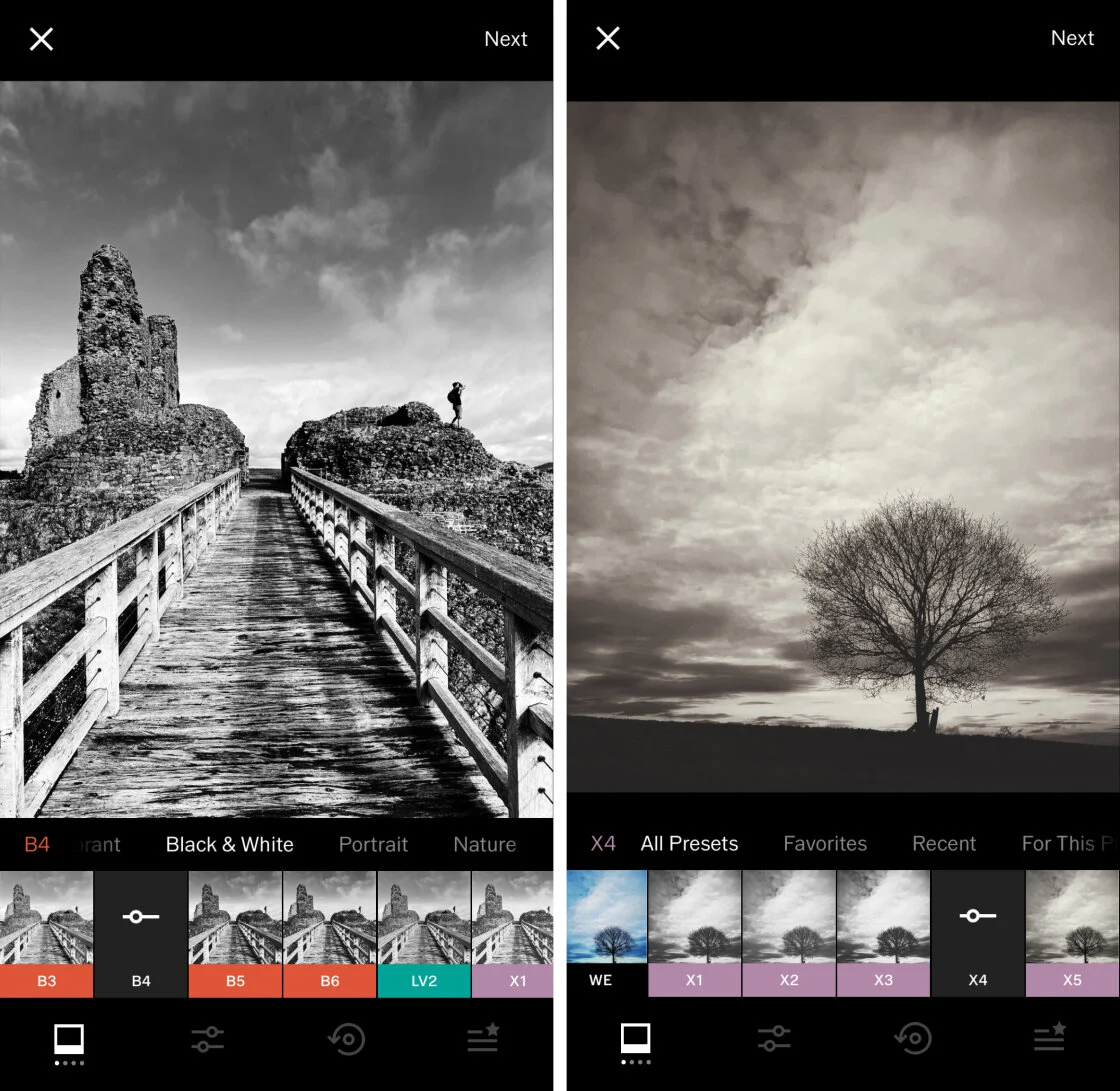
VSCO (Visual Supply Company) has carved a niche as the premier application for film emulation. Unlike many competitors that offer garish, high-contrast filters, VSCO’s presets are designed to mimic the subtle chemical properties of classic film stocks from Kodak, Fujifilm, and Agfa.
Market analysts note that VSCO’s success is largely due to its community-centric approach and its "VSCO X" subscription model, which provides over 200 presets and advanced tools like the "HLS" (Hue, Lightness, Saturation) slider. For professional creators, the app’s ability to edit video using the same presets as photos ensures brand consistency across different media formats, a critical requirement in the current social media economy.
3. TouchRetouch: Specialized Precision in Object Removal
While general editors offer basic healing brushes, TouchRetouch is a dedicated utility designed for "surgical" corrections. Developed by ADVA Soft, the application focuses on the removal of unwanted elements such as power lines, dust spots, and photobombers.
The application’s "Line Removal" tool is particularly noteworthy; by simply tapping a portion of a wire or cable, the software’s algorithm identifies the entire path of the object and removes it seamlessly, reconstructing the background pixels. In a professional context, this saves significant time compared to manual cloning in desktop environments.
4. Carbon: The Professional Choice for Monochromatic Artistry
Black and white photography requires a different approach to tonal range and contrast than color photography. Carbon addresses this by providing a dedicated environment for monochromatic editing. The app includes 58 specialized filters developed in collaboration with professional photographers.
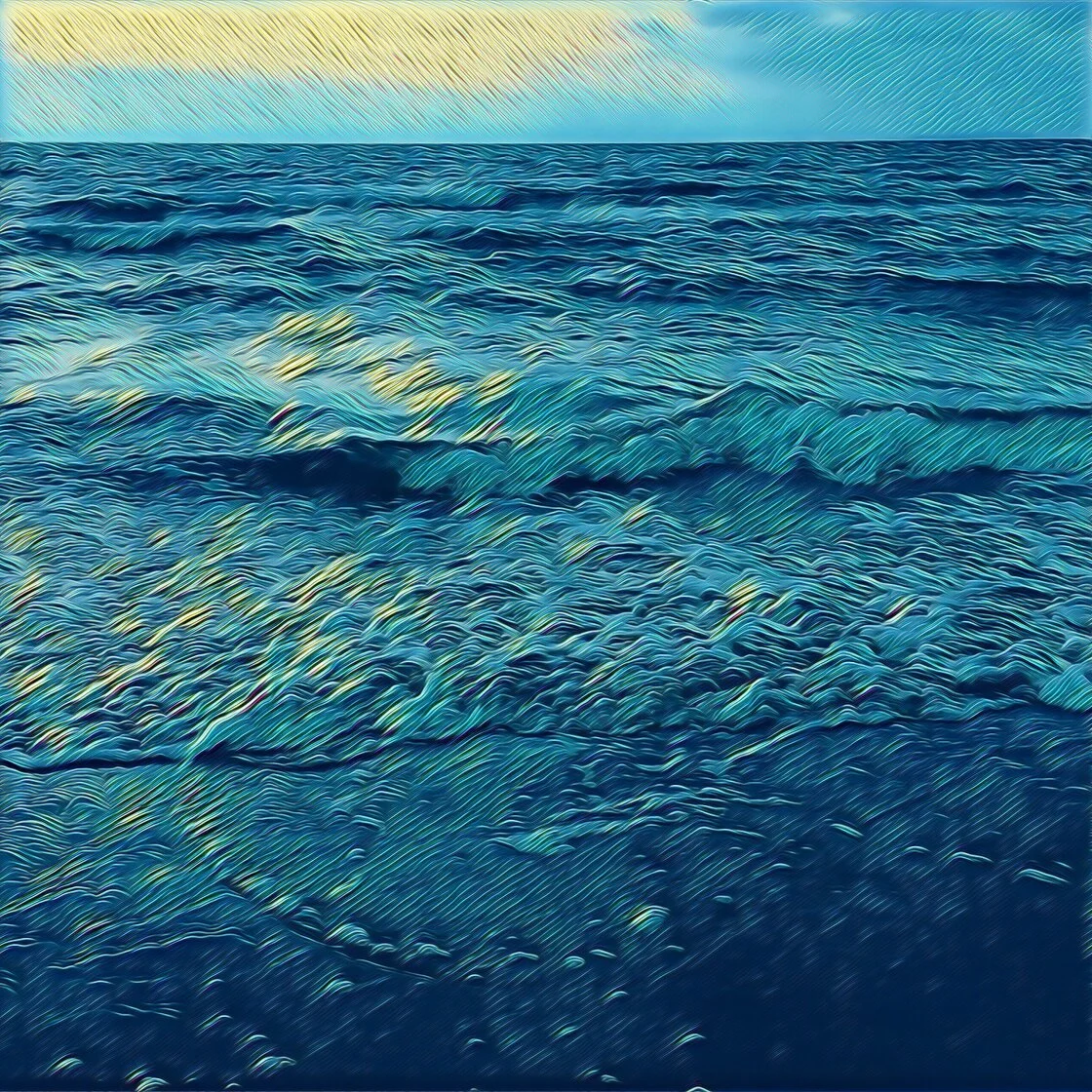
Beyond simple desaturation, Carbon allows users to adjust "grain" and "textures," mimicking the physical grit of high-ISO film. The inclusion of the "Kuwahara" tool—an image processing filter that smooths surfaces while preserving edges—allows for the creation of painterly, artistic effects that stand out in a digital landscape often saturated with hyper-sharp imagery.
5. Adobe Lightroom: The Backbone of Professional Workflows
For photographers who require a seamless transition between mobile and desktop, Adobe Lightroom is the definitive solution. The app’s strength is its non-destructive editing environment and its ability to handle large libraries of RAW images.
Lightroom’s mobile version offers sophisticated "Profiles" and "Geometry" tools that can correct lens distortion and perspective shifts—essential for architectural and real estate photography. Adobe’s integration of "Sensei" AI also enables advanced features like "Select Subject" and "Select Sky," allowing for one-tap masking that would otherwise take minutes of manual effort.
6. Afterlight: Creative Versatility and Graphic Integration
Afterlight positions itself as an all-in-one creative suite. While it offers standard adjustment sliders, its primary appeal is its library of over 130 filters and its robust set of creative overlays.
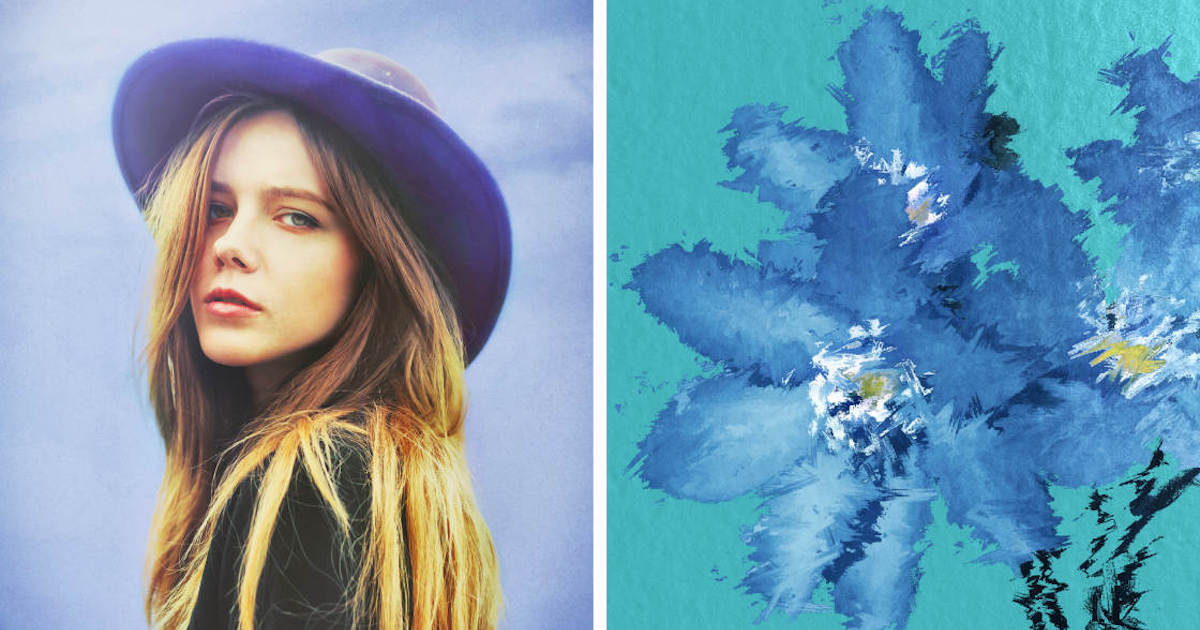
The application provides unique tools such as "Double Exposure," which allows users to blend two images with various transparency modes. Additionally, Afterlight’s "Text" and "Artwork" tools are frequently used by small business owners and digital marketers to create promotional content directly on their mobile devices, bypassing the need for complex graphic design software.
7. Mextures: Layer-Based Texture Mapping
Mextures is often cited as the best app for photographers who want to add "grit" and "mood" to their work. It utilizes a non-destructive layer-based system, allowing users to stack infinite combinations of textures, light leaks, and gradients.
A significant feature of Mextures is the "Formula" system. Users can save their specific layer stacks as formulas to be applied to future photos or shared with a global community. This systematic approach to creative editing has made it a favorite among "iPhoneographers" who specialize in moody, atmospheric landscapes.
8. Lens Distortions: High-Fidelity Optical Effects
Many apps offer light effects, but Lens Distortions distinguishes itself by using actual photographic assets rather than digitally generated patterns. The app provides high-quality overlays of sunlight, rain, snow, and fog.
In an industry analysis of mobile editing trends, Lens Distortions is praised for its realism. Because the overlays are derived from real-world glass and natural elements, they integrate with the image’s existing light and shadow more convincingly than standard filters. This makes it an essential tool for landscape photographers looking to enhance the environmental drama of their shots.
9. Superimpose X: Advanced Compositing and Digital Art
Superimpose X is the mobile equivalent of a multi-layered Photoshop environment. It is designed for "compositing"—the art of combining multiple images into a single surreal or artistic piece.
The app features advanced masking tools, including "Magic Wand" and "Lasso," which allow for the precise extraction of subjects from their backgrounds. For digital artists, the ability to adjust blend modes and use 24 different adjustment layers per image provides a level of creative control that was unthinkable on a mobile platform a decade ago.
10. Instagram: The Final Polish and Social Optimization
Despite its primary identity as a social network, Instagram’s internal editing suite remains a highly efficient tool for quick adjustments. For many users, the "Lux" slider—a proprietary algorithm that adjusts contrast and exposure to reveal detail—is a sufficient one-step solution for enhancing images.
Instagram’s tools are optimized for mobile viewing, ensuring that the colors and sharpness of an image are tailored for the high-density displays of modern smartphones. While it lacks the depth of Lightroom or Snapseed, its role as the "final stop" before publication makes it a vital component of the mobile photography ecosystem.
Supporting Data and Market Impact
The proliferation of these applications has had a measurable impact on the photography industry. According to a 2023 report by Grand View Research, the global photo editing software market is expected to grow at a compound annual growth rate (CAGR) of 6.4% through 2030, with mobile applications driving the majority of new user acquisitions.
Furthermore, professional organizations like the World Press Photo and various international photography awards have established categories specifically for mobile photography, validating the "shot and edited on iPhone" workflow as a legitimate artistic pursuit. This shift is also reflected in the hardware sector, where Apple continues to optimize its A-series chips specifically for the neural engine tasks required by apps like TouchRetouch and Adobe Lightroom.
Broader Implications and Future Outlook
The future of iPhone photo editing is increasingly tied to Artificial Intelligence (AI) and Machine Learning (ML). We are moving toward an era of "semantic editing," where applications understand the components of a photo—distinguishing between skin, fabric, foliage, and sky—and offer tailored adjustments for each.
As mobile processing power continues to rival that of entry-level laptops, the distinction between "mobile editing" and "professional editing" will likely disappear. For the modern journalist, creator, or hobbyist, the 10 applications listed above represent more than just tools; they represent the democratization of visual storytelling, allowing anyone with an iPhone to produce world-class imagery from the palm of their hand.