The emergence of high-performance mobile imaging technology has fundamentally altered the landscape of contemporary street photography, transforming what was once a pursuit reserved for those with expensive, weather-sealed professional rigs into a global movement accessible to anyone with a smartphone. For decades, the conventional wisdom among amateur photographers was to retreat indoors at the first sign of precipitation or fog, fearing both for the safety of their equipment and the perceived lack of "good" light. However, the modern street photography community, led by figures such as Philadelphia-based fine art photographer Andrew Gimblet, has begun to champion the opposite approach. "Bad" weather—characterized by rain, snow, and heavy mist—is now viewed as a premier catalyst for creative storytelling, offering atmospheric conditions and lighting scenarios that are impossible to replicate under clear skies.
The Technical Evolution of Mobile Street Photography
To understand why iPhone street photography has become so prevalent in adverse conditions, one must look at the trajectory of hardware development over the last decade. Since the introduction of the iPhone 7, Apple has prioritized Ingress Protection (IP) ratings, with recent models like the iPhone 15 boasting an IP68 rating. This certification indicates that the device can withstand submersion in up to six meters of water for 30 minutes. This technical milestone has effectively removed the "equipment anxiety" that previously hindered photographers from shooting in the rain.
Furthermore, the integration of computational photography—where software algorithms automatically enhance dynamic range, reduce noise, and sharpen details—has made the iPhone uniquely suited for the low-light and high-contrast environments common in stormy weather. As mobile sensors have grown larger and lenses more sophisticated, the gap between traditional DSLRs and smartphones has narrowed, particularly in the realm of street photography where portability and spontaneity are paramount.
A Chronology of the Stormy Day Workflow
The process of capturing high-quality street images in adverse conditions begins long before the shutter is pressed. Professional mobile photographers typically follow a structured workflow that maximizes both their creative output and their physical comfort.
- The Preparation Phase: This involves monitoring meteorological data. High-quality street photography often relies on "transitional weather"—the moments just before a storm breaks or immediately after it subsides.
- The Location Scouting (Fishing Holes): Experienced photographers identify specific urban intersections, bridges, or archways that provide both a compelling architectural backdrop and physical cover from the elements.
- The Execution: Utilizing specific techniques such as burst mode and manual exposure compensation to handle the unique reflective properties of wet surfaces.
- The Post-Processing: Moving the raw data into specialized applications to refine the mood, often through monochrome conversion.
Mastering the Rain: Umbrellas and Refraction
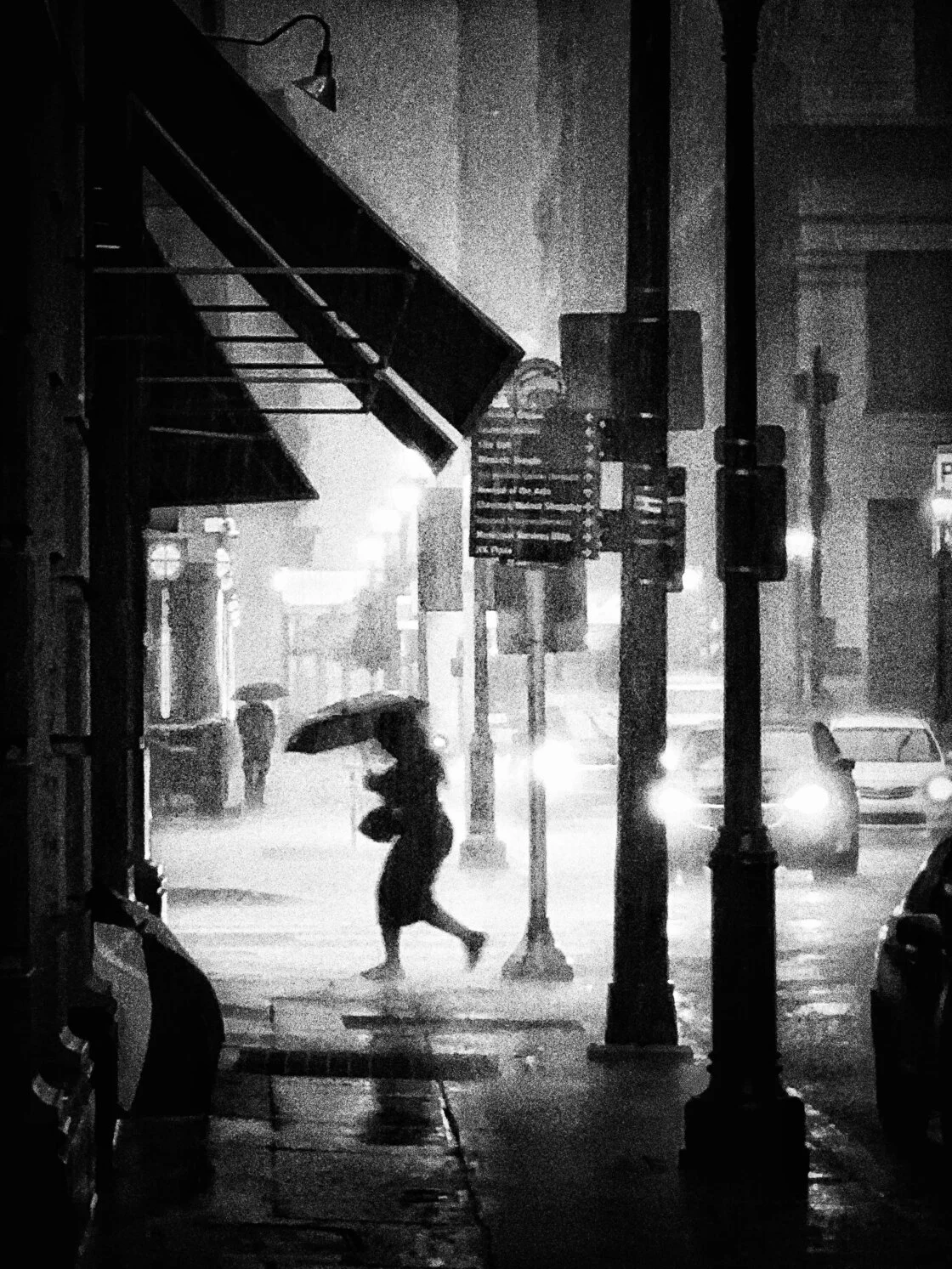
Rain provides a dual opportunity for the mobile photographer: it introduces new physical objects into the frame and changes the way light interacts with the urban environment. The first major tip for the aspiring weather-photographer is to embrace the umbrella as a narrative focal point. Beyond their practical use, umbrellas provide bold geometric shapes and pops of color that can anchor a composition amidst the gray tones of a storm.
Strategically, photographers are encouraged to seek shelter under awnings, bus stops, or doorways. This allows for long periods of observation without the distraction of personal discomfort. By positioning the iPhone close to a window—whether in a cafe or on a moving bus—photographers can utilize the second tip: focusing on raindrops. By tapping the screen to set focus on the water droplets clinging to the glass, the street scene in the background becomes a soft, impressionistic blur. This creates an abstract quality that emphasizes mood over literal detail, a hallmark of fine art street photography.
The Geometry of Puddles and Reflection
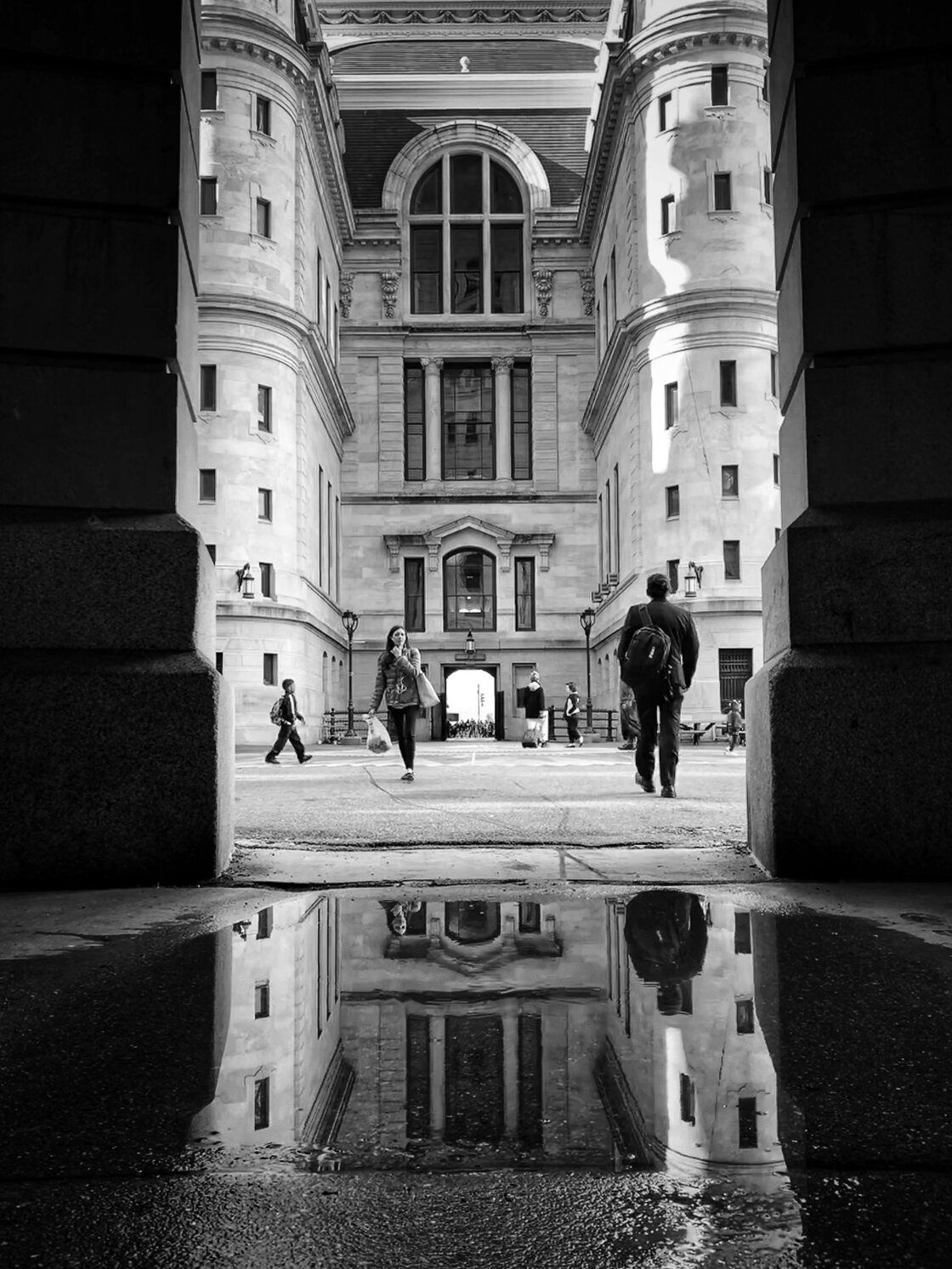
Once the rain stops, the urban landscape is transformed into a series of mirrors. Puddle reflection photography has become a staple of the iPhone street genre, yet it requires a specific physical approach to execute correctly. To achieve a truly immersive reflection, the photographer must crouch low to the ground. Flipping the iPhone upside down—placing the lens at the bottom, closest to the water’s surface—minimizes the "dead space" between the camera and the reflection.
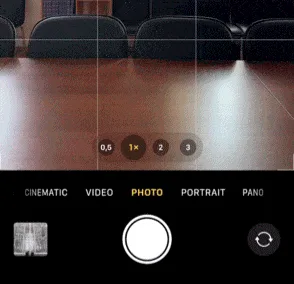
Industry data suggests that the human eye is naturally drawn to symmetry. By composing a shot with a 50-50 split between the real world and the reflected world, photographers can create striking, Rorschach-like images. To ensure the perfect timing when a subject walks through the frame, the use of "Burst Mode" is essential. On modern iPhones, this is triggered by dragging the shutter button to the left (in vertical orientation), allowing the device to capture dozens of frames per second. This ensures that the photographer can select the exact millisecond where the subject’s stride is most graceful.
In post-production, a popular creative "twist" involves rotating the final image 180 degrees. By placing the reflection at the top of the frame and the physical ground at the bottom, the photographer creates a disorienting, dreamlike effect that forces the viewer to engage more deeply with the image to decipher its reality.
Snow Photography and the Exposure Challenge
Snow is perhaps the most transformative of all weather conditions, capable of stripping away the visual clutter of a city and replacing it with a minimalist, high-contrast palette. However, snow presents a significant technical hurdle for the iPhone’s internal light meter. Because the camera’s software is programmed to seek a "middle gray" (18% gray) exposure, a frame filled with white snow will often result in an underexposed, muddy-looking image.
To combat this, photographers must manually override the auto-exposure. By tapping to focus and then swiping up on the sun icon, the exposure is increased, ensuring the snow remains a crisp, brilliant white.
When shooting in the snow, the "fishing hole" technique is particularly effective. By finding a static architectural frame—such as a bridge or a dark alleyway—and waiting for a subject to enter, the photographer can capture the struggle of man against the elements. If the goal is to capture falling snowflakes, a dark background is required to provide the necessary contrast for the white flakes to be visible.
Fog, Mystery, and the Art of the Silhouette
Fog acts as a natural "depth filter," obscuring the background and isolating subjects in the foreground. This atmospheric condition is ideal for creating a sense of mystery and solitude. To maximize the impact of fog, photographers should look for leading lines—roads, railings, or rows of streetlamps—that gradually fade into the mist. This creates a powerful sense of three-dimensional depth.
Silhouettes are especially effective in foggy conditions. By positioning a subject against the brightest part of the mist and reducing the exposure (swiping down on the screen), the photographer can reduce the person to a dark, anonymous shape. This technique removes distracting details and focuses the viewer’s attention on the subject’s posture and the overall mood of the scene.
The Shift to Monochrome: Analyzing the Aesthetic Impact
One of the most significant tips for bad-weather photography is the conversion to black and white. Rain, snow, and fog often result in "muddy" or desaturated colors that can feel unappealing in a final print. Monochrome conversion solves this by shifting the focus from color to texture, contrast, and light.
According to aesthetic analysis, black and white photography excels in bad weather because it emphasizes the "tonal range"—the gradation from the deepest blacks of wet asphalt to the bright whites of a foggy sky. Apps such as Adobe Lightroom Mobile, Snapseed, and Blackie have become essential tools for this process. They allow photographers to manipulate specific color channels even in a black and white edit; for example, darkening the blue channel can make a gray sky look more menacing and dramatic.
Broader Impact and Industry Implications
The rise of "bad weather" mobile photography has had a measurable impact on the digital imaging industry. Social media platforms like Instagram and Vero have seen a surge in "moody" urban hashtags, reflecting a shift in consumer taste away from the hyper-saturated, sunny travel photos of the early 2010s toward a more "authentic" and cinematic style.
Market analysts suggest that the success of photographers like Andrew Gimblet has influenced smartphone manufacturers to continue pushing the boundaries of low-light performance and weather resistance. As mobile devices become more rugged and their software more intelligent, the barriers to entry for high-level artistic expression continue to fall.
The ultimate takeaway for the modern photographer is that the environment is rarely the limiting factor; rather, it is the willingness to adapt one’s technique to the conditions at hand. By utilizing the iPhone’s unique capabilities—its portability, its waterproofing, and its advanced software—photographers can find beauty in the very storms that used to keep them indoors. The city, when viewed through a rain-slicked lens or a shroud of fog, offers a version of itself that is both fleeting and profoundly cinematic, waiting only for those brave enough to step out into the cold.