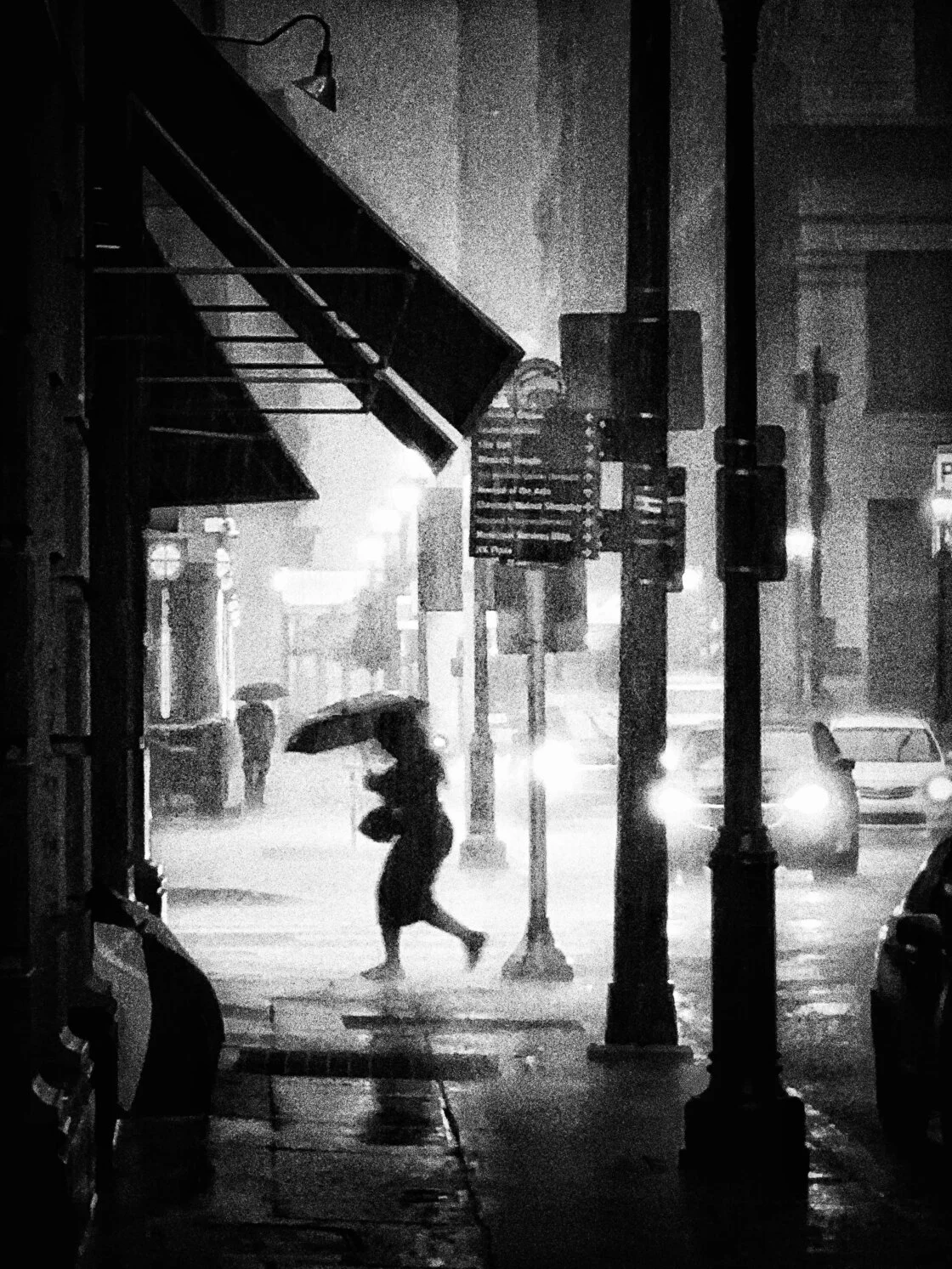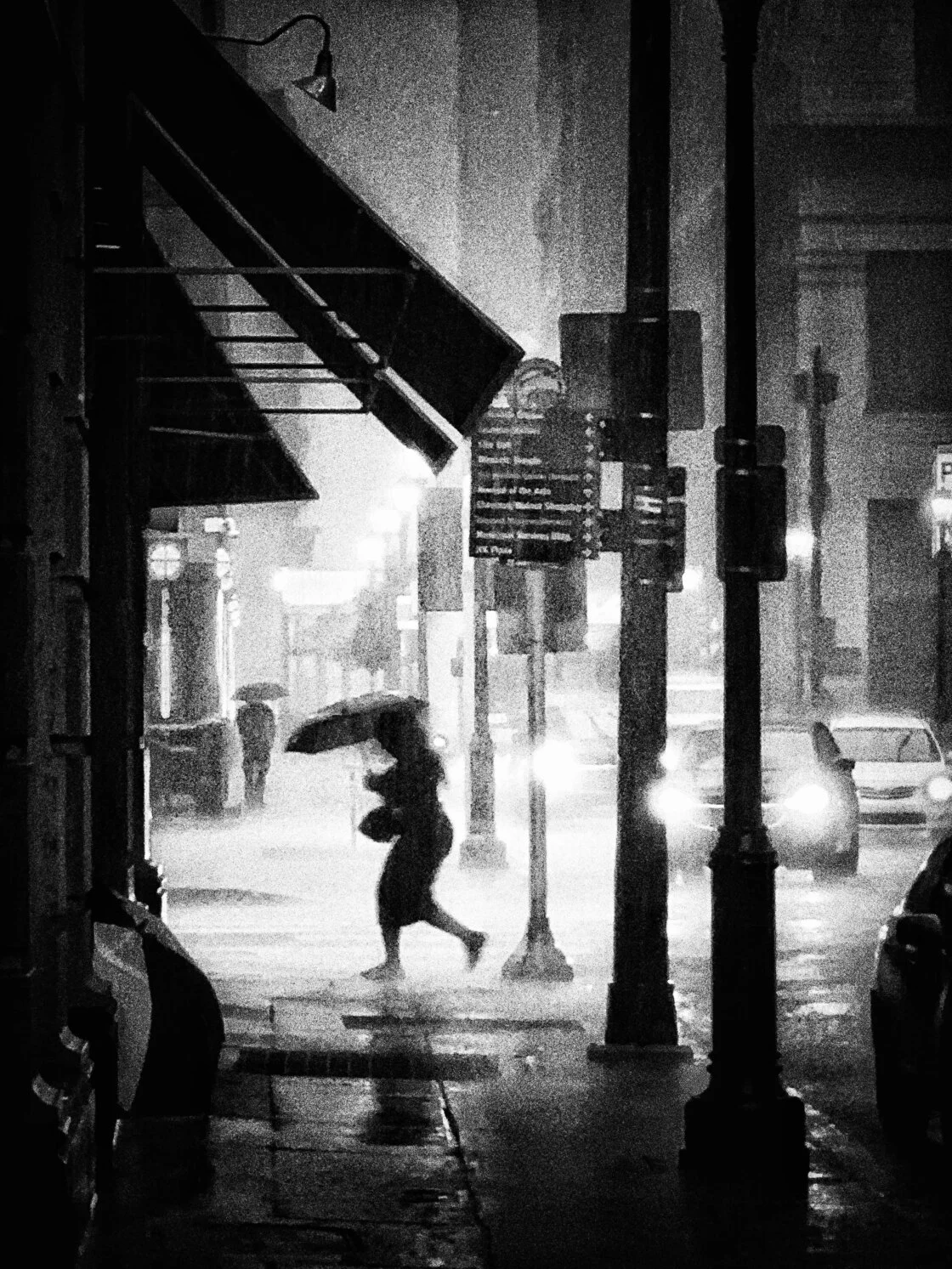
The landscape of urban documentation has undergone a radical transformation over the last decade, transitioning from the heavy equipment of the traditional photojournalist to the streamlined, high-powered sensors embedded in modern smartphones. As mobile technology continues to narrow the gap between professional DSLRs and pocket-sized devices, the resurgence of black and white street photography has become a defining trend in digital visual arts. Monochrome imagery, once a necessity of the film era, is now a deliberate aesthetic choice used to emphasize form, texture, and light without the distraction of color. For the modern iPhone user, mastering this medium requires a blend of classical compositional knowledge and an understanding of the sophisticated computational photography tools provided by Apple’s iOS ecosystem.
The Digital Monochrome Renaissance
The shift toward mobile street photography is rooted in the "always-on" nature of the smartphone. According to market data from the International Data Corporation (IDC), the quality of mobile camera sensors has become the primary driver for consumer upgrades, with a specific focus on low-light performance and dynamic range—two factors critical for high-quality black and white imagery. Street photography, characterized by its candid nature and reliance on "the decisive moment," benefits immensely from the unobtrusive profile of the iPhone.
Historically, street photography was pioneered by figures such as Henri Cartier-Bresson and Vivian Maier, who relied on 35mm film and waited hours for the perfect alignment of subjects. Today, the iPhone’s ability to process millions of operations per second allows photographers to simulate these classic looks while utilizing real-time feedback. The following eight strategies outline the technical and artistic framework necessary to produce professional-grade monochrome street photography.
Technical Integration: Shooting in Native Monochrome
One of the most significant advantages of the modern iPhone interface is the ability to visualize the world in black and white before the shutter is ever pressed. While many amateur photographers capture images in color and apply filters post-facto, professional results are more frequently achieved by shooting in a native monochrome mode.
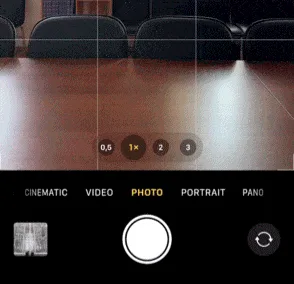
To access this, users must utilize the iPhone Camera app’s built-in filters—specifically the "Noir" or "Silvertone" settings. By swiping up on the camera interface and selecting the three-circle icon, the photographer can lock the viewfinder into a high-contrast black and white preview. This technical approach is critical because it trains the eye to ignore color and focus on luminance values. When the distraction of hue is removed, the photographer can more easily identify how light falls across a building or how a shadow creates a leading line.
Furthermore, Apple’s implementation of these filters is "non-destructive." This means that while the photographer sees and shoots in black and white, the underlying metadata preserves the full color information. This allows for total flexibility in post-production, enabling the user to revert to color or adjust the specific monochrome tonal mapping later in the Photos app or Adobe Lightroom.
The Architecture of Composition: Minimalism and Negative Space
In the dense visual environment of a city, the primary challenge is the management of "visual noise." Black and white photography is inherently reductive, but the composition must support this reduction. Minimalism in street photography involves the strategic use of negative space—areas of the frame that are intentionally left empty or uniform to draw the viewer’s eye toward a singular subject.
Urban environments like public squares, expansive parks, or brutalist architectural sites offer the best opportunities for minimalist compositions. Data from photography platforms like Flickr and Instagram suggest that images with a clear, singular focal point and high levels of negative space receive higher engagement, as they are easier for the human brain to process in a fast-paced digital feed. To achieve this, photographers are encouraged to scout locations using tools like Google Maps Street View to find open areas with clean backgrounds. By waiting for a single subject to enter a large, empty frame, the photographer creates a sense of scale and isolation that is hallmark to the genre.
Structural Geometry: Leading Lines and Urban Patterns
The absence of color places a premium on geometry. Leading lines are structural elements—such as roads, bridges, railings, or even road markings—that guide the viewer’s eye through the frame toward the subject. In an urban context, these lines add a sense of three-dimensional depth to a two-dimensional medium.
For maximum impact, professional street photographers often align these lines to originate from the corners of the frame. This technique, known as "cornering," provides a stable structural foundation for the image. Additionally, the search for patterns—repetitive architectural details like rows of windows or pillars—can turn a mundane building into a rhythmic backdrop. When a human subject is placed against these repetitive patterns, it creates a "break" in the sequence, which naturally attracts the eye. This intersection of human life and rigid architecture is a recurring theme in award-winning street photography.
The Narrative of Light: Silhouettes and High-Contrast Shadows
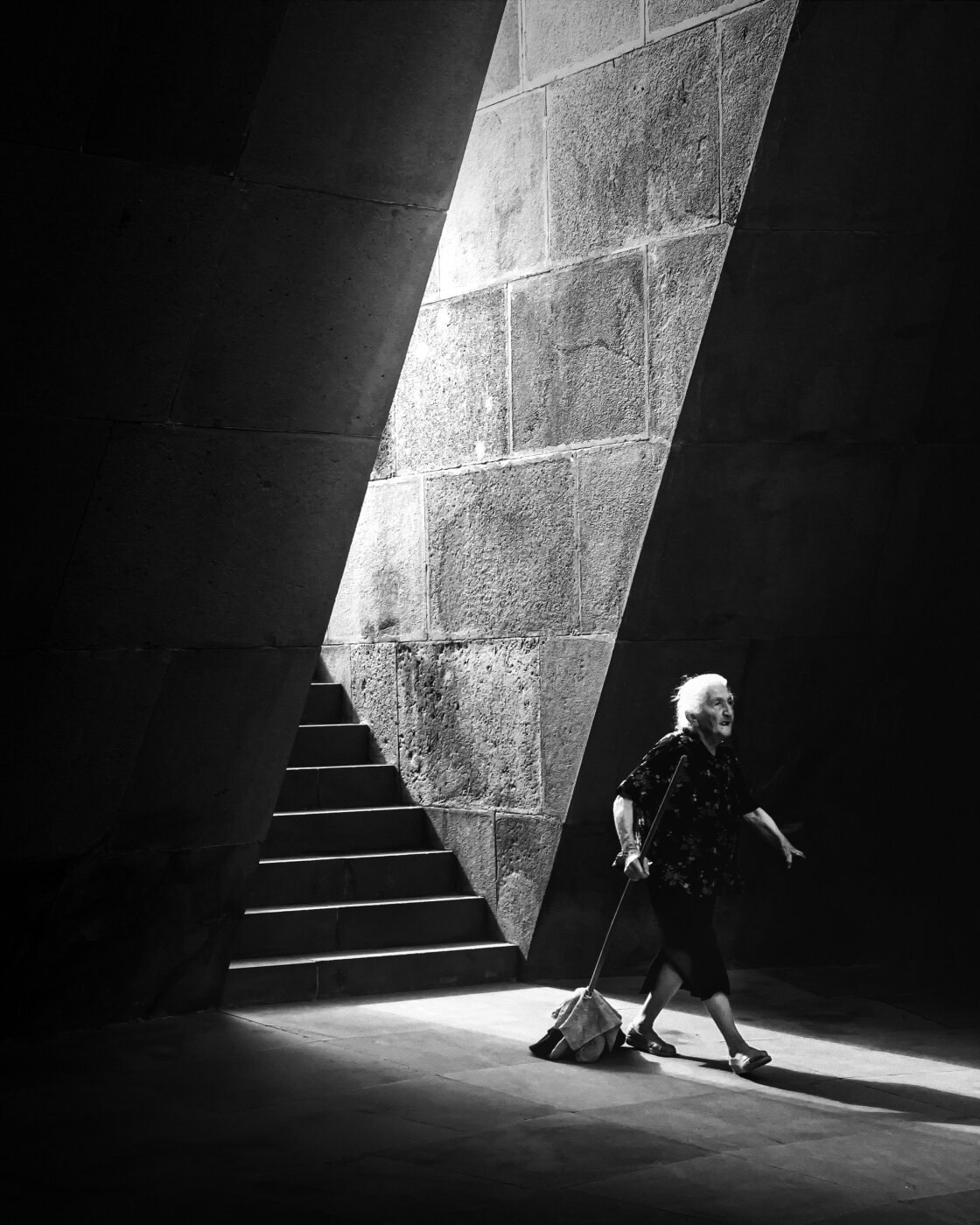
Street photography is, at its core, the study of light. In monochrome, the relationship between the brightest highlights and the deepest shadows becomes the narrative driver. Silhouettes are particularly effective in this regard, as they strip the subject of detail and turn them into a mysterious, recognizable shape.
To capture a silhouette on an iPhone, the light source must be behind the subject. This is most easily achieved during the "Golden Hours"—the hour after sunrise and the hour before sunset—when the sun is low on the horizon. However, artificial light sources such as brightly lit shop windows or street lamps can also serve as effective backdrops.
A key technical tip for silhouettes involves the manual adjustment of exposure. By tapping the subject on the iPhone screen and dragging the sun icon downward, the photographer can intentionally underexpose the image. This ensures that the subject remains a solid black shape while preserving detail in the bright background. This high-contrast look is a staple of the "film noir" aesthetic and remains one of the most popular styles in contemporary mobile photography.
Advanced Technical Execution: Framing and Burst Mode
Framing is a compositional technique where the photographer uses elements within the scene—such as an archway, a doorway, or a gap between buildings—to create a "frame within a frame." This focuses the viewer’s attention and adds layers to the image.
Because street photography involves moving subjects, capturing the perfect moment within a frame can be difficult. This is where the iPhone’s "Burst Mode" becomes essential. By sliding the shutter button to the left (on newer models) or holding the volume-up button, the camera captures a rapid sequence of photos. This allows the photographer to select the exact frame where the subject’s stride or posture is most aesthetically pleasing. Industry analysts note that the integration of high-speed burst capabilities in smartphones has significantly lowered the barrier to entry for high-speed action and street photography.
Post-Production: The Ethics and Mechanics of Mobile Editing
The final stage of the process involves digital "cleaning." Even with perfect composition, urban environments often contain distracting elements like trash cans, street signs, or unwanted pedestrians.
Apps like Adobe Lightroom Mobile and TouchRetouch have introduced "healing" and "cloning" tools that allow photographers to remove these distractions with high precision. While this raises questions regarding journalistic integrity, in the context of artistic street photography, it is a widely accepted practice to enhance the "cleanliness" of a minimalist shot. Adjusting the contrast, highlights, and shadows in post-production is also vital. Increasing the contrast in a black and white image can make the blacks deeper and the whites crisper, providing a "punchy" look that mimics traditional silver halide film.
Broader Impact and Implications
The democratization of street photography through the iPhone has profound implications for how we record the history of our cities. Never before has such a large percentage of the population been equipped with the tools to capture high-quality, artistic documentation of daily life. This "citizen journalism" aspect ensures a diverse range of perspectives that were previously limited to those who could afford expensive camera systems.
Furthermore, the shift toward monochrome in the digital age serves as a psychological counterpoint to the over-saturation of modern life. As our digital environments become increasingly crowded with vibrant, high-energy color, the quiet, focused nature of black and white photography offers a moment of visual reprieve.
From a market perspective, the success of Apple’s "Shot on iPhone" campaign—which frequently features black and white street imagery—demonstrates the high value consumers place on the artistic potential of their devices. As computational photography continues to evolve, with features like ProRAW and advanced HDR, the iPhone is no longer just a communication device; it is a sophisticated darkroom in the palm of the hand, capable of producing work that stands alongside the masters of the 20th century.