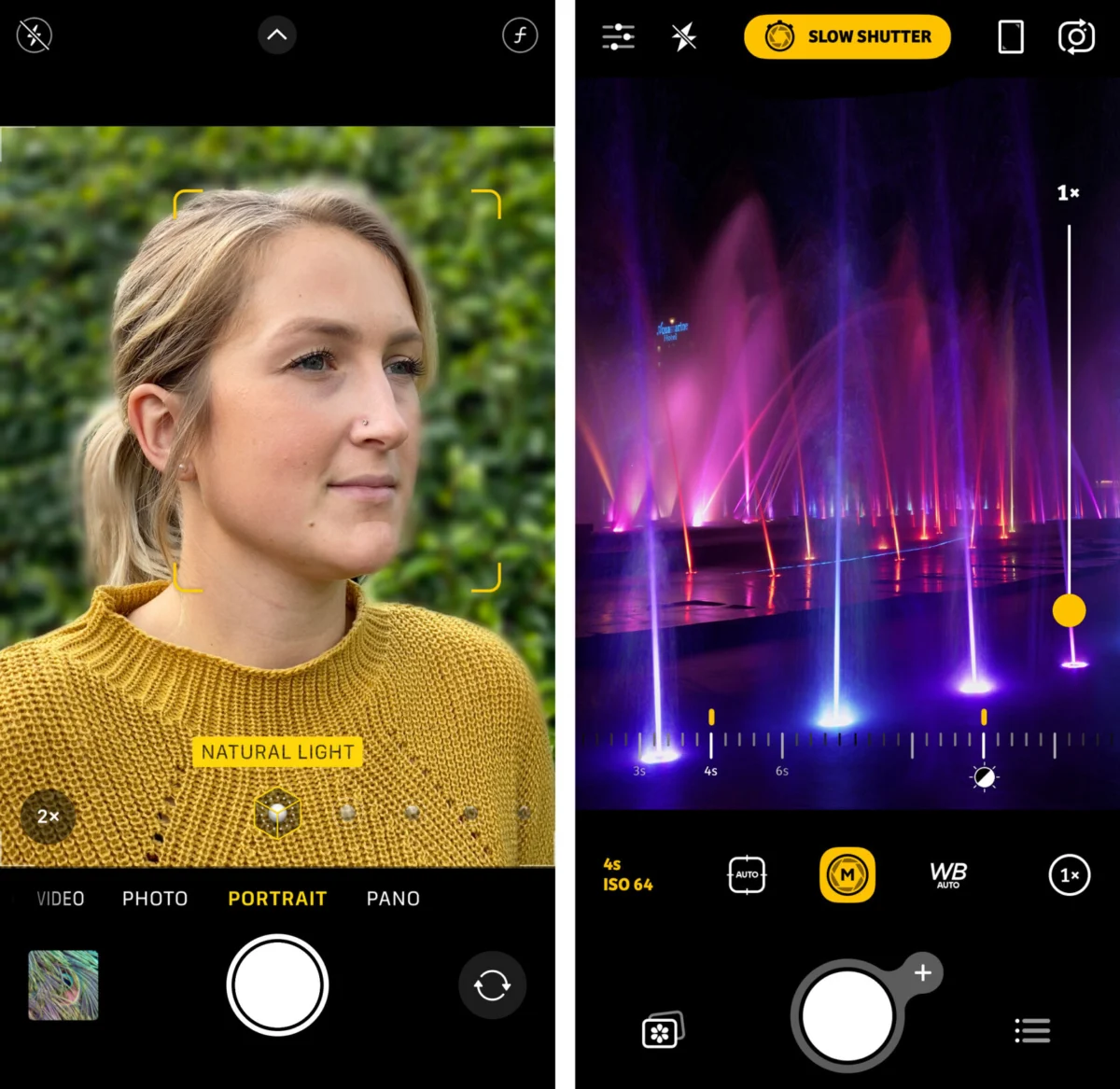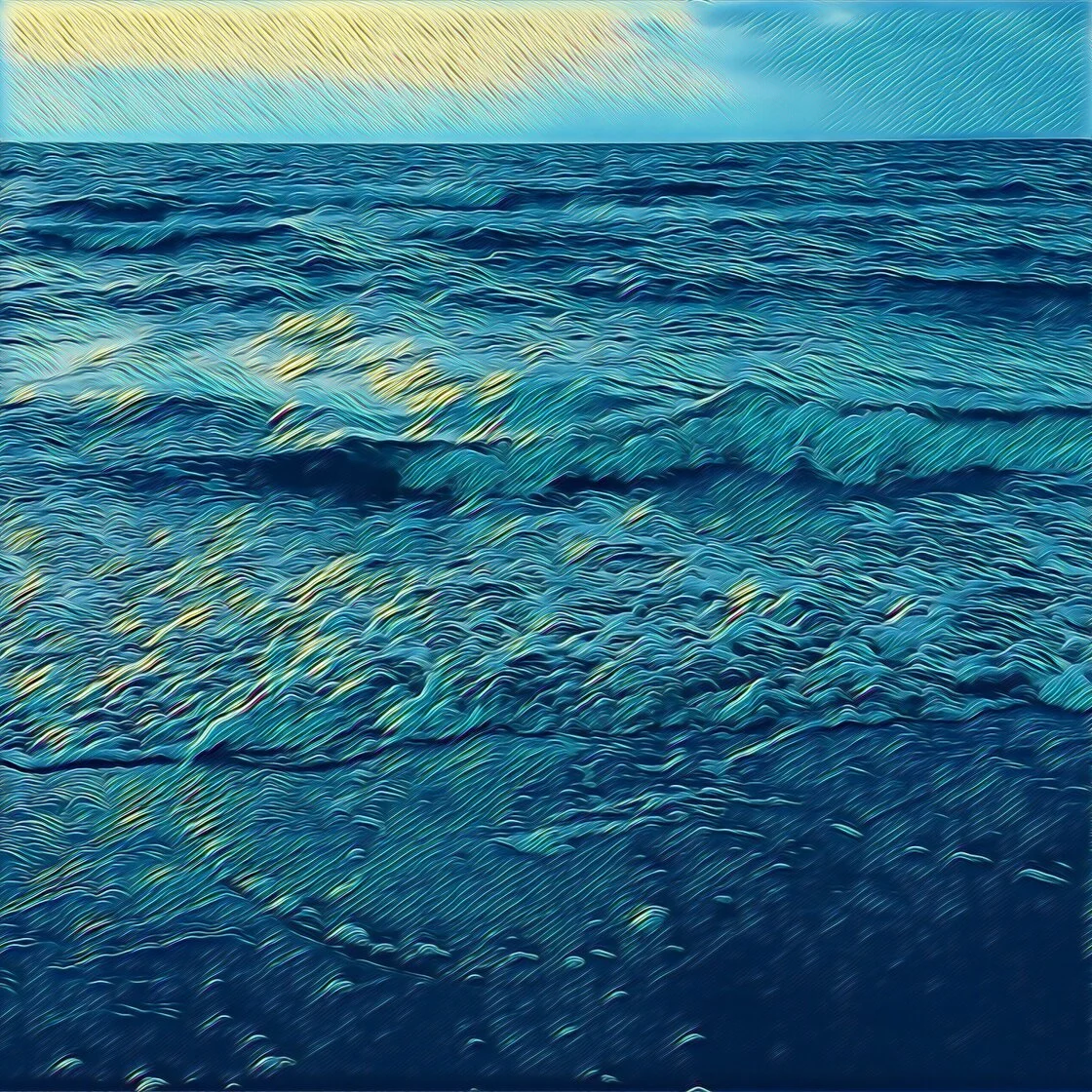
The evolution of mobile photography has transformed the iPhone from a simple communication device into a sophisticated tool for professional-grade visual storytelling. As Apple continues to advance its camera hardware—most recently with the introduction of 48-megapixel sensors and ProRAW capabilities—the demand for high-performance post-processing software has surged. The global photo editing software market, valued at nearly $1 billion, is increasingly dominated by mobile applications that offer desktop-class features within a touch-based interface. Selecting the appropriate software is no longer merely a matter of aesthetic preference but a technical necessity for photographers aiming to maximize the dynamic range and detail captured by modern iOS devices. This report evaluates the ten premier photo editing applications currently available on the iOS platform, analyzing their technical capabilities, market positioning, and utility for diverse photographic workflows.
The Paradigm Shift in Mobile Post-Processing
For over a decade, the trajectory of iPhone photography has been defined by the transition from basic "filter-and-share" workflows to complex, non-destructive editing environments. In the early 2010s, mobile editing was largely synonymous with the rudimentary presets of early social media platforms. However, the introduction of the "Shot on iPhone" campaign and the subsequent release of the dual-lens system on the iPhone 7 Plus marked a turning point. Today, mobile photographers utilize applications that leverage Artificial Intelligence (AI) and machine learning to perform tasks that once required hours of manual labor in a darkroom or on a high-end workstation.
1. Snapseed: The Benchmark for Versatile Mobile Editing
Snapseed, developed by Google, remains a cornerstone of the mobile photography ecosystem. Its acquisition by Google in 2012 from Nik Software signaled a shift toward democratizing professional editing tools. Snapseed is unique in the marketplace for offering a completely free, ad-free experience without the "freemium" barriers common in competing apps.
The application’s strength lies in its 29 tools and filters, including "Control Point" technology. This feature allows users to place up to eight points on an image and apply enhancements selectively, utilizing an algorithm that recognizes the underlying color and texture of the selected area. For professionals, Snapseed’s ability to edit RAW files non-destructively is a critical advantage, ensuring that the high-bit-depth data from an iPhone’s ProRAW capture is preserved throughout the editing process.
2. VSCO: Aesthetic Precision and Community Integration
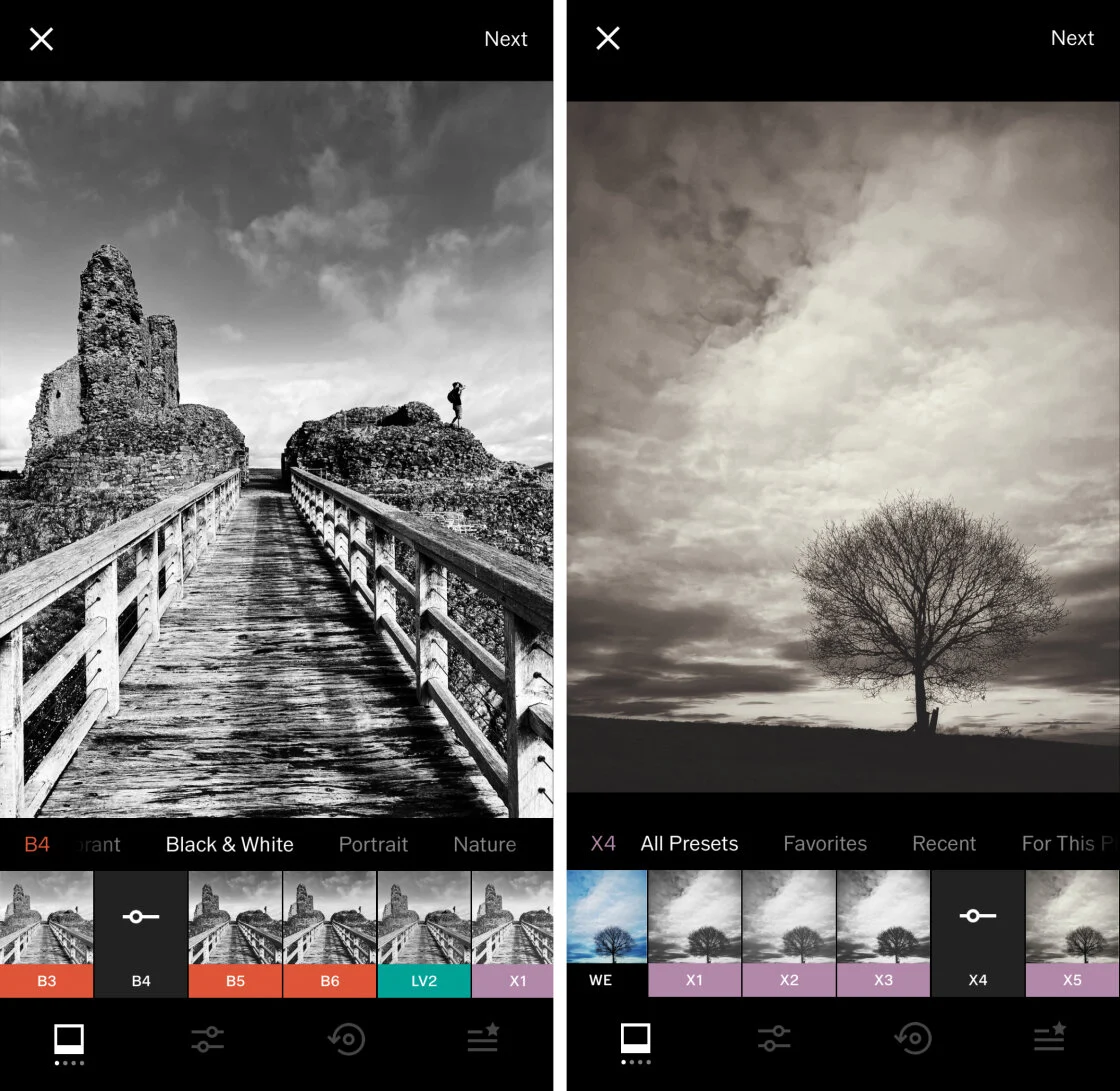
VSCO (Visual Supply Company) has carved a significant niche by focusing on the "film-mimetic" aesthetic. Unlike the aggressive, high-contrast filters of the early Instagram era, VSCO’s presets are engineered to replicate the subtle tonal shifts of classic film stocks from Kodak, Fuji, and Agfa.
The application operates on a membership model, VSCO X, which provides access to over 200 presets and advanced tools like the "Grain" and "HSL" (Hue, Saturation, Lightness) sliders. Data from app analytics suggests that VSCO remains a primary tool for the "creator economy," particularly among users who prioritize a consistent visual brand on social platforms. The app also serves as a decentralized social network, eschewing public "likes" and follower counts in favor of a curated feed focused purely on visual content.
3. Adobe Lightroom: Professional Ecosystem Connectivity
Adobe Lightroom for mobile is the industry standard for photographers who require a seamless transition between mobile and desktop environments. As part of the Adobe Creative Cloud ecosystem, the app synchronizes every edit made on an iPhone across iPads and desktop computers via the cloud.
Lightroom’s mobile iteration offers sophisticated masking tools, including "Select Subject" and "Select Sky," which utilize Adobe Sensei AI to create precise masks automatically. This level of automation significantly reduces the time required for landscape and portrait retouching. While the basic tools are free, the premium version is a prerequisite for professional workflows, offering geometry correction, healing brushes, and the ability to edit and organize massive libraries of high-resolution images.
4. TouchRetouch: Specialized Object Removal
While multi-purpose editors include healing tools, TouchRetouch by Adva-Soft is a dedicated utility designed specifically for the removal of unwanted elements. In a journalistic or commercial context, the ability to quickly eliminate distractions—such as power lines, photobombers, or blemishes—is invaluable.
The application’s "Line Removal" tool is particularly noteworthy; it allows a user to tap a segment of a wire or pole, and the AI calculates the entire path of the object to remove it seamlessly. This specialized focus ensures a higher success rate and cleaner "fills" than the generic healing tools found in broader editing suites.
5. Carbon: The Art of Monochrome
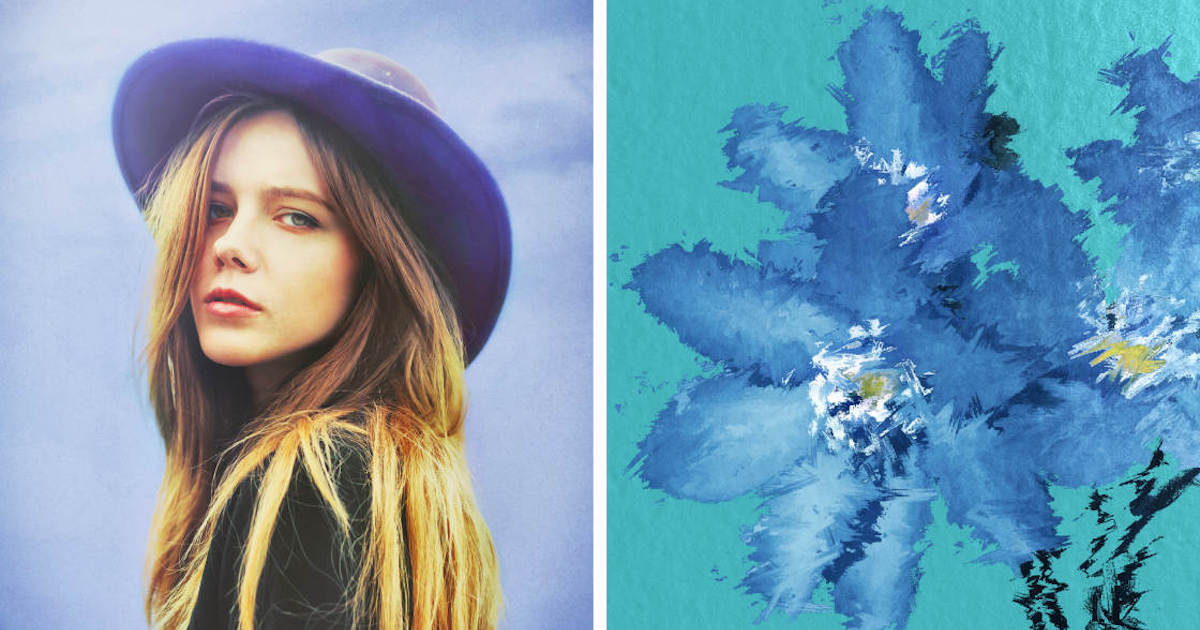
Monochrome photography requires a different approach to contrast and tonal mapping than color photography. Carbon addresses this specific need, offering a curated environment for black-and-white conversion. The app provides 58 presets developed in collaboration with professional photographers, focusing on the silver-halide look of traditional darkroom prints. Carbon’s utility is found in its "Kuwahara" tool and its ability to add realistic grain and light leaks, which are essential for creating timeless, high-contrast imagery that emphasizes form and texture over color.
6. Afterlight: Creative Flexibility and Layering
Afterlight has evolved from a simple filter app into a robust creative suite. It appeals to users who want a balance between technical correction and creative flair. With over 130 filters and a suite of "touch tools," Afterlight allows for granular control over specific areas of an image through finger-painting masks. Its "Double Exposure" tool is a highlight for digital artists, facilitating the blending of multiple frames to create surreal or composite imagery directly on the device.
7. Mextures: Non-Destructive Texture Mapping
Mextures is defined by its unique approach to layering. It allows users to stack an infinite number of textures, light leaks, and gradients, each with its own blend mode and opacity. This "formula" based system is non-destructive, meaning a user can go back and adjust any layer at any time. For commercial photographers looking to add a "gritty" or "vintage" editorial feel to their shots, Mextures offers a level of complexity that is difficult to replicate in more traditional sliders-based apps.
8. Lens Distortions: Optical Realism via High-Quality Overlays
Lens Distortions distinguishes itself by using actual photographic assets rather than digitally generated effects. To create their "Light Hits," "Fog," and "Rain" overlays, the developers photograph real-world elements in a studio setting. This results in an optical realism that avoids the "fake" look associated with many overlay apps. In the landscape and automotive photography sectors, Lens Distortions is frequently used to enhance atmospheric perspective, adding depth and drama to an otherwise flat frame.
9. Superimpose X: The Mobile Compositor
For those engaged in heavy manipulation or digital art, Superimpose X is the mobile equivalent of Adobe Photoshop’s layering system. It supports multiple layers, masking (including AI-driven "Auto Masking"), and 24 different blending modes. This application is essential for creating complex composites, such as placing a subject in a different environment or creating intricate "double exposure" portraits. Its technical depth makes it a favorite among the "iPhoneart" community.
10. Instagram: The Final Polish and Distribution Hub
While primarily a social network, Instagram’s internal editing suite remains a significant tool for the final stage of the mobile photography workflow. Its "Lux" feature—a proprietary algorithm that adjusts contrast and saturation to reveal detail—remains a popular one-tap solution for enhancing images immediately before publication. For many users, the convenience of applying a final sharpen or vignette within the distribution app itself outweighs the need for a secondary external editor.
Supporting Data and Market Analysis
The growth of these applications is supported by robust data regarding consumer behavior. According to Sensor Tower, photo and video apps consistently rank among the top three categories for consumer spending on the App Store. Furthermore, Statista reports that over 90% of all photos taken globally are now captured via smartphone, a trend that has forced traditional software giants like Adobe to prioritize "mobile-first" development.
The integration of AI is the current frontier. Features like Snapseed’s "Expand" tool—which uses generative filling to increase the canvas size of a photo—were considered impossible for mobile hardware just five years ago. This technological leap is attributed to the "Neural Engine" in Apple’s A-series chips, which allows for complex calculations to be performed locally on the device, ensuring user privacy and reducing latency.
Chronology of Mobile Editing Evolution
- 2010: Instagram launches, introducing the concept of mobile filters to a mass audience.
- 2011: Snapseed is named "iPad App of the Year," bringing professional Nik Software tools to iOS.
- 2012: VSCO Cam launches, shifting the market toward subtle, film-like aesthetics.
- 2015: Adobe rebrands its mobile offerings, integrating them into the Creative Cloud ecosystem.
- 2018: Apple introduces the A12 Bionic chip, significantly accelerating AI-driven editing tasks.
- 2020-Present: The rise of ProRAW and generative AI features transforms the iPhone into a legitimate professional production tool.
Official Responses and Industry Implications
Industry leaders have noted that the line between "mobile" and "professional" is blurring. In recent press briefings, Apple executives have emphasized that the iPhone’s camera system is designed to provide a "digital negative" that is meant to be developed in apps like Lightroom and Snapseed. Professional photographers, such as those working for National Geographic and the Associated Press, have increasingly integrated iPhone photography into their field workflows, citing the speed of editing and transmission as a decisive factor.
Broader Impact: The Democratization of Visual Literacy
The widespread availability of these ten applications has profound implications for global visual literacy. By placing sophisticated color grading and retouching tools in the hands of millions, the barrier to entry for high-quality visual production has been effectively dismantled. This democratization allows for a more diverse range of voices and perspectives in the global media landscape. However, it also challenges professional photographers to innovate further, as basic technical proficiency—once a gatekept skill—is now accessible to anyone with a modern smartphone.
In conclusion, the ecosystem of iPhone photo editing apps is diverse, ranging from the technical precision of Adobe Lightroom to the creative textures of Mextures. For the modern user, the "best" app is defined by the specific requirements of the project at hand, whether it be a quick social media update or a high-resolution commercial composite. As hardware and software continue to converge, the iPhone is firmly established as a dominant force in the future of photography.