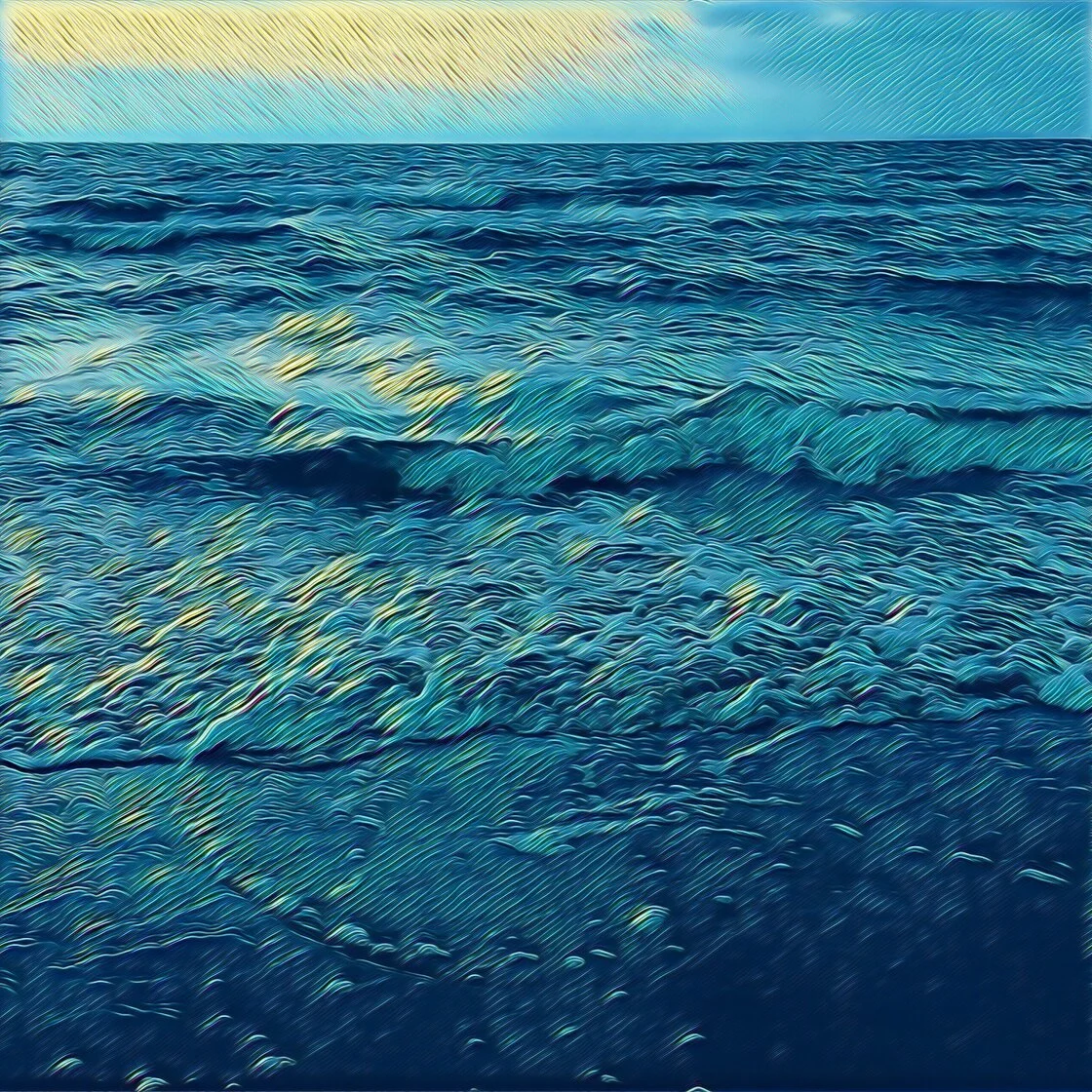
The intersection of mobile photography and digital artistry has undergone a significant transformation over the last decade, driven largely by the rapid advancement of hardware capabilities and the integration of artificial intelligence within the iOS ecosystem. As the iPhone continues to refine its optical sensors and computational photography engines, a specialized sector of the mobile application market has emerged, focusing exclusively on the conversion of standard raster images into stylized artistic renderings. These applications, which range from simple filter overlays to complex neural style transfer systems, have democratized the ability to create high-quality sketches, charcoal drawings, and oil paintings, once the exclusive domain of trained graphic designers and traditional artists.
The Evolution of Mobile Digital Artistry
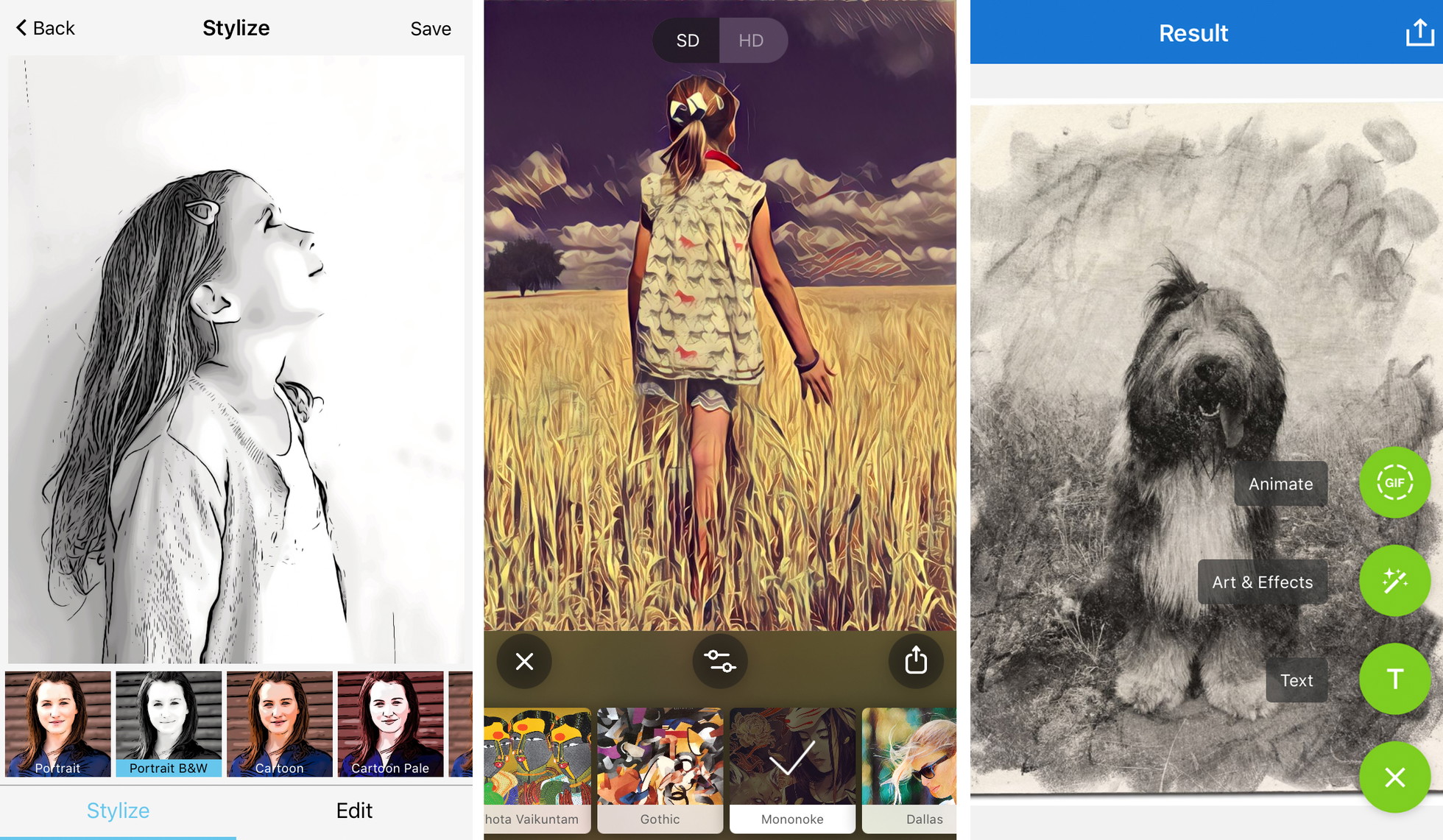
The journey of "photo-to-sketch" technology began in the early 2010s with basic edge-detection algorithms that often produced pixelated or unnatural results. However, the 2016 launch of Prisma marked a pivotal moment in this chronology, introducing the public to Neural Style Transfer (NST). This technology does not merely place a transparent layer over a photo; instead, it utilizes a deep neural network to "re-imagine" the image from the ground up, mimicking the brushstrokes, pressure, and color palettes of specific artistic styles. Since then, the Apple App Store has seen a proliferation of competitors, each carving out niches in realism, comic book aesthetics, or professional-grade layering.
According to market data from Sensor Tower, the "Photo and Video" category remains one of the highest-earning segments of the App Store, with creative editing tools consistently ranking in the top ten for consumer spend. This growth is fueled by the "creator economy," where users seek unique visual identities for social media platforms like Instagram, TikTok, and Pinterest. The demand for these tools has led developers to shift toward subscription-based models, providing a steady stream of new filters and high-resolution output capabilities to a growing global user base.
Leading Platforms for Artistic Transformation
1. Prisma: The Pioneer of Neural Style Transfer
Prisma remains the gold standard for users seeking to emulate the specific techniques of history’s most renowned artists. By utilizing cloud-based and, more recently, on-device processing, Prisma analyzes the structural components of an iPhone photo and applies the stylistic DNA of creators such as Munch, Picasso, and Dali.
The application’s strength lies in its vast library, which exceeds 300 styles. While a significant portion of the library is gated behind a premium subscription, the free tier offers a robust introduction to NST technology. Professional users often cite the "filter strength" slider as a critical feature, allowing for the blending of the original photographic detail with the digital "paint," thereby maintaining the likeness of the subject while achieving an artistic finish. Furthermore, the daily release of new styles ensures that the platform remains relevant in a fast-paced digital environment.
2. Clip2Comic: Precision in Cartoon and Comic Aesthetics
Developed by Digital Reality AG, Clip2Comic occupies a specific niche focused on high-quality comic book and caricature styles. Unlike broader artistic apps, Clip2Comic excels at creating clean, vector-like lines that are essential for the comic aesthetic. The application offers 14 distinct styles, ranging from realistic sepia sketches to bold, vibrant "pop art" designs.
A significant technological advantage of Clip2Comic is its live preview mode. Utilizing the iPhone’s high-speed processing, the app allows users to see the world through a comic-style lens in real-time, even before the shutter is pressed. For those looking to print their work, the premium version’s ability to export in high-definition (HD) and remove watermarks is essential. The inclusion of a "deform tool" also provides a gateway into the world of digital caricatures, allowing users to exaggerate features with the precision of a professional illustrator.
3. Photoleap: The Professional Creative Suite
Photoleap, part of the Lightricks suite of creative tools, is designed for users who require more than a one-tap solution. Lightricks, a company valued at over $1.8 billion, has integrated advanced masking and layering tools into Photoleap, making it a favorite among mobile "iphographers" who enjoy compositing.
The app’s "Sketch" and "Urban" tools offer diverse paths for artistic conversion. However, the true value of Photoleap lies in its "Eraser" and "Layers" functionality. This allows an artist to apply a charcoal sketch effect to a background while maintaining the original photographic clarity of the foreground subject, or vice versa. This selective editing capability mimics professional desktop software like Adobe Photoshop, providing a level of control that simpler filter apps cannot match.
4. Painnt: The Comprehensive Style Library
With a catalog exceeding 2,000 filters, Painnt is the most comprehensive library for artistic effects currently available on iOS. Its 145 dedicated sketch filters provide a granular level of choice, allowing users to select between different pencil hardnesses, paper textures, and cross-hatching techniques.
Painnt’s interface is built for customization. Once a style is selected, a suite of sliders allows for the adjustment of transparency, brightness, contrast, and "style weight." This ensures that the final output is not just a generic filter but a tailored piece of digital art. For the professional community, the ability to save at full resolution without watermarks is a primary driver for the app’s premium conversion rate.
5. Photo Lab: Realism and Social Integration
Photo Lab focuses on the tactile feel of traditional media. Its algorithms are specifically tuned to replicate the textures of charcoal, pen and ink, and pastel. The results often exhibit a "hand-drawn" quality that avoids the overly digital look sometimes associated with mobile filters.
Beyond individual edits, Photo Lab has integrated a social component, allowing users to create "combos" and share them with a community of creators. While it offers less manual control than Photoleap, its sheer variety of ready-made templates makes it an efficient tool for users who want a professional result with minimal technical overhead.
Technical Analysis and Supporting Data
The shift from cloud-based processing to on-device AI has been a significant milestone for these applications. Apple’s "A-series" chips, specifically those featuring the Neural Engine (introduced with the A11 Bionic), have enabled apps like Prisma and Photoleap to process complex neural networks locally. This has three major implications:
- Privacy: User photos do not need to be uploaded to a server for processing.
- Speed: Effects can be applied in milliseconds rather than seconds.
- Connectivity: Users can edit photos in high-quality artistic styles without an active internet connection.
In terms of market impact, a survey of digital content creators suggests that approximately 65% of mobile users prefer apps that offer a "freemium" model—allowing for experimentation before committing to a subscription. However, the "watermark" remains a significant point of contention. Most professional-grade apps implement a watermark on free exports to protect their intellectual property and drive revenue, a strategy that has proven successful in sustaining high-quality development cycles.
Professional Guidelines for Optimizing Artistic Output
To achieve results that transcend the "filtered" look, industry experts recommend a strategic approach to using these applications:
Composition and Contrast
The effectiveness of a sketch filter is heavily dependent on the source image. Photos with high contrast—clear distinctions between highlights and shadows—provide the algorithm with better "edges" to follow. Simple compositions with a singular, clear subject generally yield more convincing drawings than cluttered or busy landscapes.
Subject-Filter Alignment
A journalistic analysis of user-generated content shows that "mood alignment" is a key factor in perceived quality. A somber, architectural shot is best served by a charcoal or graphite sketch filter, which emphasizes structure and shadow. Conversely, portraiture of children or pets often benefits from the vibrant, clean lines of a "cartoon" or "watercolor" style.
The Importance of Resolution
For users intending to move their work from the digital screen to a physical medium (such as a framed print or a canvas), resolution is the most critical technical factor. A "low-resolution" save from a free version of an app may look acceptable on an iPhone screen but will appear pixelated or "muddy" when enlarged. High-definition (HD) exports, typically found in premium versions, are necessary to maintain the integrity of the digital "pencil strokes" in a print format.
Broader Impact and Future Implications
The rise of these applications represents a broader trend in the democratization of art. By lowering the barrier to entry, technology allows individuals without traditional artistic training to engage with aesthetic concepts like "style," "composition," and "texture." While some traditionalists argue that AI-driven filters devalue the skill of hand-drawing, others see it as a new medium—a collaboration between human vision and machine intelligence.
As we look toward the future, the integration of Generative AI (GenAI) is expected to be the next frontier. Future iterations of these apps will likely allow users to provide text prompts to modify their sketches, such as "make this pencil drawing look like it was done in the rain" or "add a 19th-century gothic aesthetic to this portrait."
In conclusion, the current landscape of iPhone apps for turning photos into drawings offers a sophisticated array of tools for both casual users and professional creators. By understanding the technological foundations and following best practices for composition and resolution, users can transform their mobile photography into a diverse portfolio of digital art that stands up to professional scrutiny.