The Technological Evolution of Mobile Depth-of-Field
The journey toward achieving a professional-grade blur on mobile devices began in earnest in 2016 with the introduction of the iPhone 7 Plus. This device was the first to feature a dual-camera system, which allowed the phone to create a "depth map" of a scene. By comparing the slightly different perspectives of the wide-angle and telephoto lenses, the device could distinguish between a foreground subject and a distant background.
Since that milestone, Apple has progressively refined its "Portrait Mode" technology. The introduction of the A-series Bionic chips enabled real-time segmentation, where the software identifies individual strands of hair or the edges of a glass to apply blur more realistically. With the iPhone 12 Pro series, the integration of LiDAR (Light Detection and Ranging) technology further enhanced this capability, allowing for faster autofocus in low light and more accurate depth sensing by measuring how long it takes for light to reflect back from objects.
Utilizing Portrait Mode for Native Background Isolation
The most direct method for achieving background blur is through the native Camera app’s Portrait Mode. This feature is designed to simulate a shallow depth of field by keeping the subject sharp while applying a gradient blur to the background.
Operational Requirements and Best Practices
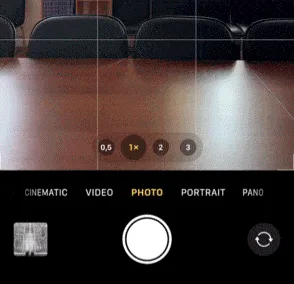
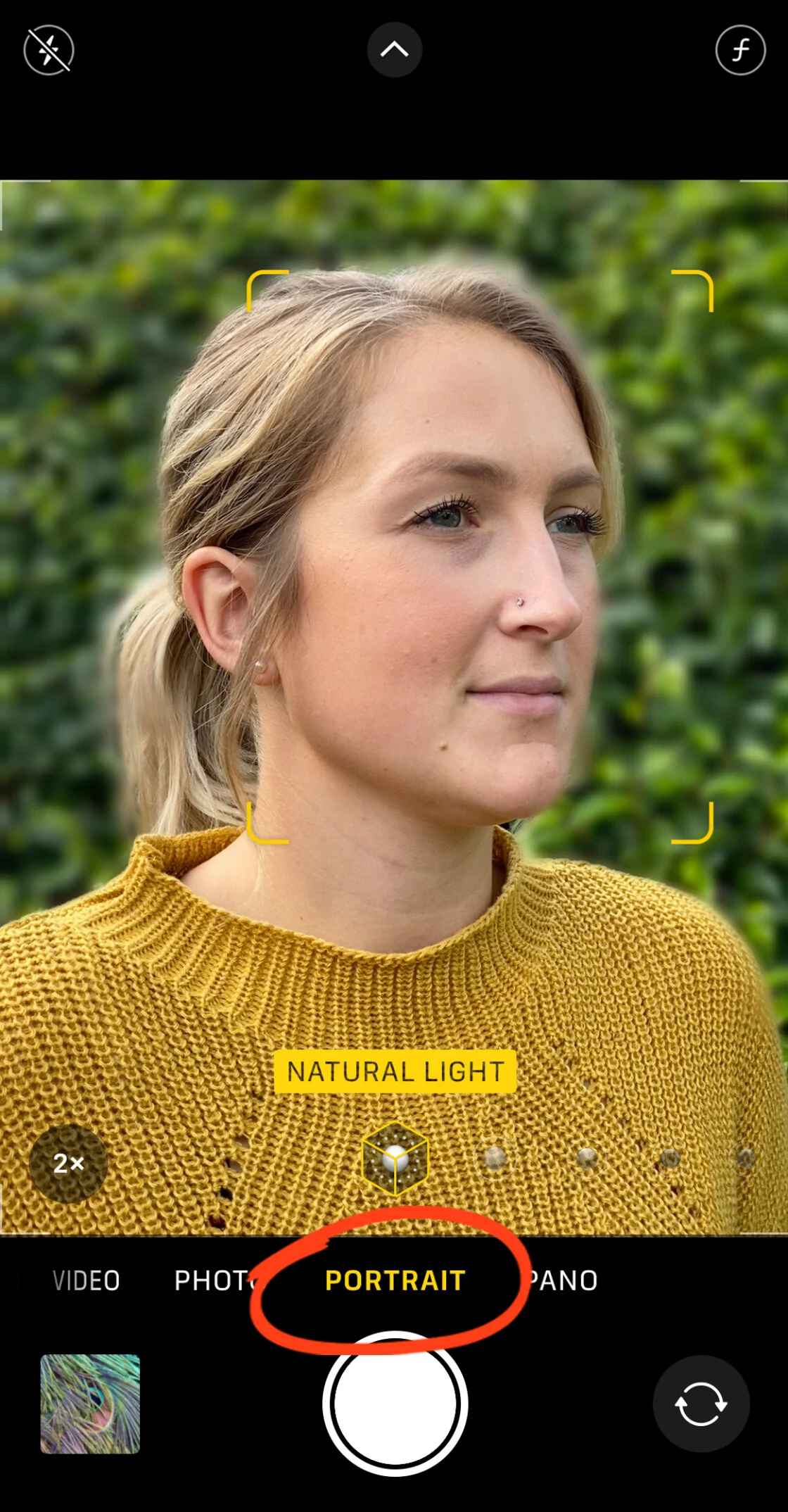
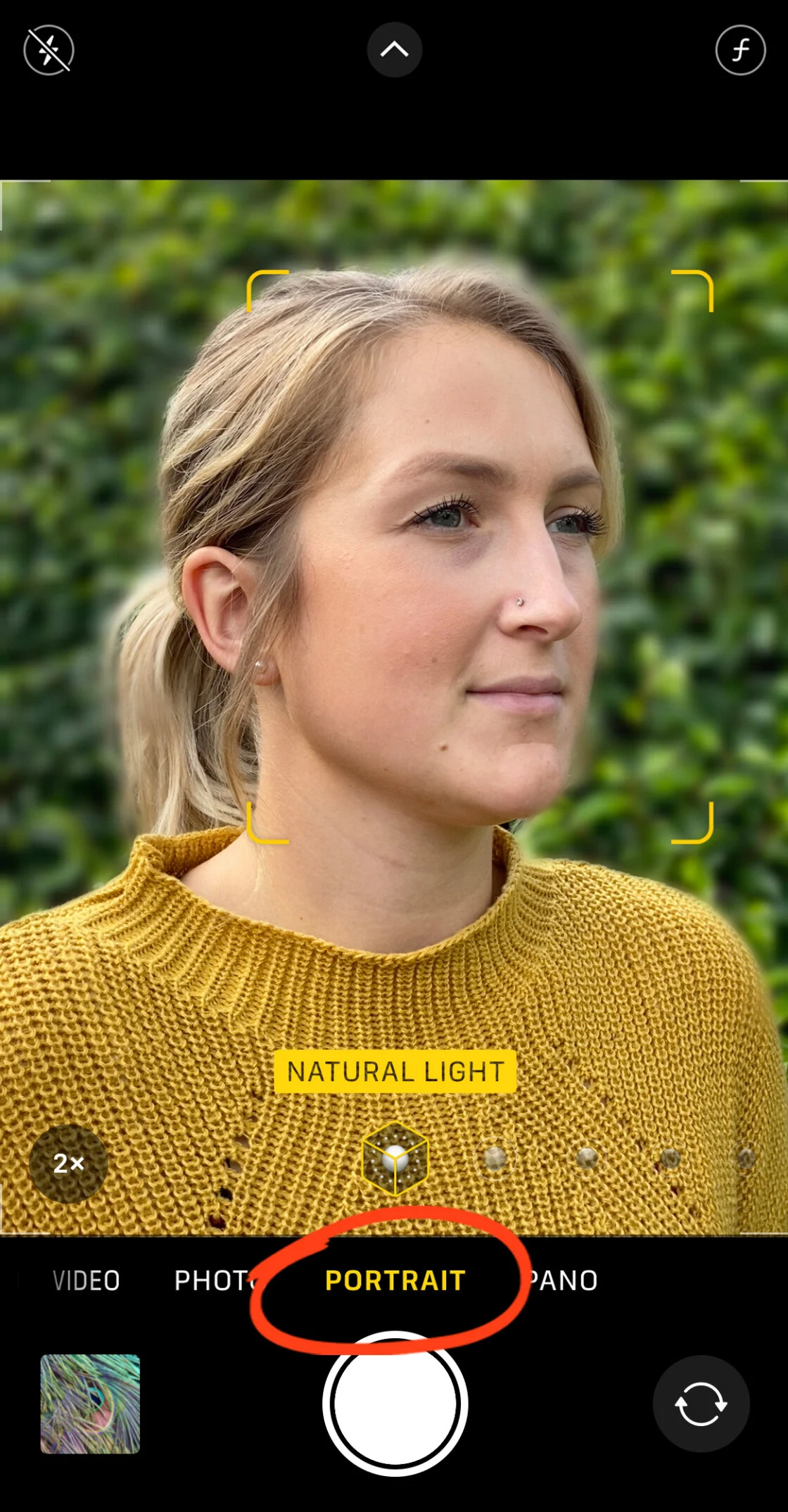
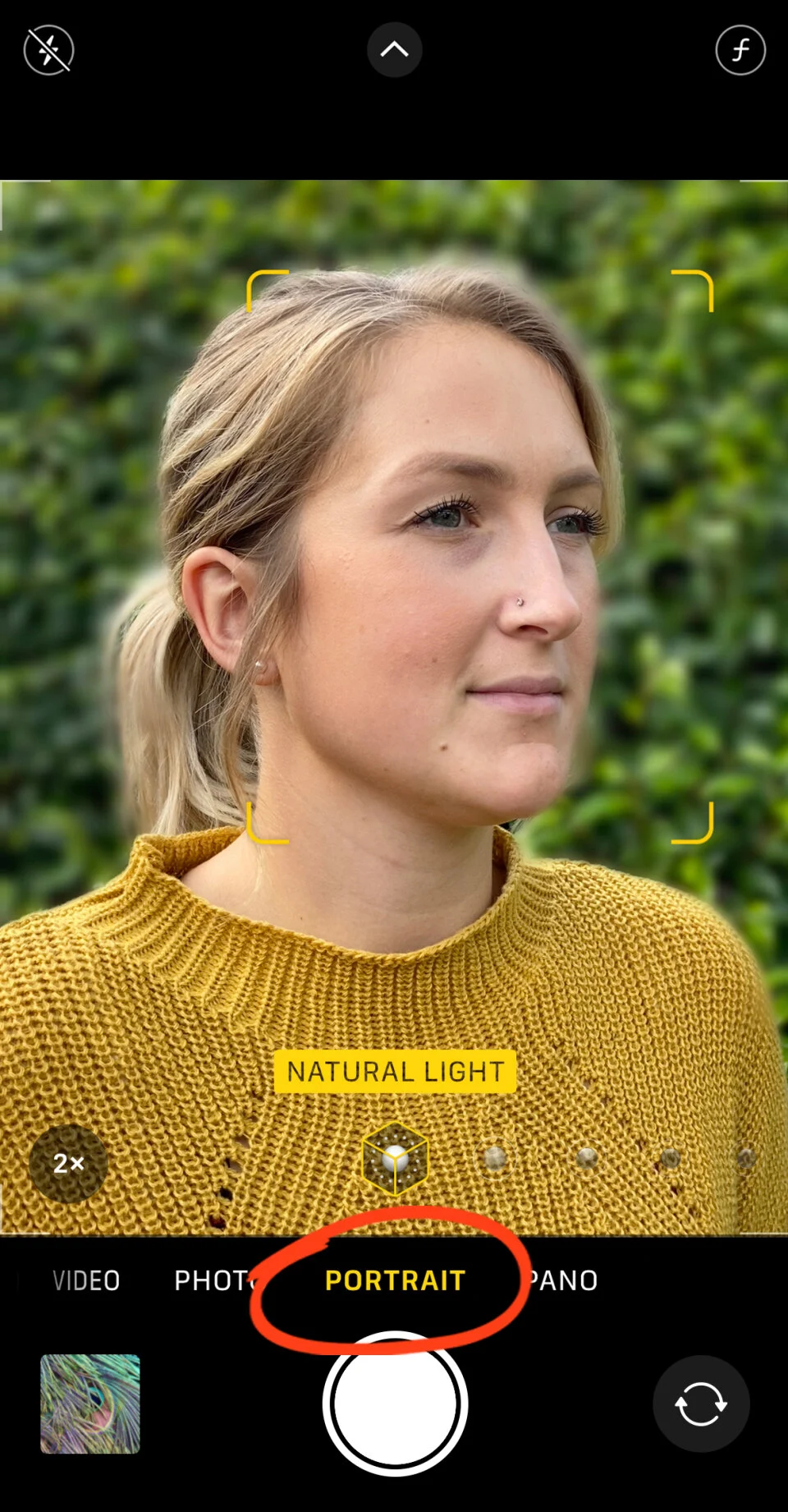
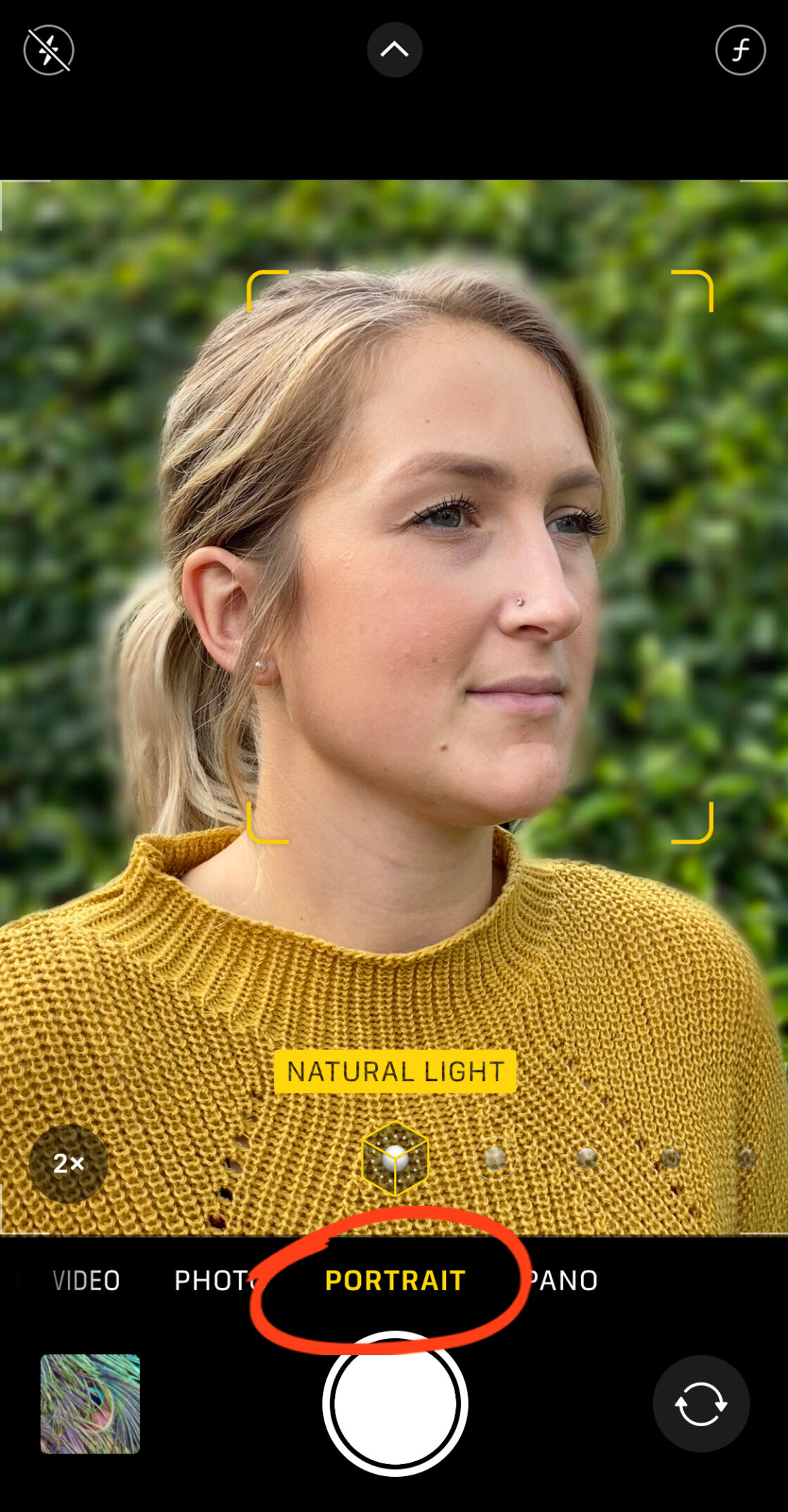
To activate this feature, the user must select "Portrait" from the camera’s mode slider. The software requires specific environmental conditions to function optimally:
- Subject Distance: The subject should ideally be positioned between two and eight feet from the lens. If the subject is too close or too far, the interface will prompt the user to adjust their position.
- Lighting Conditions: Computational depth mapping relies heavily on contrast and detail. In low-light environments, the software may struggle to define edges, leading to "artifacts" where parts of the subject are accidentally blurred.
- Visual Confirmation: The user must wait for the "Natural Light" or "Depth Effect" indicator to turn yellow, signifying that the AI has successfully locked onto the subject and is ready to process the depth data.
Post-Capture Depth Control
One of the most significant advancements in the iPhone’s photographic stack is the ability to adjust the "aperture" after the photo has been taken. On models ranging from the iPhone XS to the current iPhone 15 series, users can open a Portrait photo in the Photos app, select "Edit," and tap the "f/number" icon.
This slider simulates the physical aperture of a lens. A lower f-number (such as f/1.4) results in a creamier, more intense background blur, whereas a higher f-number (such as f/16) brings more of the background into focus. This non-destructive editing allows photographers to fine-tune the "mood" of a portrait long after the shutter has been pressed.
The Physics of Optics: Achieving Blur Without Software
While Portrait Mode uses software to "fake" blur, it is also possible to achieve authentic, optical blur on any iPhone—including older models—by leveraging the basic principles of physics. This is known as "optical shallow depth of field."
Proximity and the Macro Effect
The closer a camera lens is to a subject, the shallower the depth of field becomes. By physically moving the iPhone closer to a foreground object—such as a flower, an insect, or a small product—the background naturally falls out of focus. This is an inherent property of the lens optics and does not rely on software algorithms.
To maximize this effect, photographers are encouraged to:
- Establish Distance: Ensure there is a significant physical gap between the subject and the background. A subject standing directly against a wall will not exhibit blur, regardless of how close the camera is.
- Manual Focus Locking: In the Camera app, tapping and holding on the subject will activate the "AE/AF Lock." This ensures that the focus remains on the foreground subject, preventing the camera from hunting for focus in the background.
- Macro Lens Integration: For extreme close-ups, third-party hardware such as the Moment Macro Lens can be attached. These lenses allow the iPhone to focus at a distance of just millimeters, creating a dramatic blur that rivals professional macro photography equipment.
Advanced Post-Processing: Third-Party Solutions
For images that were not captured in Portrait Mode, or for users seeking more granular control, third-party applications provide sophisticated masking and blurring tools. Two industry-leading options are AfterFocus and Snapseed.
Precision Editing with AfterFocus
AfterFocus is specialized for "smart selection." It allows users to define three distinct zones: the focus area (foreground), the mid-ground, and the background.

- Smart Selection: Users draw a rough line over the subject and a separate line over the background. The app’s algorithm then snaps to the edges of the subject.
- Manual Refinement: For complex subjects like bicycles or textured clothing, the "Pencil" and "Brush" tools allow for pixel-level masking.
- Motion Blur Simulation: Beyond standard lens blur, AfterFocus can apply "Motion Blur," which creates a sense of speed by blurring the background in a linear direction, making a stationary subject appear as though they are moving rapidly.
Dreamy Aesthetics with Snapseed’s Lens Blur
Google’s Snapseed offers a "Lens Blur" tool that is particularly effective for creating vignettes. Unlike Portrait Mode, which tries to map the entire scene, the Lens Blur tool uses a radial or linear overlay.
- Transition Control: Users can adjust the "Transition" setting, which determines how gradually the sharp center fades into the blurred edges.
- Vignette Integration: By increasing the "Vignette Strength," the edges of the photo are darkened simultaneously with the blur, focusing the viewer’s eye toward the center of the frame. This technique is frequently utilized in fine-art photography to create a "dreamy" or nostalgic atmosphere.
Chronology of Innovation: Apple’s Camera Milestones
To understand the current state of iPhone photography, one must look at the timeline of technological implementation:
- 2016 (iPhone 7 Plus): Introduction of the dual-lens system and the first iteration of Portrait Mode.
- 2017 (iPhone 8 Plus & X): Introduction of Portrait Lighting, using AI to simulate studio lights.
- 2018 (iPhone XS/XR): Introduction of Depth Control, allowing post-capture f-stop adjustments.
- 2019 (iPhone 11 Series): Expansion of Portrait Mode to wide-angle lenses and the inclusion of "High-Key Light Mono."
- 2020 (iPhone 12 Pro): Integration of LiDAR for superior depth mapping in dark environments.
- 2021-2023 (iPhone 13-15): Introduction of Cinematic Mode for video and further refinements in semantic rendering.
Market Impact and Professional Implications
The ability to produce high-quality background blur on a mobile device has had a profound impact on several industries. In the realm of social media marketing, small business owners can now produce professional-grade product photography without hiring a studio. In journalism, the "iPhone-only" workflow has become viable for field reporters who need to capture emotive, high-quality portraits for immediate digital publication.
Industry analysts suggest that the gap between high-end smartphones and entry-level dedicated cameras is closing. While a full-frame DSLR still offers superior dynamic range and "true" optical depth, the convenience and computational power of the iPhone make it the most widely used camera in the world. The "blur" effect is no longer a technical barrier reserved for those with expensive gear; it is now a creative tool accessible to millions, fundamentally changing the visual language of the 21st century.
By mastering these techniques—whether through native settings, physical positioning, or post-capture apps—users can transform ordinary snapshots into compelling visual stories. The key lies in understanding the balance between the science of the lens and the intelligence of the software.