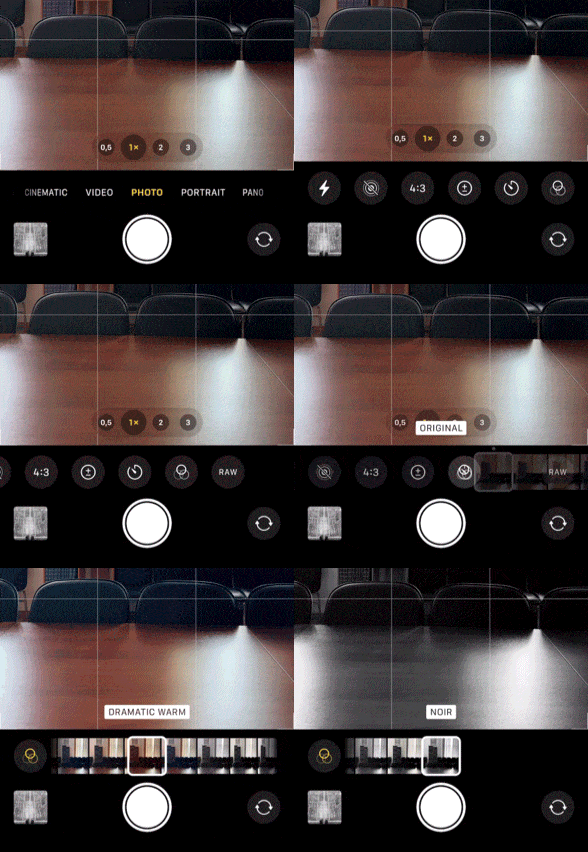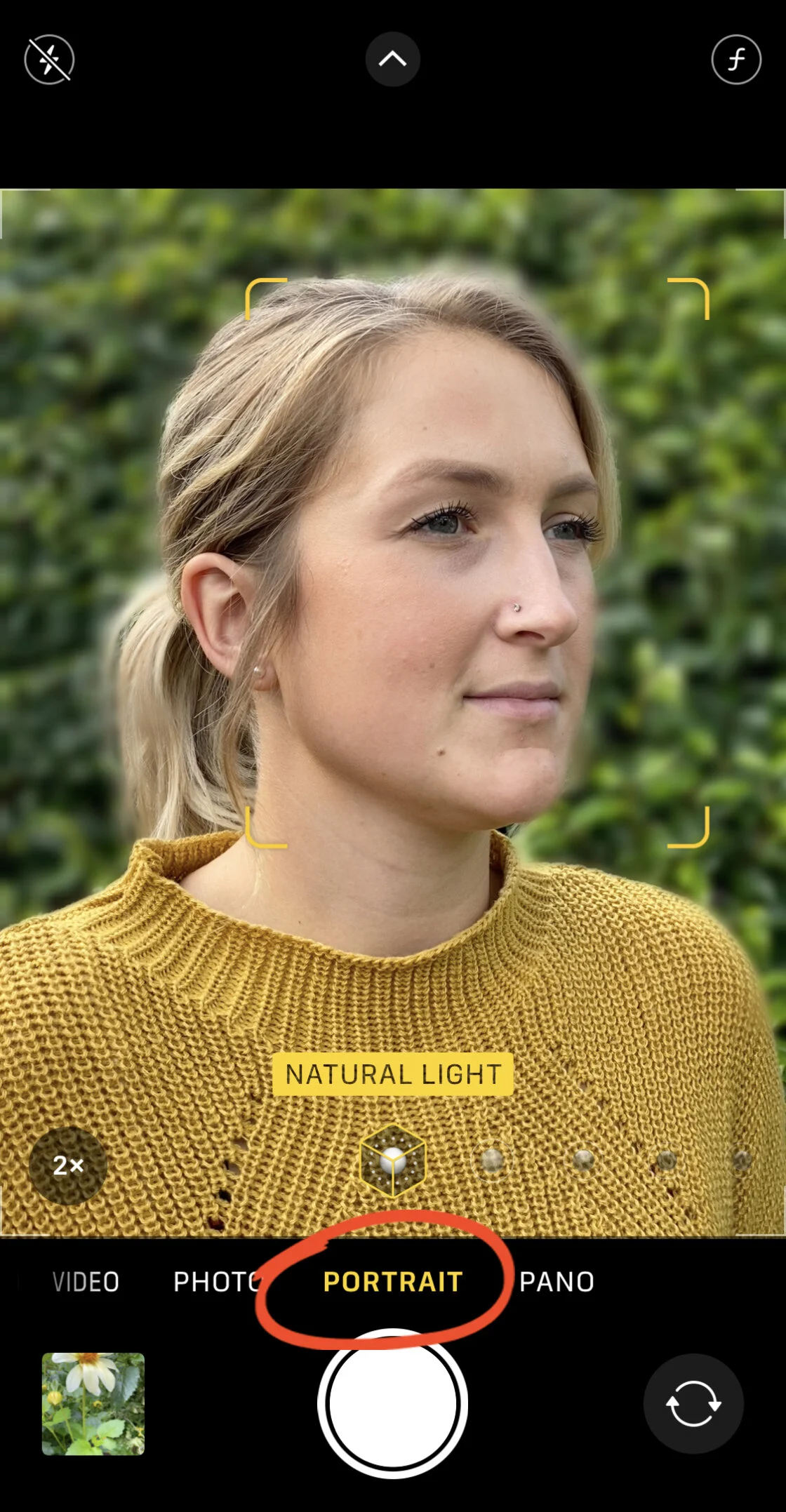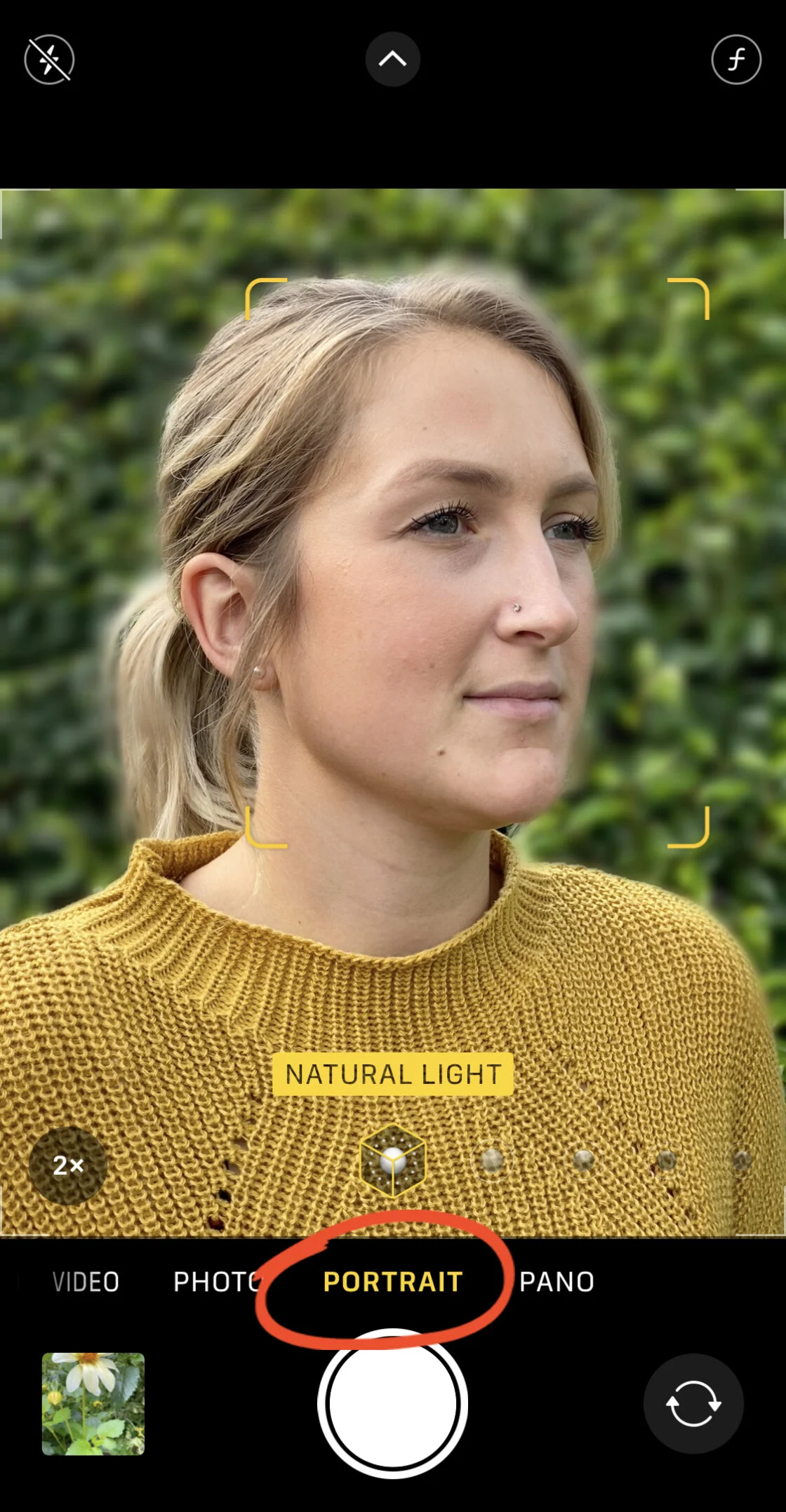
The evolution of mobile imaging has reached a critical juncture where the hardware and software capabilities of the iPhone now rival those of entry-level Digital Single-Lens Reflex (DSLR) and mirrorless cameras. While the majority of smartphone users rely on the device’s sophisticated "point-and-shoot" automation, a growing demographic of mobile photographers is leveraging manual controls to bypass algorithmic limitations and achieve specific artistic outcomes. This shift from passive capturing to active manual manipulation represents a significant trend in the democratization of high-end photography, allowing users to control parameters such as focal depth, exposure duration, and chromatic balance. By understanding the underlying mechanics of these advanced settings, users can effectively bridge the gap between casual snapshots and professional-grade compositions.
The Technological Trajectory of iPhone Imaging
Since the introduction of the iPhone 7 Plus in 2016, which debuted the dual-lens system and Portrait Mode, Apple has progressively integrated features that were once the exclusive domain of professional photography. The chronology of these advancements reveals a steady move toward manual empowerment. In 2018, the iPhone XS introduced Depth Control, allowing for the post-capture adjustment of background blur. The 2019 release of the iPhone 11 series saw the introduction of Night Mode and Deep Fusion, utilizing the A13 Bionic chip to perform millions of operations per second to optimize low-light performance.
By the time the iPhone 12 Pro and subsequent models like the iPhone 15 Pro Max entered the market, the hardware included LiDAR scanners for faster autofocus in low light and 48-megapixel sensors capable of capturing ProRAW data. This data-rich format provides photographers with the raw information needed to manually adjust exposure and color without the destructive compression found in standard JPEG or HEIC files. The following analysis explores the core manual controls that have redefined the capabilities of the modern iPhone.
Manipulating Depth of Field and Subject Isolation
One of the most sought-after aesthetics in professional photography is the "bokeh" effect, or the aesthetic quality of the out-of-focus parts of an image. In traditional photography, this is achieved through a shallow depth of field, governed by a wide lens aperture (low f-stop number). Because iPhone lenses have a fixed physical aperture, the device utilizes two primary methods to achieve this look: computational photography and physical proximity.
Computational Depth Control
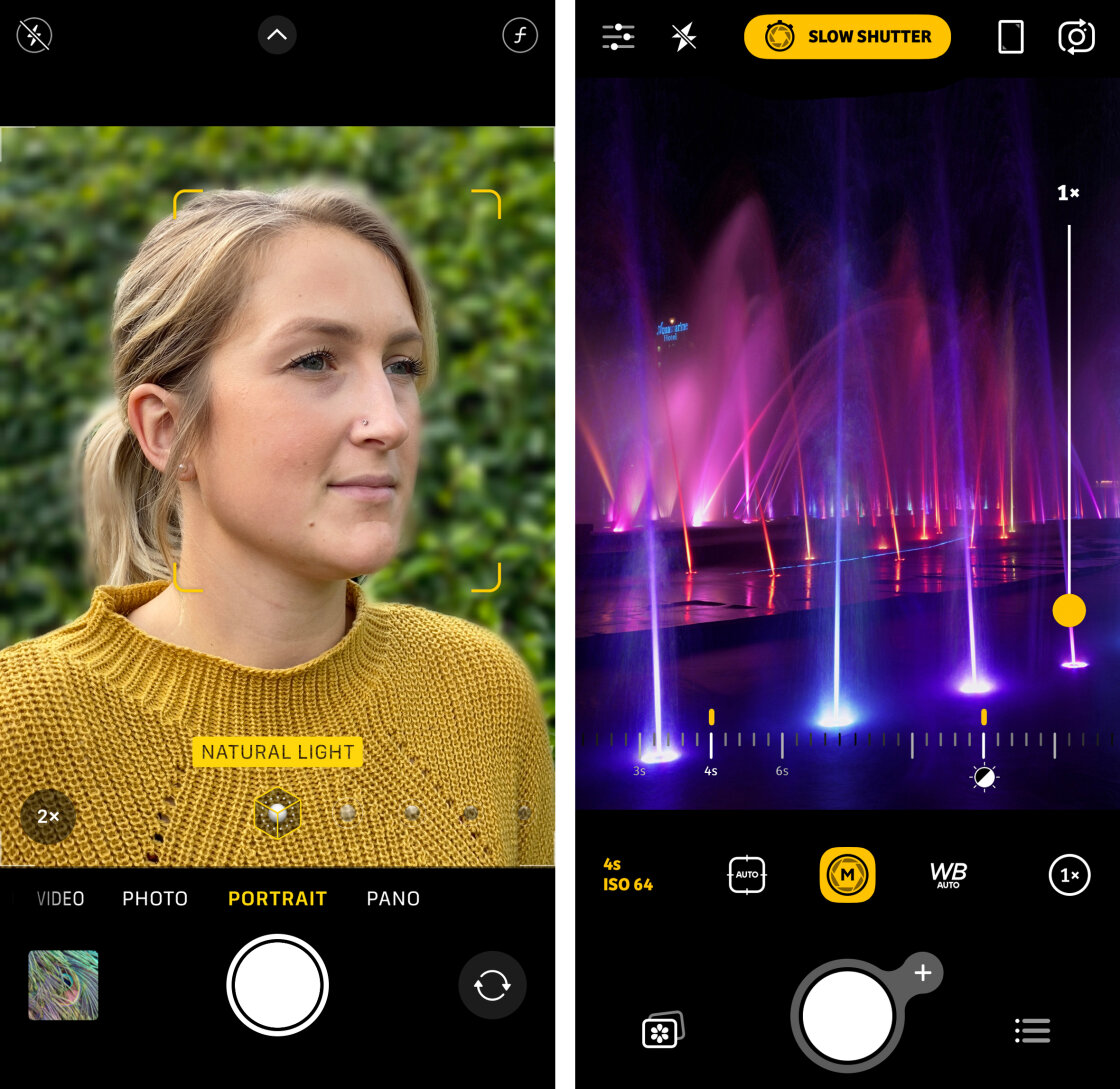
Portrait Mode uses the device’s multiple lenses or the LiDAR sensor to create a "depth map" of the scene. This software-driven approach distinguishes between the foreground subject and the background, applying a Gaussian blur to the latter. On models including the iPhone 13 and later, users can tap the "f" icon in the Camera app to manually adjust the simulated aperture from f/1.4 to f/16. A lower f-number increases the blur, while a higher number brings more of the background into focus.
The Physics of Proximity
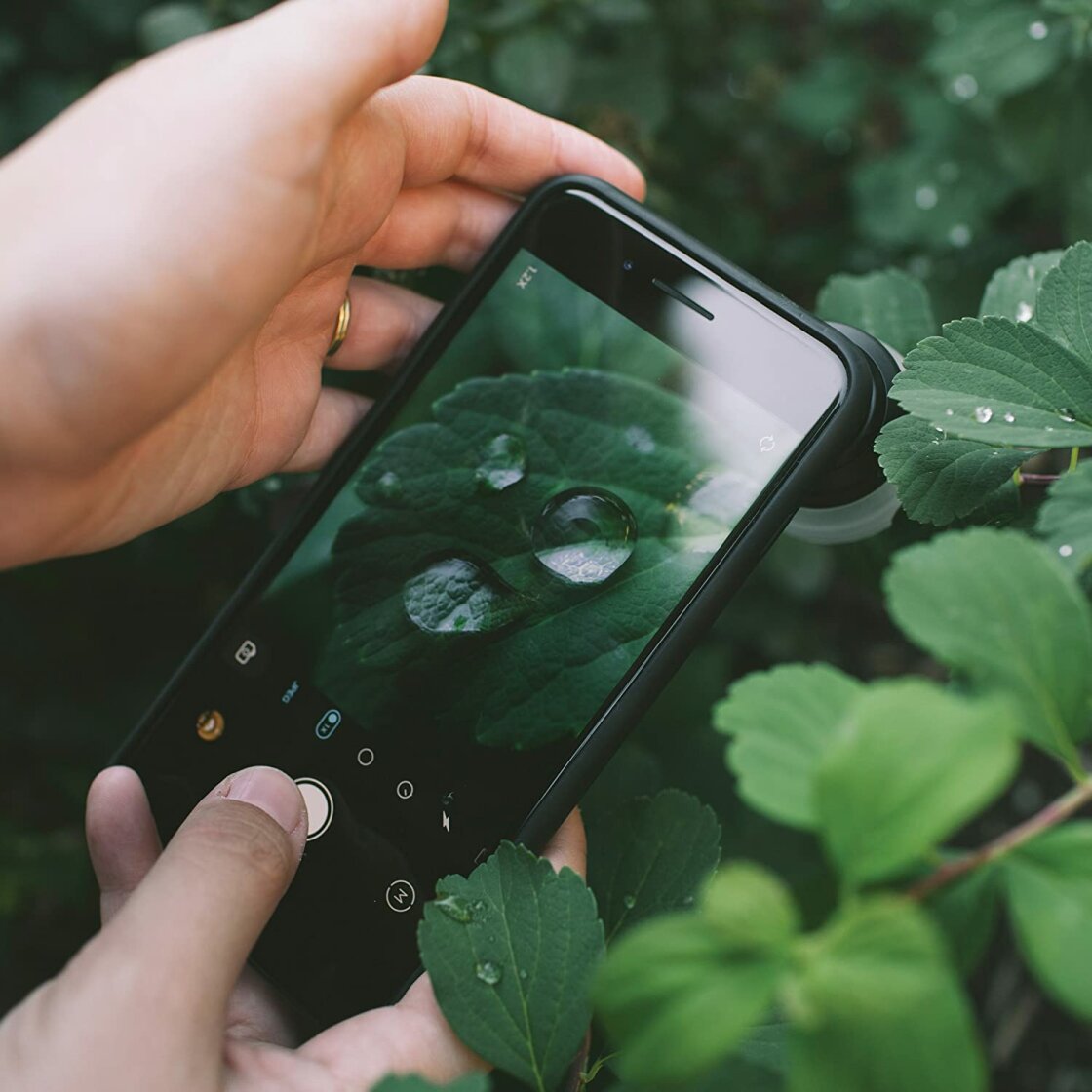
Beyond software, photographers can achieve a natural shallow depth of field by reducing the distance between the lens and the subject. This optical phenomenon occurs because the lens must work harder to focus on a near object, naturally causing the background to fall out of the focal plane. This technique is especially effective for macro photography, though it requires precise focus management to ensure the subject remains sharp.
Precision Focus and the AE/AF Locking Mechanism
Autofocus algorithms are designed to prioritize faces or the center of the frame, but complex compositions often require manual override. The iPhone allows for "Tap to Focus," where the user selects a specific point on the viewfinder to dictate the focal plane. However, in dynamic environments, the camera may attempt to refocus if a subject moves or lighting changes.
To counteract this, the AE/AF (Auto Exposure/Auto Focus) Lock is a critical tool. By long-pressing the focus point until a yellow box appears with the "AE/AF LOCK" label, the photographer ensures that the camera will not readjust its settings regardless of movement within the frame. This is particularly useful in street photography, where a photographer might lock focus on a specific architectural element and wait for a human subject to walk into the pre-set frame.
The Mechanics of Manual Exposure and Light Management
Exposure is defined by the total amount of light reaching the camera sensor, and it is the primary determinant of an image’s mood and clarity. While the iPhone’s "Smart HDR" (High Dynamic Range) does an excellent job of balancing highlights and shadows, manual exposure adjustment allows for intentional underexposure or overexposure.
Manual Brightness Adjustment
When a user taps to focus, a sun icon appears next to the focal box. Swiping up or down allows for immediate exposure compensation. Journalistic data suggests that underexposing by 0.5 to 1.0 stops often yields more saturated colors and prevents "blown-out" highlights in bright environments. In newer iOS versions, a dedicated Exposure Compensation slider is available in the hidden settings menu, allowing for a persistent exposure offset across multiple shots.
High Dynamic Range (HDR) Implications
Smart HDR 4 and 5 represent the pinnacle of Apple’s computational exposure. This system takes multiple frames at different exposure levels and merges them into one. For landscapes with a bright sky and a dark foreground, HDR is indispensable. However, professional photographers sometimes disable "View Full HDR" in the Photos settings to maintain a more natural, less "processed" look, or they disable Smart HDR entirely in the camera settings to capture high-contrast silhouettes that the automation would otherwise try to "correct."
Shutter Speed and the Capture of Motion
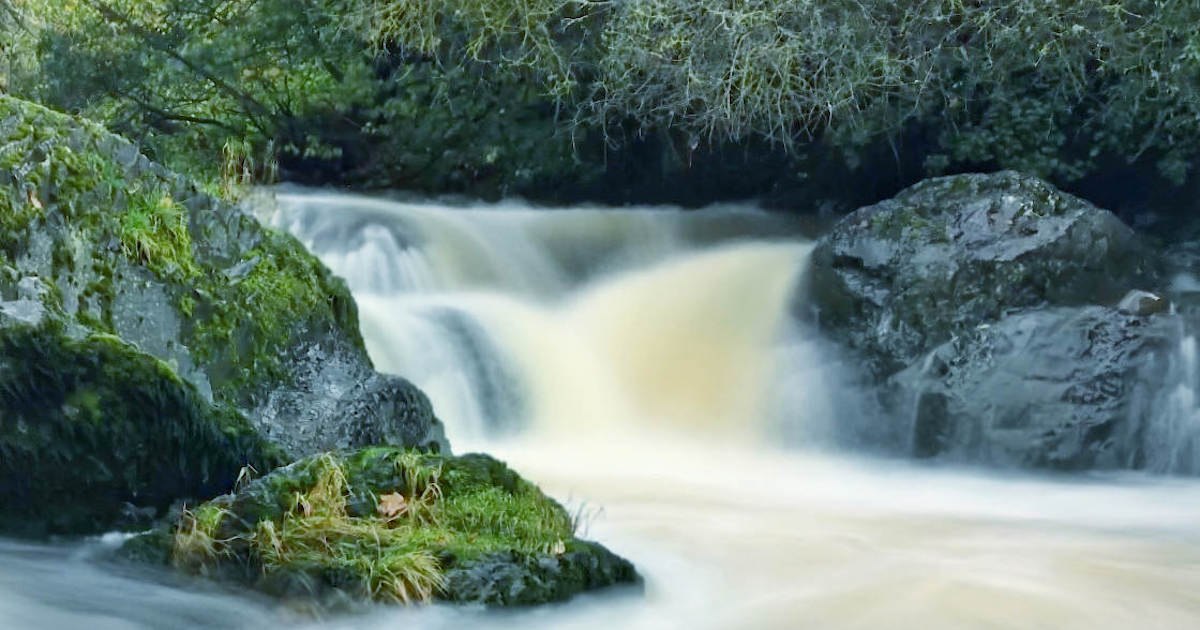
Shutter speed refers to the duration the sensor is exposed to light. Fast shutter speeds (e.g., 1/1000s) freeze action, making them ideal for sports or wildlife. Slow shutter speeds (e.g., 1s or longer) allow for motion blur, turning flowing water into a silky texture or light from moving cars into long trails.
The native iPhone Camera app does not offer a direct shutter speed dial, necessitating the use of third-party applications like Camera+ 2, ProCam, or Halide. These apps unlock the "Exposure Triangle," allowing users to set a specific shutter duration. For long exposures exceeding one second, the use of a tripod is a factual necessity. Even the most advanced optical image stabilization (OIS) cannot compensate for the micro-tremors of a human hand over several seconds, which would result in a ruined, blurry image.
ISO Sensitivity and Noise Reduction
ISO measures the sensor’s sensitivity to light. In low-light conditions, the iPhone’s auto-mode will naturally increase the ISO to maintain a visible image. The trade-off for this sensitivity is "digital noise" or grain. High ISO values (above 1000) often result in a loss of detail and a "muddy" appearance in the shadows.
By using manual controls to keep the ISO low (between 25 and 100), photographers can produce exceptionally clean images even in dim environments, provided they compensate by using a slower shutter speed and a tripod. This balance is the cornerstone of professional night photography. Recent analysis of the iPhone 15 Pro sensor indicates that its "base ISO" provides a dynamic range that was unattainable in mobile devices just five years ago, provided the user manually prevents the software from over-boosting the sensitivity.
Chromatic Accuracy and White Balance
White balance is the process of removing unrealistic color casts so that objects which appear white in person are rendered white in the photo. Light sources have different "color temperatures," measured in Kelvins (K). Incandescent bulbs produce a warm, orange glow (approx. 3000K), while an overcast sky produces a cool, blue light (approx. 7000K).
While the iPhone’s Auto White Balance (AWB) is generally reliable, it can be deceived by large areas of a single color. Manual white balance controls allow photographers to "lock in" the temperature. For example, when shooting in a forest, the AWB might over-correct for the green foliage, making skin tones look sickly. Manually setting the white balance to "Daylight" preserves the natural warmth of the scene.
Broader Impact and Industry Implications
The integration of these advanced controls has significant implications for the photography industry. According to market data from the CIPA (Camera & Imaging Products Association), shipments of digital cameras have declined significantly over the last decade, while the quality of mobile imagery has surged. The iPhone is no longer seen merely as a communication device, but as a legitimate tool for journalists, social media professionals, and hobbyists.
Experts suggest that the future of mobile photography lies in the further integration of Artificial Intelligence (AI) with manual overrides. We are seeing a shift toward "Intent-Based Photography," where the user sets the artistic parameters (manual control) and the AI handles the complex processing (computational execution). This synergy allows for a level of creative freedom that previously required carrying pounds of glass and metal. As sensor technology continues to evolve, the distinction between "phone photos" and "real photos" is becoming increasingly obsolete, provided the user possesses the technical knowledge to command the hardware.