The intersection of mobile technology and traditional artistry has reached a pivotal point where the distinction between a captured photograph and a hand-rendered drawing is increasingly blurred. As smartphone hardware continues to evolve, specifically with the integration of advanced Neural Engines in Apple’s A-series chips, the capability to perform complex image processing in real-time has moved from high-end desktop workstations to the palm of a user’s hand. For iPhone photographers, the ability to convert a standard digital image into a pencil sketch, a charcoal drawing, or a vibrant cartoon is no longer a matter of manual labor but a result of sophisticated algorithms. This digital transformation of photography serves a dual purpose: it allows for a new level of creative expression for casual users and provides a rapid prototyping tool for professional illustrators and social media content creators.
The Evolution of Mobile Digital Artistry
The trend of "stylizing" photos began in the early 2010s with the rise of vintage-style filters, but the technology has shifted from simple color overlays to deep-learning-based style transfer. In 2016, the launch of Prisma marked a significant milestone in this chronology, introducing the general public to neural networks that could "re-paint" images based on the brushstrokes of historical masters. Since then, the App Store ecosystem has expanded to include a diverse array of applications that cater to different artistic niches, from hyper-realistic pencil renderings to vector-based comic book aesthetics.
Industry data suggests that the "Photo and Video" category remains one of the most lucrative and high-growth segments of the App Store. According to market analysis, the global photo editing software market is projected to continue its upward trajectory, driven largely by the "creator economy" where unique visual content is the primary currency. The demand for apps that turn photos into drawings is a direct response to a saturated digital landscape where standard photography often fails to capture the audience’s attention.
Comprehensive Analysis of Leading iOS Sketch Applications
To understand the current state of this technology, one must examine the specific functionalities and market positioning of the leading applications currently available for the iOS platform.
1. Prisma: The Pioneer of Neural Style Transfer
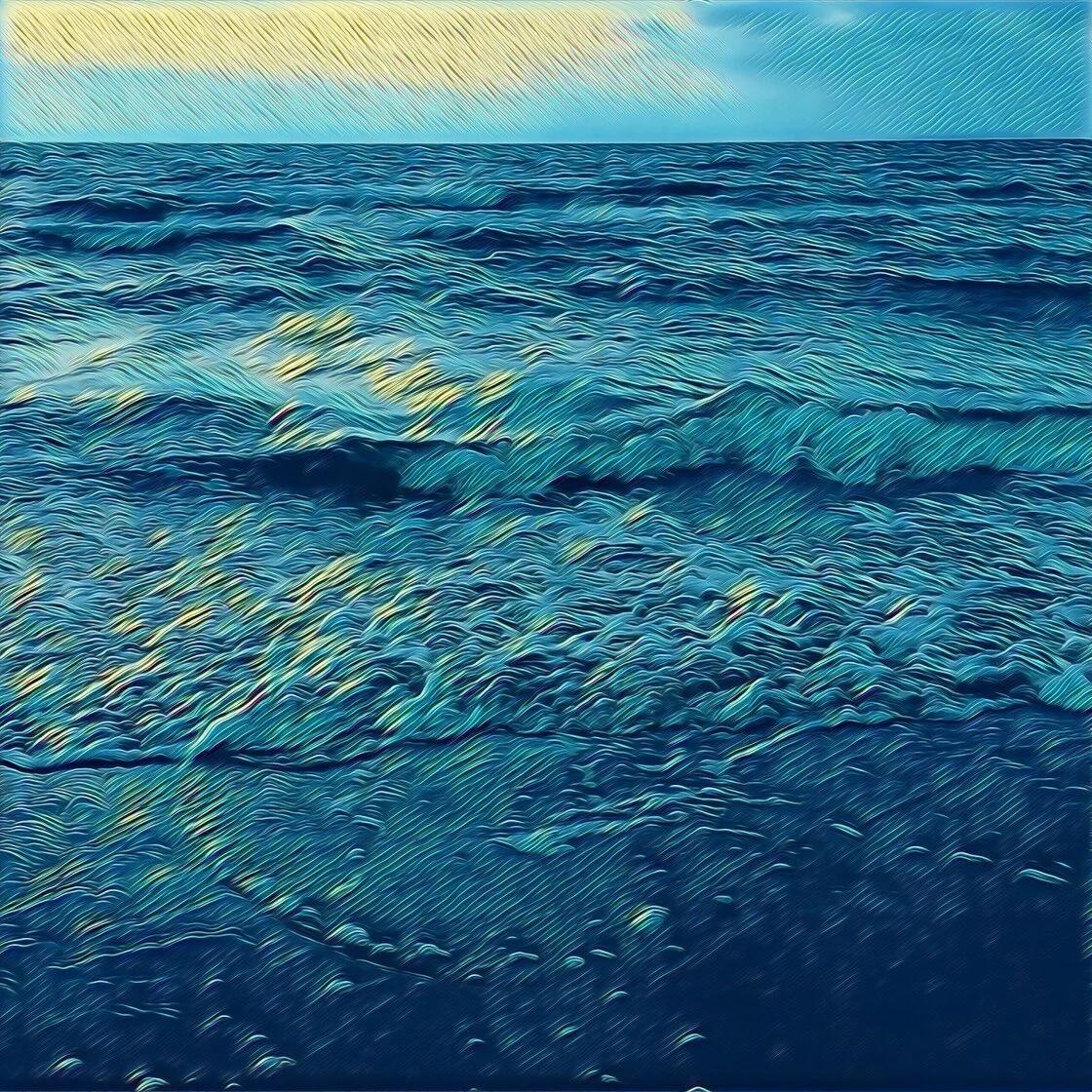
Prisma remains the benchmark for apps utilizing Artificial Intelligence to interpret and re-render photographic data. Unlike traditional filters that apply a static layer over an image, Prisma uses a remote server or on-device neural network to analyze the edges, textures, and lighting of a photo, effectively recreating it from scratch.
The application’s library includes over 300 styles, many of which are explicitly modeled after the techniques of legendary artists such as Pablo Picasso, Edvard Munch, and Salvador Dalí. For users seeking a sketch-like finish, Prisma offers several monochrome and "fine-line" presets that mimic the look of architectural drawings or classical graphite portraits. A significant aspect of Prisma’s business model is its subscription-based "Premium" tier, which provides high-definition (HD) processing. This is a critical feature for users who intend to transition their digital creations into physical prints, as standard resolution often suffers from pixelation when scaled.
2. Clip2Comic: Vector Realism and the Comic Aesthetic
While Prisma focuses on "High Art," Clip2Comic targets the illustrative and cartoon-style market. This application is particularly noted for its high-performance processing, allowing users to apply filters not just to static images but to live video feeds. This "live viewfinder" capability is a technical feat that requires significant GPU resources, making it a favorite for iPhone users with newer hardware.
Clip2Comic offers 14 distinct sketch styles, ranging from "Realistic Sepia" to bold, inked comic outlines. One of the app’s most professional-grade features is its deformation tool, which allows for the creation of caricatures. This tool provides a level of manual control—liquifying and stretching pixels—that many other automated apps lack. Furthermore, the integration of an in-app printing service demonstrates a clear understanding of the user journey, moving from digital creation to tangible product.
3. Photoleap: The Professional’s Layer-Based Suite
Developed by Lightricks, the creators of the popular Facetune app, Photoleap (formerly Enlight Photoleap) is positioned as a more sophisticated creative suite. It is designed for users who want to combine the "photo-to-sketch" effect with complex graphic design elements.
Photoleap’s "Sketch" and "Urban" tools provide a variety of artistic overlays, but its true power lies in its layer-based editing system. This allows a user to apply a pencil sketch effect to a subject while keeping the background in its original photographic state, or vice versa. The inclusion of an "Eraser" tool and masking capabilities means that the artistic application can be surgical. This app is often cited by digital artists as a bridge between mobile "one-tap" apps and professional desktop software like Adobe Photoshop.
4. Painnt: The Database of Artistic Variation
Painnt stands out due to the sheer volume of its filter library, boasting over 2,000 styles. This app caters to the user who desires hyper-specific artistic finishes. Within its "Sketch" category alone, there are 145 different variations, covering everything from rough charcoal to delicate pen-and-ink cross-hatching.
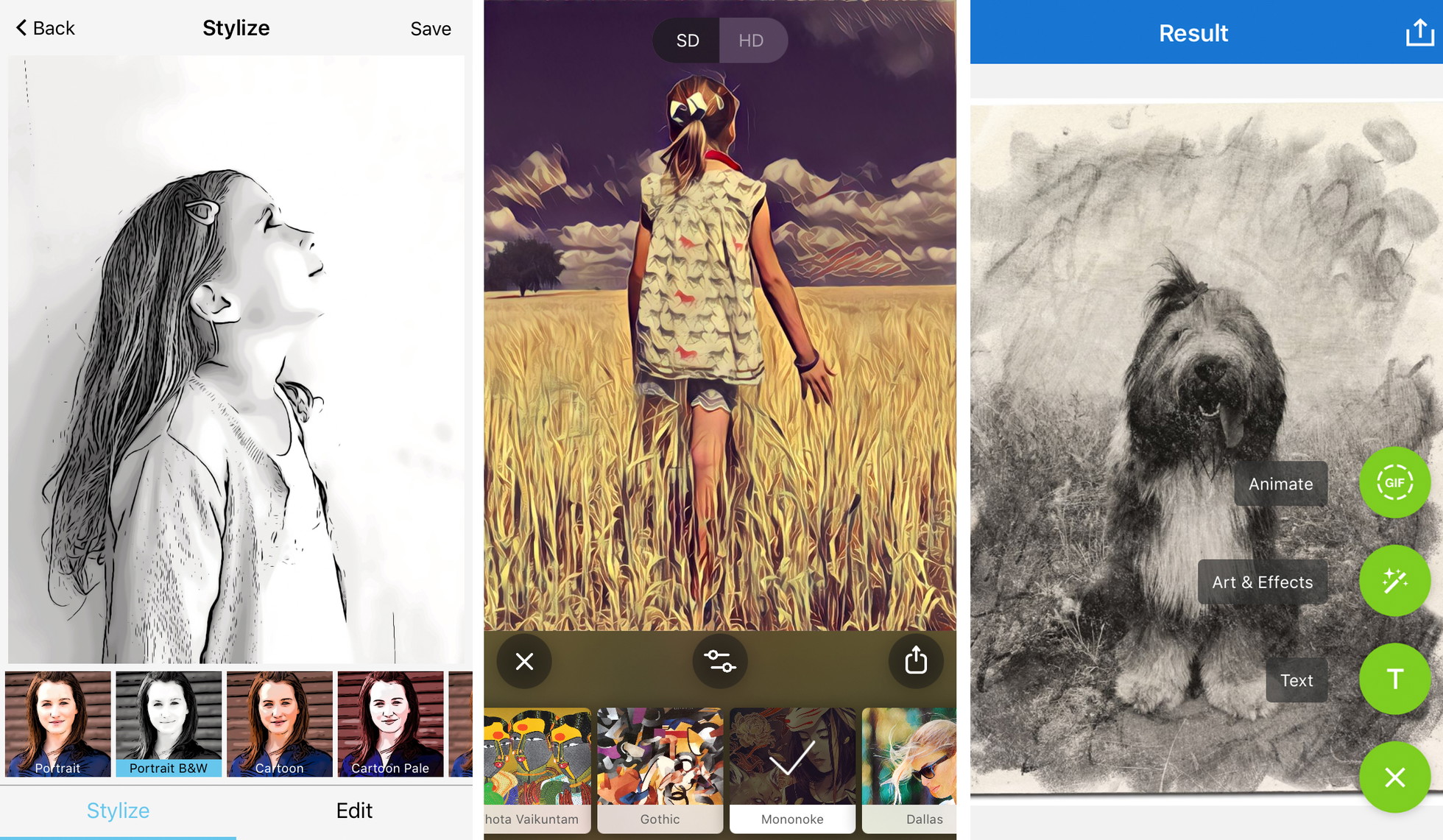
Technically, Painnt allows for a high degree of transparency in its processing. Users can manipulate sliders for "Transparency," "Brightness," "Contrast," and "Saturation" after the filter has been applied. This level of granular control is essential for ensuring that the algorithmic interpretation of the photo aligns with the user’s creative vision. Like its competitors, Painnt utilizes a freemium model where the highest resolutions and the removal of watermarks are locked behind a paywall.
5. Photo Lab: Realistic Texture and Social Integration
Photo Lab focuses on the "tactile" feel of traditional media. Its filters are designed to replicate the specific textures of charcoal, pastel, and crayon. The application is highly regarded for its "Smart Effects," which use facial recognition technology to apply sketches more accurately to portraits, ensuring that key features like eyes and lips maintain their clarity even when stylized.
Beyond simple conversion, Photo Lab incorporates a social component, allowing users to share their "recipes" or templates with a broader community. This has created an ecosystem of user-generated styles that keep the app’s content fresh and aligned with current visual trends on platforms like Instagram and TikTok.
Technical Considerations and Market Implications
The transition from a photograph to a drawing is not merely an aesthetic choice; it involves a complex negotiation of data. When an app "sketches" a photo, it must identify "edge detection" lines—the boundaries where contrast changes significantly. Professional-grade apps utilize AI to distinguish between "noise" in a photo and actual structural lines.
From a market perspective, the rise of these apps has democratized art. A statement from the developer community suggests that the goal is not to replace the artist, but to provide a "digital canvas" for those who lack formal training in drawing but possess a keen photographic eye. However, this has also sparked a debate regarding intellectual property and the value of hand-drawn work. As AI becomes more proficient at mimicking human styles, the industry is seeing a shift where "human-made" art is becoming a premium, luxury category, while digital, AI-assisted art becomes the standard for commercial and social media use.
Best Practices for Digital Sketch Conversion
To achieve professional-quality results from these applications, users must adhere to several technical principles:
Compositional Integrity and Contrast
The most successful digital sketches originate from photos with high contrast and simple compositions. Algorithmic edge detection thrives on the clear distinction between light and shadow. A cluttered background often results in a "muddy" sketch where the primary subject is indistinguishable from the surroundings.
Subject-Filter Alignment
Journalistic analysis of digital art trends suggests that the "mood" of the subject must match the medium of the filter. For instance, architectural photography is traditionally better suited for fine-line pen or "technical" sketch filters, whereas emotive portraiture benefits from the soft, blended textures of charcoal or pastel effects.
The Necessity of High-Resolution Output
A recurring issue in the mobile art world is the "resolution gap." Free versions of apps often export images at 72 DPI (dots per inch) or at a reduced pixel count, which is suitable for mobile screens but insufficient for print. For a digital sketch to look authentic when printed on canvas or high-quality paper, it must be saved at the highest possible resolution, typically requiring the premium versions of these apps.
Post-Processing and Customization
The most "realistic" digital drawings are rarely the result of a single tap. Professionals often use the built-in sliders to reduce the "intensity" of a filter, allowing some of the original photographic detail to bleed through. This creates a hybrid look that feels more "intentional" and less "processed."
The Future of Computational Art
As we look toward the future, the integration of Generative AI (GenAI) into these applications is the next logical step. We are moving away from apps that simply "filter" an existing photo and toward apps that can "interpret" a prompt to add elements to a sketch that weren’t in the original photo. This will further expand the creative boundaries for iPhone users, turning the device into a comprehensive art studio.
In conclusion, the current suite of iPhone apps for turning photos into drawings represents a sophisticated blend of AI research and user-centric design. While apps like Prisma and Clip2Comic provide the entry point, the broader ecosystem offers tools that can satisfy both the hobbyist and the professional. As the technology matures, the value will continue to shift from the "act of creation" to the "vision of the creator," making the choice of tool and the mastery of its settings more important than ever.