The Technological Foundation of Mobile Computational Photography
The modern iPhone camera is not merely a collection of lenses and sensors; it is a powerful computational engine. Since the introduction of the dual-lens system in the iPhone 7 Plus, Apple has progressively integrated artificial intelligence and machine learning to compensate for the physical limitations of small mobile sensors. This approach, known as computational photography, allows the device to perform trillions of operations per second, stacking multiple exposures and mapping depth in real-time.
However, the automated "Auto" mode, while highly capable, often prioritizes a safe, middle-ground exposure that may not align with a photographer’s creative vision. To achieve specific effects such as intentional motion blur, shallow depth of field, or grain-free low-light images, an understanding of manual overrides is essential.
Depth of Field and the Mechanics of Synthetic Bokeh
One of the most sought-after features in professional photography is the "bokeh" effect, characterized by a sharp subject set against a creamy, out-of-focus background. In traditional photography, this is achieved through a combination of large sensor sizes and wide apertures (low f-numbers). Because the iPhone has a fixed aperture, it employs two distinct methods to replicate this aesthetic.
Portrait Mode and Depth Mapping
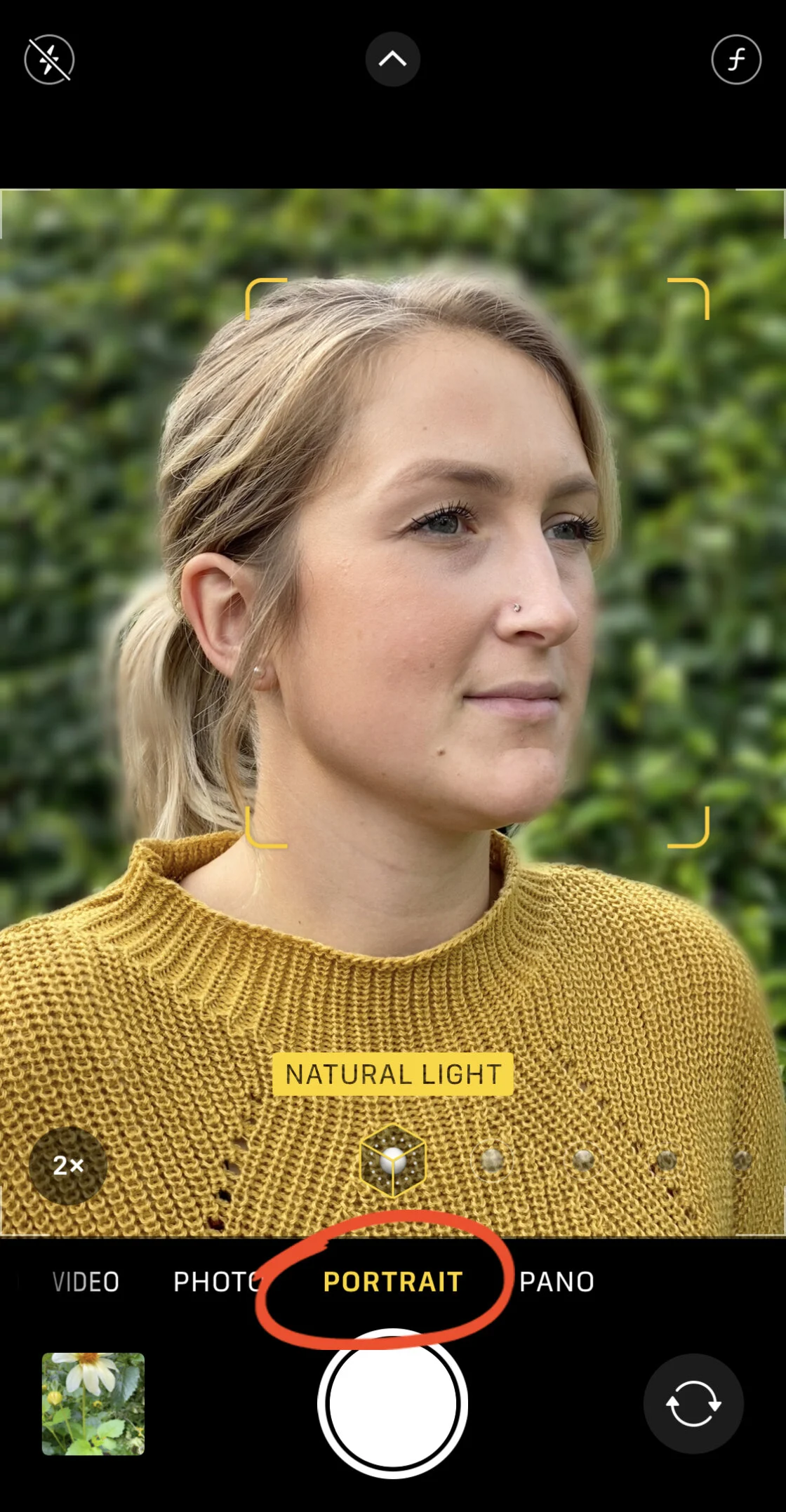
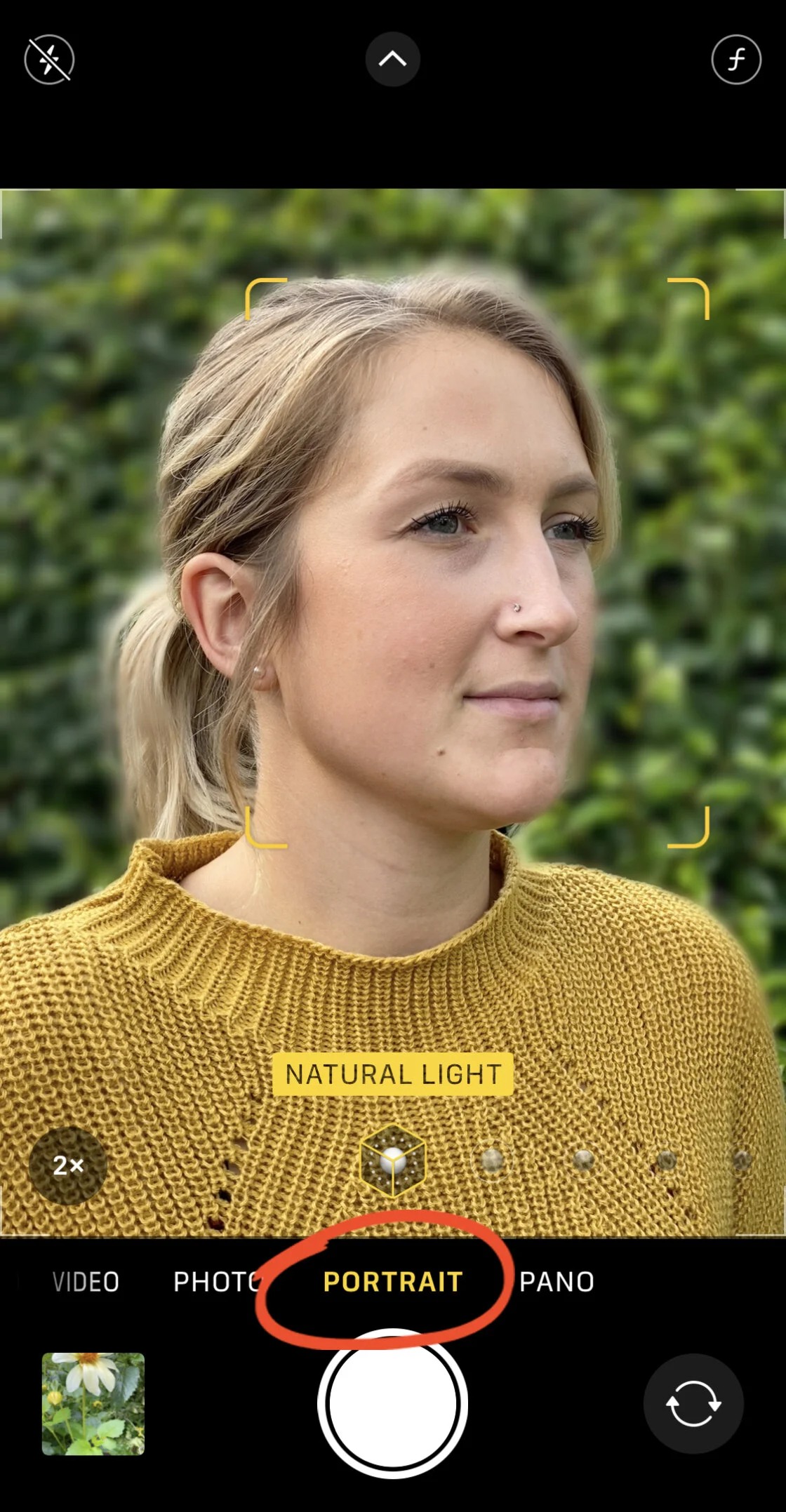
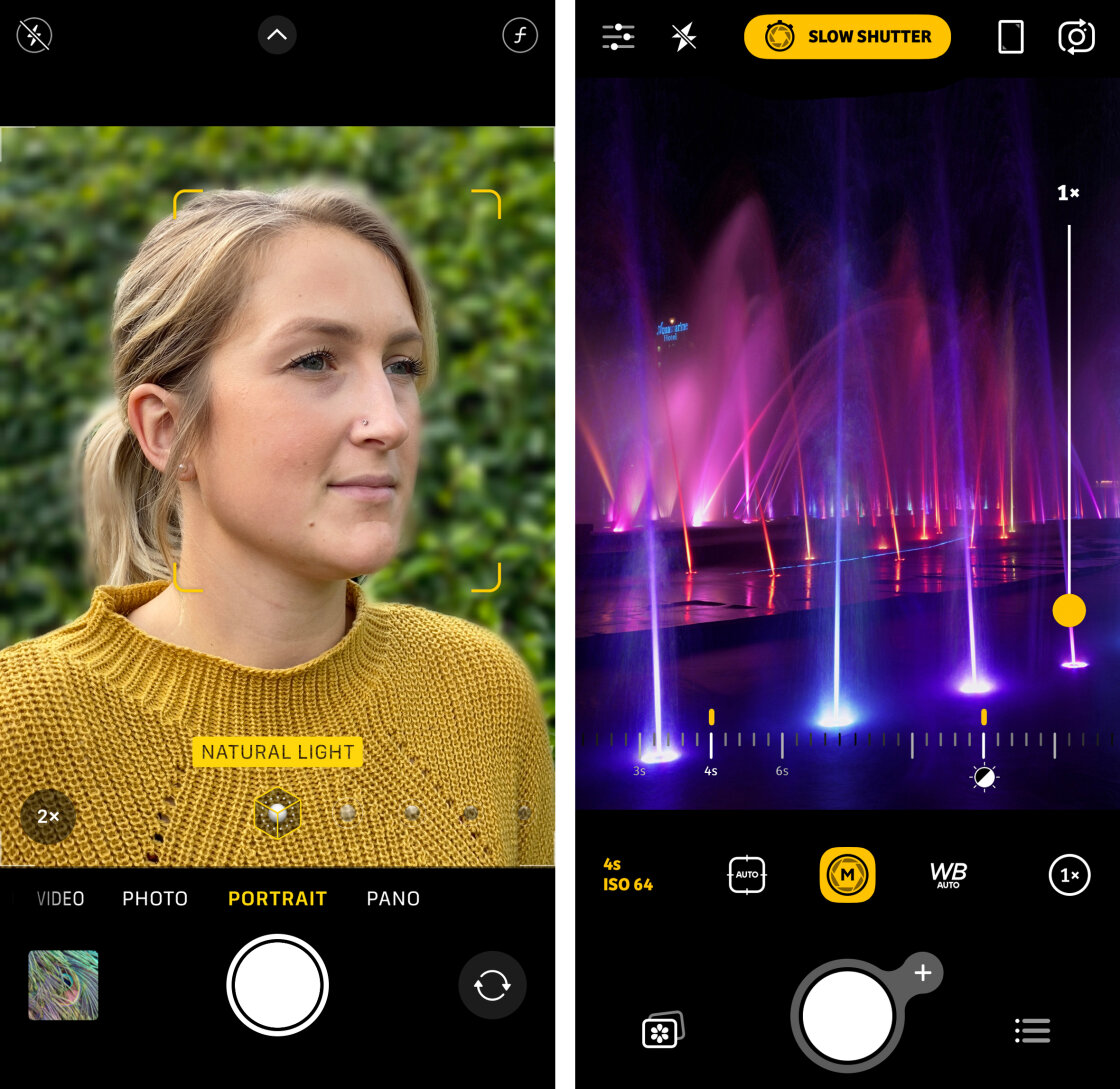
Introduced in 2016 and refined significantly with each subsequent generation, Portrait Mode utilizes the "Neural Engine" of the A-series chips to create a mathematical depth map of a scene. By comparing the slightly different perspectives of the wide and telephoto (or Ultra Wide) lenses, the iPhone identifies the subject and applies a Gaussian blur to the background.
For users of the iPhone 12 through the iPhone 15 Pro Max, this feature has become increasingly sophisticated. These devices allow for "Depth Control," enabling the photographer to adjust the simulated aperture from f/1.4 to f/16 after the photo has been taken. This non-destructive editing capability provides a level of flexibility that traditional film cameras cannot match.

Physical Proximity and Optical Blur
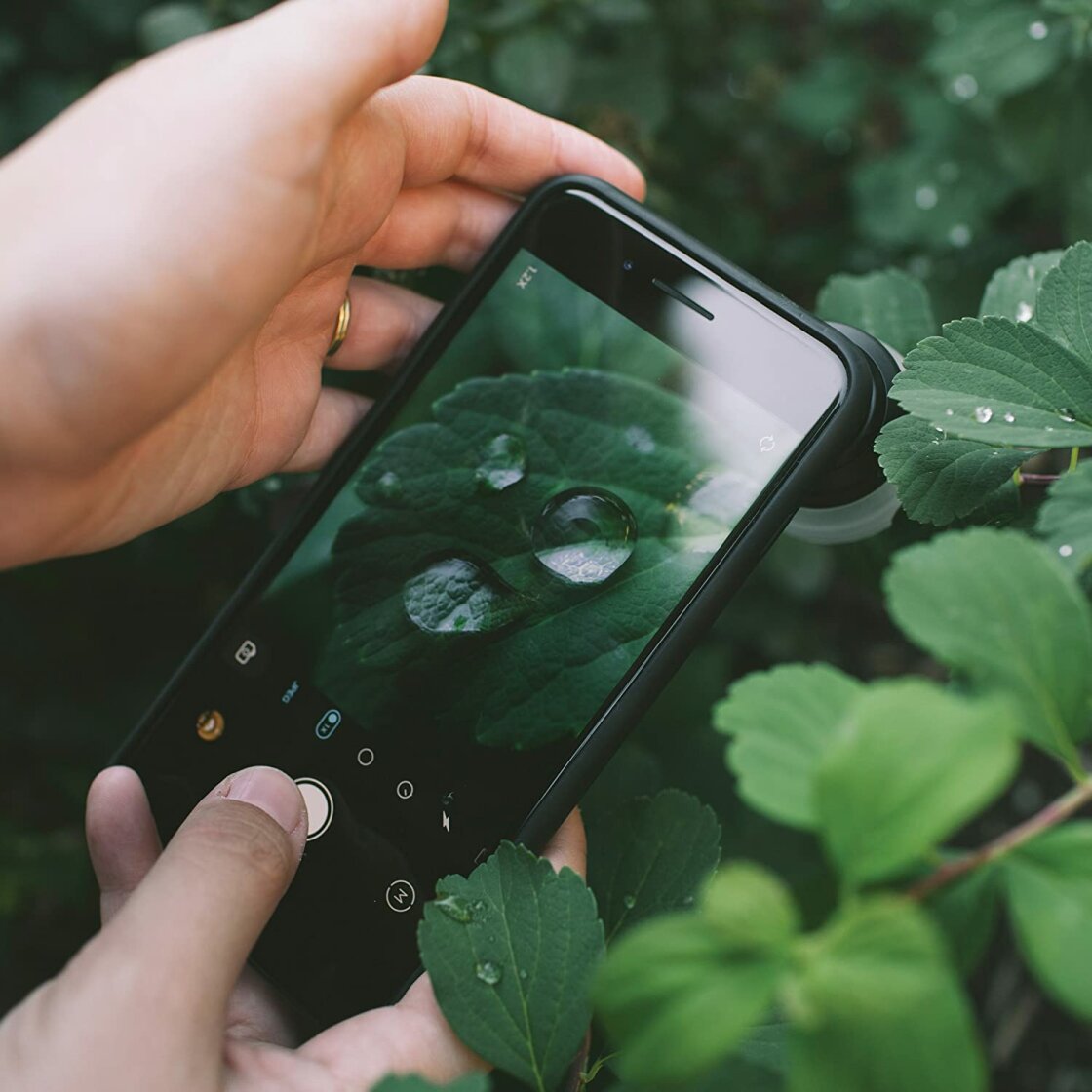
While software-based blur is effective for portraits, any iPhone user can achieve natural optical blur by manipulating the physical distance between the lens, the subject, and the background. The laws of optics dictate that the closer a lens is to its subject, the shallower the depth of field becomes. This technique is particularly vital for macro photography. Users seeking extreme detail often utilize third-party hardware, such as the Moment Macro Lens, to capture intricate textures in nature, such as the crystalline structure of frost or the compound eyes of insects.
Precision Focus and the AE/AF Lock Protocol
Focus is the cornerstone of image clarity. While the iPhone’s phase-detection autofocus is remarkably fast, it can struggle in complex scenes where multiple objects compete for attention.
Tap-to-Focus and Manual Overrides
The primary method of control is the tap-to-focus interface. By interacting with the viewfinder, the user directs the camera’s focus pixels to a specific coordinate. In macro situations, however, the depth of field is so thin that a slight movement can shift the focus point. Professional shooters utilize the AE/AF (Auto Exposure/Auto Focus) Lock by long-pressing the screen. This freezes the focus and exposure settings, preventing the camera from hunting for a new subject—a feature critical for street photography or when capturing subjects behind foreground obstructions like rain-streaked glass.
For precision that exceeds the native app’s capabilities, third-party applications like Camera+ 2 offer a manual focus slider. This allows the photographer to rack focus smoothly, a technique traditionally reserved for cinema and high-end still photography.
Exposure Management and the Integration of Smart HDR
Exposure refers to the total amount of light reaching the sensor. An incorrectly exposed image can suffer from "blown-out" highlights (pure white areas with no detail) or "crushed" shadows (pure black areas).
The Exposure Compensation Slider
The iPhone native camera app provides a dual-layer exposure system. Tapping the screen brings up a sun icon, which can be swiped up or down to adjust the brightness. In iOS 14 and later, Apple introduced a dedicated Exposure Compensation slider in the hidden settings menu (accessed by tapping the chevron at the top of the screen). This allows for a more persistent adjustment, which is invaluable when shooting in consistent lighting conditions where the camera’s light meter might be fooled, such as a snowy landscape or a backlit silhouette.
High Dynamic Range (HDR) Chronology
Apple’s journey with HDR has been a defining characteristic of its camera development:
- 2010: Basic HDR introduced in the iPhone 4.
- 2017: Auto HDR becomes the default on the iPhone 8 and X.
- 2018: Smart HDR debuts on the iPhone XS, leveraging the Neural Engine.
- 2020-Present: Smart HDR 3 and 4 (and now 5) allow for individual processing of different elements within a frame, such as skin tones and sky gradients.
Smart HDR works by capturing a rapid burst of frames at varying exposure levels and merging them into a single image that retains detail in both the brightest sun and the darkest shadows.
Shutter Speed and the Control of Temporal Dynamics
Shutter speed governs how long the sensor is exposed to light. It is measured in fractions of a second, ranging from 1/8000s (fast) to 30 seconds or more (slow).
Freezing Action and Motion Blur
A fast shutter speed is essential for sports or wildlife, where the goal is to freeze a moment in time. Conversely, a slow shutter speed—often referred to as long exposure—is used to convey the passage of time. The silky-smooth appearance of waterfalls or the light trails of cars on a highway are the results of keeping the shutter open for several seconds.
Because the native iPhone app does not offer a direct manual shutter speed dial, photographers often turn to specialized apps like Slow Shutter Cam. When executing these shots, the use of a tripod is non-negotiable. Even the most advanced optical image stabilization (OIS) cannot compensate for the micro-jitters of a human hand during a multi-second exposure.
ISO Sensitivity and Digital Noise Mitigation
ISO is a measure of the sensor’s sensitivity to light. In bright daylight, a low ISO (e.g., 25 or 50) is used to produce the cleanest images. As light levels drop, the camera must increase the ISO to maintain a visible image.
The trade-off for higher sensitivity is "digital noise" or grain. This noise appears as multicolored speckles that degrade image sharpness. Professional mobile photographers manage this by keeping the ISO as low as possible and compensating with a slower shutter speed and a tripod. With the introduction of Night Mode on the iPhone 11, Apple automated much of this process, but manual control via apps like Camera+ 2 remains the preferred method for those who wish to maintain specific textures in low-light environments.
White Balance and Color Fidelity
The temperature of light varies depending on the source. Incandescent bulbs produce a warm, orange glow, while shade and overcast skies produce a cool, blue cast. White balance is the process of neutralizing these casts so that white objects appear truly white.
While the iPhone’s "Auto White Balance" (AWB) is generally accurate, it can be misled by dominant colors in a frame. Manual white balance presets—such as Daylight, Cloudy, and Tungsten—allow the photographer to ensure color consistency across a series of shots. Furthermore, creative use of white balance can enhance the mood of an image, such as "cooling" a winter scene to emphasize the chill or "warming" a sunset to enhance the golden hour glow.
Broader Impact and Industry Implications
The democratization of these advanced controls has significant implications for the photography industry. The rise of the "iPhoneographer" has forced traditional camera manufacturers like Nikon, Canon, and Sony to pivot toward the high-end enthusiast and professional markets, as the entry-level "point-and-shoot" market has essentially been erased by the smartphone.
Furthermore, the introduction of Apple ProRAW in the iPhone 12 Pro series marked a major milestone. By providing a 12-bit file that contains all the raw data from the sensor alongside the computational metadata, Apple has given photographers the same post-processing latitude previously reserved for high-end digital backs.
In conclusion, the iPhone is no longer just a communication device with a camera attached; it is a sophisticated optical instrument. By mastering the manual controls of focus, exposure, shutter speed, ISO, and white balance, a user can transcend the limitations of automated software. The result is a body of work that is not defined by the device used, but by the technical proficiency and creative vision of the photographer. As computational power continues to grow, the gap between the smartphone and the studio camera will only continue to narrow, making these manual skills more relevant than ever.