The evolution of the iPhone from a simple communication device into a sophisticated tool for professional-grade photography has fundamentally altered the landscape of digital imaging. As Apple continues to iterate on its camera hardware—most recently with the introduction of the 48-megapixel Main camera and advanced computational photography engines—the demand for equally sophisticated software has surged. While the native iOS Photos app provides a robust set of basic adjustment tools, a thriving ecosystem of third-party applications offers specialized features that cater to everyone from casual social media users to professional digital artists. Navigating this crowded marketplace requires an understanding of the specific strengths, technical capabilities, and economic models of the leading applications. This report examines the top ten photo editing applications for the iPhone, analyzing their utility within the broader context of the mobile imaging industry.
The Evolution of Mobile Post-Processing
The journey of mobile photo editing began with simple, often heavy-handed filters designed to mask the limitations of early smartphone sensors. However, as sensor technology improved, the focus shifted toward "non-destructive" editing and RAW file support. According to market data from the App Store, the "Photo & Video" category remains one of the most competitive and lucrative segments, driven by the democratization of content creation. The apps featured in this analysis represent the pinnacle of this evolution, blending ease of use with professional-level control.
1. Snapseed: The Industry Standard for Versatility
Snapseed, developed by Nik Software and later acquired by Google, remains a cornerstone of the mobile photography world. Its primary appeal lies in its "completely free" model, which stands in stark contrast to the subscription-heavy landscape of modern software. Snapseed offers 29 tools and filters, including sophisticated features such as "Control Points" based on U Point technology. This allows users to make selective adjustments to brightness, contrast, and saturation by tapping specific areas of the image, a feature typically reserved for desktop suites.
For the everyday user, Snapseed provides a seamless entry point. Its "Tune Image" tool uses a swipe-based interface that is intuitive yet powerful. For advanced photographers, the app’s ability to edit RAW DNG files ensures that the maximum amount of data captured by the iPhone sensor is preserved during the editing process.
2. VSCO: Aesthetic Consistency and Film Emulation
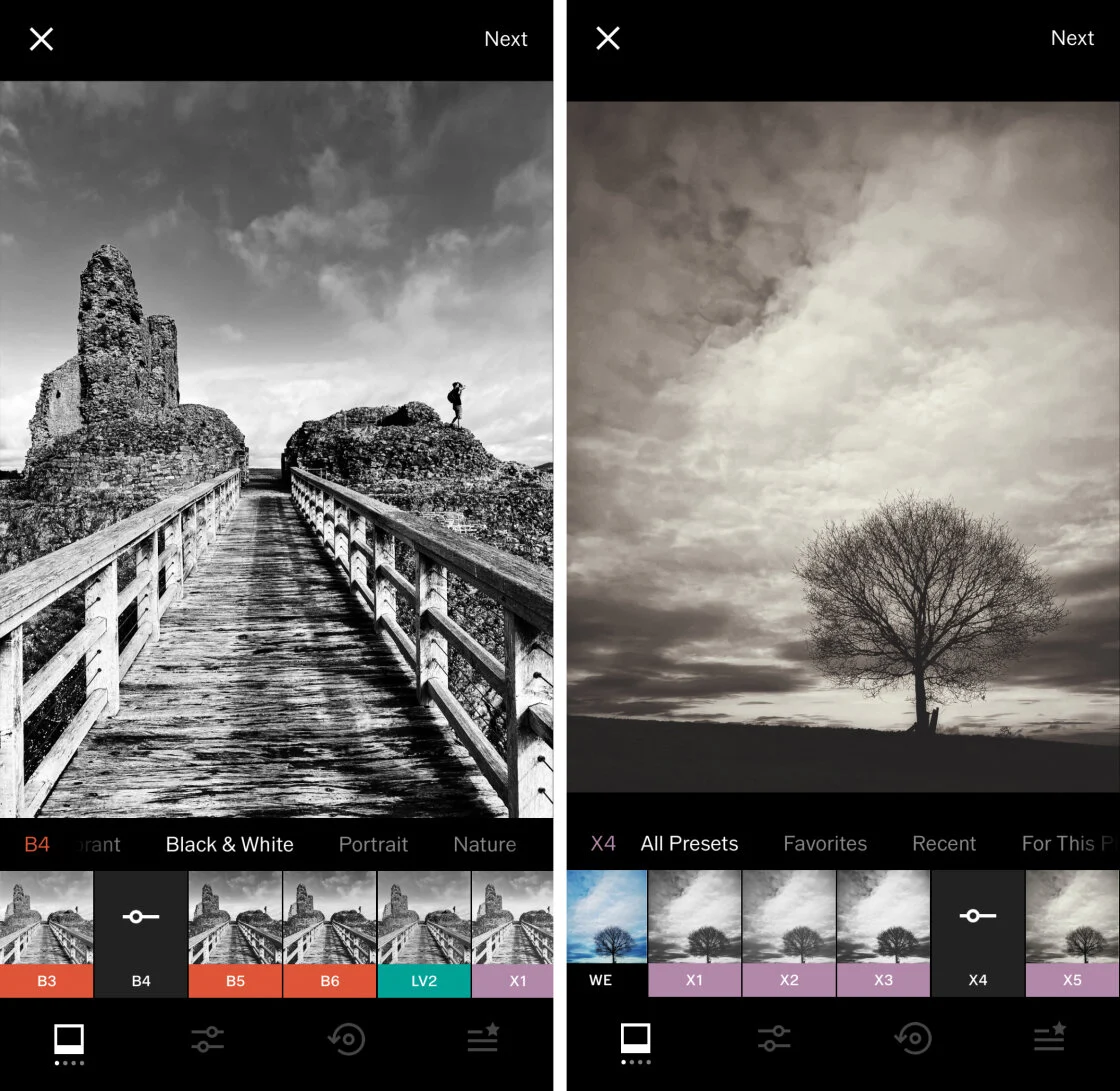
VSCO (Visual Supply Company) has carved out a significant niche by focusing on the "analog" aesthetic. In an era where digital photos can often look clinical, VSCO’s presets are designed to emulate the chemical properties of classic film stocks from Kodak, Fuji, and Agfa.
The application operates on a freemium model. While the basic version provides essential tools and a handful of filters, the "VSCO Membership" unlocks over 200 presets and advanced tools like the "HSL" (Hue, Saturation, Lightness) slider and "Borders." VSCO’s influence extends beyond mere editing; it has fostered a specific cultural aesthetic—often characterized by muted tones and grain—that has dominated platforms like Instagram for nearly a decade.
3. Adobe Lightroom: Professional Workflow Integration
For photographers already entrenched in the Adobe Creative Cloud ecosystem, Lightroom for mobile is an indispensable tool. It offers the most direct bridge between mobile and desktop workflows. The app’s strength lies in its precision. Its "Selective Adjustments" and "Healing Brush" allow for surgical edits, while its "Geometry" tool can correct perspective distortions often found in architectural photography.
Adobe has increasingly integrated Artificial Intelligence through its "Adobe Sensei" engine, which assists in auto-tagging photos and suggesting "Best Photos" within a large gallery. This integration of AI-driven organization and high-end editing makes Lightroom the preferred choice for professionals who need to maintain a consistent library across multiple devices.
4. TouchRetouch: The Power of Object Removal
While many all-in-one editors include "spot healing" tools, TouchRetouch is a specialized utility designed for a single task: removing unwanted elements from an image. Developed by ADVA Soft, the app uses advanced algorithms to analyze surrounding pixels and seamlessly fill in gaps left by removed objects.
The "Line Removal" tool is particularly noteworthy for landscape and urban photographers, as it can eliminate distracting power lines or telephone wires with a single stroke. In a journalistic or professional context, TouchRetouch represents the "clean-up" phase of post-processing, ensuring that the viewer’s attention remains on the intended subject.
5. Carbon: Mastering the Monochrome Aesthetic
Black and white photography requires a different approach to contrast and tonal range than color photography. Carbon is a dedicated monochrome editor developed in collaboration with professional photographers. It provides 58 preset filters that focus on the nuances of silver halide textures and high-contrast film looks.
Carbon’s utility is found in its ability to add "mood" through grain, light leaks, and sepia tones. By stripping away the distraction of color, Carbon allows iPhone users to focus on composition, lighting, and texture, providing a specialized environment for artistic expression.
6. Afterlight: A Balanced Creative Suite
Afterlight positions itself as a comprehensive "all-purpose" editor. It strikes a balance between the technical precision of Lightroom and the creative flair of VSCO. One of its standout features is the "Double Exposure" tool, which allows users to blend two images together to create surreal, layered compositions.
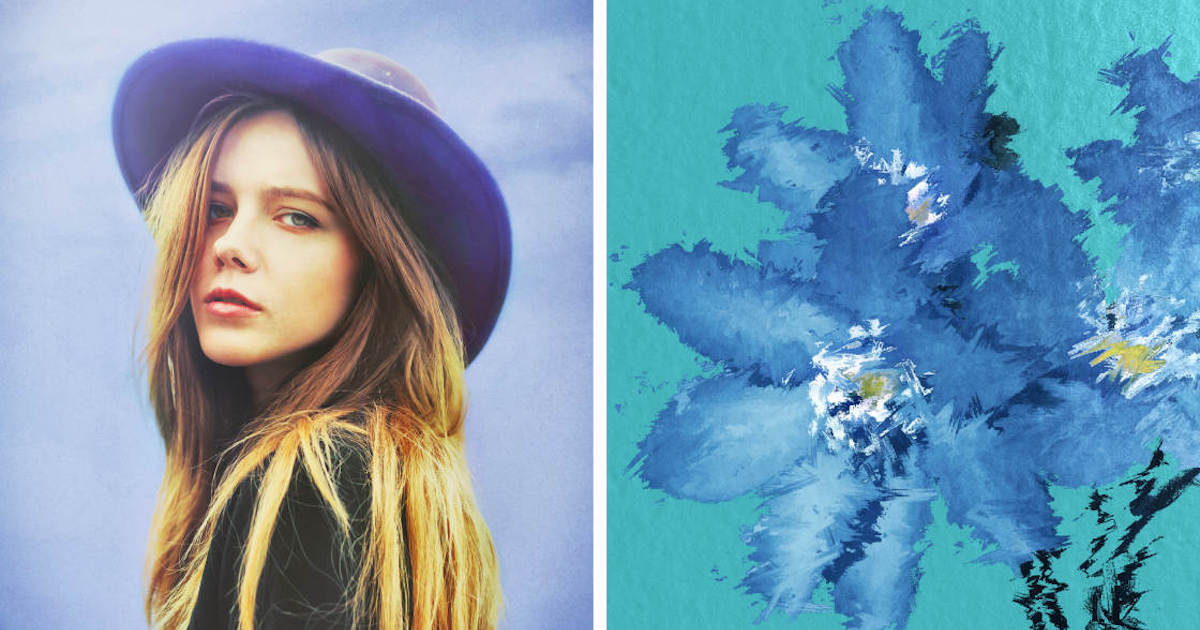
The app also features a robust "Typography" engine and a library of "Frames," making it a favorite for users who want to create graphic-heavy content for social media without switching between multiple apps. Its subscription model, "Afterlight Membership," provides a constant stream of new textures and filters, reflecting the fast-paced nature of digital trends.
7. Mextures: Layer-Based Texture Application
Mextures is unique for its non-destructive, layer-based workflow. It allows users to stack an unlimited number of effects, including grain, light leaks, and photographic textures. Each layer can be individually adjusted using various "Blend Modes," similar to the functionality found in Adobe Photoshop.
A key innovation of Mextures is the "Formula" system. Users can save their complex layer stacks as a formula and share them with the community. This collaborative aspect has turned Mextures into a social platform of sorts, where photographers can learn from the editing styles of their peers.
8. Lens Distortions: High-End Optical Effects
Unlike many apps that use digital filters to simulate weather or light, Lens Distortions utilizes actual photographic assets captured in a studio. This results in highly realistic overlays of sunlight, lens flares, rain, fog, and snow.
The app is frequently used by landscape photographers to enhance the atmosphere of a shot. Because the effects are based on real glass and natural elements, they integrate more naturally with the original image than purely synthetic filters. This commitment to "optical authenticity" has made it a staple in the kits of high-end mobile content creators.
9. Superimpose X: The Mobile Digital Art Studio
Superimpose X is the most advanced compositing tool available on the iPhone. It is designed for "heavy lifting"—creating complex digital art by masking, blending, and layering multiple images. It features a range of masking tools, from a simple brush to AI-powered automatic subject selection.
The app supports multiple layers, each with its own set of adjustment tools and filters. For users looking to move beyond "photography" and into the realm of "digital art" or "surrealism," Superimpose X provides the necessary technical infrastructure to do so on a mobile device.
10. Instagram: The Final Polish and Social Bridge
While primarily a social network, Instagram’s internal editing suite remains highly effective for quick adjustments. Its "Lux" tool is a proprietary algorithm that quickly balances exposure and contrast, often rescuing underexposed photos.
For many users, Instagram serves as the final destination. Its suite of filters and basic adjustment sliders (Brightness, Contrast, Structure, Warmth) are optimized for the mobile viewing experience. While it lacks the depth of Snapseed or Lightroom, its ubiquity makes it the most-used photo editor in the world.
Market Analysis and Industry Implications
The growth of these applications reflects a broader shift in the technology sector. Supporting data from industry analysts suggests that the "Pro" models of the iPhone now account for a significant portion of Apple’s sales, largely due to their superior camera systems. This hardware superiority is meaningless without software that can harness it.
The transition from "pay-once" models to "subscription" models (as seen in Lightroom, VSCO, and Afterlight) indicates a shift toward "Software as a Service" (SaaS) in the creative space. This allows developers to provide continuous updates and cloud storage, but it also increases the long-term cost for the consumer.
Chronology of Mobile Imaging Milestones
- 2007: Launch of the first iPhone; photography is limited to basic 2MP snapshots.
- 2010: Launch of Instagram; the "filter" becomes a cultural phenomenon.
- 2012: Google acquires Snapseed, signaling the entry of tech giants into mobile editing.
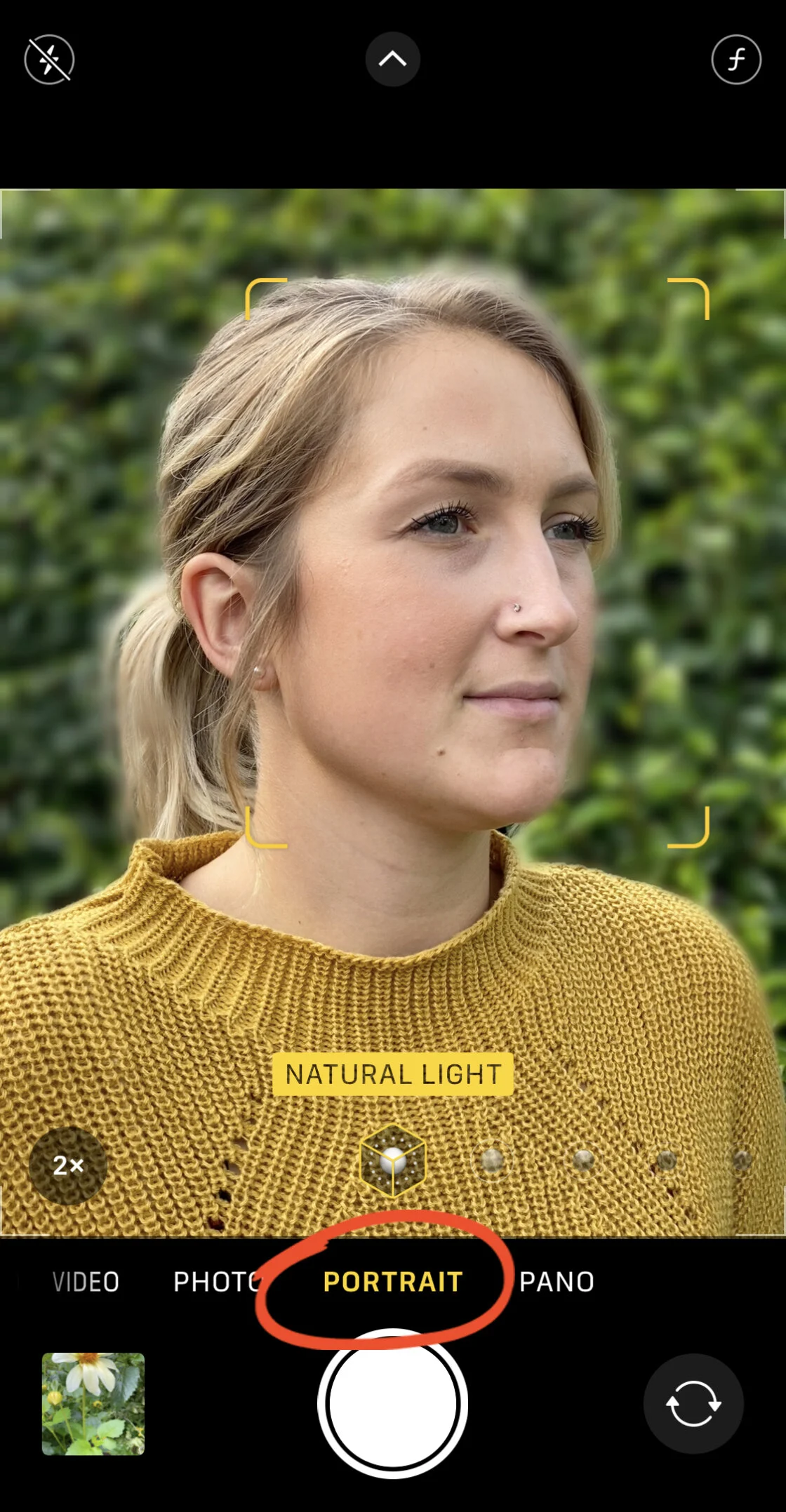
- 2016: Apple introduces "Portrait Mode" and opens RAW capture to third-party apps.
- 2020: Apple introduces ProRAW, bridging the gap between professional data and computational ease.
- 2023-24: AI-driven tools (generative fill, automatic masking) become standard features across top-tier apps.
Conclusion: Choosing the Right Tool
The selection of a photo editing app is ultimately dictated by the user’s end goal. For general enhancement, Snapseed remains the most logical choice due to its lack of cost and high functionality. For those seeking a specific "look" or aesthetic, VSCO and Carbon offer unparalleled presets. Professional workflows are best served by Adobe Lightroom, while creative artists will find the most utility in Superimpose X and Mextures.
As the iPhone camera continues to close the gap with dedicated DSLR and mirrorless cameras, these applications are no longer just "utilities"—they are the essential darkrooms of the 21st century. The broader impact of this shift is the total democratization of high-quality imagery, allowing anyone with an iPhone to produce, edit, and publish world-class photography from the palm of their hand.