The transition of the smartphone from a simple communication device to a sophisticated imaging tool has reached a critical juncture where manual iPhone camera controls now allow users to replicate the output of Digital Single-Lens Reflex (DSLR) cameras. While Apple’s native interface prioritizes "point-and-shoot" simplicity through advanced automation, a growing demographic of mobile photographers is turning to manual overrides to achieve specific aesthetic goals. This shift toward granular control represents a broader movement in computational photography, where the synergy between hardware and software enables professional-grade results on a pocket-sized device.
The Evolution of Mobile Imaging Control
The trajectory of iPhone photography has been defined by a steady move away from pure automation. For years, the hardware limitations of mobile sensors—specifically their small physical size compared to full-frame cameras—meant that software had to compensate for lack of light and shallow depth of field. With the introduction of the iPhone 7 Plus in 2016, Apple debuted Portrait Mode, marking the first major step into computational bokeh. Since then, subsequent iterations have introduced Night Mode, Smart HDR, and ProRAW, each providing a layer of sophistication that mimics traditional optics.
However, industry experts note that the "Auto" mode, while highly capable, often makes "safe" choices regarding exposure and color balance. Manual controls allow photographers to deviate from these safe choices to create mood, emphasize movement, or capture detail in lighting conditions that would otherwise confuse an automated system.
Mastery of Depth of Field and Portrait Mode
One of the most sought-after features in professional photography is a shallow depth of field, characterized by a sharp subject against a creamy, out-of-focus background (bokeh). In traditional photography, this is achieved through large apertures and long focal lengths. Because the physical aperture of an iPhone lens is fixed, Apple utilizes a "Depth Map" created by multiple lenses or LiDAR sensors to simulate this effect.
Computational Bokeh vs. Optical Proximity
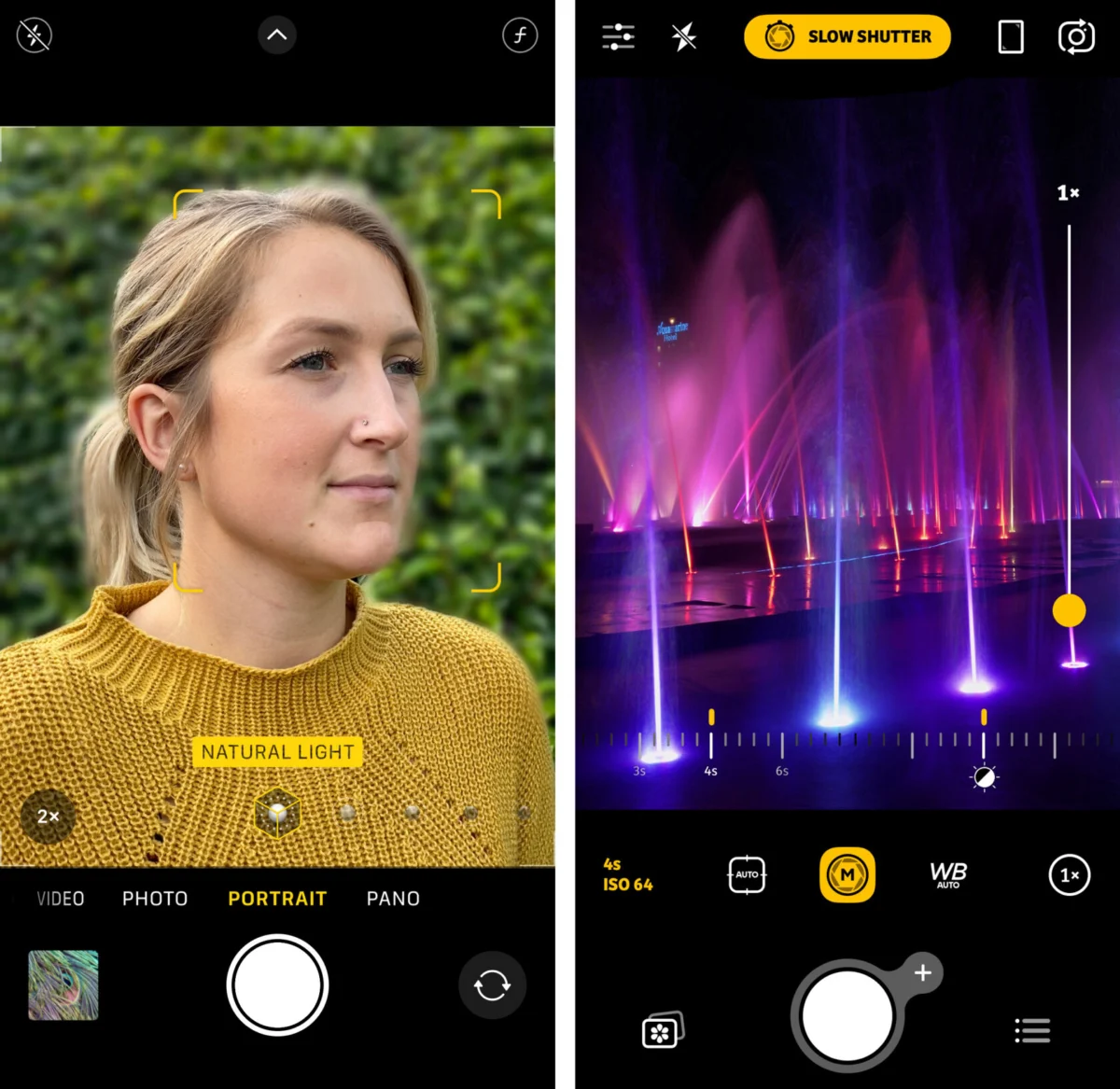
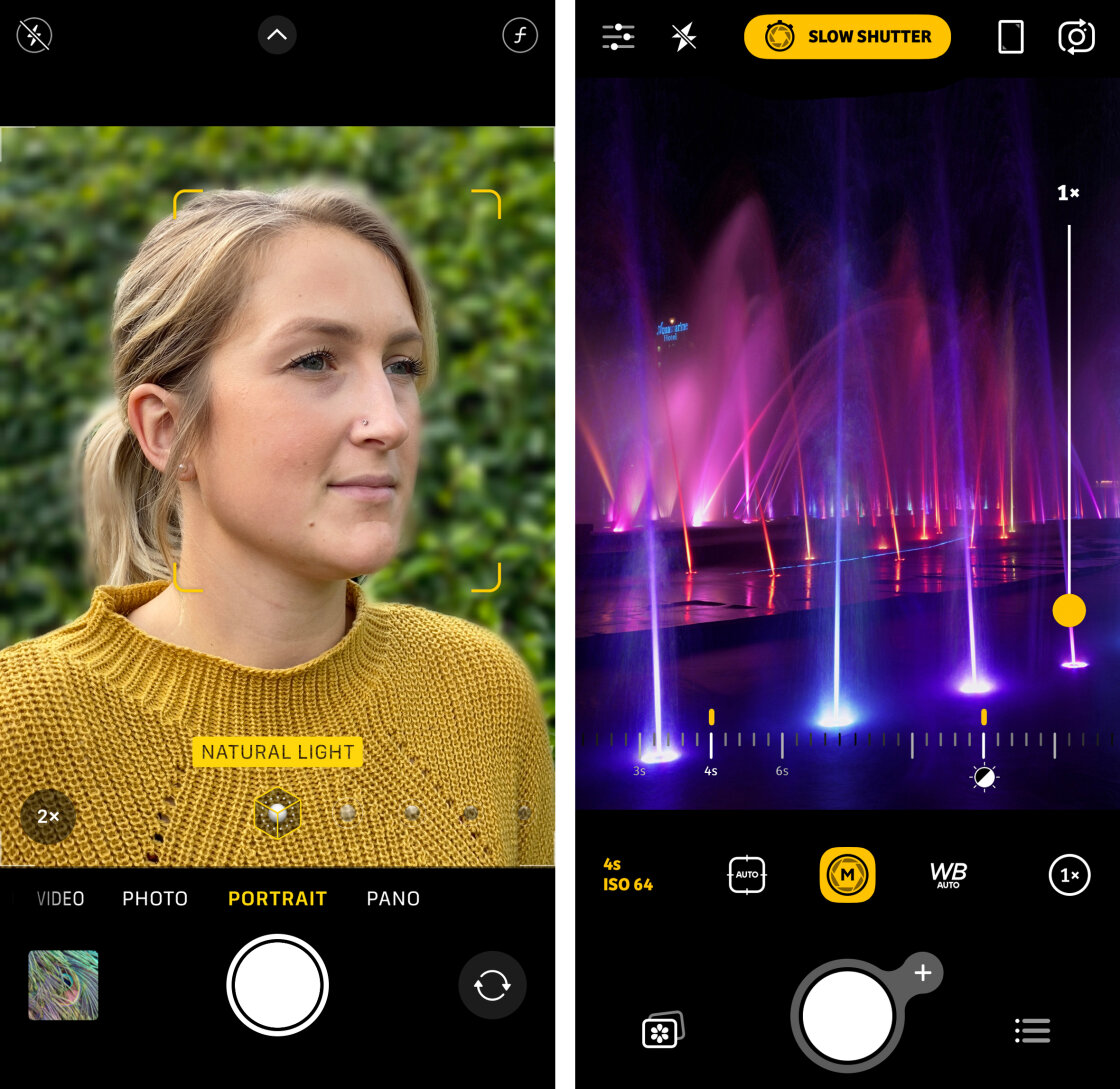
Portrait Mode is available on a wide range of devices, including the iPhone 7 Plus through the latest iPhone 15 and 16 series. This mode uses software to identify the subject and apply a Gaussian blur to the background. On newer models (iPhone XS and later), users can adjust the "f-stop" or blur strength post-capture via the Photos app. By tapping the "f" icon in edit mode, the depth slider allows for a transition from f/1.4 (maximum blur) to f/16 (minimum blur).
For devices without Portrait Mode, or for subjects that do not fit the "human/pet" recognition software, photographers utilize the "optical proximity" method. By moving the camera lens physically closer to the subject, the background naturally recedes out of focus. This follows the inverse square law of light and optics, proving that even without software, the iPhone’s lens can produce genuine bokeh if the subject-to-background distance is maximized.
Precision Focusing and AE/AF Lock Mechanisms
Achieving "pin-sharp" images requires a departure from the camera’s tendency to hunt for faces or the nearest object. The standard "Tap to Focus" feature is the first level of manual intervention. By tapping a specific area on the viewfinder, a yellow square appears, indicating the primary focus point.
The Role of AE/AF Lock
In dynamic environments where subjects move or the photographer reframes the shot, the focus often resets. To prevent this, the "AE/AF Lock" (Auto Exposure/Auto Focus Lock) is employed. Holding a finger on the screen for two seconds locks these parameters. This is essential for street photography or "zone focusing," where a photographer waits for a subject to enter a pre-determined space.
Third-Party Manual Focus
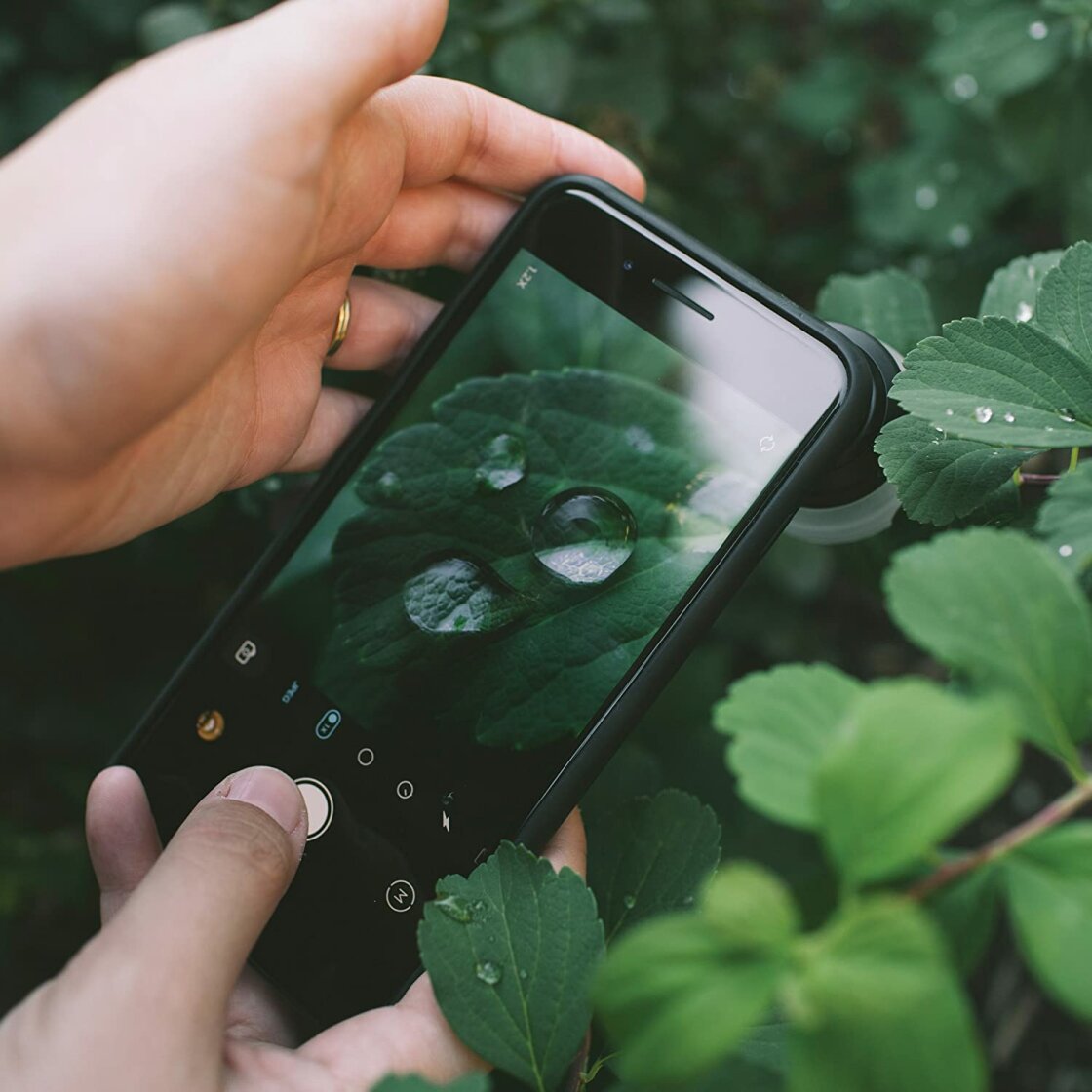
For macro photography, such as capturing water droplets on a flower, even the native tap-to-focus can be imprecise. Pro-level applications like Camera+ 2 provide a manual focus slider. This allows the user to rack focus across the focal plane with millimeter precision, a feature indispensable when working with add-on macro lenses like those produced by Moment or Sandmarc.
Exposure Management and the Exposure Compensation Slider
Exposure refers to the total amount of light reaching the sensor. An over-exposed image loses detail in the highlights (the "blown out" look), while under-exposure results in "crushed" blacks and digital noise.
Native Swiping and iOS 14 Upgrades
The most immediate way to adjust brightness is to tap the screen and swipe the sun icon up or down. However, with the release of iOS 14, Apple introduced a dedicated Exposure Compensation slider for iPhone 11 and later models. Accessed via the chevron icon at the top of the interface, this slider allows for a permanent adjustment (ranging from -2 to +2 EV) that stays in place even after a photo is taken. This is a significant tool for photographers shooting in consistent lighting who want to maintain a specific "low-key" or "high-key" aesthetic.
High Dynamic Range (HDR) and Contrast Challenges
High-contrast scenes, such as a bright sunset over a dark forest, present a "dynamic range" that exceeds what a single sensor can capture. The iPhone’s solution is Smart HDR.
The Science of Smart HDR
Smart HDR functions by capturing a rapid burst of frames at different exposure levels—underexposed for highlights, overexposed for shadows, and mid-tones for balance. The A-series Bionic chips then perform "semantic rendering" to fuse the best parts of each frame into one image. While "Smart HDR" is usually set to automatic, users can disable it in the main settings to gain manual control over the HDR toggle in the camera app, allowing them to intentionally capture deep shadows for dramatic effect.
Shutter Speed and the Temporal Element
Shutter speed is the duration the sensor is exposed to light. Controlling this setting is the primary way to manage motion.
Freezing and Blurring Motion
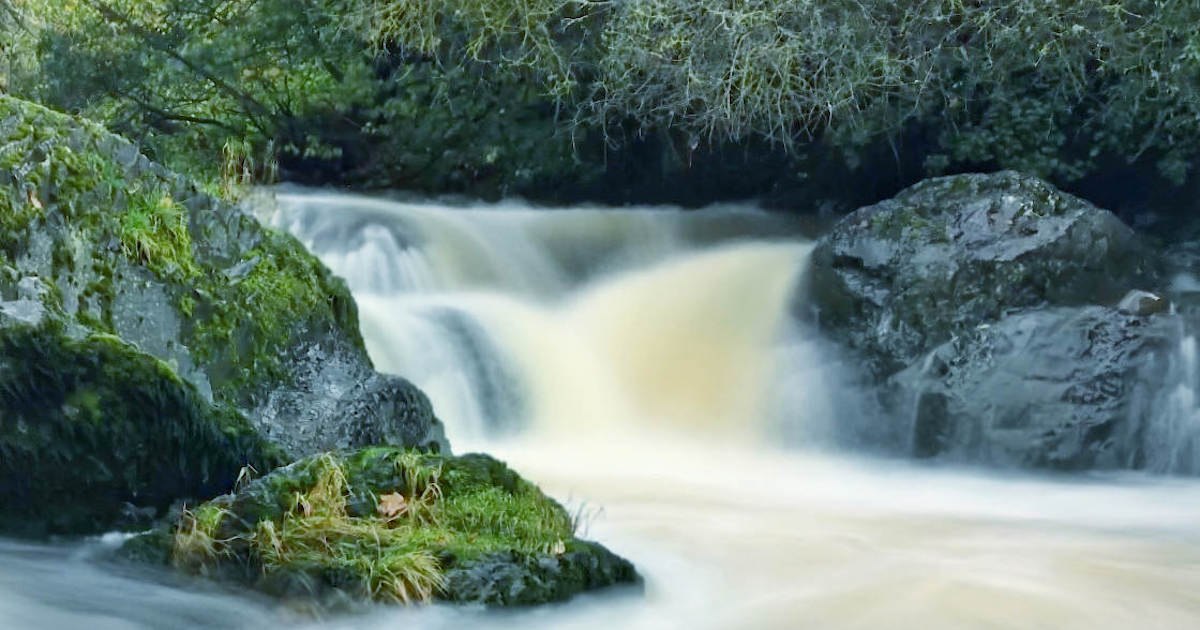
A fast shutter speed (e.g., 1/1000s) freezes action, making it ideal for sports or wildlife. Conversely, a slow shutter speed (e.g., 1 second or longer) creates motion blur. This is the secret behind "silky" waterfall photos or light trails from moving cars.
Because the native iPhone app does not offer a direct shutter speed dial, third-party apps are required. Camera+ 2 and Slow Shutter Cam are the industry standards for this purpose. When using slow shutter speeds, a tripod is non-negotiable. Even the most advanced Optical Image Stabilization (OIS) cannot compensate for the micro-jitters of a human hand during a 2-second exposure.
ISO: Balancing Light and Digital Noise
ISO measures the sensor’s sensitivity to light. In low-light environments, the iPhone’s software naturally raises the ISO to make the image visible. However, a high ISO introduces "grain" or digital noise, which degrades image clarity.
Managing Low-Light Grain
By using manual controls in apps like Camera+ 2, photographers can keep the ISO at its lowest setting (usually ISO 32 or 64) and instead increase the shutter speed to bring in more light. This "balancing act" ensures a clean, grain-free image. This technique is the foundation of professional night photography, allowing for clear shots of architecture or starscapes without the "muddy" look of high-ISO automation.
White Balance and Color Integrity
White balance (WB) ensures that white objects appear white regardless of the light source’s color temperature. Different light sources have different "temperatures" measured in Kelvin:
- Incandescent/Tungsten: Warm, orange (approx. 3000K)
- Daylight: Neutral (approx. 5500K)
- Shade/Cloudy: Cool, blue (approx. 6500K-7500K)
While the iPhone’s Auto White Balance (AWB) is generally accurate, it often "corrects" the golden glow of a sunset or the moody blue of a twilight hour. By manually selecting a WB preset (Sun, Cloud, Shade, Fluorescent), photographers can preserve the natural atmosphere of a scene or intentionally shift colors for creative impact.
Broader Impact and Industry Implications
The democratization of manual camera controls has significantly lowered the barrier to entry for professional photography. We are seeing a shift where "mobile-first" journalists and content creators are able to produce high-fidelity visuals that were previously reserved for those with thousands of dollars in gear.
Market data suggests that the sale of entry-level DSLRs has declined as smartphone sensors and manual software capabilities have improved. The "Pro" branding on modern iPhones is no longer just a marketing term; it refers to the inclusion of the 48-megapixel sensors and the ability to shoot in ProRAW, which stores the manual settings data for extensive post-processing in software like Adobe Lightroom.
In conclusion, while the iPhone’s automated systems are a marvel of modern engineering, the true potential of the device is unlocked through manual intervention. By understanding the relationship between depth of field, exposure, shutter speed, ISO, and white balance, the user moves from being a passive observer to an active creator, capable of producing imagery that challenges the traditional boundaries of photography. As sensor technology continues to evolve, the line between the smartphone and the professional camera will only continue to blur, making manual mastery an essential skill for the modern digital age.