The mobile photography landscape has undergone a radical transformation over the last decade, evolving from basic image capture to a sophisticated ecosystem of digital artistry. As smartphone hardware continues to rival professional DSLR cameras in sensor quality and processing power, the software industry has kept pace by offering increasingly complex tools for post-processing. Among the most popular sub-sectors of this market are applications designed to bridge the gap between photography and traditional illustration. These "photo-to-sketch" applications leverage advanced neural networks and computer vision to simulate the textures of graphite, ink, charcoal, and paint. This shift represents a broader trend in consumer technology: the democratization of art, where the technical skill of the illustrator is supplemented—or in some cases replaced—by the algorithmic precision of mobile software.
The Evolution of Neural Style Transfer and Mobile Art
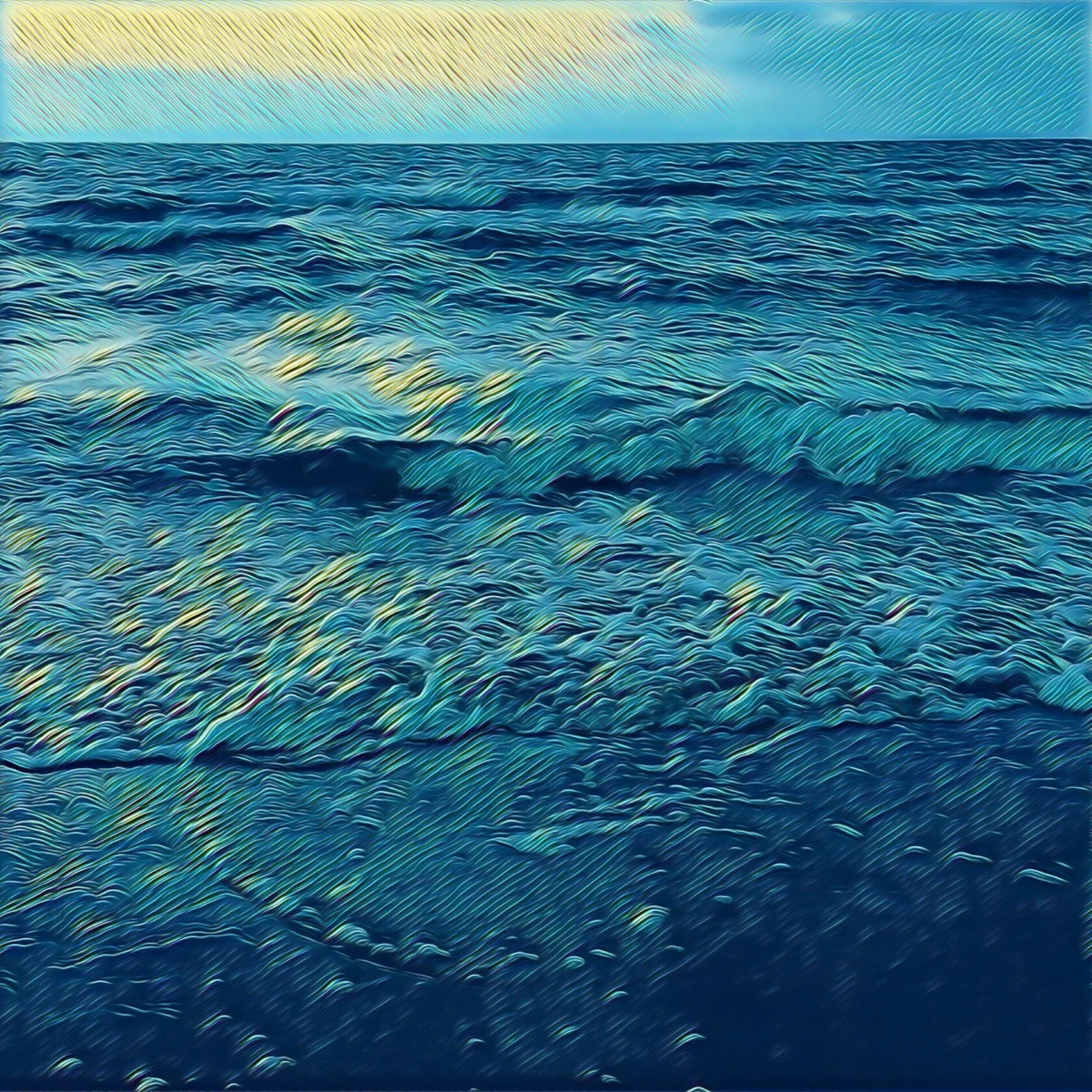
The genesis of modern photo-to-drawing applications can be traced back to the development of Neural Style Transfer (NST), a class of software algorithms that manipulate digital images to adopt the visual appearance of another image. While early digital filters in the 2010s relied on simple color overlays and edge-detection masks, today’s leaders in the App Store utilize deep learning models. These models analyze the structural components of a photograph—identifying edges, depth, and lighting—and re-render them using the "brushstroke" logic of specific artistic movements.
Market data suggests that the global photo and video app market reached a valuation of approximately $12 billion in 2023, with creative editing tools accounting for a significant portion of user engagement. As social media platforms like Instagram and TikTok prioritize unique visual aesthetics, the demand for apps that can produce "hand-drawn" content has surged. Users are no longer satisfied with standard photographic clarity; they seek the emotive quality of traditional media, leading to the sustained popularity of the five applications discussed in this report.
1. Prisma: The Pioneer of Neural Artistry
Prisma remains the gold standard for users seeking to emulate the styles of history’s most renowned painters and sketch artists. Launched in 2016 by Prisma Labs, the app became a global phenomenon almost overnight, garnering over 10 million downloads in its first month. Its primary innovation was the implementation of cloud-based neural networks that processed images on remote servers to achieve a level of artistic complexity previously impossible on mobile hardware.
Today, Prisma offers over 300 styles, ranging from the cubist abstractions of Picasso to the surrealist sketches of Salvador Dalí. While the app has transitioned to a subscription-based model to fund its intensive server-side processing, it continues to release a new filter every 24 hours. From a technical perspective, Prisma’s strength lies in its "Filter Strength" slider, which allows users to blend the original photograph with the stylized output. This prevents the "over-processed" look that often plagues lower-quality apps. Furthermore, the premium version supports High-Definition (HD) rendering, a critical feature for users intending to print their digital creations on canvas or high-quality paper.
2. Clip2Comic: Professional Grade Cartooning and Caricature
While Prisma focuses on fine art, Clip2Comic targets the niche of comic book illustration and caricatures. This application is particularly favored by content creators who require a "graphic novel" aesthetic for digital storytelling. Clip2Comic’s proprietary algorithms are optimized for high-contrast edge detection, which is essential for creating the thick, bold lines characteristic of ink-based drawings.
One of the app’s standout features is its integration with the iPhone’s video capabilities. Unlike many competitors that only process static images, Clip2Comic allows users to apply filters to live video feeds, effectively turning the smartphone into a real-time animation camera. Industry analysts note that this functionality has made the app a staple for "explainer" videos and stylized social media stories. Additionally, the app offers a unique "Deform" tool, which allows for the manual manipulation of facial features to create caricatures, providing a level of creative control that goes beyond simple filter application.
3. Photoleap: The Power of Layer-Based Composition
Photoleap, developed by Lightricks (the creators of Facetune), is positioned as a comprehensive creative suite rather than a single-purpose filter app. It is designed for users who wish to combine photographic elements with illustrative effects through a layer-based workflow, similar to Adobe Photoshop.
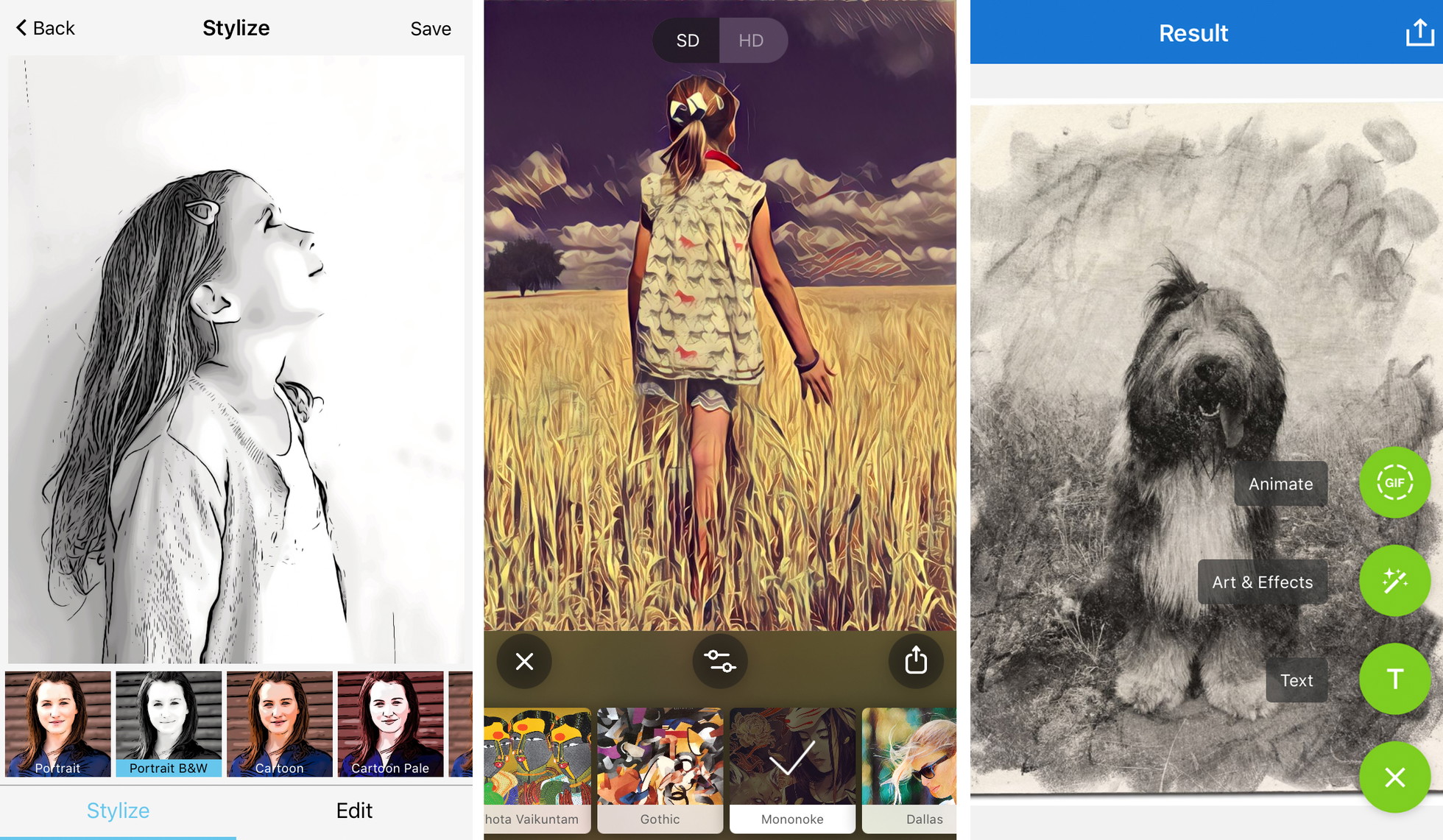
The "Sketch" and "Urban" tools within Photoleap allow for the selective application of drawing effects. This is a significant advantage for digital artists who may want a subject to appear as a pencil drawing while keeping the background as a realistic photograph. The app’s sophisticated masking tools enable precise control over where an effect begins and ends. Lightricks has reported that Photoleap’s user base has grown significantly among the "prosumer" demographic—users who sit between casual hobbyists and professional graphic designers—due to its ability to handle complex tasks like double exposures and multi-image blending on a mobile interface.
4. Painnt: Quantitative Diversity in Artistic Styles
For users who prioritize variety, Painnt offers an unmatched library of over 2,000 filters. This application caters to nearly every conceivable artistic medium, including 145 filters specifically dedicated to sketching. The technical architecture of Painnt allows for deep customization; users can adjust the "transparency," "brightness," "contrast," and "saturation" of the strokes themselves.
Painnt’s business model reflects the current trend in the App Store toward "freemium" services. While the basic version is accessible to all, the high-resolution output and the removal of watermarks are gated behind a subscription. This has become a point of contention among some users, yet the sheer volume of artistic options continues to drive high retention rates. From a journalistic perspective, Painnt represents the "long tail" of the app market, where success is found by offering an exhaustive list of niche options that satisfy every possible user preference.
5. Photo Lab: Realism through Texture Simulation
Photo Lab distinguishes itself through its focus on the tactile quality of traditional drawing materials. Rather than just changing the colors of a photo, Photo Lab’s filters simulate the grain of charcoal, the bleed of ink on parchment, and the waxy texture of crayons. This realism is achieved through "Smart Templates" that automatically detect the subject of the photo—whether it is a portrait, a landscape, or an animal—and adjust the application of the sketch lines accordingly.
The app also incorporates a social element, allowing users to share their "combos" (sequences of effects) with a global community. This crowdsourced approach to digital art has fostered a platform where users can learn from one another’s creative workflows. However, like many of its peers, Photo Lab’s free version is heavily supported by advertising, which can impact the user experience. Despite this, its ability to produce a convincing "charcoal on paper" look remains a primary draw for those seeking a classic, non-digital aesthetic.
Technical Analysis: Maximizing Output Quality
To achieve professional results with these applications, industry experts emphasize several key technical considerations. The transition from a 12-megapixel photograph to a digital sketch involves significant data manipulation, and the final quality is often dependent on the user’s initial choices.
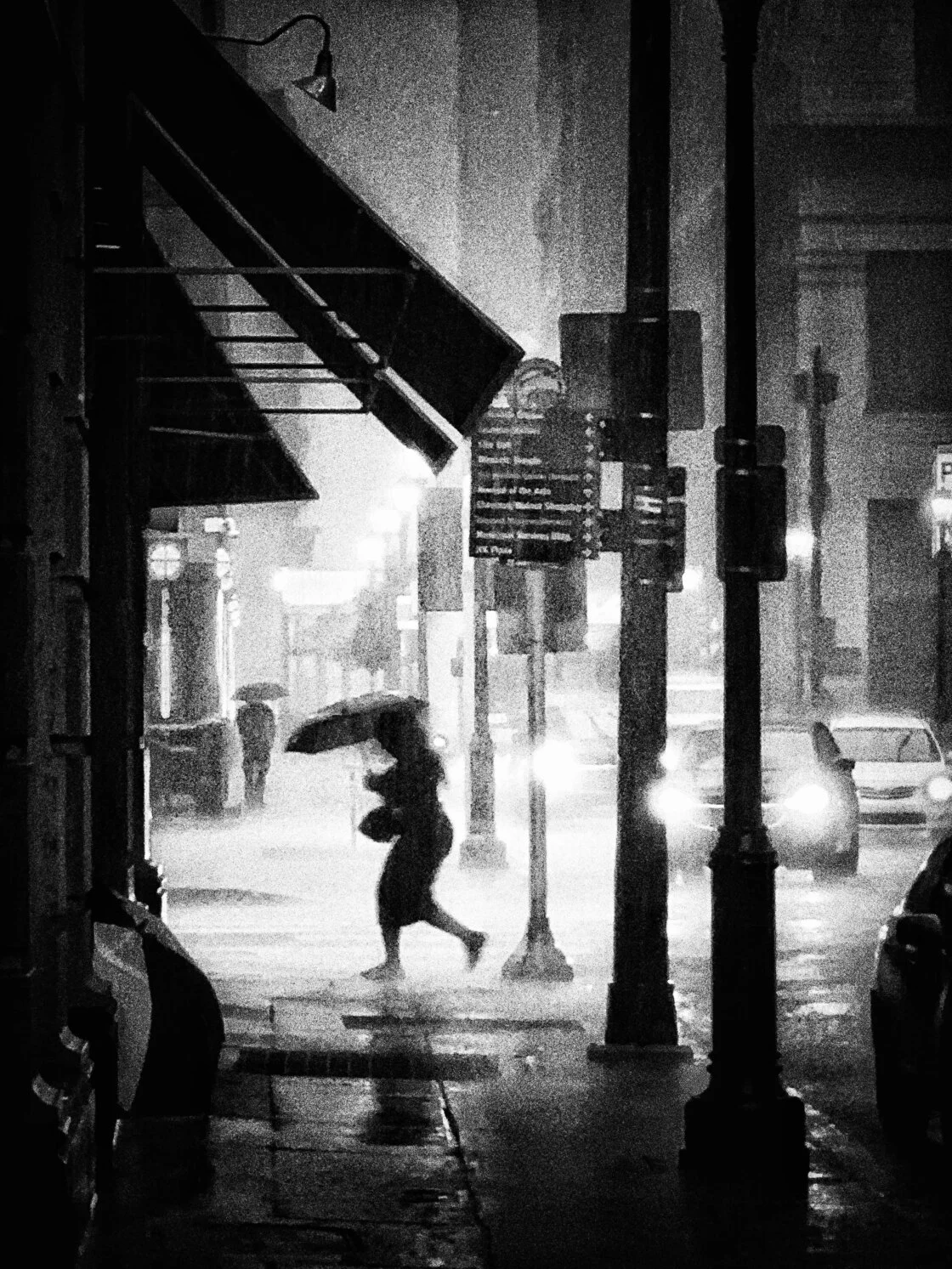
- Compositional Clarity: Algorithms for sketch conversion rely on edge detection. Photos with "busy" backgrounds or low contrast between the subject and the environment often result in muddy, indistinct drawings. A clean silhouette or a subject against a plain background typically yields the sharpest "hand-drawn" lines.
- Resolution and PPI: A common pitfall for casual users is ignoring the resolution of the saved file. For a digital image to look professional when printed, it generally requires a resolution of 300 Pixels Per Inch (PPI). Many free versions of these apps downscale the image to 72 PPI for web use, which results in pixelation on a physical print.
- The Ethics of Watermarking: In the professional world, watermarks are seen as a branding tool, but in the context of mobile apps, they are often used as a deterrent to stay on the free tier. For artists intending to build a portfolio, the consensus among the creative community is that paying for the "clean" export is a necessary investment to maintain the integrity of the work.
The Broader Impact on the Creative Industry
The rise of these apps has sparked a debate within the traditional art community regarding the definition of "creativity." Critics argue that "one-tap" art devalues the years of training required to master pencil and ink. Conversely, proponents argue that these tools are merely a new medium—much like the camera itself was viewed in the 19th century—that allows individuals without physical dexterity or formal training to express their visual ideas.
Furthermore, these applications have significant implications for the commercial sector. Small business owners and social media managers now use these apps to create high-quality marketing materials without the budget for a professional illustrator. This shift has led to a "visual homogenization" on platforms like Instagram, where certain filters become dominant trends, but it has also opened the door for a more diverse range of voices to participate in the visual economy.
Conclusion
As mobile hardware continues to advance, the line between a captured photograph and a created drawing will continue to blur. The five apps highlighted—Prisma, Clip2Comic, Photoleap, Painnt, and Photo Lab—represent the current pinnacle of this technology. They offer a window into a future where the smartphone is not just a communication device or a camera, but a complete digital studio capable of replicating centuries of artistic tradition with the tap of a screen. For the user, the challenge remains not in finding the tool, but in applying the vision and technical discipline required to turn a simple snapshot into a genuine work of art.