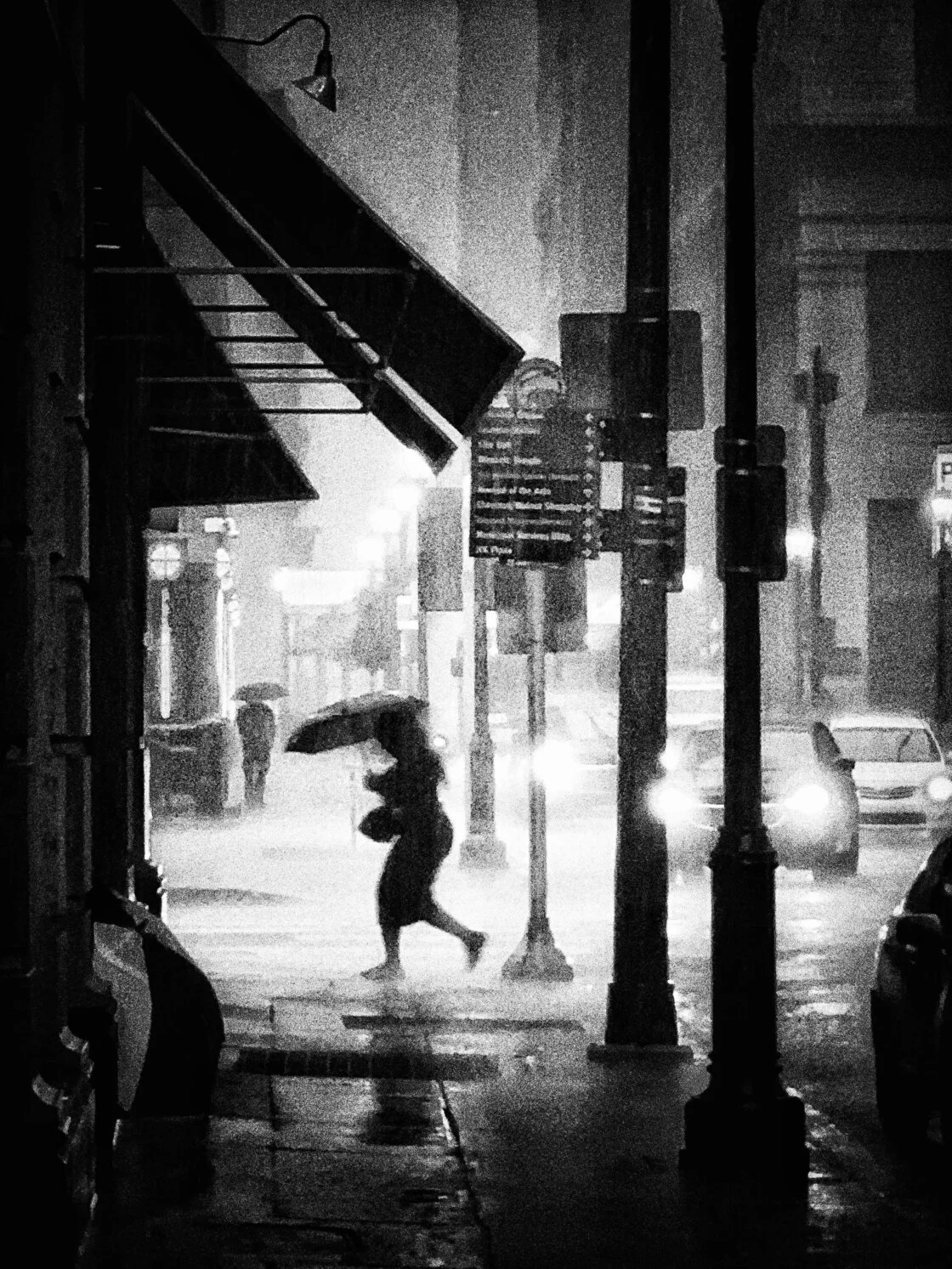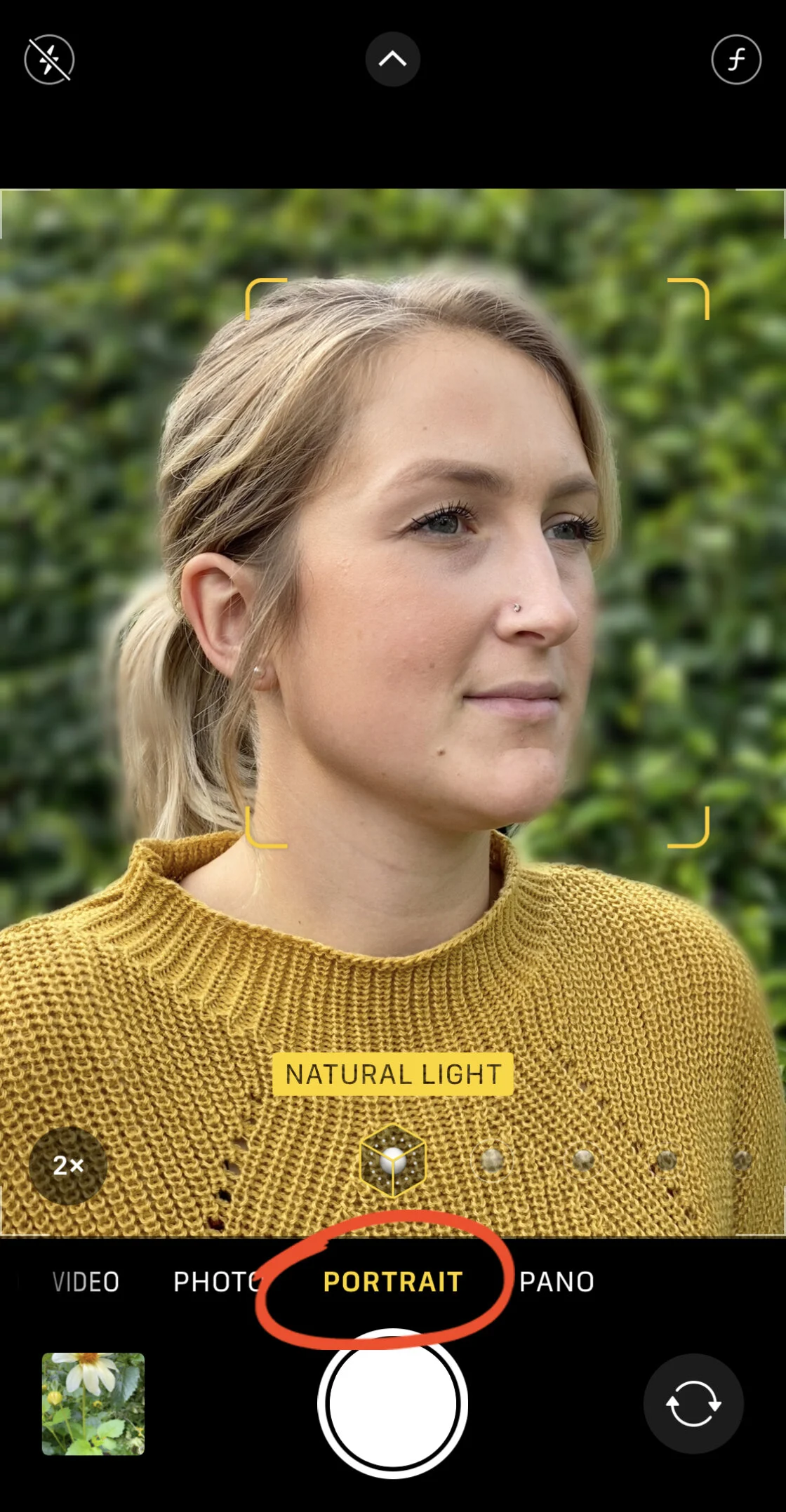
The landscape of mobile photography has shifted from the mere pursuit of high-fidelity realism to the exploration of digital artistry, fueled by a sophisticated class of applications that transform standard images into intricate sketches and drawings. As smartphone hardware reaches a plateau in sensor resolution, the focus of innovation has transitioned toward computational photography and post-processing software. For iPhone users, the ability to convert a digital photograph into a pencil sketch, a charcoal drawing, or a vibrant cartoon has become a standard requirement for both social media influencers and amateur artists. This evolution is driven by advancements in Neural Style Transfer (NST) and Generative Artificial Intelligence, allowing mobile devices to replicate the brushstrokes and shading techniques once reserved for human hands.
The Rise of the Mobile Art Studio
The phenomenon of turning photos into art began in earnest around 2016, with the debut of several high-profile applications that utilized cloud-based processing to apply complex filters. Before this era, photo "effects" were largely limited to color grading and basic texture overlays. Today, the iPhone’s Bionic and A-series chips allow for real-time, on-device processing, enabling users to see artistic transformations instantly. The market for these applications is vast; according to industry reports, the global photo editing software market is projected to reach a valuation of nearly $1.5 billion by 2030, with mobile applications accounting for the largest share of user engagement.
As consumers demand more than just "instant" filters, developers have responded by integrating professional-grade tools such as layer masking, opacity control, and high-definition output. The five applications highlighted in this analysis represent the pinnacle of this technological intersection, offering varying degrees of complexity from one-tap solutions to comprehensive digital canvases.
1. Prisma: The Pioneer of Neural Style Transfer
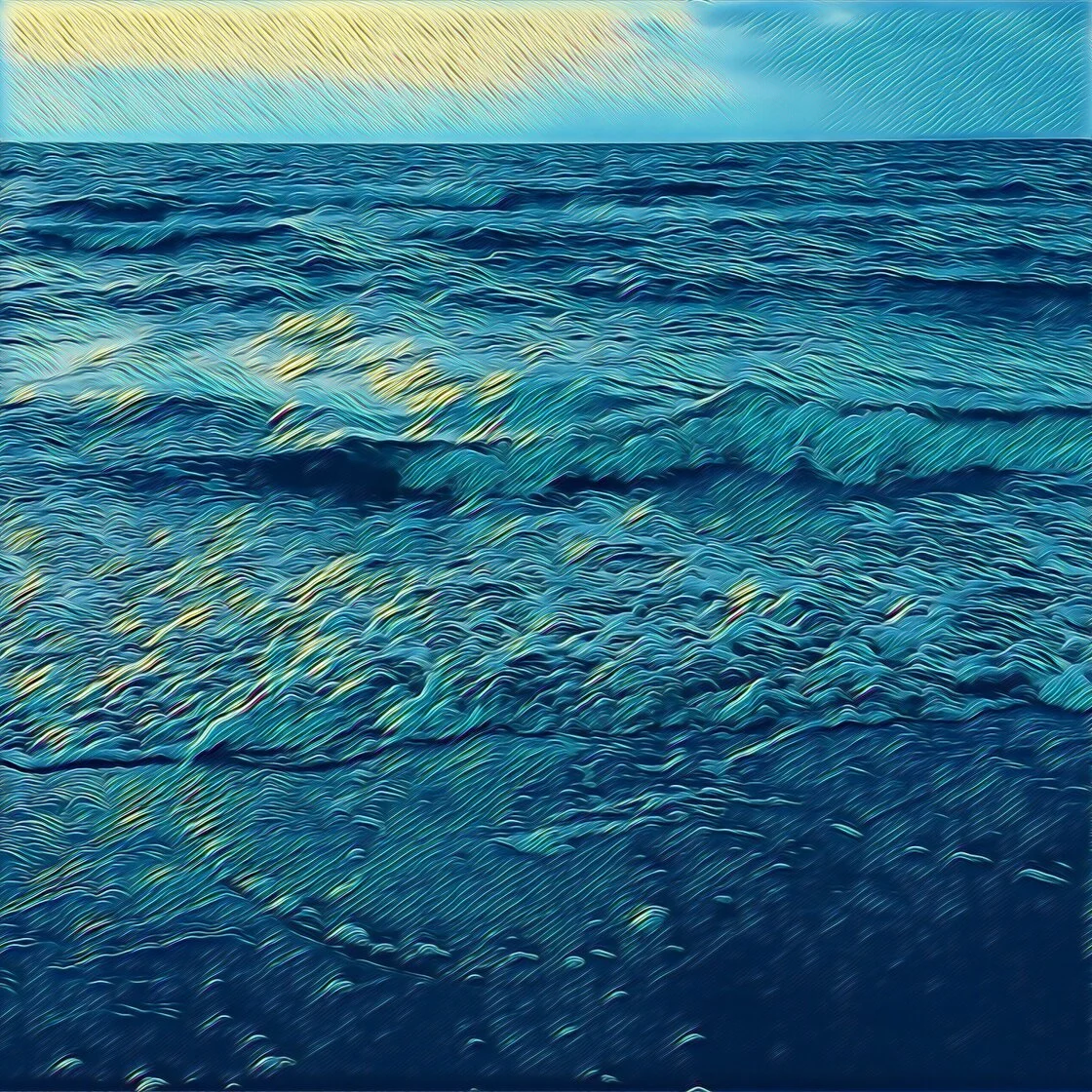
Prisma remains the most recognizable name in the niche of artistic photo transformation. Launched by Prisma Labs, the app gained global notoriety by using deep learning algorithms to "repaint" images from scratch rather than simply applying a transparent layer. This method, known as Neural Style Transfer, allows the app to mimic the specific techniques of legendary artists like Vincent van Gogh, Pablo Picasso, and Salvador Dalí.
Prisma’s library has expanded significantly since its inception, now boasting over 300 artistic styles. While the app offers a robust free tier, it operates on a subscription-based model for users seeking high-definition (HD) exports. The HD feature is critical for users intended to print their work on canvas or high-quality paper, as standard mobile resolution often suffers from pixelation when enlarged. The app’s user interface (UI) is designed for efficiency, utilizing a horizontal slider to adjust filter strength, which prevents the "over-processed" look that often plagues digital art.
2. Clip2Comic: Engineering the Comic Book Aesthetic
For users focused on a more graphic and structured style, Clip2Comic has emerged as a specialized leader. Unlike Prisma, which focuses on painterly textures, Clip2Comic is engineered to emphasize line work and ink saturation, making it the premier choice for creating comic book-style illustrations.
The application provides 14 distinct sketch styles, ranging from realistic sepia tones to vibrant caricature effects. One of the app’s standout technical features is its integration with the iPhone’s camera API, allowing users to capture photos and videos with the cartoon filter applied in the live viewfinder. This "Live Preview" capability requires significant processing power, showcasing the synergy between the app’s optimization and Apple’s hardware. For professional creators, the app includes a "Deform" tool, which allows for the manual manipulation of facial features to create caricatures, a feature that has seen high adoption rates among digital satirists and gift-card designers.
3. Photoleap: The Comprehensive Creative Suite
Developed by Lightricks—a Jerusalem-based "unicorn" startup valued at over $1.8 billion—Photoleap (formerly Enlight Photofox) is positioned as a sophisticated alternative to desktop software like Adobe Photoshop. While it offers sketch and urban art filters, its true value lies in its layering system.
Photoleap allows users to apply a sketch effect to a specific subject while keeping the background in its original photographic state, or vice versa. This is achieved through an intuitive "Eraser" and "Masking" toolset. The app also supports double-exposure techniques, where a pencil sketch of a portrait can be blended with a landscape image to create surrealist art. Lightricks has frequently stated that their goal is to democratize high-end creativity, and Photoleap serves as the centerpiece of this mission, providing a bridge between simple filter apps and professional graphic design suites.
4. Painnt: A Database of Two Thousand Styles
Painnt distinguishes itself through sheer volume and customization. With a library exceeding 2,000 filters, it offers the most extensive collection of artistic presets on the App Store. The application categorizes these filters into genres such as Classical, Modern, Sketch, and Mosaic.
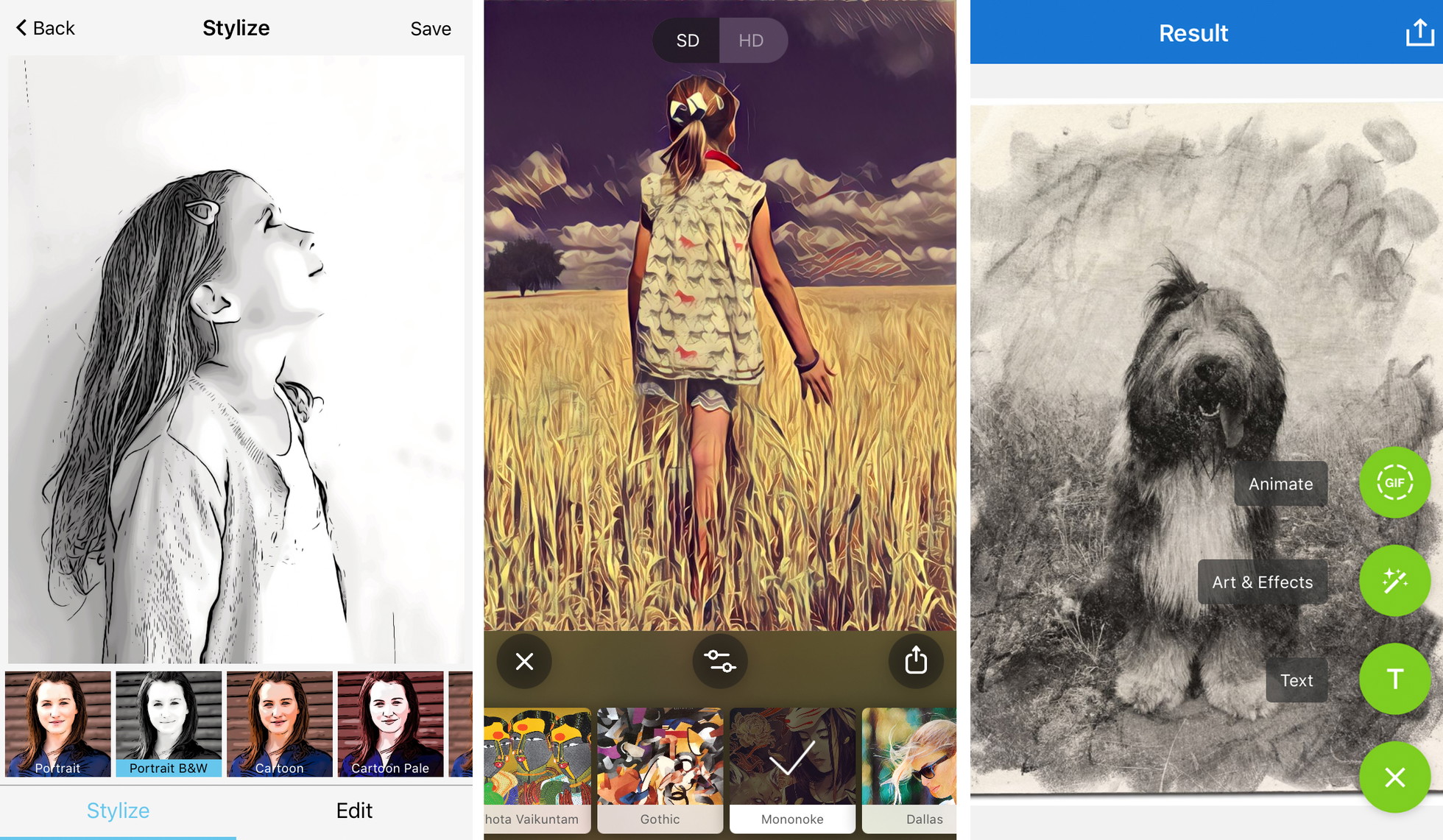
The technical appeal of Painnt lies in its granular control. Users can adjust the transparency, brightness, contrast, and saturation of the applied effect, but more importantly, they can manipulate the "scale" of the brushstrokes. This allows for a transformation that looks like a fine-tipped pencil drawing or a broad-stroke oil painting. Like its competitors, Painnt utilizes a freemium model. The free version includes a watermark and limits resolution, while the premium subscription removes these barriers, catering to the growing community of "iPhoneographers" who sell their digital prints online.
5. Photo Lab: Realistic Medium Simulation
Photo Lab takes a different approach by focusing on the simulation of physical media. While other apps might offer a generic "sketch" look, Photo Lab provides specific presets for charcoal, pen and ink, pastel, and crayon. This specificity is popular among users who want their digital art to be indistinguishable from a physical drawing.
Beyond simple conversion, Photo Lab includes features for scrapbook and collage creation, making it a versatile tool for social storytelling. The app’s AI-driven face detection ensures that when a sketch filter is applied to a portrait, the essential features—such as eyes and lips—maintain their clarity and structure. This prevents the loss of likeness that often occurs with less sophisticated algorithms.
Chronology of Technical Evolution
The journey of these applications follows a clear timeline of mobile hardware and software integration:
- 2010–2014: Basic filter era. Apps like Instagram and early versions of Hipstamatic offered static color overlays with little to no structural change to the image.
- 2015–2017: The AI Breakthrough. The release of Prisma in 2016 introduced the world to Neural Style Transfer, utilizing cloud servers to process images using complex mathematical models.
- 2018–2021: On-Device Processing. With the introduction of the Neural Engine in Apple’s A11 Bionic chip and subsequent iterations, apps moved processing from the cloud to the device. This improved privacy and allowed for the live video filters seen in Clip2Comic.
- 2022–Present: The Generative AI Integration. Current versions of apps like Photoleap are now integrating text-to-image AI, allowing users to not just turn a photo into a sketch, but to expand the sketch using AI-generated prompts.
Market Data and User Trends
Statistical data indicates a burgeoning interest in mobile-generated art. App store analytics suggest that "Photo and Video" is consistently one of the top three most profitable categories on the iOS platform. Furthermore, a 2023 survey of mobile users revealed that over 65% of respondents had used at least one artistic filter app in the past year. The shift toward subscription models—while sometimes controversial among users—has provided developers with a steady stream of revenue to fund the high costs of AI research and server maintenance.
Expert Analysis: Maximizing Artistic Output
To achieve a result that transcends the "app-generated" look, industry experts suggest a strategic approach to using these tools. The quality of the final sketch is heavily dependent on the quality of the input.
Compositional Clarity: AI algorithms struggle with cluttered backgrounds. A photo with a clear subject and high contrast between light and shadow will always produce a superior sketch.
Mood Alignment: Professional digital artists recommend matching the filter to the emotional weight of the photo. A dramatic, low-key portrait is better suited for a charcoal effect, whereas a vibrant street scene may benefit from a pop-art or comic book filter.
The Resolution Factor: A common mistake among amateur users is ignoring the export settings. For any work intended for professional use or printing, the "High Definition" or "Max Resolution" setting is non-negotiable. Lower resolutions often omit the fine "pencil grain" textures that make the digital drawing look authentic.
Broader Impact and Ethical Considerations
The democratization of art through these applications has significant implications. It allows individuals without formal training in drawing or painting to express their creativity and produce visually compelling work. However, it also raises questions regarding the value of traditional craft. Some art critics argue that "one-tap" art devalues the years of practice required to master physical sketching.
Conversely, many professional artists have begun using these apps as "storyboarding" tools, quickly testing different styles and compositions on their iPhones before committing to a physical canvas. This symbiotic relationship suggests that mobile art apps are not a replacement for traditional art, but rather a new medium in the artist’s toolkit.
Future Outlook
As we look toward 2025, the integration of Augmented Reality (AR) and even more advanced Generative AI is expected to be the next frontier. We may soon see applications that allow users to "sketch" their surroundings in real-time through AR glasses, or apps that can turn a 2D photo into a 3D digital sculpture. For now, the current generation of iPhone apps provides a powerful, accessible, and increasingly sophisticated way to bridge the gap between photography and the fine arts. The five apps discussed—Prisma, Clip2Comic, Photoleap, Painnt, and Photo Lab—remain the gold standard in a competitive and rapidly evolving market.