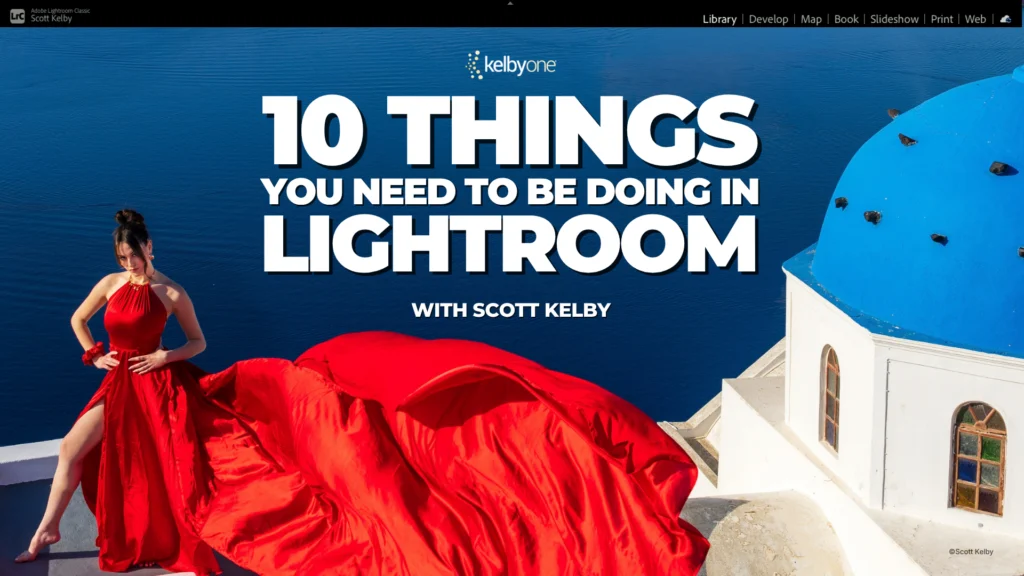
Renowned photography educator Scott Kelby has announced the launch of a new comprehensive online class titled "10 Things You Need to Be Doing in Lightroom," designed to demystify common hurdles and unlock advanced capabilities within Adobe’s popular photo editing and organization software. The initiative stems directly from Kelby’s extensive experience teaching workshops, where recurring user difficulties and underutilized features became evident, highlighting a significant gap in many photographers’ understanding and application of Lightroom. This new offering aims to provide practical, actionable solutions for both amateur and experienced photographers seeking to optimize their post-processing workflow and master essential tools.
The Genesis of the New Curriculum: Addressing Real-World User Pain Points
The development of "10 Things You Need to Be Doing in Lightroom" is a direct response to observations made during countless in-person workshops and online interactions. Kelby noted a consistent pattern: participants often struggled with similar editing challenges, overlooked powerful organizational features, and were perplexed by specific software prompts, such as the enigmatic "yellow AI warning." This direct feedback loop from the user base has historically informed Kelby’s educational content, positioning him as a responsive and highly relevant voice in digital photography instruction. The new class is structured around these identified pain points, offering targeted solutions that promise to save photographers considerable time and reduce the frustration often associated with complex software.
The curriculum is broad, covering critical aspects of photo editing and management. It includes practical editing fixes, such as the efficient one-click straightening of converging verticals in architectural photography – a common issue that can significantly detract from an image’s professionalism. Furthermore, the class delves into advanced masking tools, which, despite their transformative potential, are frequently underutilized or misunderstood by a large segment of Lightroom users. Beyond pure editing, a substantial portion of the class is dedicated to workflow optimization, including strategies for efficiently culling and selecting the best images from a large series of similar frames, a crucial skill for event and sports photographers. Perhaps most notably, the course promises to clarify the function and implications of the "yellow AI warning," a feature that has caused confusion among users navigating Lightroom’s increasingly sophisticated artificial intelligence integrations.
A Brief History of Lightroom and the Evolving Landscape of Digital Photography
To fully appreciate the significance of Kelby’s new class, it’s essential to contextualize it within the evolution of digital photography and post-processing software. Adobe Lightroom first launched in 2007, marking a pivotal moment for digital photographers. Prior to Lightroom, Adobe Photoshop was the dominant tool for image manipulation, but its layer-based, destructive editing workflow was often cumbersome for managing large volumes of raw photographic files. Lightroom was conceived as a non-destructive workflow solution, integrating image organization, raw processing, and printing capabilities into a single, streamlined application. Its catalog-based system allowed photographers to manage vast libraries of images without directly altering the original files, a revolutionary concept at the time.
Over the past decade and a half, Lightroom has undergone continuous evolution. It split into Lightroom Classic (the desktop-centric version with robust local storage management) and Lightroom CC (a cloud-native version emphasizing accessibility across devices). Crucially, Adobe has progressively integrated advanced technologies, particularly artificial intelligence (AI), into Lightroom’s core functionalities. Features like AI-powered subject and sky selection for masking, enhanced noise reduction (Denoise AI), and intelligent content-aware fills leverage machine learning to automate complex tasks, making powerful edits more accessible. However, this rapid technological advancement also introduces new complexities. Users, accustomed to manual controls, must now understand how to interact with and leverage AI-driven tools, sometimes encountering new prompts or warnings that require specific actions or understanding – precisely what Kelby’s class aims to address.
The Educator’s Role: Scott Kelby’s Impact on Photography Instruction
Scott Kelby’s career has been synonymous with making complex photographic and software concepts accessible to a broad audience. As a best-selling author of numerous books on Photoshop, Lightroom, and digital photography, and as the President and CEO of KelbyOne, an online educational platform, he has shaped how millions of photographers learn and develop their skills. His approach is characterized by its practical, "how-to" methodology, focusing on real-world scenarios and problem-solving rather than abstract theory. This pedagogical philosophy is directly reflected in the structure and content of "10 Things You Need to Be Doing in Lightroom."
Kelby’s unique position, combining deep technical knowledge with extensive interaction with the photography community through workshops, provides him with unparalleled insights into common user struggles. His ability to identify recurring themes—like the underutilization of masking tools or confusion over AI prompts—and then translate these into targeted, digestible lessons is a hallmark of his educational style. This class, therefore, is not merely a collection of tips but a curated response to the collective learning needs of the modern digital photographer, distilled from years of direct observation and engagement.
Dissecting the Curriculum: Key Learning Areas and Their Significance
The "10 Things You Need to Be Doing in Lightroom" class is designed to tackle both fundamental inefficiencies and advanced techniques, ensuring a holistic improvement in a photographer’s workflow.
-
Editing Fixes: Precision and Efficiency
- Straightening Buildings in One Click: This addresses the pervasive issue of converging verticals, particularly common in architectural and real estate photography. Manual correction can be tedious and inexact. Lightroom’s "Upright" feature (often AI-enhanced) can automatically correct perspective distortions, saving significant time and improving the professional appearance of images. Understanding how to effectively use and fine-tune this feature is invaluable.
- Masking Tools You Might Have Missed: The evolution of masking in Lightroom has been revolutionary. Beyond basic radial and graduated filters, Lightroom now offers sophisticated AI-powered selection tools for subjects, skies, and even specific objects or people, along with advanced brush masking. Many users, however, may still be relying on older, less efficient methods or are unaware of the nuanced control these newer tools offer for precise local adjustments. Mastering these masks allows for highly targeted edits that can dramatically enhance an image’s impact without affecting other areas.
-
Workflow and Organization: The Backbone of a Sustainable Photography Practice
- Choosing Your Best Shot from a Bunch of Similar Frames: In an era of continuous shooting modes and high-volume photography (e.g., weddings, sports, events), culling a vast number of images efficiently is paramount. The class will likely cover Lightroom’s flagging, rating, and comparison tools, which are essential for quickly identifying the strongest images and streamlining the selection process. This skill directly impacts a photographer’s productivity and the quality of their final output.
- Organizing Your Travel Photos So You’ll Know Where to Look for Them a Few Years from Now: Long-term image discoverability is a critical but often neglected aspect of digital asset management. This segment will likely delve into effective cataloging strategies, the use of keywords, collections, metadata, and folder structures. Proper organization ensures that precious memories and professional assets remain accessible and searchable for years to come, preventing the common frustration of lost or forgotten images.
-
Demystifying the "Yellow AI Warning": Navigating Smart Features
- The specific nature of the "yellow AI warning" is a point of common confusion. While the exact context can vary, such warnings in modern software often indicate that an AI-driven process has occurred or is pending, potentially requiring user review, confirmation, or adjustment. For instance, it could relate to automatic lens profile corrections, Denoise AI applications, or other intelligent enhancements that Lightroom suggests based on image analysis. Kelby’s class will likely clarify what these warnings signify, why they appear, and what actions photographers should take to ensure optimal results, bridging the gap between automated intelligence and creative control. This insight is crucial for users to confidently leverage AI without feeling overwhelmed or losing agency over their images.
The Broader Implications: Efficiency, Empowerment, and Continuous Learning
The introduction of "10 Things You Need to Be Doing in Lightroom" carries several significant implications for the photography community and the broader landscape of digital education.
- Empowering Photographers: By addressing common pain points and demystifying complex features, the class empowers photographers to utilize their software more effectively. This directly translates to higher quality images, more efficient workflows, and a reduction in the time spent on post-processing, allowing more time for actual shooting or other creative pursuits.
- Highlighting the Need for Continuous Education: The rapid pace of technological advancements, particularly in AI, means that software like Lightroom is constantly evolving. What was state-of-the-art a year ago might have been superseded by new features today. Classes like Kelby’s underscore the critical importance of continuous learning for photographers to remain proficient and competitive.
- Bridging the Gap Between Technology and Creativity: Adobe’s aim with AI integration is to simplify technical tasks, freeing photographers to focus on their creative vision. However, without proper understanding, these tools can become barriers rather than enablers. Educators like Kelby play a vital role in translating complex technological innovations into practical creative applications, ensuring that photographers can harness the full power of their tools without being overwhelmed.
- Industry Standards and Best Practices: By teaching efficient culling, robust organization, and advanced editing techniques, the course promotes industry best practices. This helps elevate the overall standard of work produced by individual photographers, from hobbyists to professionals.
In an era where digital tools are becoming increasingly sophisticated, the value of clear, practical, and targeted instruction cannot be overstated. Scott Kelby’s latest offering is more than just another online course; it is a meticulously crafted response to the real-world needs of the photography community, promising to transform common frustrations into mastery and efficiency. For anyone who has ever felt overwhelmed by Lightroom’s capabilities or spent too long wrestling with an edit, this class presents a timely and valuable opportunity to streamline their process and elevate their craft. Interested individuals are encouraged to explore the class details and access a complimentary lesson through the provided link, offering a glimpse into the potential for significant workflow improvements.