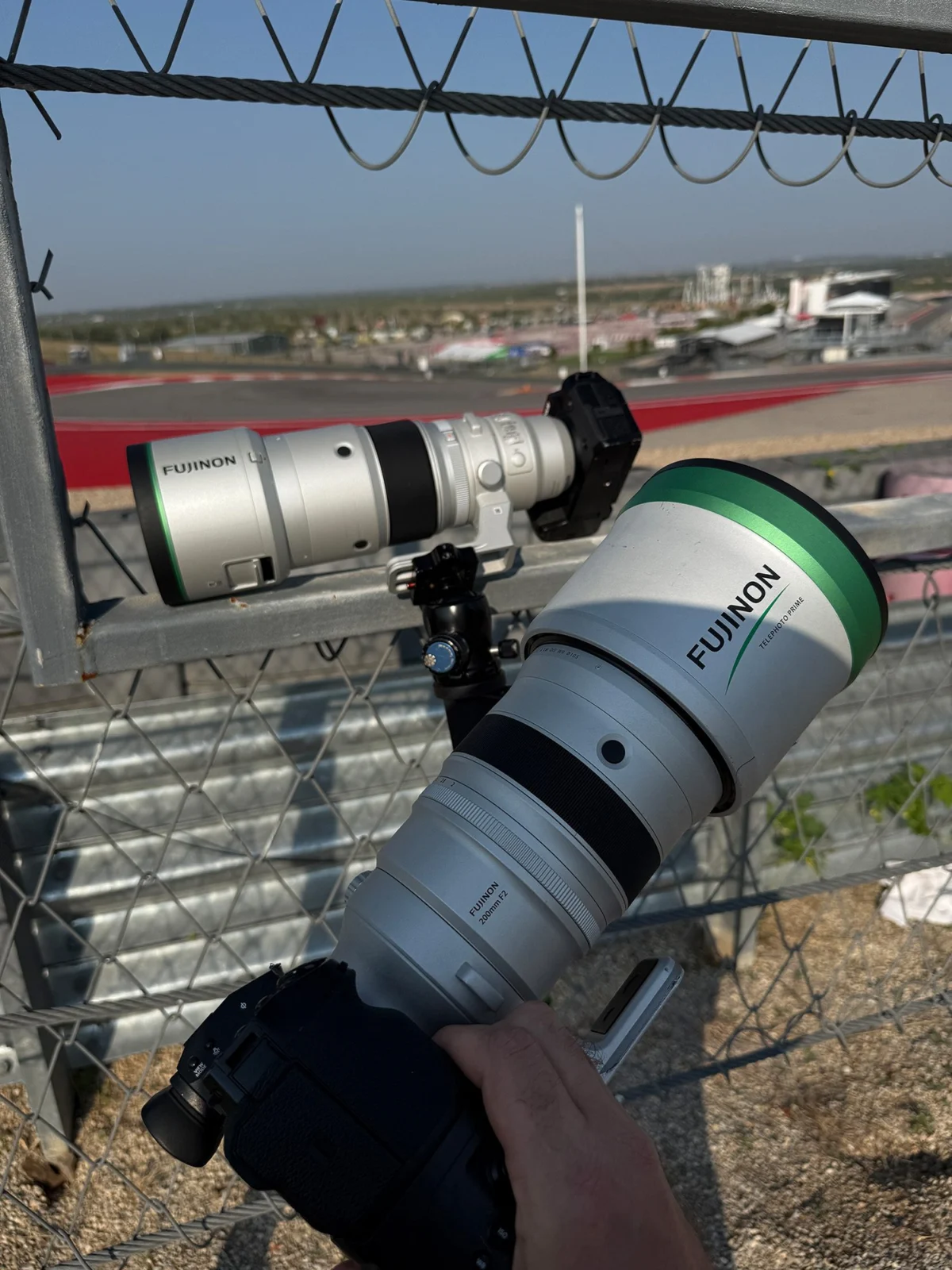
In an era increasingly dominated by visual storytelling, the ability to produce high-quality video content has become an indispensable skill, not only for professional filmmakers but also for hobbyists, marketers, and educators. Following our recent exploration into common photography pitfalls and their remedies, this analysis shifts focus to the dynamic world of videography, where newcomers often encounter a distinct set of technical and creative challenges. Mastering these fundamental aspects is crucial for elevating content from amateur to professional grade, ensuring viewer engagement and message clarity in a competitive digital landscape. This article delves into the most prevalent issues faced by emerging videographers and provides actionable, fact-based solutions derived from industry best practices.
The Ubiquity of Video and the Imperative for Quality
The proliferation of digital platforms—from social media giants like TikTok and Instagram to professional streaming services and corporate communication channels—has cemented video as the preeminent medium for information dissemination and entertainment. Data from Statista indicates that online video accounts for over 82% of all internet traffic, a figure projected to continue its upward trajectory. This widespread consumption, however, has also raised audience expectations regarding production quality. Viewers are increasingly discerning, quickly disengaging from content marred by technical flaws such as shaky footage, poor audio, or unappealing visuals. For individuals and organizations alike, investing in the understanding and application of videography fundamentals is no longer optional but a strategic imperative to capture and retain audience attention.
Mastering Camera Movement: The Foundation of Visual Cohesion
One of the most immediate and impactful indicators of amateur video production is unsteady camera work. The human body, despite our best efforts, is inherently prone to subtle movements, making truly stable handheld footage a rarity without external assistance. This natural instability often manifests as distracting jitters and shakes that can induce motion sickness in viewers and significantly detract from the professional appearance of a video. Early videographers, accustomed to the relative forgiveness of still photography, frequently underestimate the critical need for motion control.
Historically, cinematic stabilization evolved from bulky mechanical systems to today’s sophisticated electronic devices. The advent of digital image stabilization (DIS) and optical image stabilization (OIS) within cameras and lenses has provided a baseline level of shake reduction. While these built-in technologies can mitigate minor vibrations, they are often insufficient for dynamic movements or for achieving truly cinematic smoothness.
The industry standard for achieving fluid camera movement has largely shifted towards specialized stabilization systems. Gimbals, in particular, have revolutionized accessibility to professional-grade motion. These devices employ advanced algorithms and brushless motors to counteract unwanted camera movements across three axes (pan, tilt, and roll), effectively isolating the camera from the operator’s physical movements. The market for gimbals has seen substantial growth, with reports from firms like MarketsandMarkets projecting continued expansion, underscoring their widespread adoption.
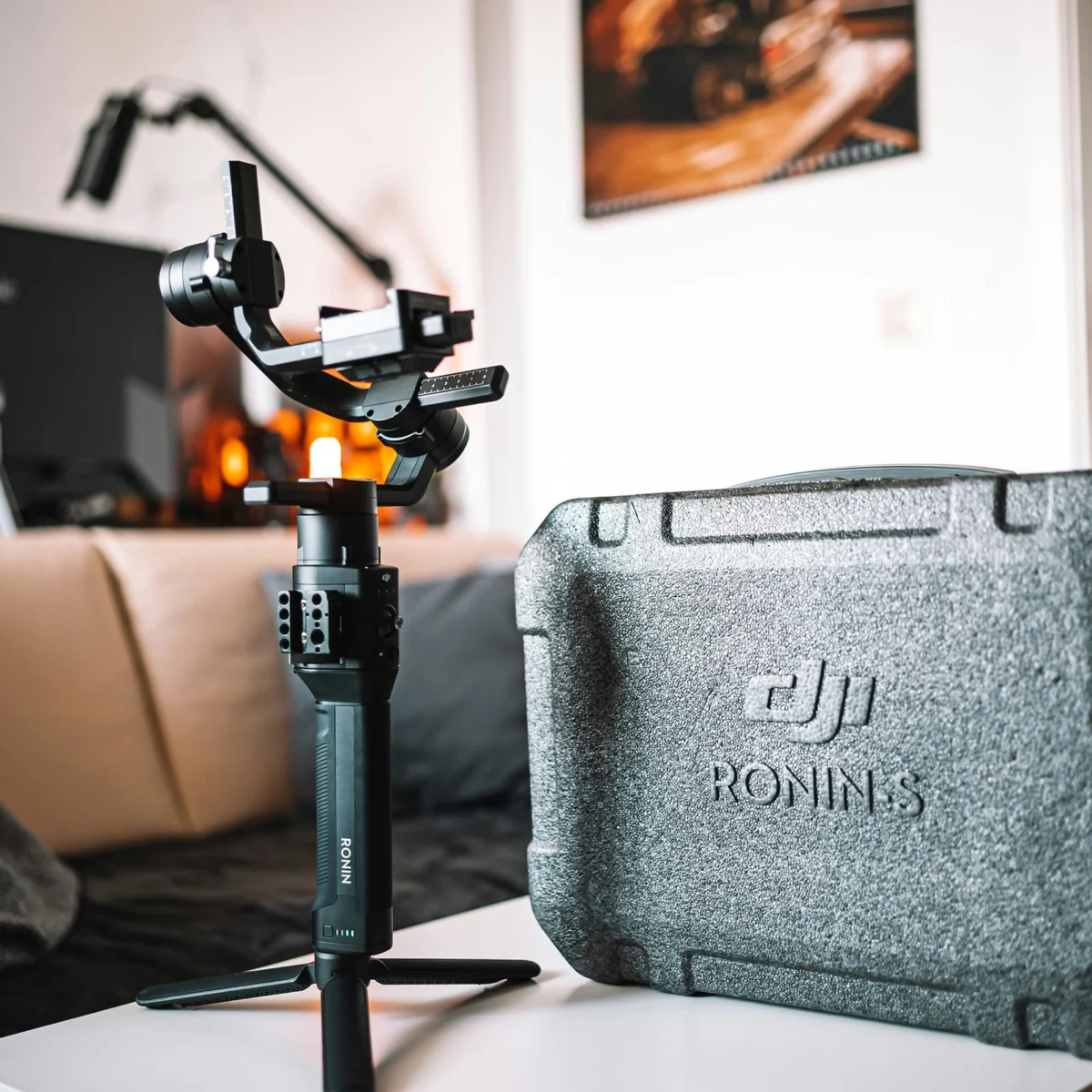
For those capturing video on smartphones, entry-level gimbals like the DJI Osmo Mobile series represent an excellent starting point. These devices offer robust stabilization for mobile devices, enabling smooth pans, tilts, and tracking shots at an accessible price point, democratizing cinematic capabilities for everyday content creators. As videographers scale up to mirrorless camera systems, options like the DJI Ronin-SC provide a more robust solution, capable of handling lighter camera bodies and lenses. Its compact design and advanced features make it a popular choice for run-and-gun shooting and independent productions. For professional-grade mirrorless and DSLR setups weighing over 4.5 pounds (approximately 2 kg), the DJI Ronin-S offers superior motor torque and payload capacity, ensuring stability even with heavier camera and lens combinations. The rental market also provides an invaluable resource for accessing these higher-end systems without significant upfront investment, allowing videographers to experiment with different tools for specific project needs.
Beyond electronic gimbals, traditional camera support systems remain foundational. A sturdy tripod equipped with a fluid head is indispensable for static shots, precise pans, and smooth tilts. Unlike photo tripods, fluid heads are specifically designed to provide consistent drag, preventing jerky movements during video capture. For extended shooting periods or for heavier camera rigs, specialized body-worn systems such as the Easyrig Vario 5 offer significant ergonomic advantages. By redistributing the camera’s weight from the operator’s arms and shoulders to their hips, back, and legs, Easyrigs reduce fatigue, enabling longer, more comfortable shoots while maintaining stable, handheld-like motion. This combination of traditional and modern stabilization tools ensures that videographers can achieve the desired level of visual fluidity for any project, from quick social media clips to elaborate narrative sequences.
The Unseen Imperative: Achieving Pristine Audio
While visual quality often takes precedence in a beginner’s mind, professional videographers universally agree that bad audio can irrevocably ruin even the most stunning visuals. A common pitfall for new videographers is the late discovery of compromised audio, often after the shoot is concluded and the footage is being reviewed. The built-in microphones found on most video cameras, while convenient, are generally omnidirectional and of limited quality, picking up excessive ambient noise and lacking the clarity required for professional-sounding dialogue or immersive soundscapes.
Industry experts consistently emphasize the "50% of your video is audio" rule, highlighting its profound impact on viewer perception and message delivery. Poor audio can lead to listener fatigue, misinterpretation, and a general sense of amateurism, regardless of the visual production value. Therefore, dedicated attention to audio acquisition is paramount from the outset of any production.
The solution invariably involves external audio recording equipment tailored to specific needs. For capturing dialogue, particularly in interview settings or for presenters, lavalier (lapel) microphone systems are highly recommended. Wireless lavalier systems, such as the Sennheiser G4 or the DJI Mic 2, offer excellent portability and discreet placement, ensuring clear, isolated audio capture of the subject’s voice. These systems often come with features like automatic frequency scanning and multiple channels, crucial for avoiding interference in dynamic environments. Proper placement, typically around chest height, is critical to minimize clothing rustle and maximize vocal clarity.
For capturing broader soundscapes, ambient audio, or dialogue from a distance without direct mic placement, shotgun microphones are the preferred choice. These highly directional microphones are designed to pick up sound predominantly from the direction they are pointed, effectively rejecting off-axis noise. The RODE VideoMic Pro Plus is a popular on-camera shotgun microphone suitable for run-and-gun documentary style shooting or for capturing environmental sound with a focused direction. For more controlled environments or when mounted on a boom pole, professional-grade shotgun mics offer even greater specificity and range.
Crucially, investing in a dedicated audio recorder is a game-changer for serious videographers. Devices like the Zoom H6 or H4n Handy Recorders provide multiple inputs, phantom power for condenser microphones, and the ability to record high-quality, uncompressed audio files independently of the camera. This "dual-system sound" approach allows for superior audio fidelity and greater control during post-production, where audio tracks can be meticulously synced with video. The redundancy of recording separate audio also acts as a vital safeguard against unforeseen technical glitches with in-camera audio.
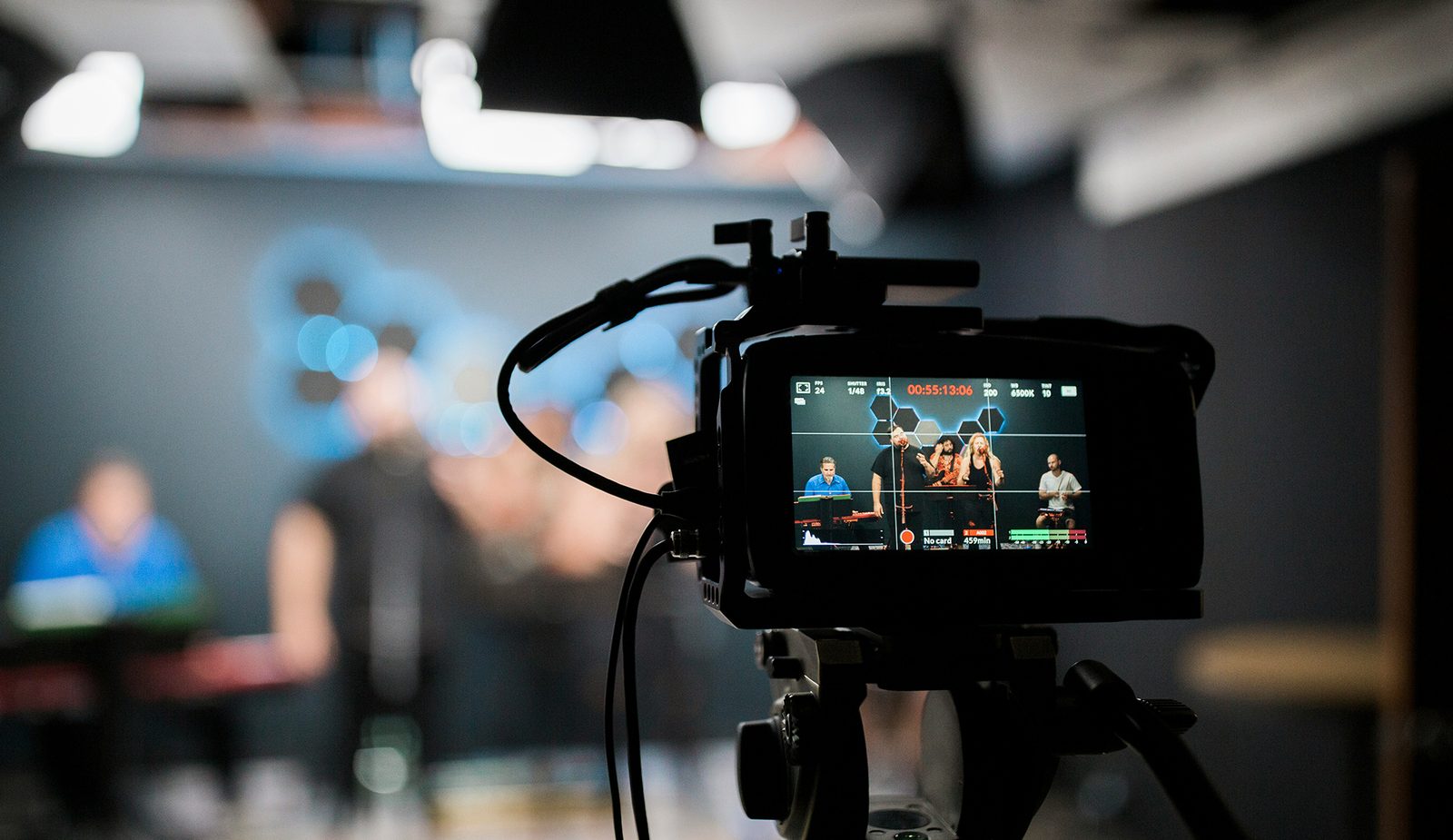
Finally, the importance of real-time audio monitoring cannot be overstated. A quality pair of closed-back headphones worn by an audio operator (or the videographer if working solo) throughout the shoot is essential. This allows for immediate detection of common issues such as clipping, excessive background noise, wind interference, or microphone malfunctions, enabling corrective action to be taken on set rather than discovering irreversible problems in post-production. The proactive management of audio ensures that the sonic dimension of a video is as compelling and clear as its visual counterpart.
Navigating the Visual Spectrum: Color and Playback Integrity
Beyond the immediate concerns of camera stability and audio clarity, two other common issues frequently confound new videographers: footage that appears desaturated or "grayed out," and video playback that is noticeably choppy. Both issues, while seemingly disparate, stem from fundamental misunderstandings of video acquisition settings and their impact on the final product.
The Enigma of Grey Scale Footage (Log Format)
Many aspiring videographers are surprised to find their newly shot footage looking flat, low in contrast, and muted in color, often resembling a "grey scale" image. This phenomenon is typically a result of shooting in a "logarithmic" (log) gamma profile. Major camera manufacturers have their proprietary versions (e.g., Canon Log, S-Log, V-Log, Arri Log C), but the underlying principle is consistent: to capture the maximum possible dynamic range from the camera’s sensor.
Traditional video profiles (like Rec. 709) process and compress the dynamic range and color information in-camera, delivering a more "finished" look directly from the sensor. Log profiles, by contrast, record a much wider range of luminance and color data by compressing it into a flatter, lower-contrast signal. This approach preserves detail in both the brightest highlights and the darkest shadows that would otherwise be clipped or lost in a standard profile. The perceived "grey" look is precisely the intended outcome: a highly flexible raw canvas that offers immense latitude for color grading in post-production.
For beginners, this can be counterintuitive, leading to the mistaken belief that the footage is flawed. However, the benefits for professional workflows are significant. A flat log image allows colorists to push and pull color and contrast more aggressively without introducing artifacts or breaking the image. It provides the flexibility to achieve specific cinematic looks, match footage from different cameras, and correct color inconsistencies more effectively than with standard profiles.
The solution to "grey scale footage" lies entirely in post-production. This involves a process called color grading, where the flat log footage is transformed into a vibrant, aesthetically pleasing image. The first step often involves applying a Look Up Table (LUT) specifically designed for the camera’s log profile to convert it to a standard color space, most commonly Rec. 709, which is the broadcast standard for HDTV. From there, further creative adjustments to color, contrast, and saturation are made to achieve the desired visual style. While shooting in log offers unparalleled flexibility, it does necessitate a dedicated post-production workflow. For projects with minimal editing requirements or for videographers without extensive color grading experience, it might be more pragmatic to shoot in a standard profile like Rec. 709 directly, sacrificing some dynamic range for immediate, ready-to-use footage. Understanding when and why to use log is a hallmark of an advanced videographer.
Addressing Choppy Video Footage: Frame Rate and Data Integrity
Another common and frustrating issue for new videographers is video footage that appears choppy or jerky, lacking the smooth motion typically associated with professional productions. This problem generally stems from one of two critical technical considerations: frame rate or data transfer speed.
Frame Rate (FPS): The Illusion of Motion
Frame rate refers to the number of individual still images (frames) displayed per second to create the illusion of motion. The human eye perceives continuous motion at approximately 24 frames per second (FPS) or higher.
- 24 FPS: This is the traditional cinematic standard, offering a slightly softer, film-like motion blur.
- 25 FPS: The standard for PAL regions (Europe, Australia, etc.), often used for television broadcast.
- 30 FPS: The standard for NTSC regions (North America, Japan), commonly used for television, news, and online video due to its crisp, smooth appearance.
- 60 FPS and Higher: Often used for capturing fast action or for creating smooth slow-motion effects when played back at a lower frame rate (e.g., 60 FPS footage slowed down to 30 FPS playback results in 50% slow motion).
When footage appears choppy, the first troubleshooting step is to verify the camera’s frame rate setting. If a camera is inadvertently set to a very low frame rate (e.g., 15 FPS or less), the resulting video will indeed look like a slideshow rather than fluid motion. For general-purpose video, a minimum of 30 FPS is universally recommended for smooth playback across most platforms. Discrepancies between the shooting frame rate and the project’s editing frame rate can also introduce choppiness, emphasizing the need for consistent settings throughout the production pipeline.
Data Transfer Speed and Storage Media
The second, often overlooked, cause of choppy footage relates to the speed of the storage media used for recording. Modern video cameras, especially those capable of recording in 4K, 6K, or even 8K resolutions, generate immense amounts of data every second. This data must be written to a memory card or external drive at a sustained, high speed. If the storage medium cannot keep pace with the camera’s data output (bitrate), the camera will "drop frames" – essentially skipping frames of video to maintain recording, resulting in visible choppiness or even recording interruptions and file corruption.
Memory cards (SD, CFexpress, microSD) and external Solid State Drives (SSDs) are rated for specific read and write speeds, typically expressed in megabytes per second (MB/s). For video, specific speed classes are often indicated:
- UHS Speed Class (U1, U3): U3 guarantees a minimum write speed of 30 MB/s.
- Video Speed Class (V10, V30, V60, V90): V90 guarantees a minimum write speed of 90 MB/s, crucial for high-bitrate 4K and 8K recording.
It is imperative to consult the camera manufacturer’s recommendations for memory card speed requirements, especially when shooting at higher resolutions or bitrates. Always investing in memory cards that meet or exceed these specifications is a prudent choice. There is no practical disadvantage to purchasing faster memory or storage; it only enhances the card’s versatility and future-proofs it for more demanding shooting scenarios as technology evolves. The global market for high-speed storage solutions continues to expand in parallel with rising video resolutions, reflecting the ongoing demand for efficient data handling in videography.
Beyond the Basics: Cultivating a Professional Videography Mindset
Addressing these common technical issues is foundational, but true videography mastery extends beyond merely understanding equipment. It encompasses a holistic approach to production, from meticulous pre-production planning to thoughtful post-production execution.
- Pre-production: Comprehensive planning, including storyboarding, scriptwriting, location scouting, and gear checks, significantly mitigates potential on-set problems. A well-prepared shoot minimizes surprises and maximizes efficiency.
- Post-production Workflow: Understanding the entire post-production pipeline—editing, color grading, audio mixing, and mastering—is crucial. Each stage plays a vital role in refining the raw footage into a polished final product.
- Continuous Learning: The landscape of videography technology and techniques is constantly evolving. Staying informed about new camera systems, software updates, stabilization innovations, and audio solutions is essential for sustained growth and relevance.
By systematically tackling issues like camera shake, poor audio, confusing log footage, and choppy playback, aspiring videographers can significantly elevate the quality of their output. This commitment to technical excellence not only enhances the viewer experience but also establishes credibility and opens doors to more advanced creative opportunities. In a world increasingly consumed by video, the ability to produce compelling, technically sound content is a powerful asset for communication, art, and commerce.