The Evolution of the iPhone Imaging System
The chronology of iPhone photography is marked by several pivotal milestones that have redefined mobile imaging. In 2016, the introduction of the iPhone 7 Plus brought the dual-lens system and "Portrait Mode," which utilized software to simulate a shallow depth of field. By 2019, the iPhone 11 series introduced "Night Mode," leveraging long-exposure computational techniques to capture detail in near-total darkness. More recently, the introduction of Apple ProRAW and the 48-megapixel sensor in the iPhone 14 Pro and subsequent models has provided photographers with the data-rich files necessary for professional-grade post-production.
According to industry data from the Camera & Imaging Products Association (CIPA), traditional camera shipments have seen a steady decline as smartphone capabilities have improved. Apple’s "Shot on iPhone" campaign, which has been running for nearly a decade, serves as a testament to the device’s capability to produce gallery-quality work. However, achieving these results requires an understanding of the technical variables that govern light and optics.
Depth of Field and Computational Bokeh
Depth of field (DoF) refers to the distance between the nearest and farthest objects in a scene that appear acceptably sharp. In traditional photography, this is controlled by the lens aperture. Because the iPhone’s physical aperture is fixed (e.g., f/1.78 or f/2.2 depending on the model), Apple employs two primary methods to achieve the "bokeh" effect—the aesthetic quality of out-of-focus blur.
Utilizing Portrait Mode
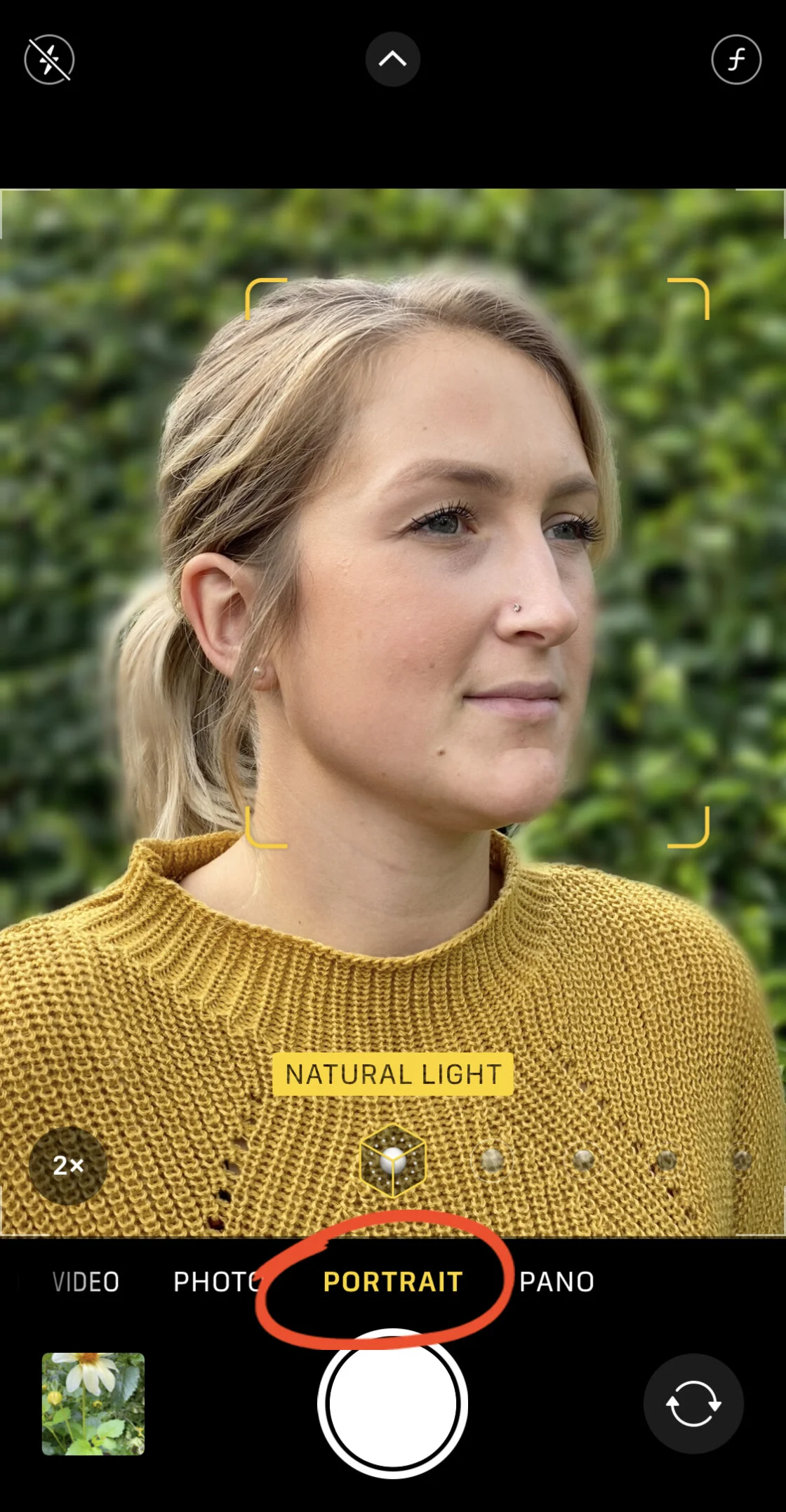
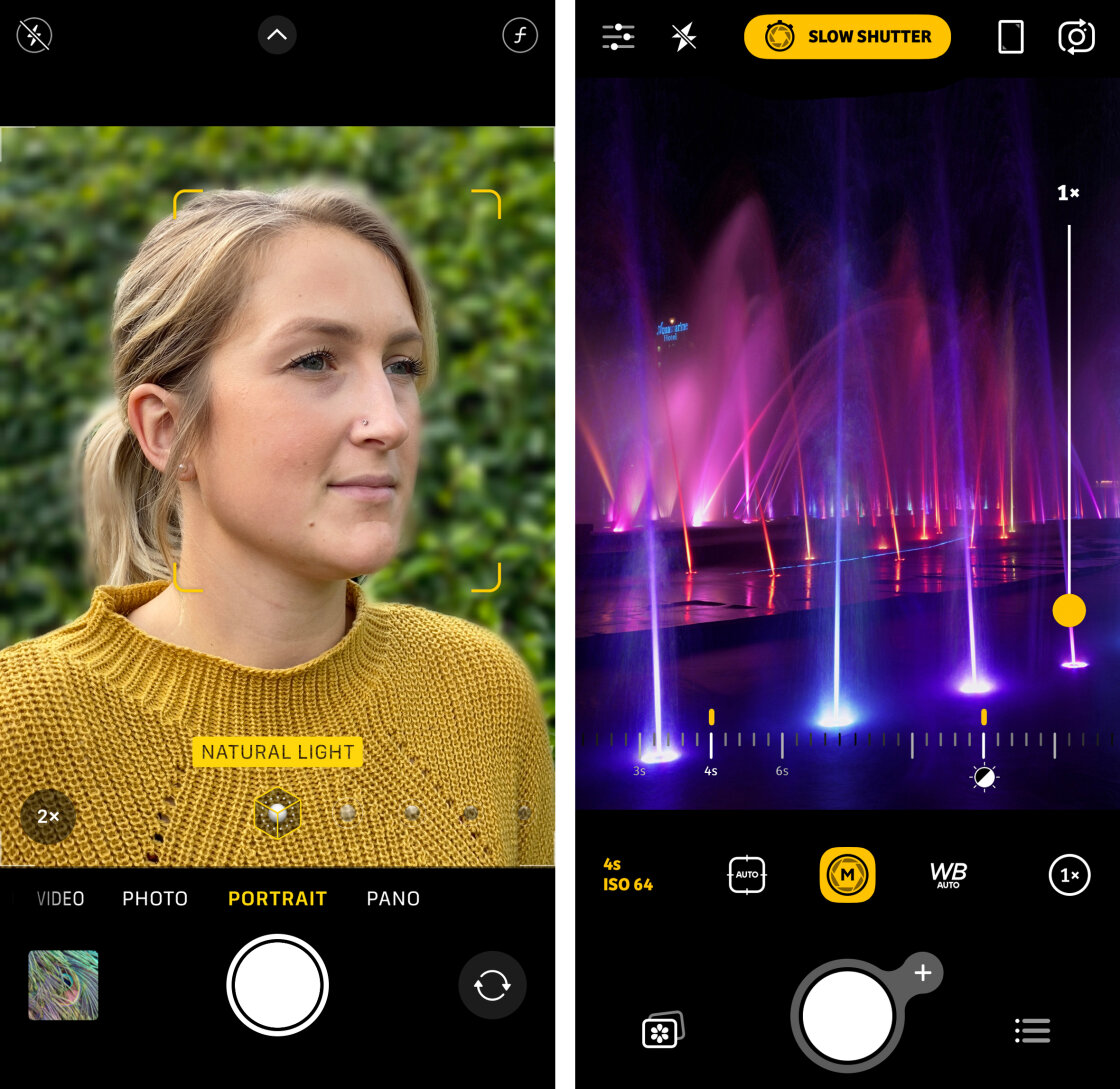
Portrait Mode utilizes a "depth map" created by the device’s multiple lenses or LiDAR (Light Detection and Ranging) scanner. This map identifies the subject and applies a progressive blur to the background. Professional users often utilize the "Depth Control" feature, which allows for the adjustment of the simulated f-stop after the photo has been taken. By dragging the slider to a lower f-number, users can increase the background blur, making the subject stand out with a professional-looking separation.
Physical Proximity and Optical Blur
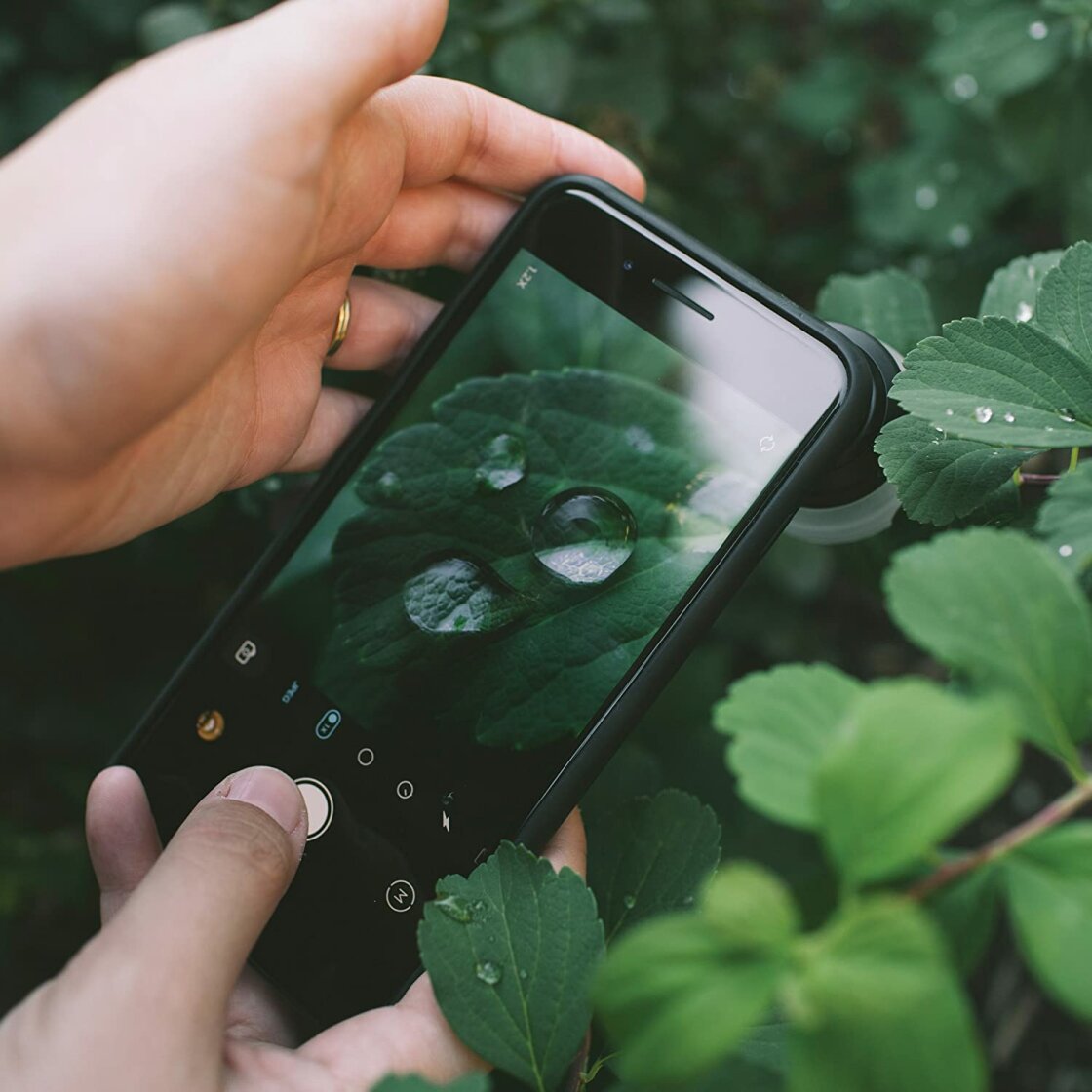
For subjects not recognized by Portrait Mode’s software, photographers can achieve a natural shallow depth of field by decreasing the distance between the camera and the subject. The laws of optics dictate that the closer a lens is to its focal point, the more significant the fall-off in focus becomes for the background. This technique is essential for macro photography, where the goal is to capture intricate details of nature, such as insects or floral textures.
Precision Focusing and AE/AF Lock
In high-contrast or busy environments, the iPhone’s autofocus system may struggle to identify the intended subject. Manual focus overrides are therefore critical for ensuring "pin-sharp" detail.
Manual Focus Point Selection
Users can set the focus point by tapping the viewfinder on the specific area of interest. This action tells the camera’s Image Signal Processor (ISP) to prioritize that region for both sharpness and light metering. In macro scenarios, where the depth of field is incredibly thin, even a millimeter of movement can result in a blurred subject.
The Implementation of AE/AF Lock
The Auto Exposure/Auto Focus (AE/AF) Lock is a powerful tool for street and action photography. By tapping and holding the screen until the "AE/AF LOCK" indicator appears, the photographer prevents the camera from re-adjusting settings when objects move through the frame. This is particularly useful when waiting for a subject to enter a pre-composed scene, ensuring that the camera does not "hunt" for focus at the critical moment of capture.
Exposure Management and High Dynamic Range (HDR)
Exposure is the total amount of light allowed to reach the camera sensor. An improperly exposed image can lead to "blown-out" highlights (pure white areas with no detail) or "crushed" shadows (pure black areas).
Manual Exposure Overrides
The iPhone allows for quick exposure adjustments by swiping up or down on the viewfinder after a focus point has been selected. This is an essential skill for creating silhouettes or moody, low-key images. Furthermore, newer iOS versions have introduced a dedicated Exposure Compensation slider in the hidden settings menu, allowing for a more permanent adjustment that persists through multiple shots.
The Mechanics of Smart HDR
High Dynamic Range (HDR) is a computational technique where the camera captures multiple frames at different exposure levels in rapid succession and merges them into a single image. Apple’s "Smart HDR" uses the Neural Engine to intelligently recognize faces and landscapes, balancing the bright sky with a darker foreground. While this is beneficial for most users, professional photographers may disable Smart HDR in high-contrast situations where they wish to preserve deep, dramatic shadows that the software might otherwise attempt to brighten.
Shutter Speed and the Control of Motion
Shutter speed is the duration of time the camera sensor is exposed to light. Controlling this variable allows photographers to either freeze action or artistically blur movement.
Freezing High-Speed Action
A fast shutter speed (e.g., 1/1000s) is necessary for sports or wildlife photography, where subjects move quickly. While the native iPhone camera app manages this automatically, third-party applications like Camera+ 2 allow users to manually lock a high shutter speed to ensure no motion blur occurs, even in suboptimal lighting.
Long Exposure and Motion Blur
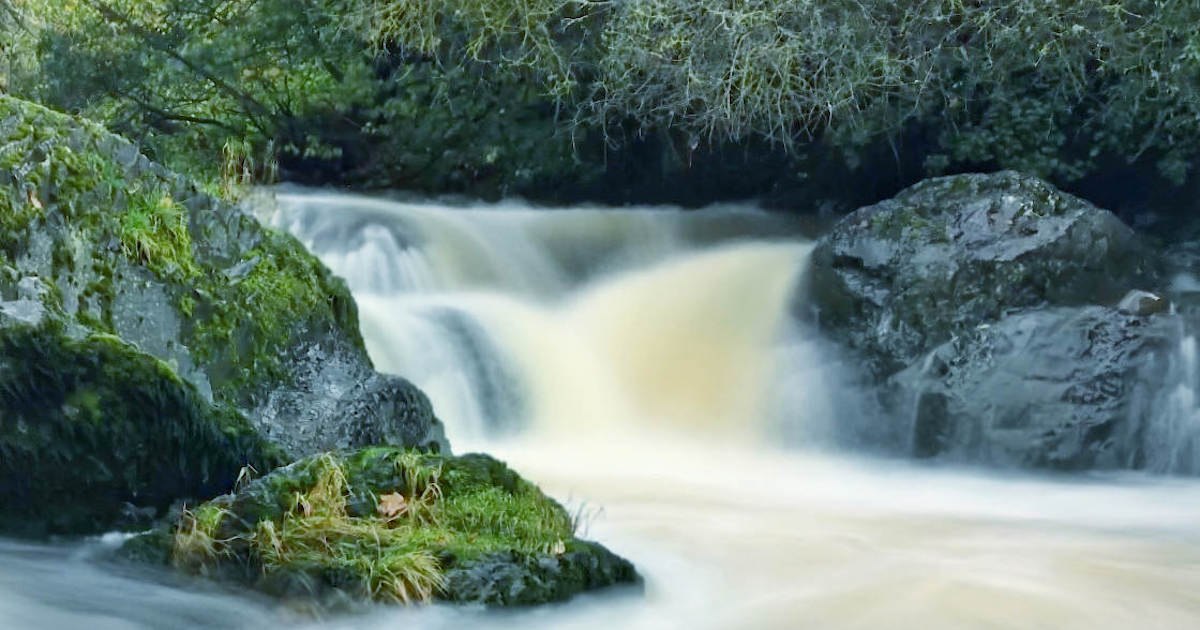
Conversely, a slow shutter speed (e.g., 2 seconds to 30 seconds) is used to capture the "silky" appearance of moving water or the light trails of vehicles at night. Since the iPhone lacks a mechanical shutter, it achieves this through software-based stacking. Users often employ a tripod to prevent "camera shake," which would otherwise ruin the image. Applications such as Slow Shutter Cam have become industry standards for mobile long-exposure work, offering modes specifically tuned for "Light Trails" or "Motion Blur."
ISO Sensitivity and Signal-to-Noise Ratio
ISO measures the sensor’s sensitivity to light. In low-light environments, the iPhone will automatically increase the ISO to maintain a visible image. However, higher ISO values introduce "digital noise," a grainy texture that degrades image quality.
Balancing ISO for Low-Light Clarity
Professional mobile photographers aim to keep the ISO as low as possible (e.g., ISO 32 or 100). To compensate for the lack of light at low ISOs, they must use a slower shutter speed and a tripod. This balance is the cornerstone of night photography. By manually forcing a low ISO in an app like Camera+ 2, a photographer can produce a clean, grain-free image of a city skyline that far exceeds the quality of an automatic shot.
White Balance and Color Science
White balance is the process of removing unrealistic color casts so that objects which appear white in person are rendered white in the photo. Different light sources have different "color temperatures," measured in Kelvin.
Correcting Color Casts
Indoor lighting often produces a warm, orange cast, while shade or cloudy skies can produce a cool, blue cast. The iPhone’s Auto White Balance (AWB) is generally accurate but can be deceived by dominant colors in a scene. By using manual white balance presets—such as "Daylight," "Cloudy," or "Incandescent"—photographers ensure that skin tones and environmental colors remain true to life.
Creative Temperature Adjustments
Beyond accuracy, white balance can be used creatively. A photographer may deliberately select a "Cloudy" setting during a sunset to enhance the golden hour’s warmth or choose a "Cool" setting for a winter landscape to emphasize a sense of frigid isolation.
Broader Impact and Market Implications
The democratization of these advanced controls has had a profound impact on the photography industry. A report by the Reuters Institute for the Study of Journalism notes that a growing number of photojournalists now use mobile devices for field reporting due to their discreet nature and immediate connectivity. The ability to shoot in RAW format and control manual parameters means that the output is now compatible with professional editorial workflows.
Furthermore, the rise of "mobile-first" social platforms like Instagram and TikTok has shifted the economic landscape for equipment manufacturers. With the iPhone now capable of simulating the look of expensive glass lenses through computational photography, the barrier to entry for professional-looking content has never been lower.
In conclusion, while the iPhone is designed for ease of use, it houses a sophisticated imaging laboratory capable of professional results. By mastering depth of field, focus, exposure, shutter speed, ISO, and white balance, users transition from taking "snapshots" to creating intentional photographic art. As Apple continues to iterate on its A-series and M-series silicon, the line between the smartphone and the professional camera will likely continue to blur, making manual mastery an essential skill for the modern era.