The landscape of mobile photography has undergone a seismic shift over the last decade, transitioning from simple snapshots to a sophisticated medium of digital artistry. As smartphone hardware continues to rival professional DSLR cameras, the software ecosystem has kept pace, offering users unprecedented creative control through advanced algorithms and neural networks. Among the most popular trends in this evolution is the ability to transform standard digital photographs into hand-drawn sketches, vibrant paintings, and comic-style illustrations. This report examines the leading applications currently dominating the iOS market, analyzing their technical capabilities, user demographics, and the broader impact of computational photography on the creative industry.
The Technological Evolution of Mobile Artistry
The genesis of photo-to-sketch technology can be traced back to the early days of desktop image editing, where complex filters required significant processing power. However, the introduction of "Neural Style Transfer" (NST) in the mid-2010s revolutionized how mobile devices handle artistic transformations. Unlike traditional filters that merely overlay textures, NST uses deep learning to analyze the content of a photo and the "style" of a reference artwork, effectively redrawing the image from the ground up. This convergence of artificial intelligence and mobile accessibility has democratized digital art, allowing individuals without formal training to produce high-quality aesthetic works in a matter of seconds.
1. Prisma: The Vanguard of Neural Style Transfer
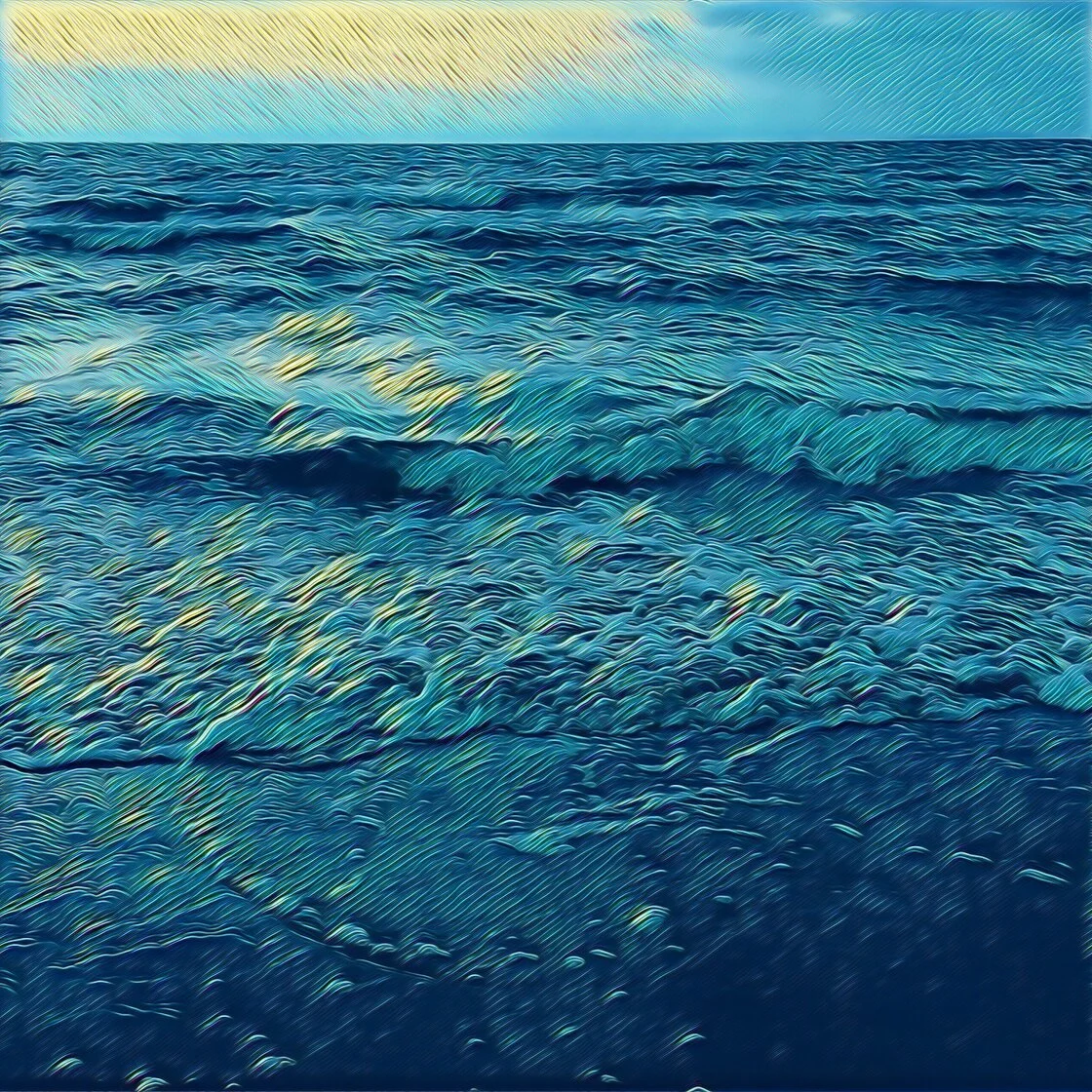
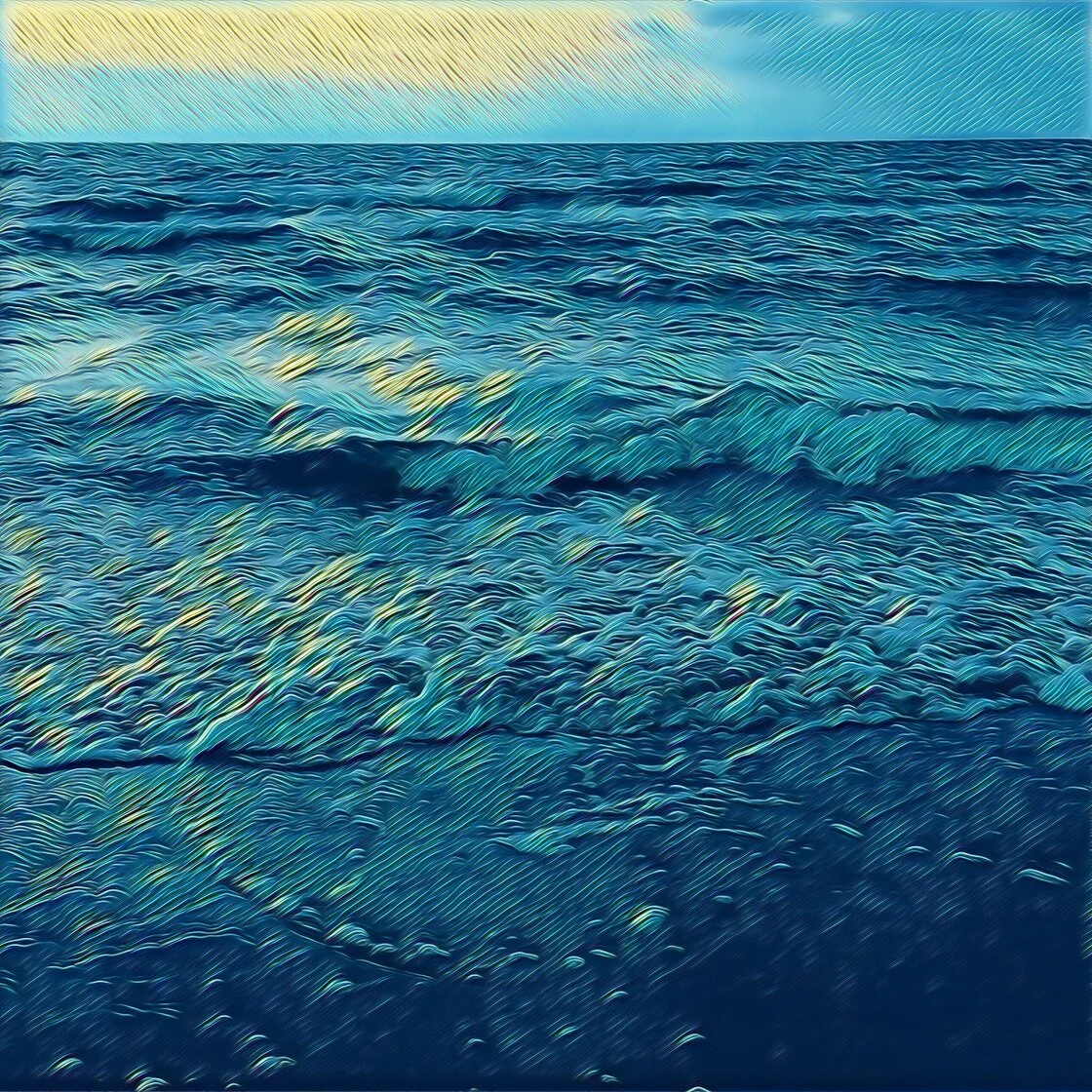
Prisma remains the most recognizable name in the niche of artistic photo editing. Launched in 2016, the app quickly became a global phenomenon, winning "App of the Year" accolades for its ability to mimic the brushstrokes of world-renowned masters like Picasso, Van Gogh, and Munch.
Technical Capabilities and Features
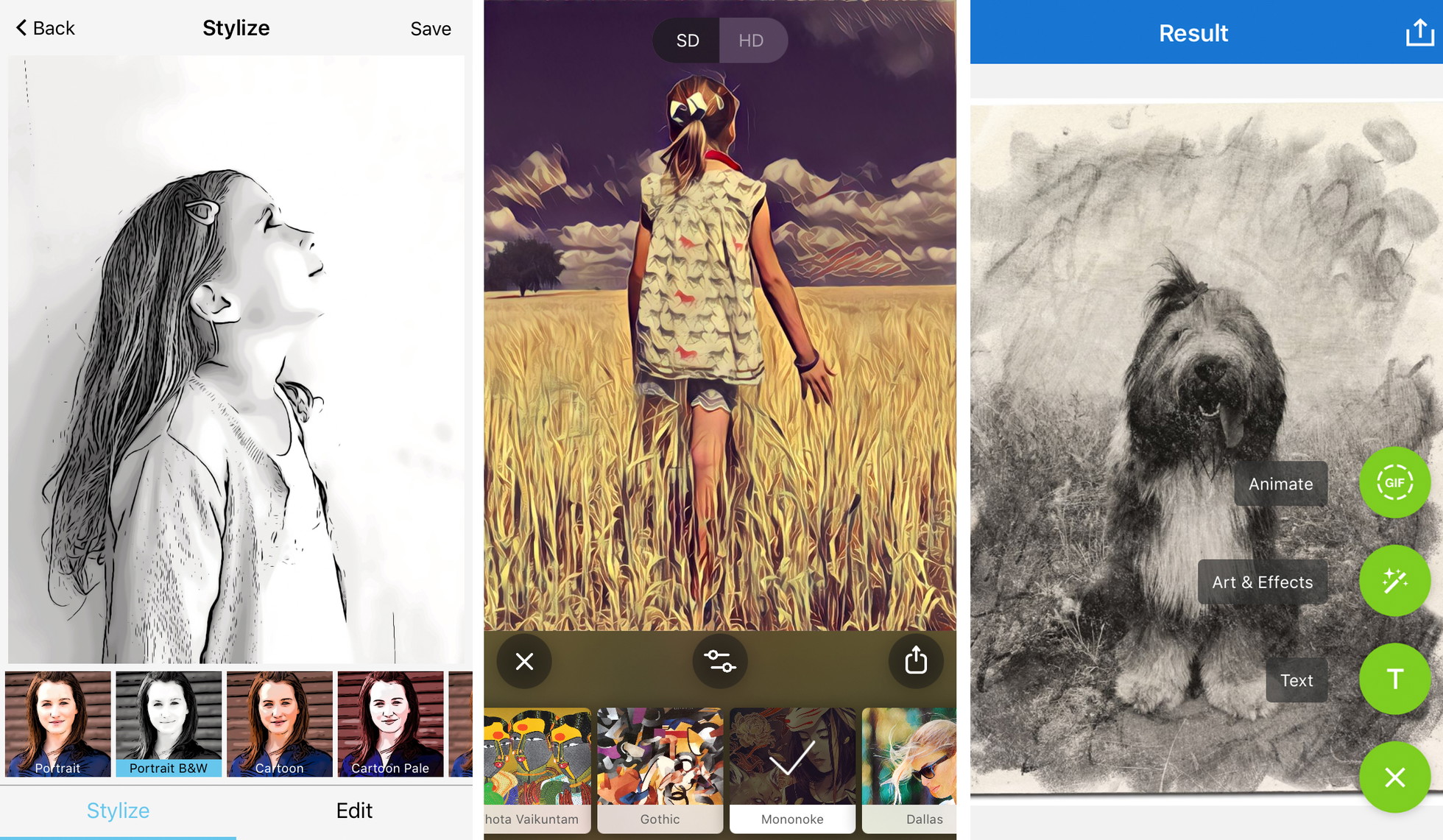
Prisma’s primary strength lies in its library of over 300 artistic styles. The application utilizes cloud-based processing and on-device neural networks to apply complex textures. Users can adjust the intensity of these effects with a simple horizontal swipe, allowing for a blend between the original photographic detail and the artistic overlay.
Market Strategy and Accessibility
While the app offers a robust free tier, its business model has shifted toward a premium subscription. This subscription unlocks high-definition (HD) processing—essential for users looking to print their creations—and provides a daily infusion of new filters. According to industry data, Prisma’s consistent update cycle has helped it maintain a loyal user base despite increasing competition from integrated social media filters.
2. Clip2Comic: Bridging Photography and Graphic Illustration
For users seeking a more structured, graphic-heavy aesthetic, Clip2Comic has emerged as a specialized leader. Unlike Prisma’s focus on fine art, Clip2Comic targets the "pop art" and comic book enthusiast market.
Specialization in Line Work
Clip2Comic excels in edge detection, a process that identifies the borders of objects within a frame and renders them as bold ink lines. The app provides 14 distinct styles, ranging from realistic sepia sketches to vibrant, saturated cartoon frames. A standout feature is the "Deform" tool, which allows users to manually warp images to create caricatures, a popular choice for social media avatars and personalized gifts.
Video Integration
In a move that distinguishes it from static image editors, Clip2Comic allows for real-time video transformation. Users can record video directly through the app’s viewfinder with a cartoon filter applied, or convert existing footage into an animated sequence. This functionality has seen significant uptake among content creators on platforms like TikTok and Instagram, where unique visual signatures are highly valued.
3. Photoleap: Sophisticated Layering and Creative Control
Developed by Lightricks—the creators behind the popular Facetune series—Photoleap (formerly Enlight Photofox) is positioned as a "prosumer" tool. It is designed for users who find basic filters too limiting and desire a workflow similar to Adobe Photoshop.
Layer-Based Editing
Photoleap’s architecture is built around layers. This allows users to apply a sketch filter to a specific subject while keeping the background photographic, or vice versa. The app includes a "Sketch" tool for pencil-style renderings and an "Urban" tool for street-art-inspired effects.
Artistic Synthesis
The inclusion of masking tools and blending modes means that a photo can be turned into a sketch and then merged with another image to create a double-exposure effect. This level of sophistication caters to the "iPhoneography" community, where mobile devices are used as the primary tool for complex digital compositions.
4. Painnt: The Comprehensive Library of Artistic Filters
Painnt caters to the user who values variety above all else. With a library exceeding 2,000 filters, it offers perhaps the most extensive collection of artistic styles available on the App Store.
Categorization and Customization
The app organizes its vast library into categories such as Classical, Comic, Modern, and Abstract. Within the "Sketch" category alone, there are over 140 variations, including charcoal, conte, and cross-hatch styles. Painnt provides a high degree of transparency regarding its processing, allowing users to adjust parameters like transparency, brightness, contrast, and grain.
Professional Output
Painnt’s premium tier is specifically marketed toward those who intend to use their digital art for physical products. It supports ultra-high-resolution exports, which are necessary for large-scale canvas prints. Industry analysts note that apps like Painnt have significantly impacted the "print-on-demand" market, enabling entrepreneurs to create unique designs for merchandise without needing an in-house illustrator.
5. Photo Lab: Realism in Traditional Media
Photo Lab focuses on the tactile quality of traditional art supplies. While other apps might lean into digital-looking effects, Photo Lab’s algorithms are tuned to replicate the imperfections of physical media.
Media Replication
The app is particularly lauded for its charcoal and graphite pencil filters. It simulates the way a pencil interacts with the grain of paper, producing soft gradients and realistic smudging. Beyond simple sketches, Photo Lab includes "Smart Effects" that automatically place a user’s photo into a secondary context, such as a sketch on an artist’s easel or a drawing inside a vintage book.
User Interaction and Community
Photo Lab features a social feed where users can share their "combos"—specific sequences of filters and edits. This community-driven approach helps novices discover complex artistic styles that they might not have been able to configure manually.
Chronology of Digital Filter Development
To understand the current state of these apps, one must look at the timeline of mobile image processing:
- 2010–2012: The era of "Vintage" filters. Instagram and Hipstamatic dominate with simple color overlays and vignettes.
- 2013–2015: The rise of sophisticated editing. Apps like Snapseed introduce selective adjustments and advanced retouching.
- 2016: The "Prisma Explosion." Neural Style Transfer enters the mainstream, shifting the focus from "editing" to "transformation."
- 2018–2021: Integration of AI. Apps begin using hardware-accelerated machine learning to perform complex tasks like sky replacement and automatic sketching.
- 2022–Present: Generative AI and Prosumer Tools. The focus shifts to high-resolution output, layering, and hybrid workflows that combine human creativity with AI efficiency.
Analysis of Market Impact and Implications
The proliferation of these applications has significant implications for both professional artists and casual users. On one hand, the "democratization of talent" allows anyone to produce aesthetically pleasing images. On the other hand, it has sparked a debate within the art community regarding the value of "one-tap" masterpieces.
Professional and Economic Influence
For professional photographers, these apps serve as a rapid prototyping tool. A photographer can quickly show a client how a portrait might look as an oil painting or a charcoal sketch before committing to a manual process. Economically, the App Store’s "Photo and Video" category remains one of the highest-grossing segments, with subscription models providing a steady revenue stream for developers to continue innovating in AI research.
Educational Value
Interestingly, these apps have found a place in art education. By deconstructing a photo into a sketch, students can better understand concepts like form, contrast, and composition. Seeing how an algorithm interprets the "lines" of a human face can help a beginning artist recognize the same structures when drawing by hand.
Strategic Best Practices for Digital Art Conversion
For users looking to achieve professional-grade results, industry experts suggest several key strategies:
- Compositional Clarity: AI sketch filters perform best on images with a clear focal point and minimal background clutter.
- Contrast Management: High-contrast photos (strong highlights and deep shadows) provide the algorithm with more "data" to create compelling line work.
- Subject-Style Alignment: The mood of the photo should match the filter. A somber architectural shot is better suited for a charcoal sketch than a neon cartoon filter.
- Resolution Retention: Users are encouraged to always save at the highest possible resolution to avoid pixelation, especially if the intent is social media sharing on high-density displays.
Conclusion
The evolution of iPhone apps that turn photos into drawings represents a significant milestone in the intersection of technology and art. From the AI-driven brushstrokes of Prisma to the technical layering of Photoleap, these tools have transformed the smartphone from a communication device into a portable art studio. As artificial intelligence continues to advance, the line between photographic capture and artistic creation will likely continue to blur, offering even more sophisticated avenues for digital expression in the years to come.